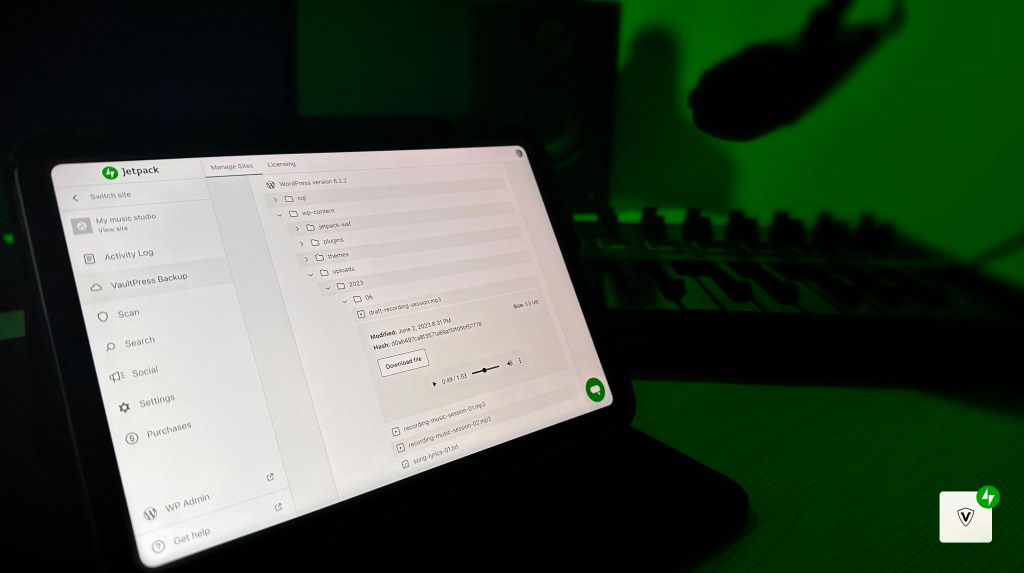

We are thrilled to introduce the latest addition to Jetpack VaultPress Backup – the backup file browser! Say goodbye to full backup downloads and welcome a seamless way to access and manage your backup files.
It’s not just about accessing backups—it’s about exploring them. The backup file browser transforms backups from mere archives to detailed landscapes, allowing you to dive deep into the specifics of your stored data.
Seamless Access
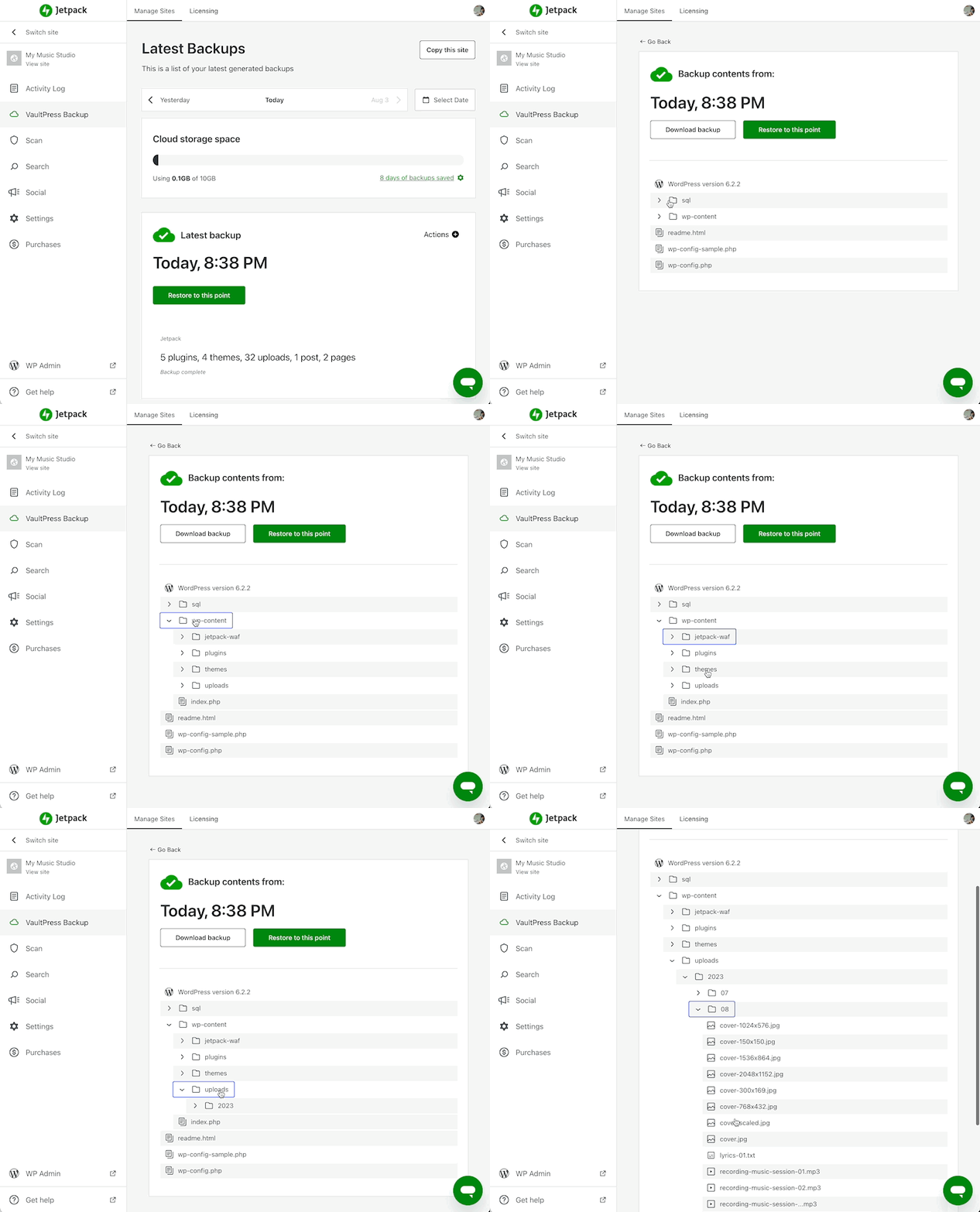
Effortlessly navigate through your backups using an intuitive interface. No more waiting for full backups to download – instantly find and access the files you need.
You can access the files of any backups in Jetpack Cloud by clicking on the `Actions` menu and then on `View files`.
Files Preview
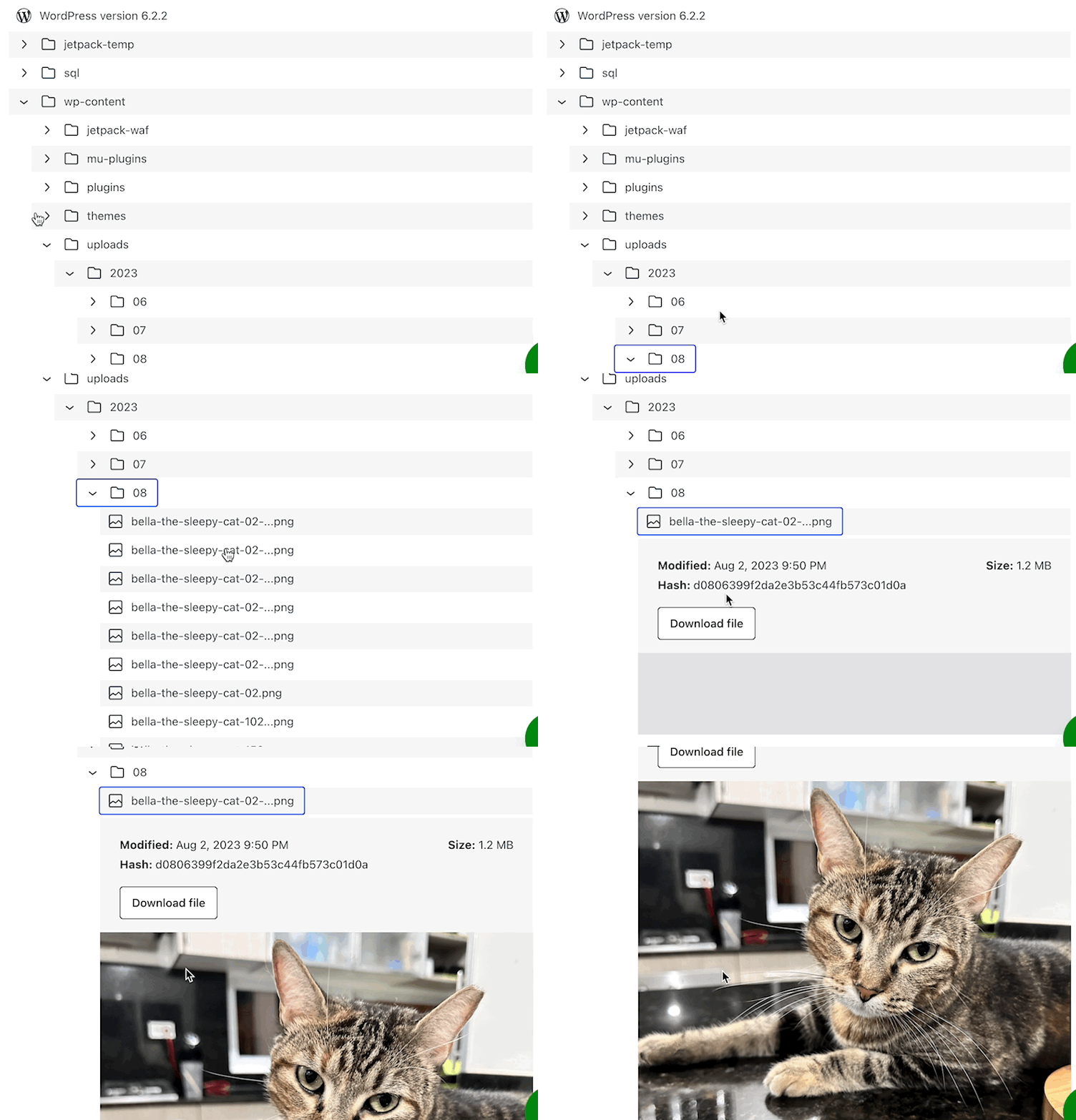
Curious about the content of a specific file? With the backup file browser, you can preview images, videos, audio, texts, and other supported file types before downloading them, ensuring you get the right files every time.
Download Individual Files
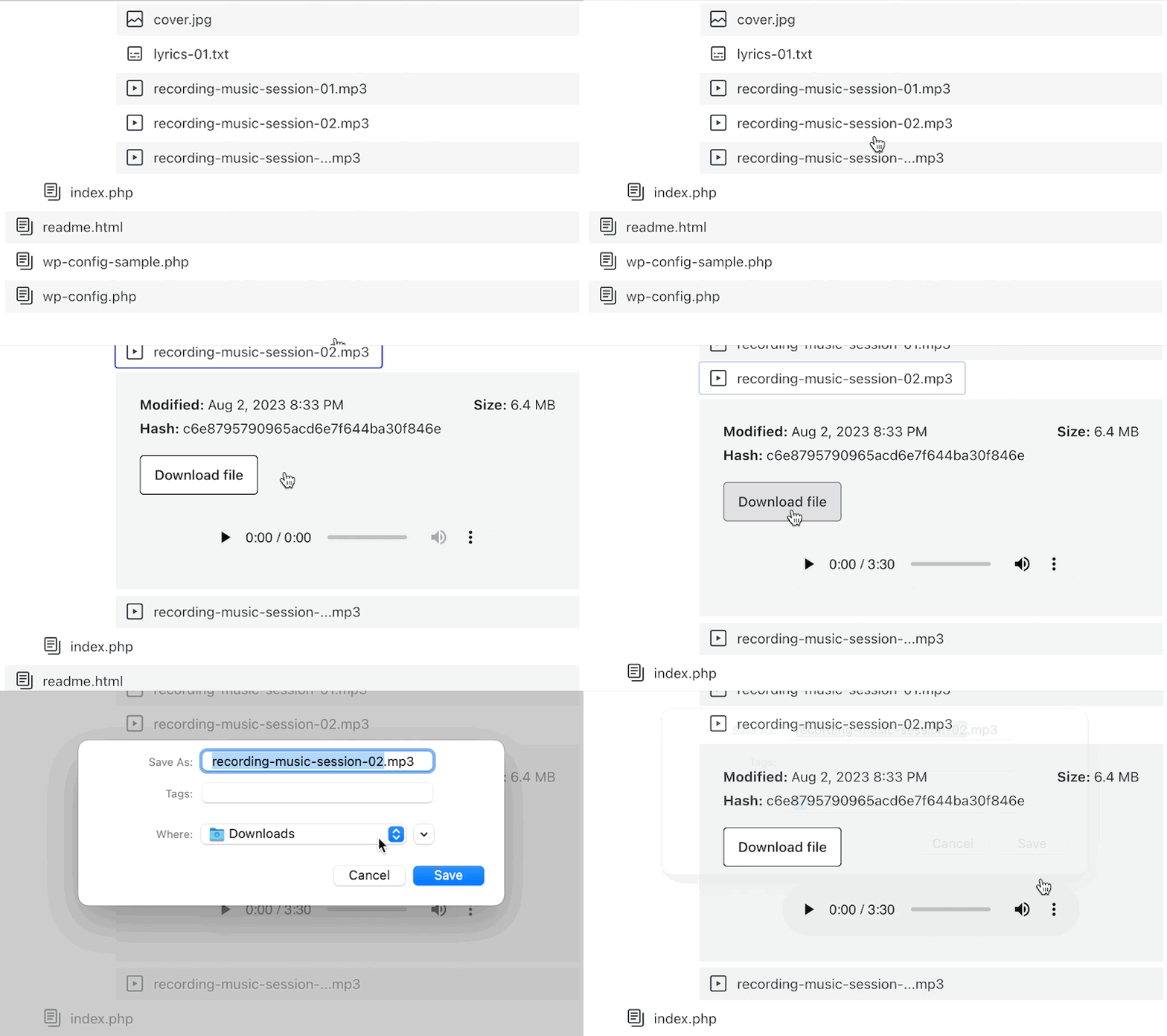
No more downloading entire backups just to retrieve a single file. Choose individual files, plugins, themes, or database tables, and download them directly to your local storage.
Dive into the New Landscape of Your Backups!
Already with us? Experience the power of the backup file browser today! Navigate through your backups, preview files, and download what you need with ease. Take control of your backups and get started now.
Not yet a part of the Jetpack VaultPress Backup experience? Discover the depth of our backup capabilities. Get started here.