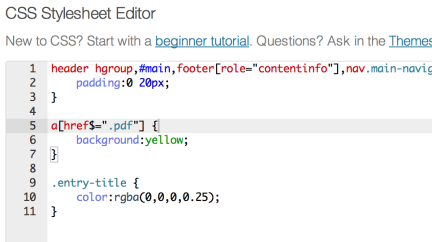
 The updates just keep on rolling in—Custom CSS has just landed in Jetpack! You now have the ability to add to or replace your theme’s CSS right from your blog dashboard, no child theme required.
To use the CSS editor, first make sure the Custom CSS panel is activated on your main Jetpack page and go to Appearance → Edit CSS. You’ll find the editing interface is fueled up with features like syntax coloring, auto-indentation, and immediate feedback on the validity of the CSS you’re writing. Revisions are saved in case you make a mistake, and invalid CSS is removed on save.
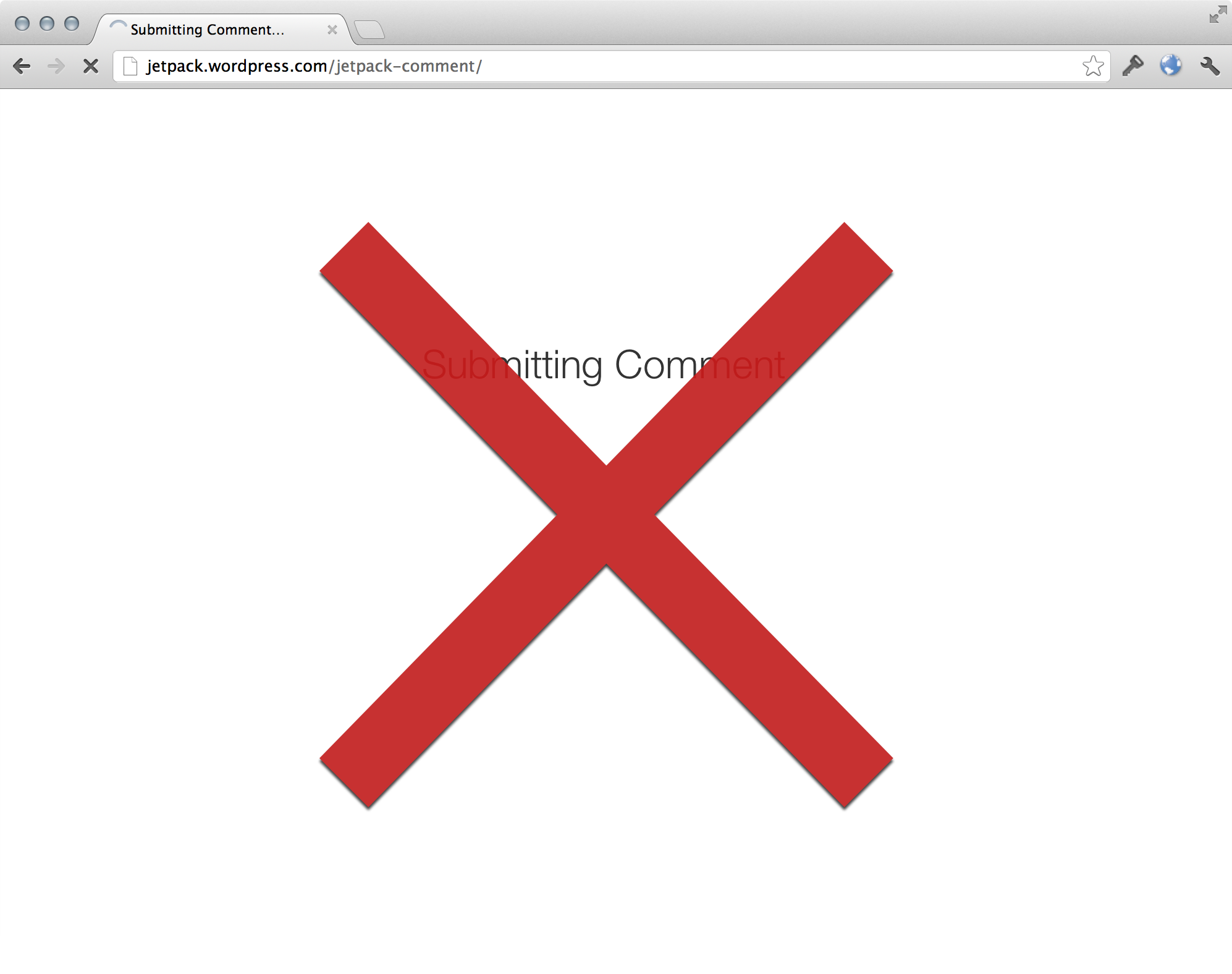 In addition, we’re always working to improve the existing features in Jetpack. Jetpack Comments got a nice UI improvement in this release: when you submit a comment, there’s no more annoying fullpage load on jetpack.wordpress.com. Everything stays on your site :) Also, if you’re using the pretty (a.k.a. not “official”) sharing buttons, we’ve added share counts to the Twitter, Facebook, and LinkedIn buttons.
Last but not least, no release is complete without bug fixes. We fixed a bunch of bugs in the Sharing, Contact Form, Subscriptions, Carousel, and other features. For a more complete list of bug fixes, see the changelog.