
As a photographer, you likely have a portfolio of gorgeous images that dazzle fans and customers. But you need to get those images out there so that everyone can see them.
Building your own WordPress site is a great place to start, and for photographers looking to do even more with their sites, there’s Jetpack. Jetpack will enhance your portfolio with gorgeous, user-friendly photo displays meant to attract new followers and photography fans. It also includes features that help large photos load quickly, which improves user experiences and boosts your search engine ranking.
Today we’re going to look at three specific Jetpack features photographers should use on their website:
- Photon, which enables photos to load quickly.
- Carousel, which displays photos in a full-screen carousel.
- Galleries, which offers options for formatting galleries.
Read on to learn how each one of these options will help your website stand out and draw more attention to your portfolio.
Accelerate your photo load times with Photon
Given that photographs will make up the bulk of your content, you want to ensure that anyone visiting your site can view them quickly without having to wait. Fast load times are crucial: your visitors hate waiting, and Google prioritizes faster sites in its search engine results.
Luckily, there’s a Jetpack feature that will allow your images to load faster, no matter how large they are. Photon serves your photos directly from the WordPress.com cloud, which makes their load times lightning fast.
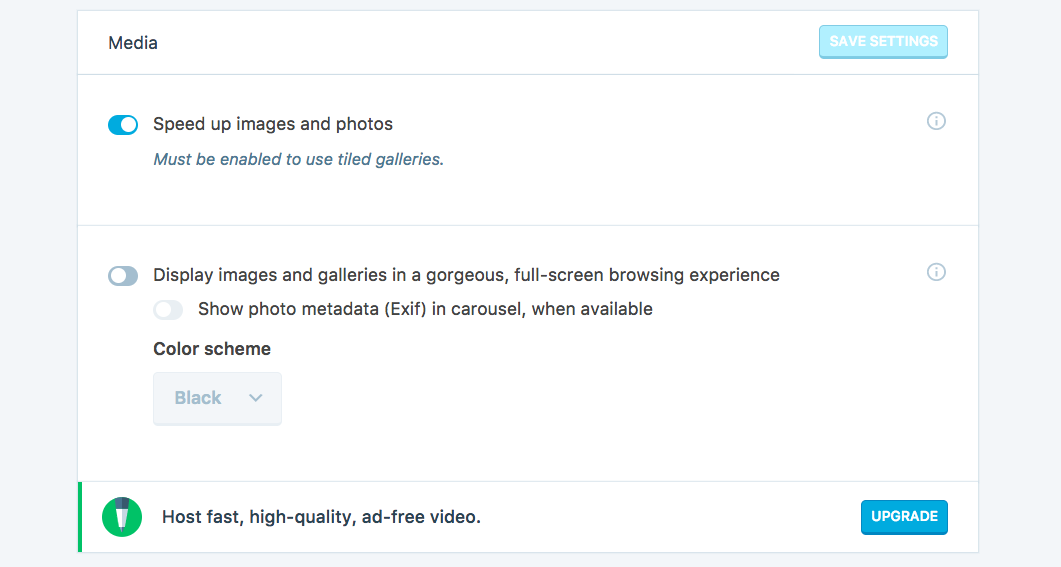
You can activate Photon within the Media section of the Jetpack settings screen by toggling on Speed up images and photos.
Fast load speeds will create better user experiences on your site, encourage people to keep browsing through photos, and improve your search engine rankings You’ll also find that visitors who have enjoyable and easy experiences viewing the photos on your site will be more likely to come back again — possibly increasing the chance that they make a purchase or hire you to photograph their next event!
Present a full-screen slideshow with Carousel
If you’re bored with photography websites that display each photo in a defined square, break away from the traditional model using Jetpack’s Carousel option.
Carousel allows your site visitors to click on an individual image and view it in full-screen mode. Images are presented in their full sizes, overlaid across a plain black or white background that makes them visually “pop”!
This gives you the advantage of displaying smaller images on your gallery pages while still letting your visitors view photos in high resolution if they want to. Carousel also allows users to easily cycle through your entire portfolio of pictures. They can get a close-up view of the quality of your work, which will ultimately make them more likely to use or recommend your services.
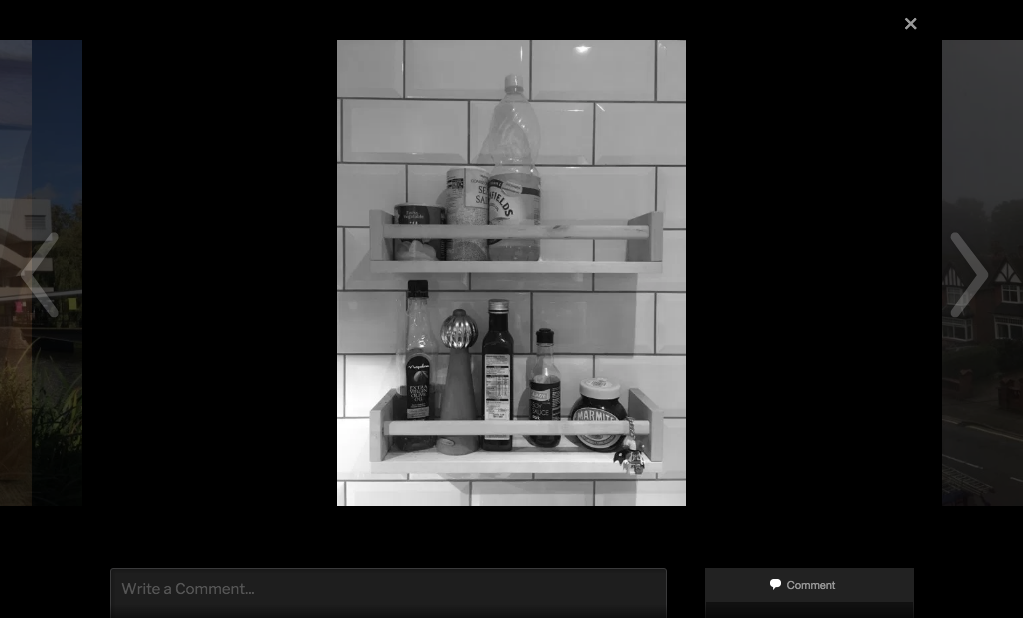
Carousel enhances your images so they look their very best — which should be the only way that your site visitors ever see them.
Use galleries to get creative with your presentation
An especially handy WordPress feature is Galleries. Jetpack takes it a step further with the ability to show photo galleries using a unique, more attractive display than the default option.
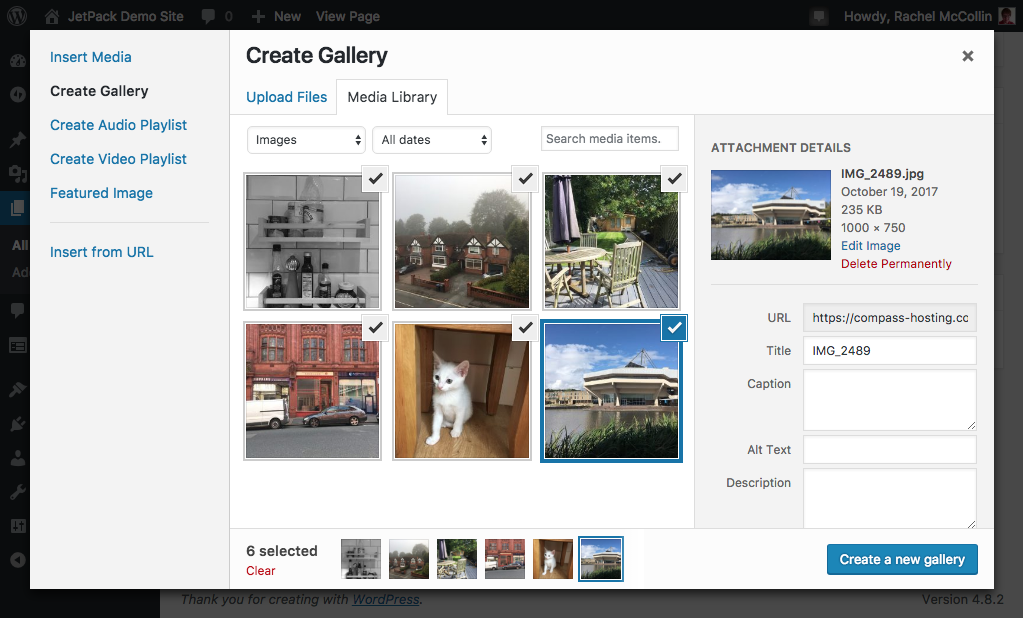
Without Jetpack activated, each photo is surrounded by white space, and is presented in a standard grid display:
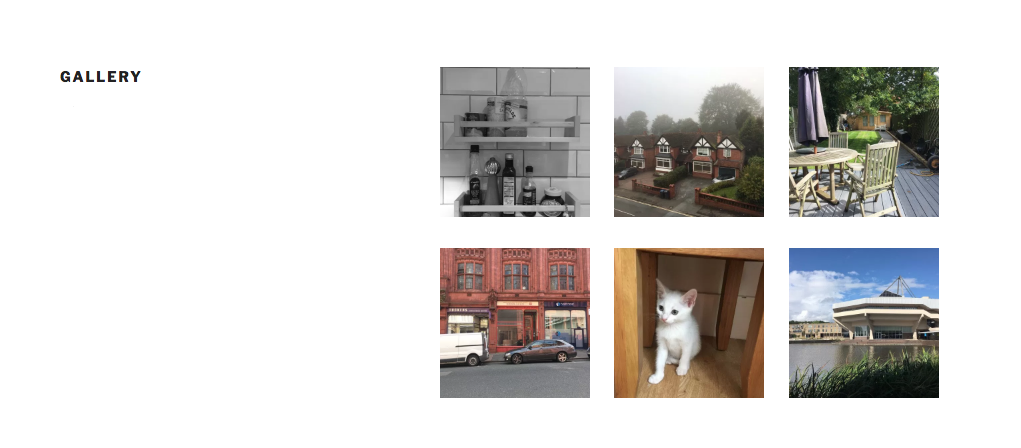
Galleries also offers additional, unique presentation choices. You can create galleries that place photos in tiled mosaic designs, horizontal tiled designs, slideshows, or even within circles. This lets you display your photos in interesting ways that capture the essence of your personality and business.
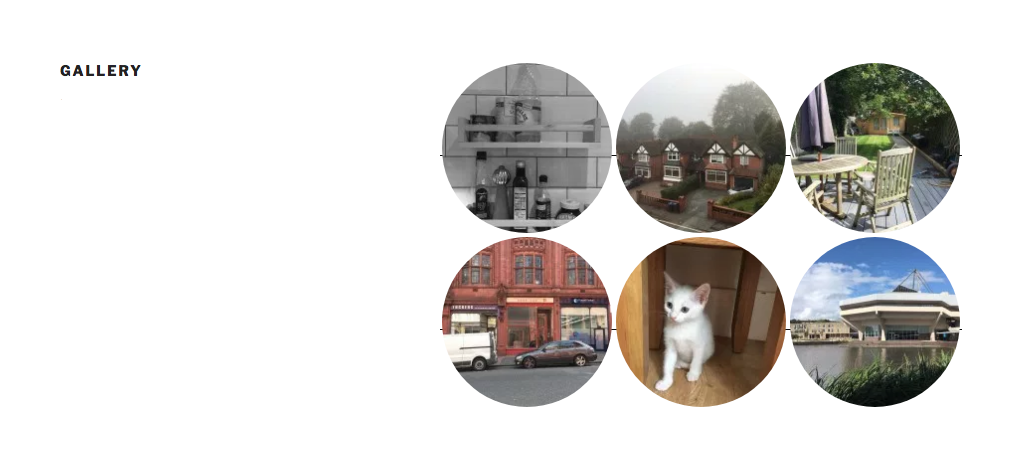
When adding galleries to your pages, you can select from one of a number of options, or you can change the gallery display option when editing your gallery later on. You don’t have to use the same style in every gallery, since you might find that one style suits some of your images, while another works better for a different set.
Galleries makes your images more memorable. It permits you to create pages that genuinely align with your brand and aesthetic, which can help set your business apart from the rest?
Take control of your photography site’s presentation with Jetpack
With Jetpack, you can create a personalized design using the enhanced Galleries options, allow visitors to browse your photos in full-screen mode with Carousel, and use Photon to prevent visitors from waiting a long time for your photos to load. These features were designed specifically for photographers and photo bloggers to showcase their images and help artists grow their brands.
Play around with each photography feature to create a stunning site, showcase your work, and win over new photo fans. It’s your site, so design it your way!
What’s your favorite Jetpack image feature? Let us know in the comments below.