Jetpack 1.3 is here and adds a new feature: Contact Forms. If you’ve used WordPress.com’s Contact Forms or Grunion Contact Form, Jetpack’s new feature should look familiar.
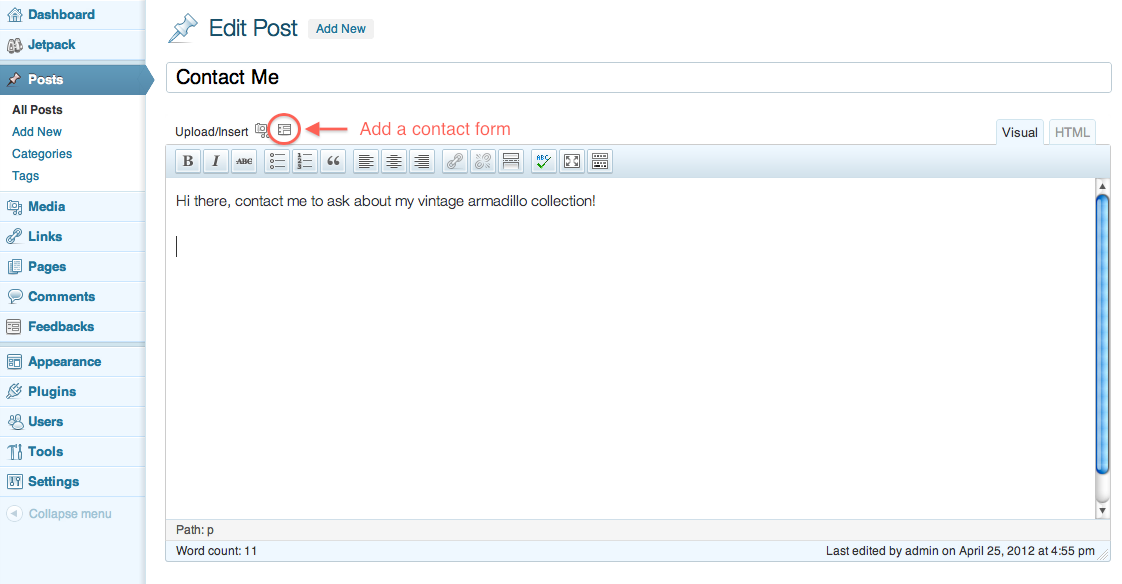
To create a contact form, click the contact form icon above the post editor.
A popup will appear allowing you to add, edit, and reorder the fields you want in the contact form.
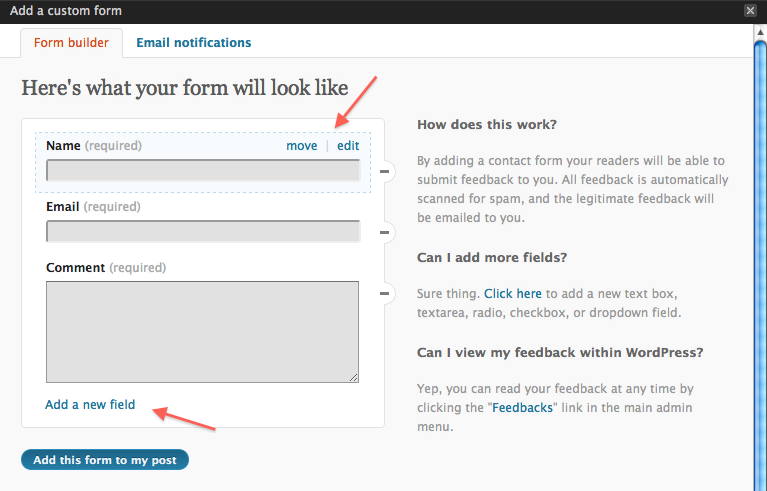
You can also customize the email address to which the contact form sends. Check out the gallery below for more details.
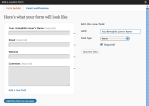
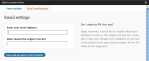
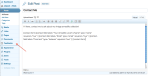
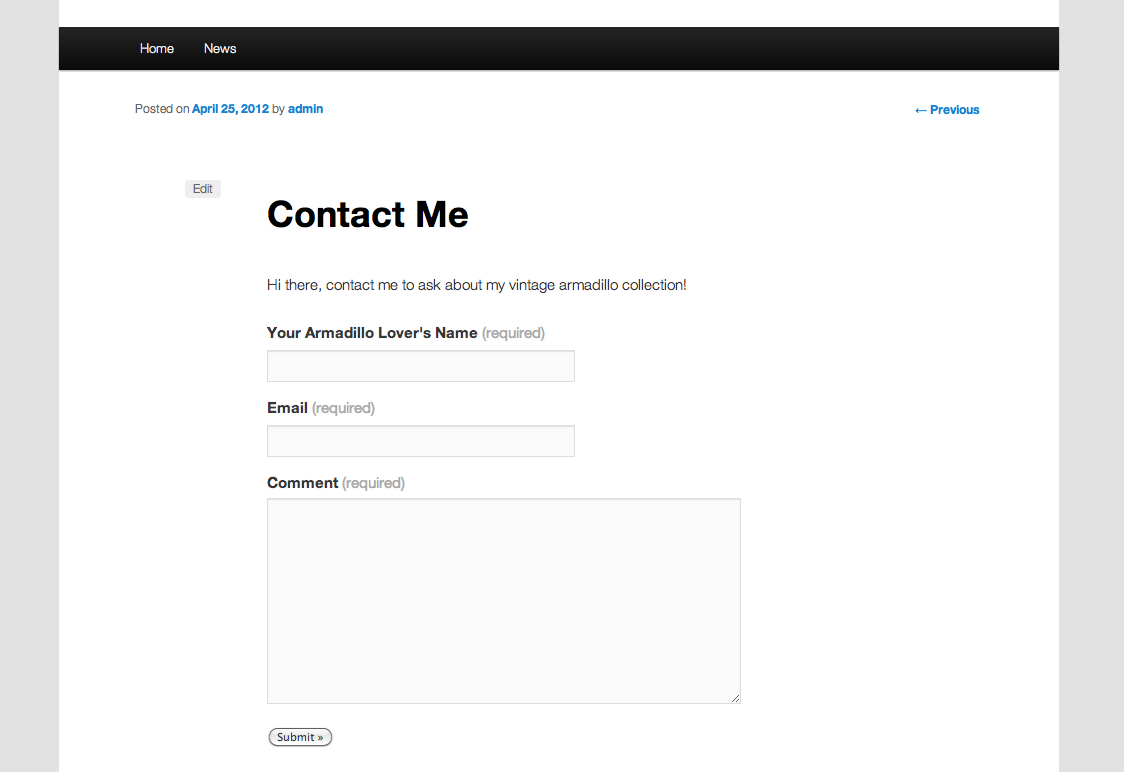
In the end, you’ll have an Akismet anti-spam protected[1] contact form on whatever WordPress post or page you want.
In addition to receiving an email for each contact form response, all responses will be listed in the Feedbacks section of your WordPress Admin.
Bug Fixes
We’ve also fixed a couple small bugs. This release:
- Improves YouTube embed handling and improves support for youtu.be URLs and
- Correctly loads Sharing admin styles on all server/WordPress configurations.
You should see the update available in your WordPress dashboard shortly. Alternatively, you can always download the latest version of Jetpack here at jetpack.me as well.
Remember to contact support if you need help.
On the Horizon
In no particular order, here are a few of the things we’re adding or improving in Jetpack:
- The commenting features currently available on WordPress.com,
- Increased customizability of the Subscription feature’s emails, and
- A better Jetpack management interface.
While we’re excited to get all these updates, and more, out to your sites, we don’t have any estimates on when any of these will be included in Jetpack.
1: Assuming you have the Akismet plugin installed. You do, right?