
Today we’re very proud to unveil some changes to the Jetpack settings user interface — available now for upgrade or installation — that have been in the works for a few months.
Back in September, when we launched Jetpack’s new design, we knew it was just the first step in a longer journey. Since then, Jetpack engineers and designers have been collecting your feedback, designing prototypes, running tests, and writing code.
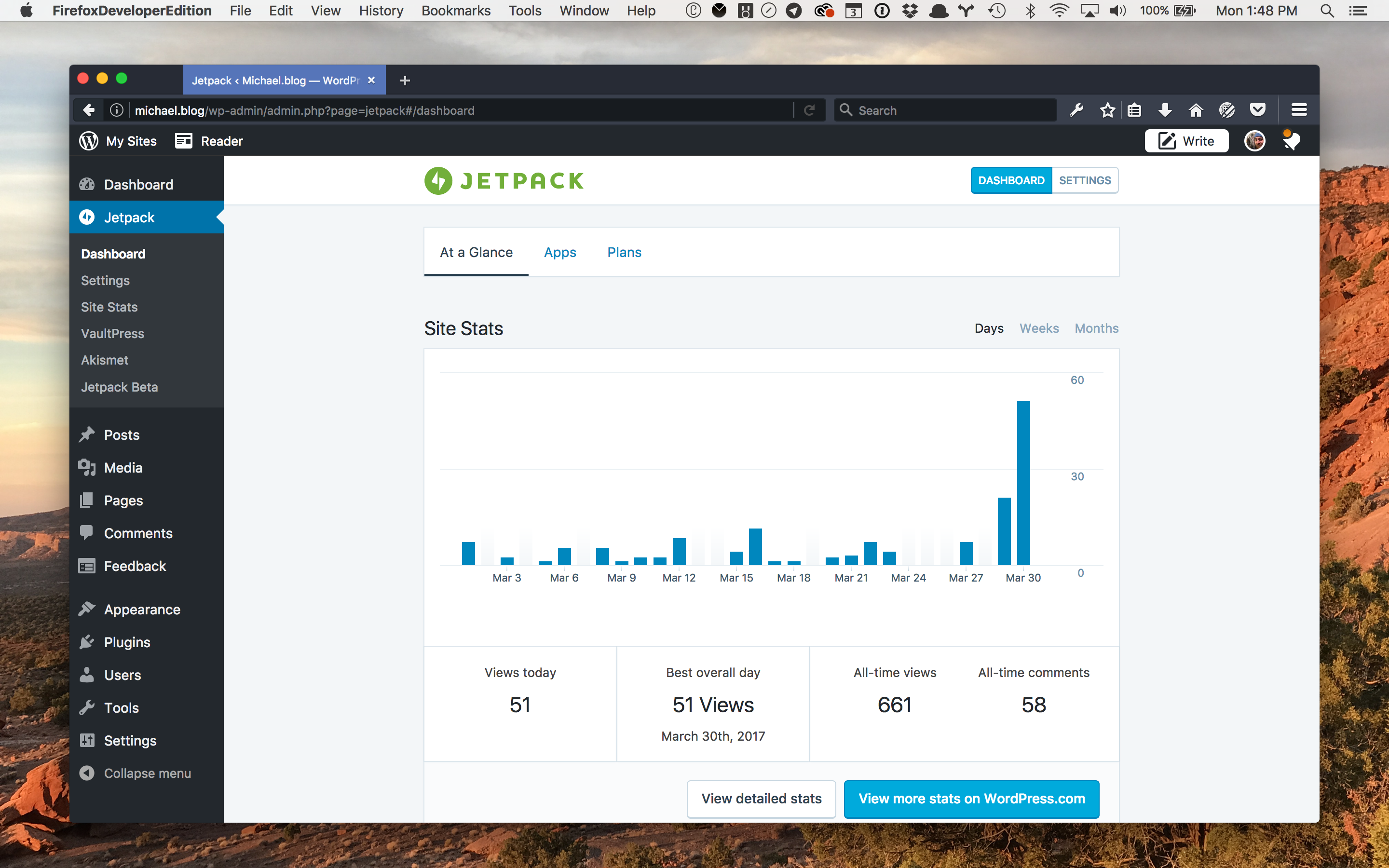
To give you a tour of the new user interface, I spoke to Michael Arestad — the Jetpack designer who’s been the glue behind this project.
RM: Working on a product’s settings can be tricky, especially one like Jetpack, where multiple services, features, and users come together. How did you approach this challenge?
Michael: Last year a small group of designers met up to discuss making small, iterative changes to Jetpack’s and WordPress.com’s settings in order to bring the two a little bit closer and feel more organized and consistent. This sounded fairly straightforward, which should always be suspicious when approaching a design problem!
After analysing existing settings in WordPress core, WordPress.com, and Jetpack to see where things could align, it turned out that feature settings needed a bit more love than we had initially planned for. But they are fundamental in defining the WordPress experience so we dug in for the long haul.
We went through every setting on WordPress.com and Jetpack to make sure it was necessary to keep around, and to find a good, logical home for each one. We ended up mirroring the WordPress core settings groups for now — they are familiar to people, and things fit well there.
RM: Were you inspired by any particular real-world or digital products as you took on this work?
Michael: Yes, but not so much by other web projects. I find inspiration in items that have “just enough” settings. I also was inspired by the handheld devices we all use regularly. They have fairly deep settings, but most of the time they move more complex or niche settings out of the way, and rarely feature a “Save” button unless there is a form field other than a toggle. This keeps the more important and more interesting options front and center, and reduces the learning curve and cognitive overload for users.
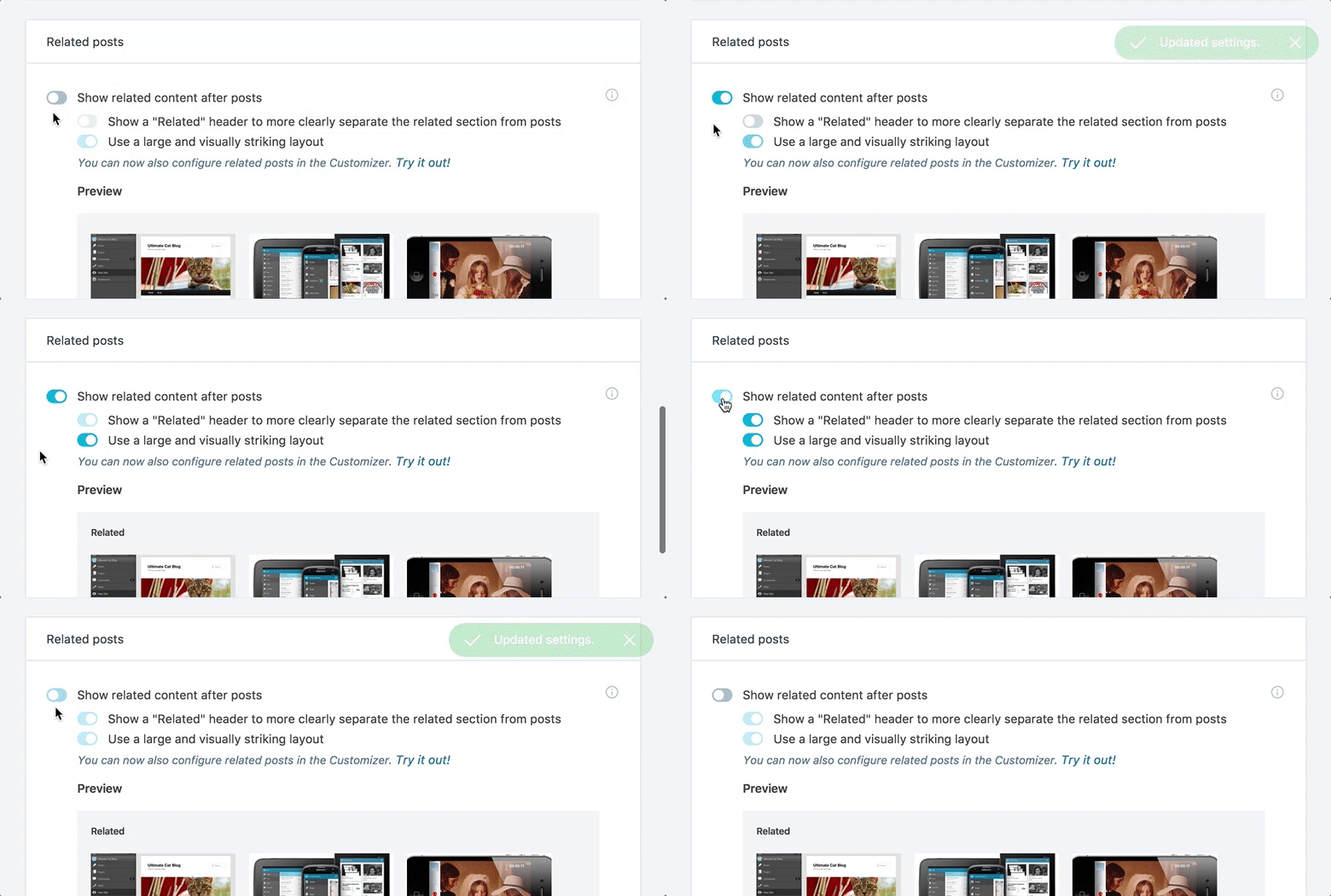
RM: What are you most excited about with this improved settings experience, and what do you think users will enjoy the most?
Michael: I’m most excited for the sturdy new foundation this project is giving Jetpack and WordPress.com. We now use solid design patterns that are much simpler to work with and expand upon, which frees us up to look at more exciting improvements for our users. I’m hoping they will find Jetpack and WordPress.com simpler to navigate and gain a clearer understanding as to what Jetpack does for them.
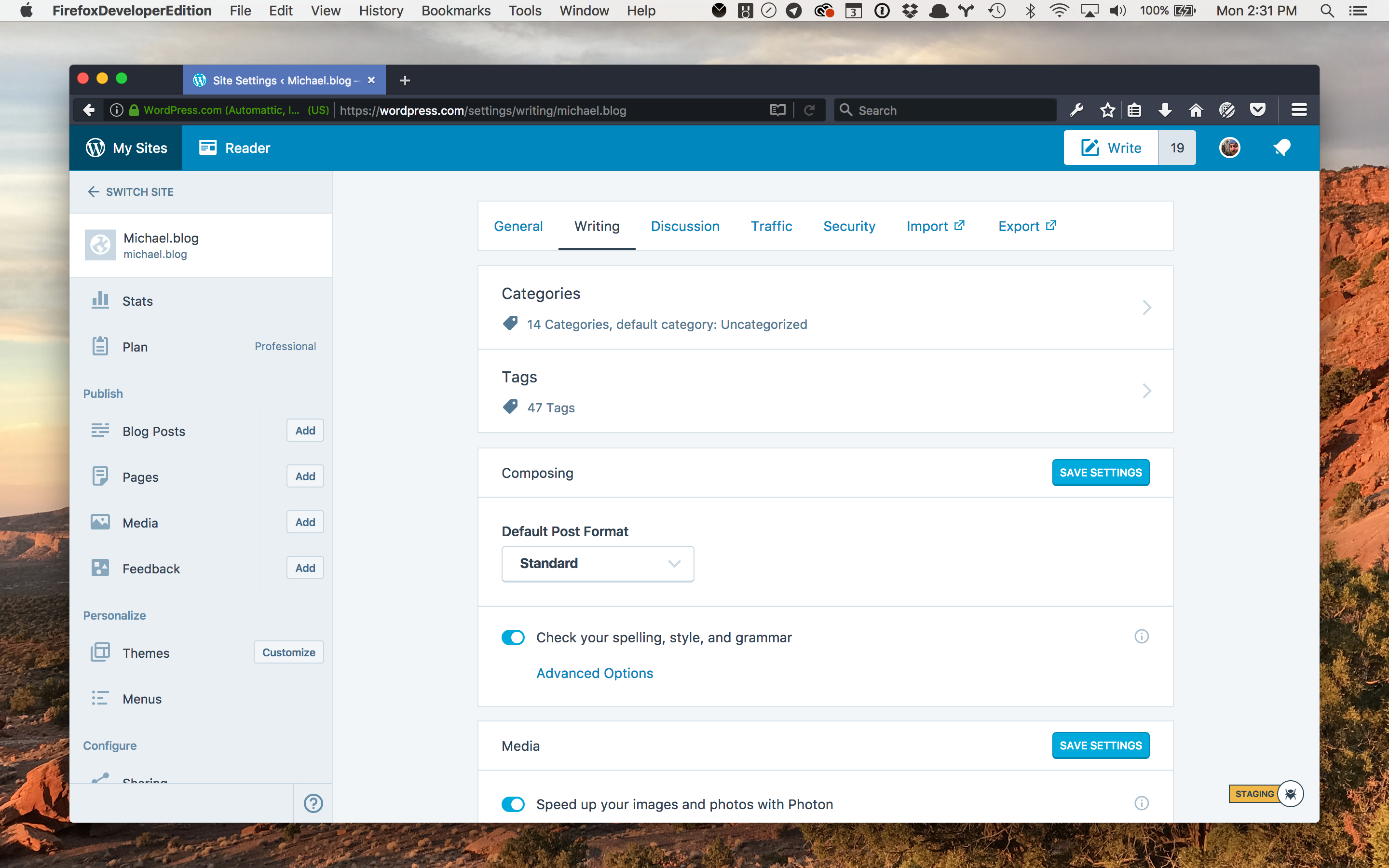
RM: Do you have any tips for existing Jetpack users who are already familiar with the “old” way of doing things?
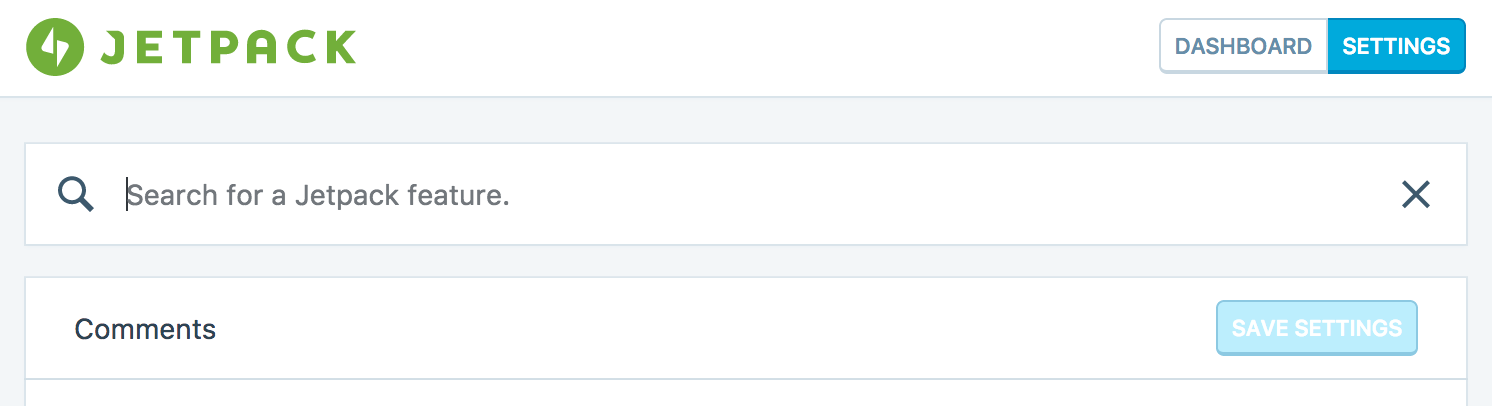
Michael: Absolutely. Be patient. Approach it with fresh eyes, if possible. If you’re having a hard time finding a setting, you can just search for it. For developers and agencies out there who set up many sites, I encourage you to try out using filters to disable modules rather than the old interface.
RM: So is it “job done” now?
Michael: Of course not! We’re shifting our focus away from settings, though keeping an eye on them so they remain as intuitive and clear as possible — and we’re always keen to receive feedback from our users. We have many improvements to make and we’ve got a pretty clear roadmap for the next several months. Good changes are coming to every corner of Jetpack.
Other Improvements in Jetpack 4.8
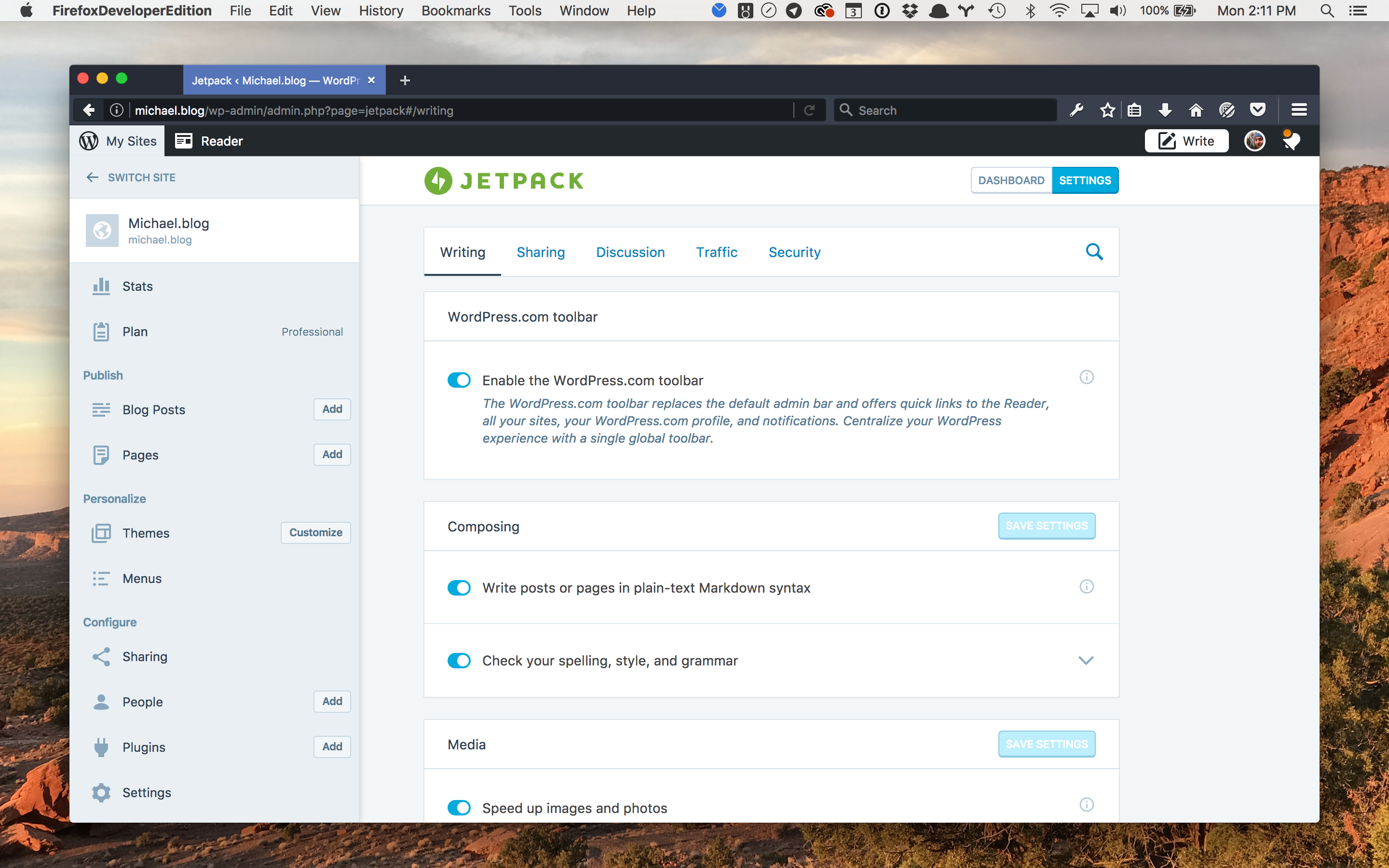
- You can now consolidate your WordPress experience and notifications with a single, global toolbar. To try it out go to Jetpack → Settings on your dashboard and enable the WordPress.com Toolbar option.
- The Sitemaps feature now also works on sites with a very large amount of posts (more than 1,000).
- We’ve added a new MailChimp Subscriber Popup Widget that simplifies integration with your MailChimp email lists.
Full Changelog and Thanks
Read the changelog to see the full list of updates and changes in this release. As always, your feedback is extremely important — if you have any, please get in touch or leave us a comment on this post.
Install Jetpack on your site or upgrade your current version today and let us know what you think.
Thank you to the contributors to this release: Brandon Kraft, Christian Wach*, Dan Roundhill, Derek Smart, Derek Springer, Drew Butler, Elio Rivero, Enej Bajgoric, Eric Binnion, Erick Hitter, George Stephanis, Ian Dunn, Ignacio Cruz Moreno*, Igor Zinovyev, Jeff Golenski, Jeremy Herve, Kathryn Presner, Kelly Dwan, Marin Atanasov, Mark George, Marko Andrijasevic, Michael Arestad, Michael Turk, Miguel Lezama, Mohammad Jangda, Nabeel Sulieman, Nathan Bloomfield, Oscar Lopez, Rich Collier, Sam Hotchkiss, Stanimir Stoyanov*, Steve Kaeser, Takuya Matsuyama*, and Thomas Guillot.
* Special kudos to these Jetpack users who helped us find and squash these bugs!
Pro Tip: Personal plan customers benefit from priority support and faster assistance.