

It seems that everywhere you turn, there’s talk about data. It’s great that there’s so much information, but how do you actually tap into it?
Data visualization turns all those numbers into something more understandable. Instead of wading through spreadsheets, you can see information clearly laid out in graphs and charts. This can make a big difference whether you’re managing a blog, running a business, or trying to communicate complex ideas. Understanding data visualization and why it matters is key to using information effectively.

What is data visualization?
Data visualization is all about taking data and displaying it visually. It can be in the form of charts, graphs, maps, or other visual formats. This process makes complicated information easier to understand at a glance. Instead of sifting through rows of numbers, you can quickly see patterns, trends, and outliers. It’s a way to make data accessible and usable, helping people make better decisions based on the information they have.
What are common types of data visualization?
There are many ways to visualize data, each serving a different purpose. Choosing the right type depends on what you want to communicate.
1. Charts
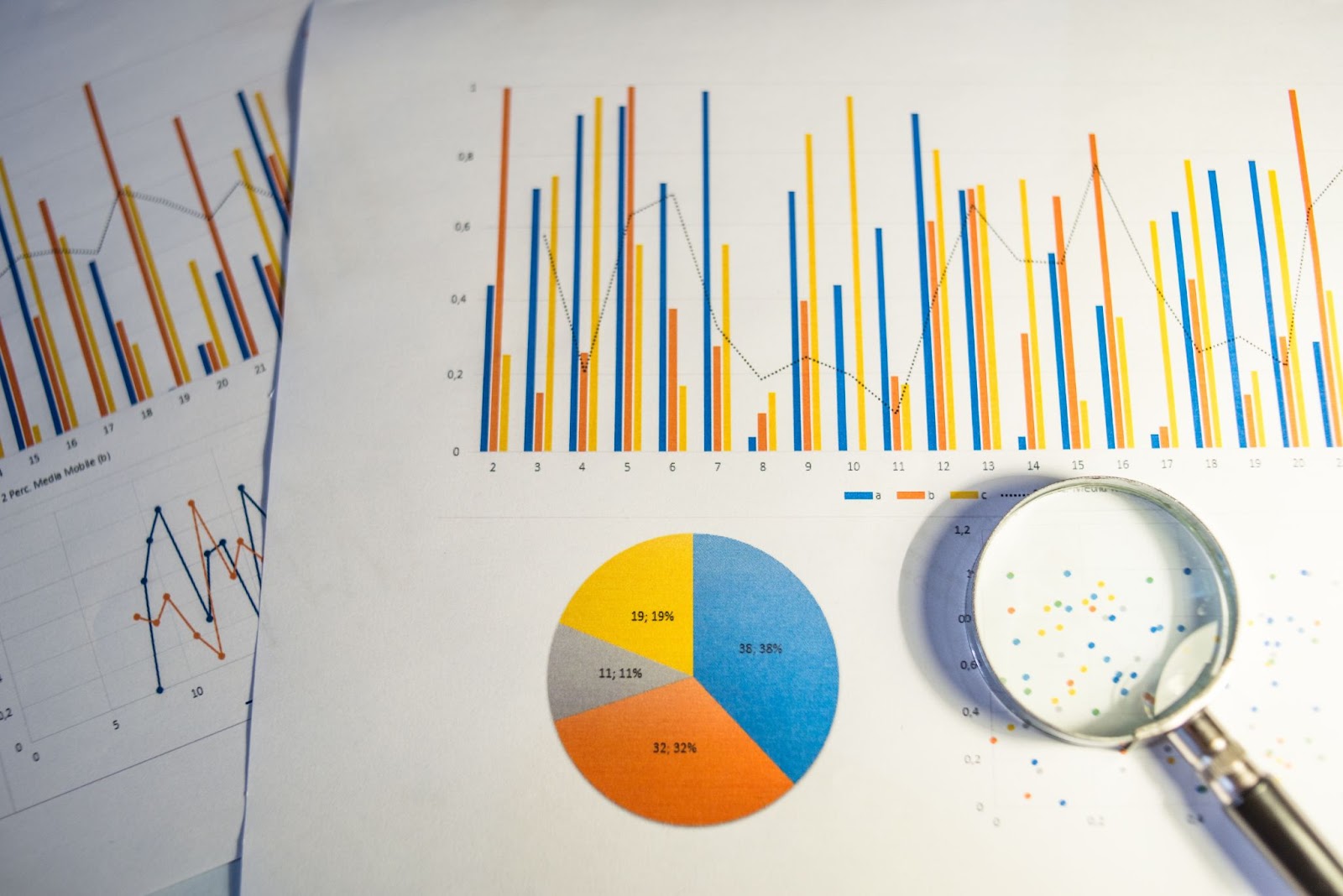
Charts are one of the simplest ways to show data. Bar charts can compare different categories, while line charts are good for showing trends over time. Pie charts work well when you want to display parts of a whole. Each chart type can tell a different story, so it’s important to pick the one that fits your data.
2. Graphs
Graphs help display relationships between variables. Scatter plots show how two variables relate to each other, while network graphs can map detailed connections. Using graphs, you can quickly spot correlations or clusters within your data.
3. Maps
Maps are great for displaying geographic data. They can show regional trends, such as sales performance across different locations, or how various factors are distributed over an area. Heat maps, for example, can highlight where certain activities or events are concentrated.
4. Infographics
Infographics combine various visuals and text to convey a broader narrative. They are useful for summarizing difficult topics or presenting data in a more engaging format. By combining different elements, infographics can make a large amount of information digestible at a glance.
The importance of data visualization in 2024
Data is everywhere, and it’s only increasing. To make sense of it, visualization tools are more important than ever. They help break down complex information into something easy to grasp.
Learning to work with data is essential for many, if not most, professionals.
The data deluge and the necessity of visual tools
We generate massive amounts of data every day. Without visualization tools, it’s hard to extract useful insights. These tools turn raw data into visuals that can be understood quickly, saving time and effort. They help people focus on what matters most.
How businesses leverage visuals for strategic decisions
Companies use data visualization to make informed choices. Visuals show trends and patterns that spreadsheets can’t. For instance, a sales team might use charts to track performance and adjust their strategies. This way, they can make decisions backed by data rather than guesswork.
Benefits of effective data visualization
Data visualization is more than just making things look nice. It offers real advantages for understanding and using information effectively. These benefits can help anyone, from business owners to bloggers, get the most out of their data.
1. The ability to turn complex data sets into understandable visuals
Large datasets can be overwhelming. Visualization tools turn them into charts or graphs that are easier to digest. This helps you see the key points without getting lost in details. It’s about making information more accessible to everyone, even those without a technical background.
2. It helps you spot patterns and trends quickly
Patterns and trends are not always obvious in raw data. Visualization highlights them, showing growth rates, seasonal changes, or emerging trends at a glance. This can lead to better decisions based on what the data reveals.
3. You can detect issues or irregularities early
Unexpected spikes or drops can indicate problems. With data visualization, these irregularities become clear, allowing you to address issues sooner rather than later. It’s a proactive way to manage data.
4. It enhances reporting and analysis
Visuals can make reports more engaging and easier to understand. Instead of lengthy explanations, charts and graphs can tell the story. This is especially useful when sharing data with clients or stakeholders who may not have the time or background to go through detailed reports.
5. It facilitates better communication within teams and with clients
Data visualization helps bridge the gap between different team members. It makes difficult concepts easier to explain, improving communication. Visuals also make it easier to present data to clients, showing them exactly what’s happening without technical jargon.

What to look for in a data visualization tool
Choosing the right data visualization tool can make a big difference in how you use and understand your data. There are many options, so it’s important to know what features to look for.
User-friendliness
A tool should be easy to use, even for beginners. Look for a straightforward interface that doesn’t require a lot of training. The more user-friendly the tool, the faster you can start creating useful visuals.
Ease of use
Setup and navigation should be simple. If a tool requires coding or complex instructions, it might not be the best choice unless you have technical skills. Look for drag-and-drop features or pre-built templates that make creating visuals quick and easy.
Integration capabilities
Your tool should work with the platforms you already use. For example, if you use WordPress, Jetpack Stats can integrate directly with your site, making it easy to track and visualize data without extra steps. This saves time and reduces the need for additional software.
Cost
Consider your budget when choosing a tool. Some tools are free but may have limited features, while others charge based on usage or features. Look at what you need and compare options to find a tool that fits your needs without overspending.
Popular data visualization tools in 2024
There are many data visualization tools available today. Each offers unique features suited to different needs. Here’s a look at some of the popular options in 2024.
1. Jetpack Stats for WordPress sites
Jetpack Stats is a handy tool for anyone using WordPress. It offers a user-friendly interface that doesn’t require any technical skills. You can view key metrics about your site’s performance with just a few clicks. It also provides real-time data, so you can track site activity as it happens.
Plus, Jetpack Stats is GDPR-compliant, which means your data and your visitors’ data are protected according to European privacy standards.
Learn more about Jetpack Stats here.
2. Tableau for business intelligence
Tableau is widely used in business settings. It’s known for its ability to handle large amounts of data and create detailed visualizations. Users can create interactive dashboards and complex reports, which can be useful for in-depth analysis.
3. Datadog for IT cloud monitoring
Datadog is a go-to tool for IT professionals. It monitors cloud applications and infrastructure in real-time. This helps in spotting issues before they affect performance. It’s ideal for tracking multiple metrics across different platforms.
4. D3.js for dynamic & interactive data visualization
D3.js is a JavaScript library for creating custom, dynamic visualizations. It’s powerful but requires coding knowledge. If you want complete control over how your data is displayed, D3.js is a great choice for creating interactive and detailed visualizations.
5. Looker Studio for multichannel data visualization
Looker Studio, formerly known as Google Data Studio, integrates with various data sources. It’s useful for creating multichannel dashboards. You can pull data from Google Analytics, Ads, and other platforms to see all your performance metrics in one place.
How to get started with data visualization
Starting with data visualization doesn’t have to be complicated. The key is to understand your goals and choose the right tools and approach for your needs.
Identify your data visualization needs
Begin by defining what you want to achieve with data visualization. Are you looking to track website performance, understand customer behavior, or present business data in meetings? Knowing your goals will help you select the right type of visualization and the best tool for the job.
Choose the right data visualization tool
Select a tool that fits your needs and skill level. If you’re using WordPress, Jetpack Stats is a good starting point since it’s easy to set up and provides useful insights. For more complex data, you might consider tools like Tableau or Looker Studio. Make sure the tool you pick is compatible with your data sources and integrates well with your existing platforms.
Set up a recurring schedule for data analysis
Regularly reviewing your data helps you stay on top of changes. Set a schedule for looking at your data — this could be daily, weekly, or monthly, depending on your needs. Use this time to update your visualizations and make adjustments based on the latest information.
Adjust your strategy based on data-driven insights
Data visualization is not just about creating charts. It’s about using what you see to guide your decisions. If your user behavior data shows a drop in engagement, look into why that might be. Use these insights to tweak your content, marketing, or business strategies.
Continuously refine your strategy using data insights
As you gain more experience with data visualization, you’ll become better at spotting useful trends and insights. Use what you learn to refine your approach over time. This could mean trying new types of visualizations, switching tools, or changing how you present your data to different audiences.

Best practices for effective data visualization
Creating clear and impactful visualizations requires more than just choosing the right tool. Following best practices can help ensure your data is communicated effectively.
Choose the right type of visualization
Each type of visualization serves a different purpose. Use line charts to show trends over time, bar charts to compare categories, and pie charts to represent parts of a whole. Maps are best for geographic data, while scatter plots show relationships between variables. Picking the right format is crucial for making your data easy to understand.
Avoid clutter and focus on essential data
Keep your visualizations simple and focused. Too much information in one chart can confuse your audience. Highlight the most important data points and remove unnecessary elements. This will help your audience grasp the key message without distractions.
Use colors and styles to enhance data readability
Colors can draw attention to specific data points, but they can also overwhelm if overused. Stick to a few colors that contrast well and are easy on the eyes. Use labels and annotations sparingly to provide context without cluttering the visual. The goal is to make your data clear, not just colorful.
Frequently asked questions
What is the difference between data visualization and data analysis?
Data analysis is about examining data to draw conclusions. It involves cleaning, transforming, and modeling data to discover useful information. Data visualization, on the other hand, is the process of turning that data into visuals, such as graphs or charts. While analysis helps you find insights, visualization helps you present them in a clear and simple way.
How does data visualization help in business decision-making?
Visualization makes complex data easier to understand. It highlights trends, patterns, and outliers that might not be obvious in a spreadsheet. This helps businesses make informed decisions quickly. For example, sales trends can show which products are performing well and which need attention, guiding strategy and resource allocation.
Do I need technical or coding skills to use a data visualization tool?
No, many data visualization tools do not require technical skills. For example, Jetpack Stats is easy to install and integrate with WordPress sites. You just need to activate the plugin, and it starts collecting and displaying site data. Most features are accessible through a few clicks, so you can get valuable insights without any coding knowledge.
What are some common mistakes to avoid in data visualization?
One common mistake is overcrowding visuals with too much information. This makes it hard to read and understand. Another issue is choosing the wrong type of visualization, which can misrepresent the data. Also, using too many colors or confusing labels can distract from the main message. Keep your visuals clear and focused on the key points.
How do I integrate data visualization with WordPress?
The easiest way to add data visualization to your WordPress site is by using a plugin. Jetpack Stats is an ideal option. It offers a range of features, including real-time data tracking, with a straightforward setup.
Can I use Jetpack Stats to track and visualize real-time data?
Yes, Jetpack Stats provides real-time data tracking. This feature lets you see visitor activity on your site as it happens. You can monitor traffic spikes, popular posts, and other key metrics without delay. This is useful for understanding immediate trends and responding to them quickly.
Where can I learn more about Jetpack Stats?
You can find more information on Jetpack Stats here. You’ll discover the tool’s features, pricing plans, and how to get started.