

From the Jetpack team
Resources
The latest on WordPress security, performance, and growth.
-
Featured
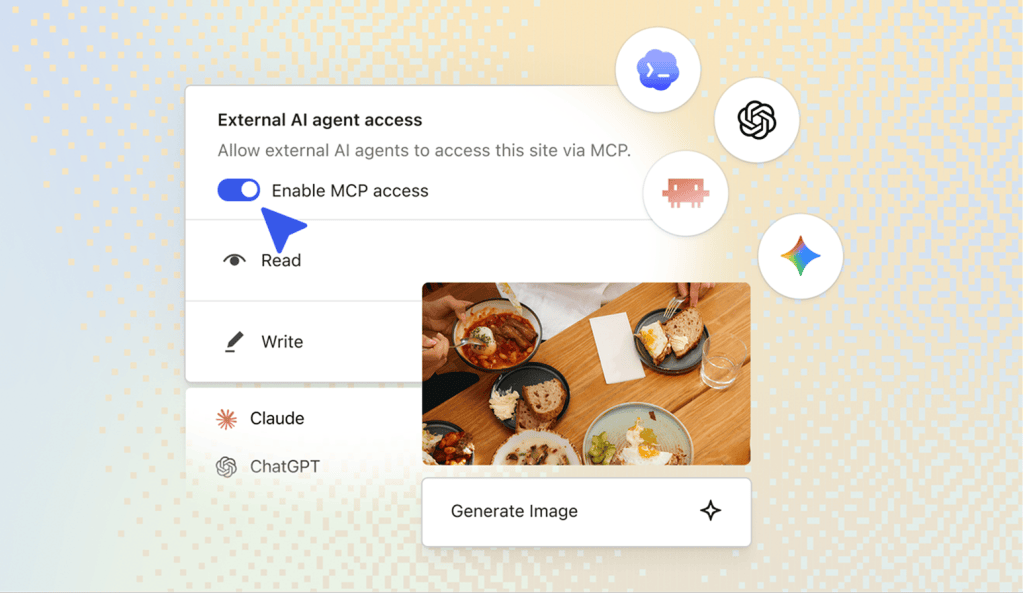
Build a WordPress Site with ChatGPT or Claude
With Jetpack AI, your assistant can work directly on your site to create pages, change your design, keep plugins up to date, and manage WordPress with natural language.

Latest posts
Browse by topic
-

What is WordPress? And How Does It Work?
You’ve heard of WordPress, but how does it work? How much does it cost? Who’s it for? Learn the basics…
-

How to Check & Increase the WordPress PHP Memory Limit (wp_memory_limit)
Exhausted WordPress memory limit? Seeing errors or slow performance? How to check and easily increase your WordPress memory limit. Common…
-

11 Must-Have WordPress Plugins That Are Essential in 2026
The best WordPress sites use these top plugins for a faster, safer, smoother experience. Which ones are you missing? See…
-

Jetpack 11.3: Updates to blocks and more
Jetpack 11.3: Updates to blocks and more
-

WP Super Cache Joins the Jetpack Family
WP Super Cache is joining the Jetpack family of plugins. We’ll be researching new features, and you can continue to…
-

How to Fix “Your PHP Installation Appears to be Missing the MySQL Extension Which is Required by WordPress” Error
Get full, step-by-step instructions to resolve the PHP Installation Missing MySQL Extension error! Plus, top tips for avoiding issues in…
-

How to Back Up WooCommerce: Database, Orders, Products
Safely store your data and make it available for a quick recovery in an emergency. See the best way to…
-

How to Add & Use a CDN in WordPress (+ Best Free CDN Plugin)
It might sound complicated, but you don’t need a developer to add a CDN to WordPress. Get step-by-step directions &…
-

How to Find, Access, and Edit functions.php in WordPress
Everything you need to know about functions.php. How to find, access, edit, & understand this important file. Functions.php troubleshooting pro…
-

How to Add a Mega Menu to WordPress (Guide & Plugins)
Quickly create a stunning custom mega menu in WordPress without hiring a developer. See the top plugins or follow these…


