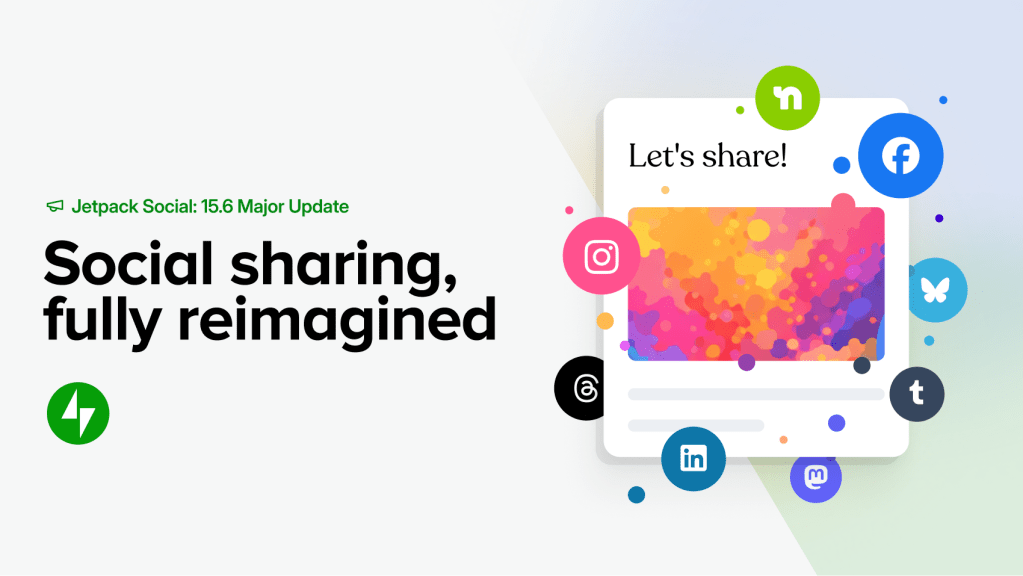

If you use Jetpack Social to share your WordPress content across social media, you’re going to love what just shipped. With Jetpack 15.6, we’ve rolled out a comprehensive set of improvements that make it easier to customize your posts for each platform, preview exactly what your audience will see, and publish with confidence.
This isn’t a minor update. It’s a top-to-bottom revamp of how social sharing works inside the WordPress editor.
See it in action
Want a quick look at how everything works together before we break it down? Watch the demo:
Now let’s walk through each improvement.
Customize your social posts for each network
Every social platform is different. What works on LinkedIn doesn’t always work on Facebook or Tumblr. Now, with Jetpack Social, you can tailor your message, media, and formatting for each connected account, all from a single interface inside the WordPress editor.
Want a professional tone for LinkedIn and something more casual for Facebook? Done. Need a shorter caption for one network and a longer story for another? You can handle it all without ever leaving WordPress.
This feature is available on paid Jetpack Social plans.
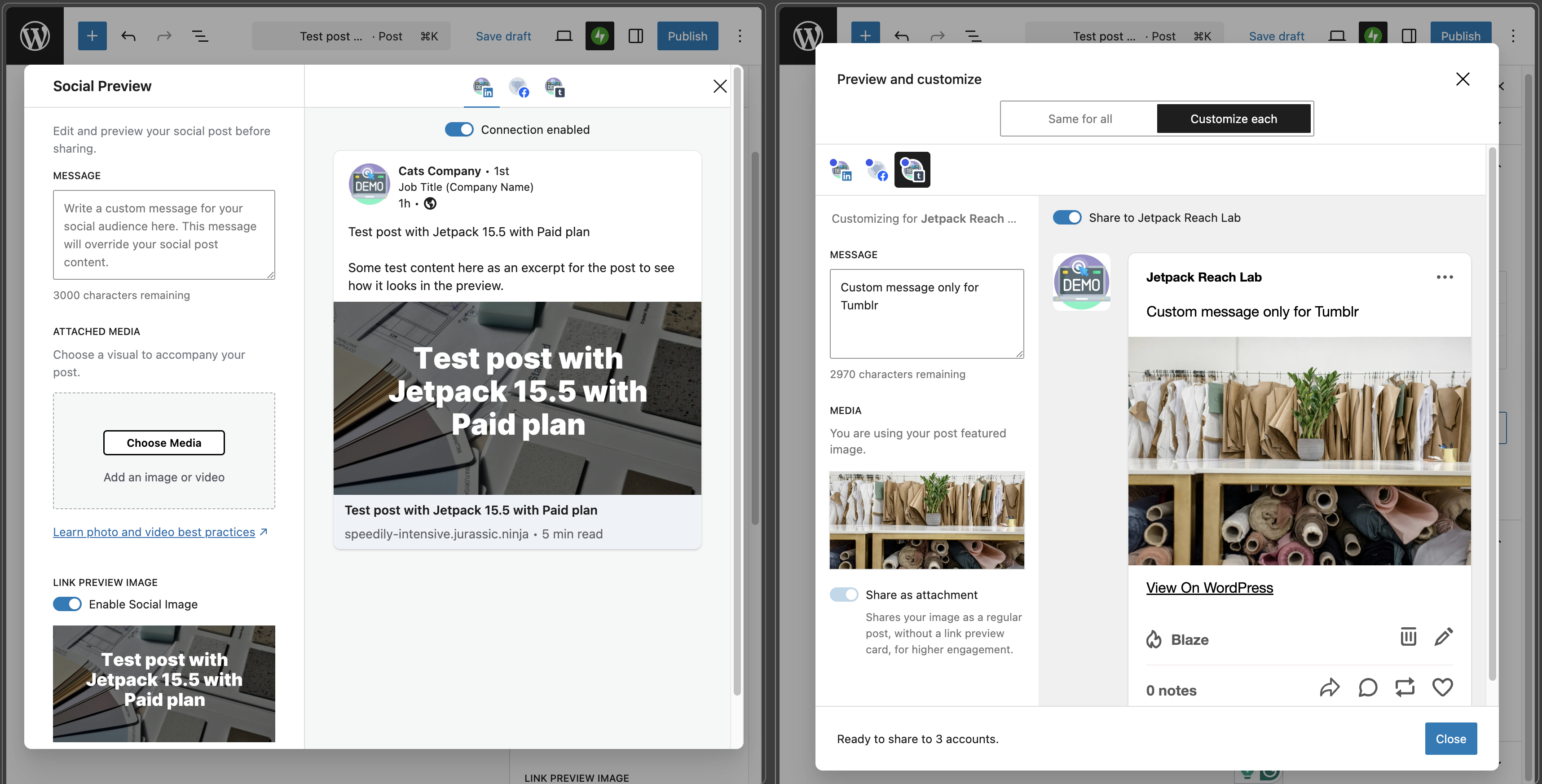
A cleaner, more intuitive sharing panel
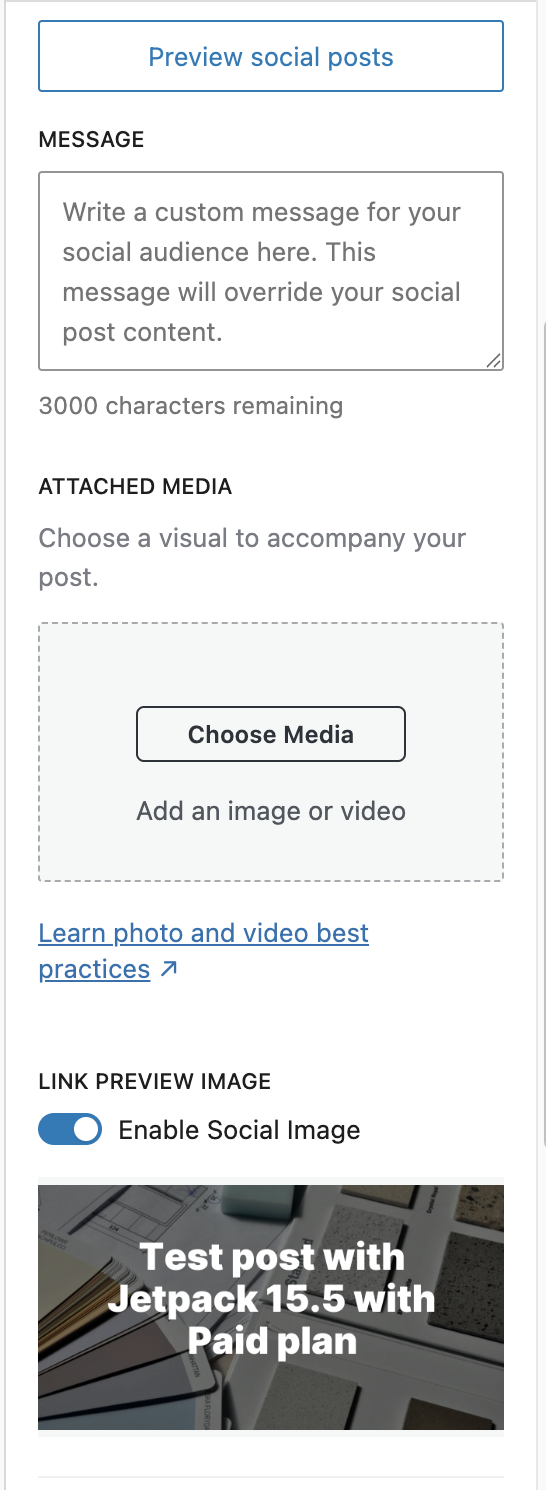
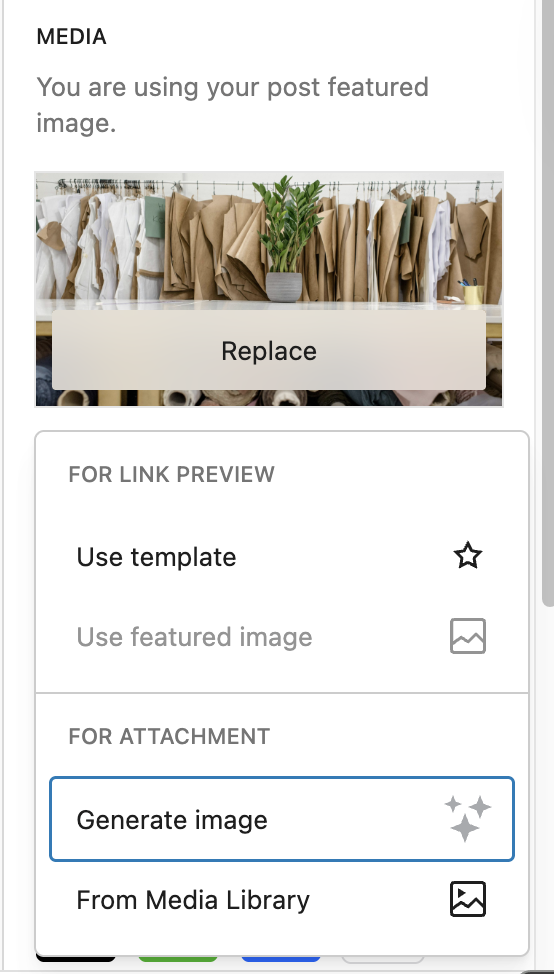
We’ve streamlined the social sharing panel in the editor sidebar. Previously, media options and the Social Image Generator lived in separate sections, which made things confusing. Now they’re combined into a single, unified media section so you can manage your images, templates, and settings in one place.
What changed:
- ✅ Media picker, image templates, and AI generation are now in one section
- ✅ Fewer clicks to configure your social post
- ✅ Cleaner layout that’s easier to scan
- ✅ Visual dot indicators on active connections, so you can instantly see which accounts are enabled
Less confusion. More control.
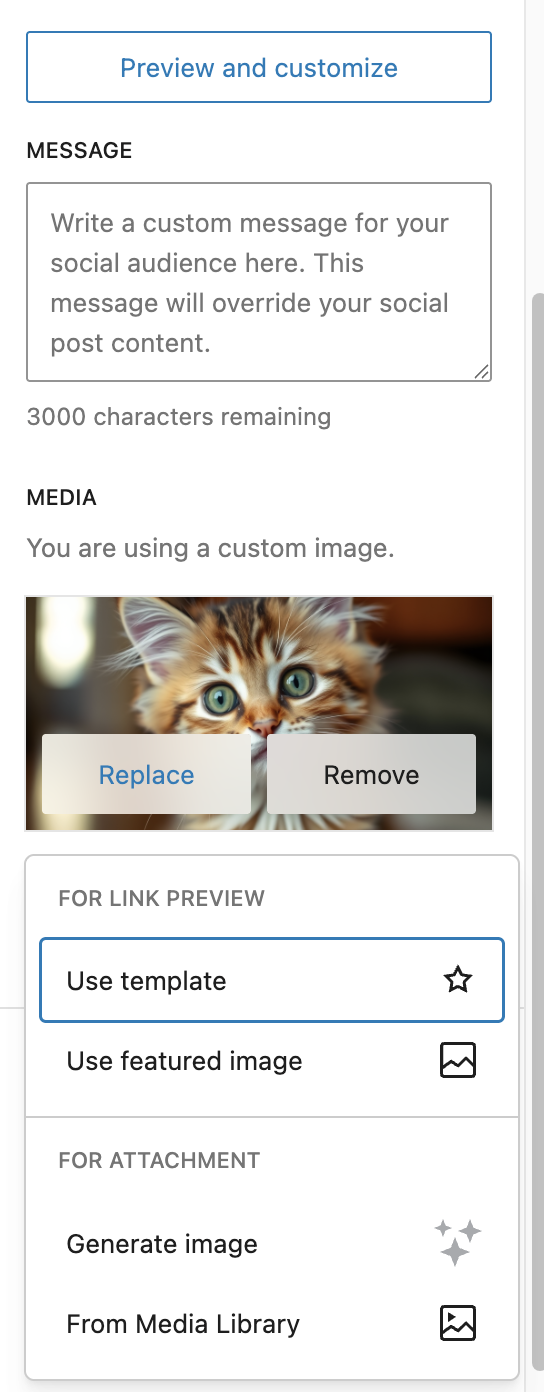
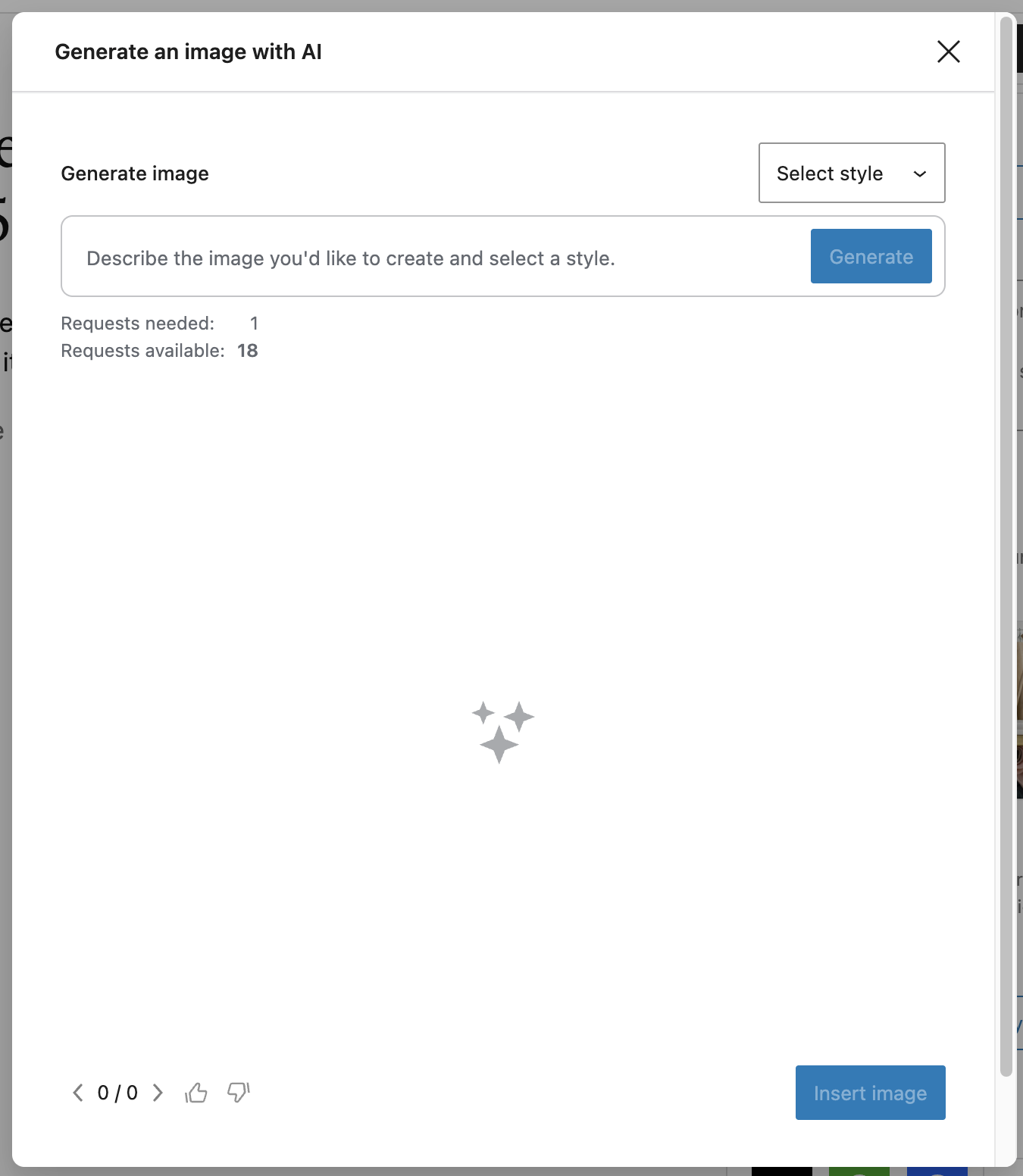
AI-powered image generation
Need an eye-catching image for your social post? Jetpack Social now includes the option to generate images using Jetpack AI, right from the editor. You can still use the template-based Social Image Generator, but now you also have access to AI-powered image creation for when you need something more custom or unique.
If you’re new to AI-powered content creation, check out how to auto-generate meta descriptions with AI for another way Jetpack uses AI to save you time.
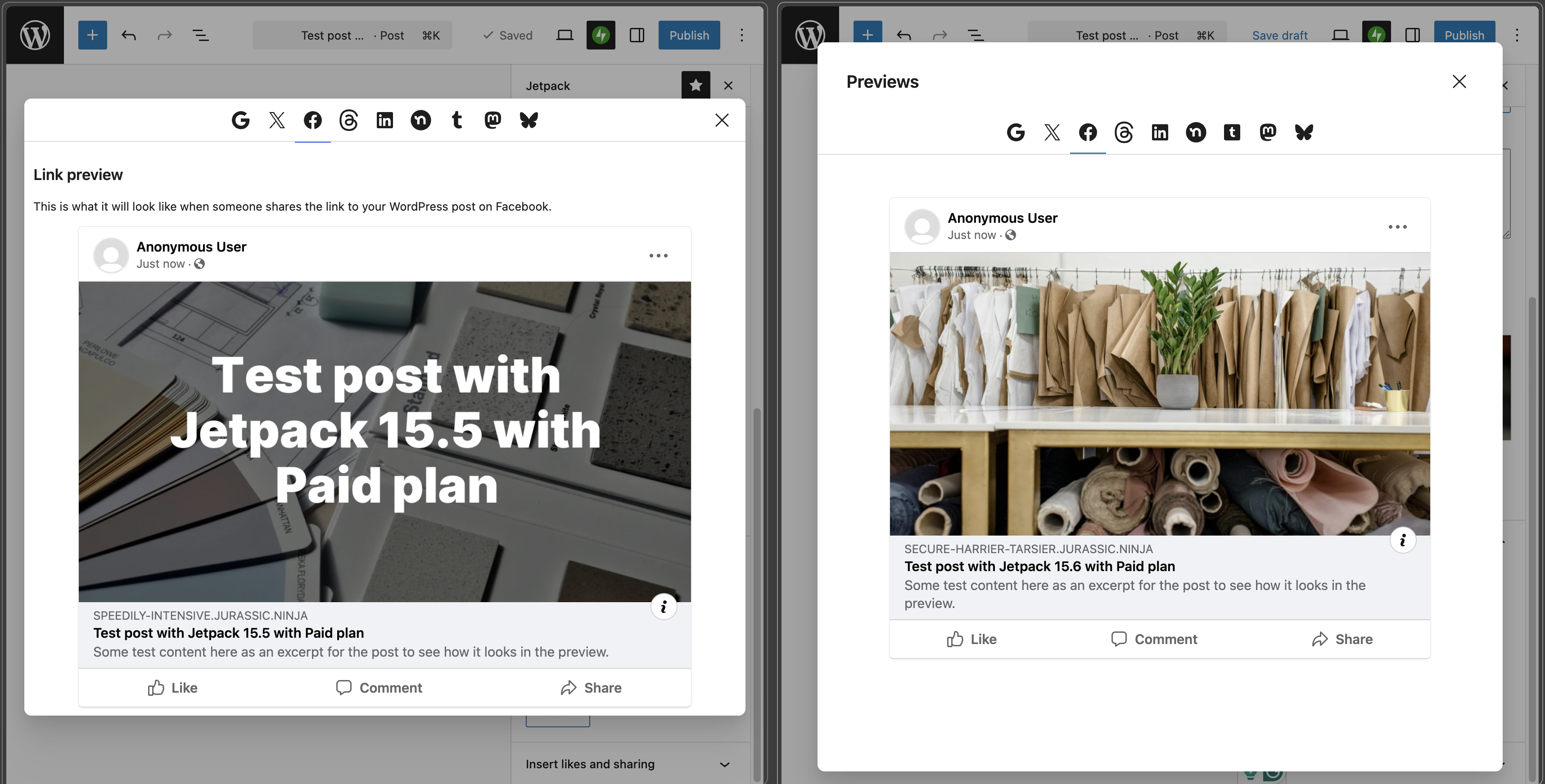
See how your links will look on every platform
The link preview modal has been completely redesigned. It’s cleaner, more consistent, and fully accessible. No more layout jumping when navigating between tabs.
Key improvements include:
- 🔍 Accurate rendering of how your post will appear on each social network
- ♿ Improved accessibility across the entire modal
- 🔗 Shared with Jetpack SEO so you can preview your post for both social networks and search engines in one place
- 🧵 Threads and Tumblr previews fixed for more accurate rendering, including gallery posts and custom messages
That last point about SEO is a big deal. If you’re using Jetpack’s SEO tools to optimize your meta tags and search appearance, you’ll now get social and search previews from the same component. Two birds, one modal.
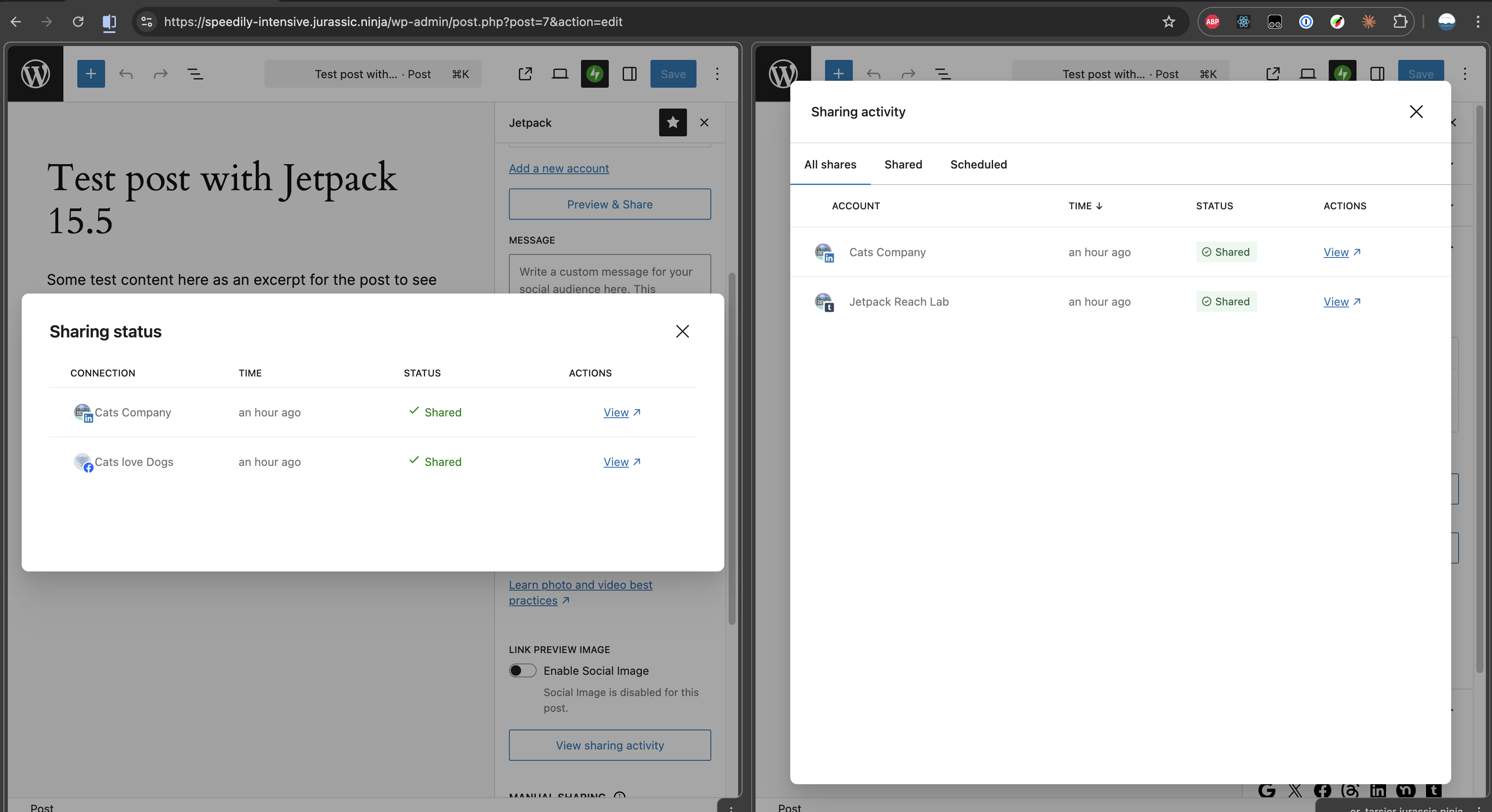
See your sharing history at a glance
We’ve unified the sharing activity view into a single, consistent modal. Previously, your sharing history and scheduled shares were shown in separate windows with inconsistent layouts. Now everything lives together, so you can quickly check:
- 📤 What’s been shared to each connected account
- ⏰ What’s scheduled and when it’s going out
- ✅ What’s coming next in your publishing queue
This is especially useful if you’re using Jetpack Social to automate your social media workflow and want a quick status check without digging through multiple screens.
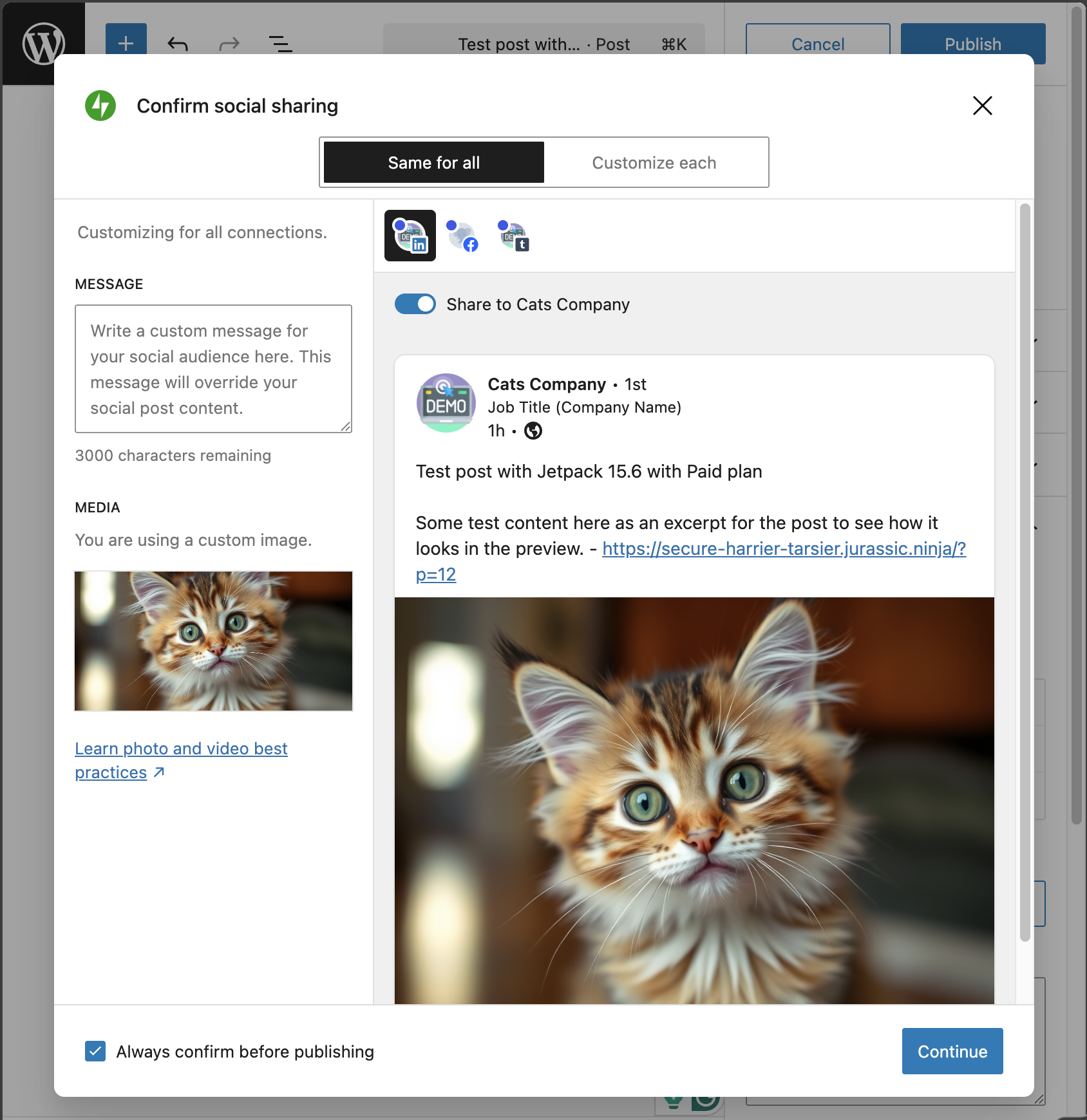
Review before you publish
When you click “Publish,” Jetpack Social now shows an optional confirmation modal that gives you a quick preview of what will be shared to each platform. Think of it as a final safety net before your content goes live.
Here’s why this matters:
- Catch typos or formatting issues before they hit social media
- Verify that the right image and message are attached to each network
- Opt out anytime if you prefer a faster, no-interruption workflow
No more “I didn’t realize it posted that to LinkedIn” moments.
Consistent sharing across every platform
Under the hood, we’ve also made changes to ensure that your posts are shared with a consistent structure across all connected networks. Previously, different platforms could receive slightly different content. Now, what you see in your preview is what your audience gets, everywhere.
This release also includes important reliability fixes:
- LinkedIn sharing fixed with an updated share endpoint, resolving failures some users experienced
- Threads gallery previews now render correctly for posts with multiple images
- Tumblr previews properly prioritize your custom message when one is set
- Pocket sharing button retired, keeping the interface focused on actively supported platforms
These are the kind of improvements you might not see, but you’ll definitely feel. Fewer surprises, fewer inconsistencies, and more trust that your social presence matches your brand.
Try the new Jetpack Social experience
These improvements are available now in Jetpack 15.6. If you’re already using Jetpack Social, just update to the latest version and you’ll see the changes right away.
If you’re new to Jetpack Social, there’s never been a better time to start. Publish once, share everywhere, and now, with the control and polish your content deserves.