

Category
Uncategorized
-
Skip an Image with Site Accelerator (Formerly Photon)
Once you activate the Site Accelerator module, it will automatically cache and serve all images you’ve added to your posts and pages that have been uploaded to your site. You can exclude a specific image or an entire page from Site Accelerator easily. To exclude an entire post or page from using Site Accelerator, you…
-
How to remove Jetpack Social options from the New Post screen
Note: Publicize is now auto-share and is part of Jetpack Social. Note: Jetpack Social was formerly known as Publicize. Jetpack Social adds a set of options right above the “Publish” button in your dashboard. You can hide these options by adding the following code to a functionality plugin, or to your theme’s functions.php: Reference
-
Remove Jetpack’s Open Graph meta tags
If you’ve added Open Graph meta tags to your theme or built your own Open Graph plugin, you’ll want to use the following code to deactivate Jetpack’s Open Graph meta tags.
-
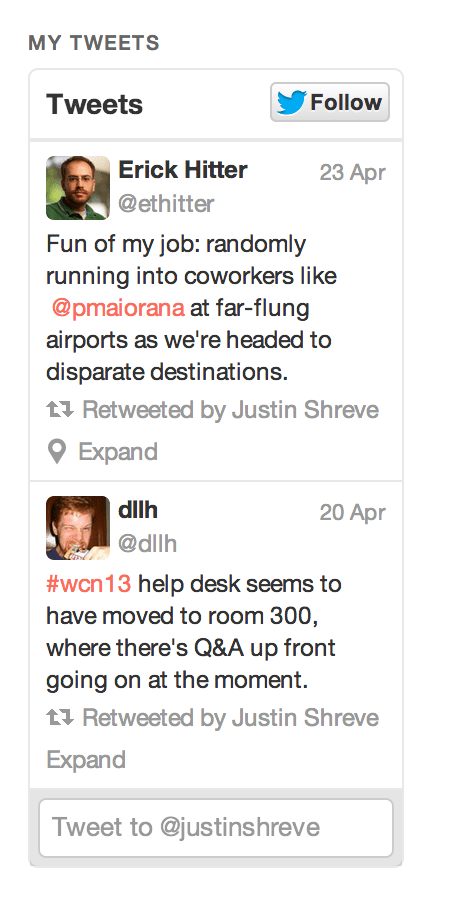
Changes to the Twitter Widget
In Jetpack 2.2.3, released on April 26th, 2013, we introduced a new widget called the “Twitter Timeline” widget. This widget allows you to display your tweets on your blog in a much richer way then you could with the old Twitter widget. Users can retweet, favorite, and reply to you straight from your blog. The…
-
How to remove the comment form from Carousel View
Sometimes, you may not want your readers to comment on single images. If that’s the case, you can deactivate comments on all attachment pages and in the Carousel view by adding this code snippet to your theme’s functions.php file:
-
Custom post type and metadata support in the REST API
-
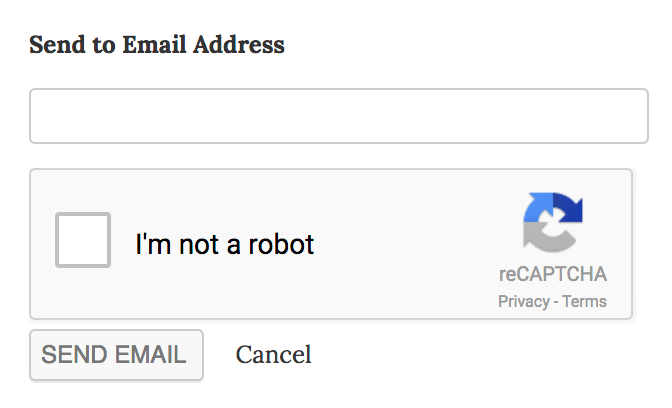
Adding reCaptcha to the Email Sharing Button
How do I add reCaptcha to the Email button The Email button is great, and you can make it even better by adding a Captcha to the submission form: To add the Captcha to your site, follow these steps: Start by registering on this site. Upon registration for reCAPTCHA v2, you will receive a Public/Site…
-
How to remove stylesheets added by Tiled Galleries and Carousel
If you wish to use your own stylesheets instead of the ones that are automatically added to the posts where you’ve inserted a Tiled Gallery, or a gallery using Carousel, you can add the following code to your theme’s functions.php file, or to a functionality plugin. To remove Tiled Galleries’s stylesheet: To remove Carousel’s stylesheet:
-
Enable Infinite Scroll in your theme using Masonry
To enable Infinite Scroll in your theme, you can follow the steps described here. However, if your theme uses the Masonry library you’ll need a few extra steps. Luckily, WPTheming put together a great tutorial: Jetpack Infinite Scroll + Masonry
-
How to change the credit link in the Infinite Scroll footer
If you’d like to change the default credit link appearing in the Infinite Scroll footer, you can use the infinite_scroll_credit filter, like so: Once you add that code to your theme’s functions.php, a new link will appear instead of the default “Powered by WordPress” link.
