How do I add reCaptcha to the Email button
The Email button is great, and you can make it even better by adding a Captcha to the submission form:
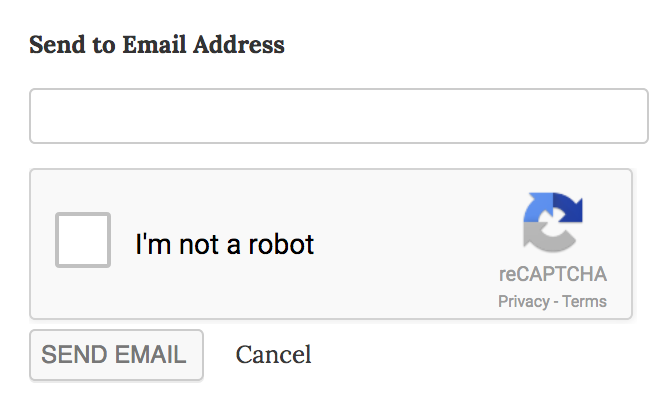
To add the Captcha to your site, follow these steps:
- Start by registering on this site. Upon registration for reCAPTCHA v2, you will receive a Public/Site and a Private/Secret key.
- Open your site’s
wp-config.phpfile in your favorite text editor, and add the following constants with both reCaptcha keys right before/* That's all, stop editing! Happy blogging. */:define( 'RECAPTCHA_SITE_KEY', 'XXXXXXX' ); define( 'RECAPTCHA_SECRET_KEY', 'XXXXXXX' );
- Voila! Your email sharing buttons are now protected against spammers!