
With Jetpack 3.4, we’ve added new security features to protect your Jetpack-connected WordPress sites from bot net attacks. We’ve also taken some first steps to create a simplified interface for how you interact with Jetpack.
Your WordPress, Secured.
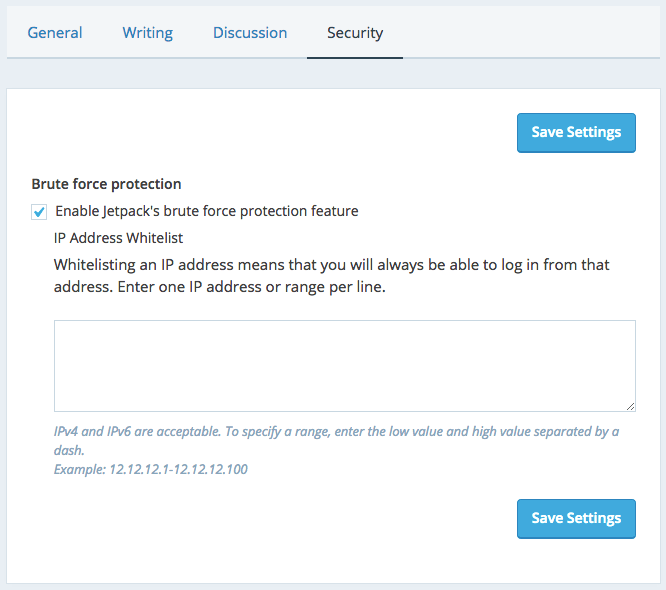
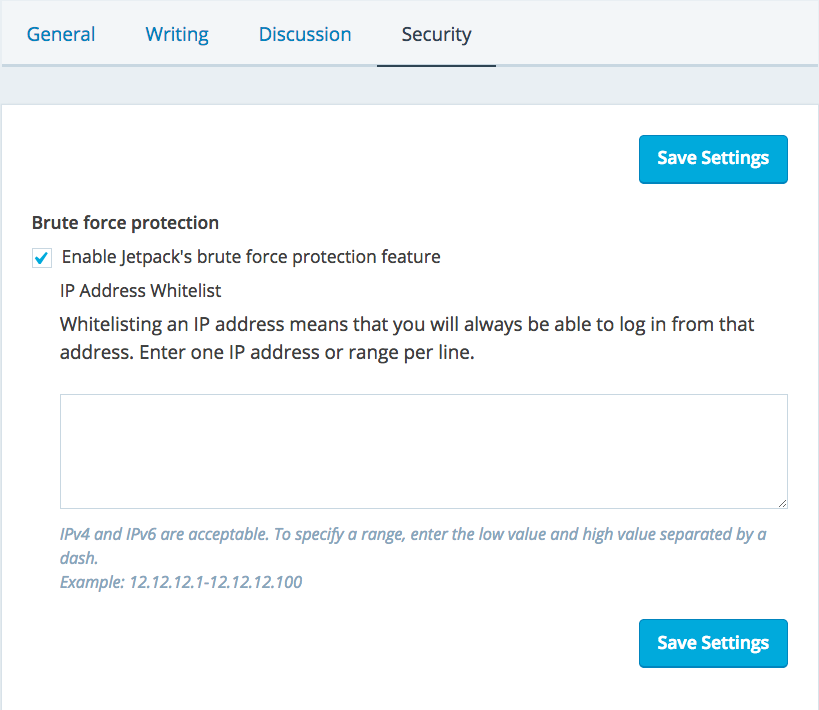
Brute force attacks are a growing concern for many website administrators. By integrating features from the WordPress plugin BruteProtect, Jetpack’s brute force protection can help you take control of site security and protect your site from this common attack vector.
A Centralized Experience
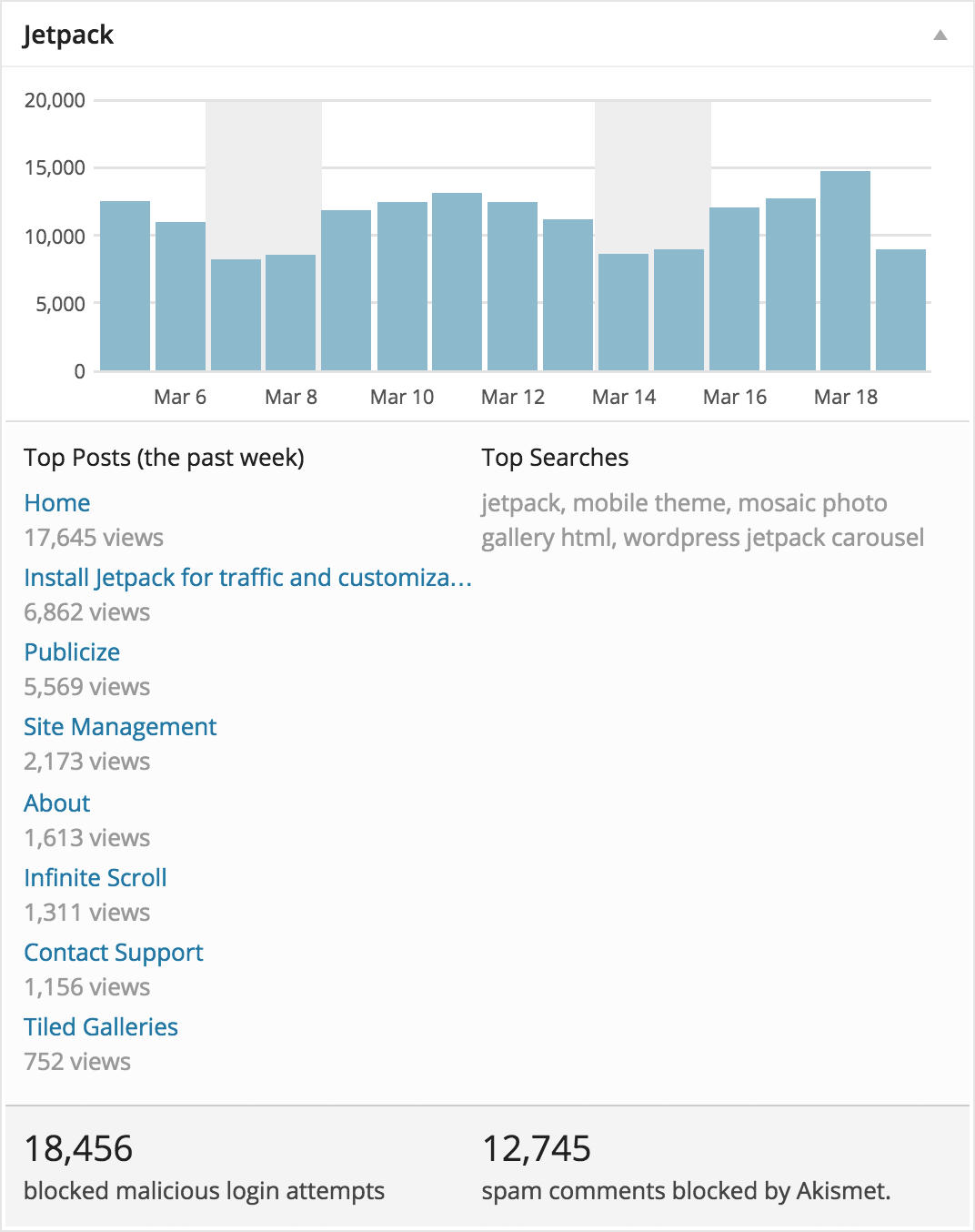
Continuing Jetpack’s mission to bring feature parity between self-hosted WordPress sites and WordPress.com, you will soon be able to manage security features from either your site’s dashboard or a central interface on WordPress.com. Locked out of your site from too many failed login attempts? You can whitelist your IP address in WordPress.com.
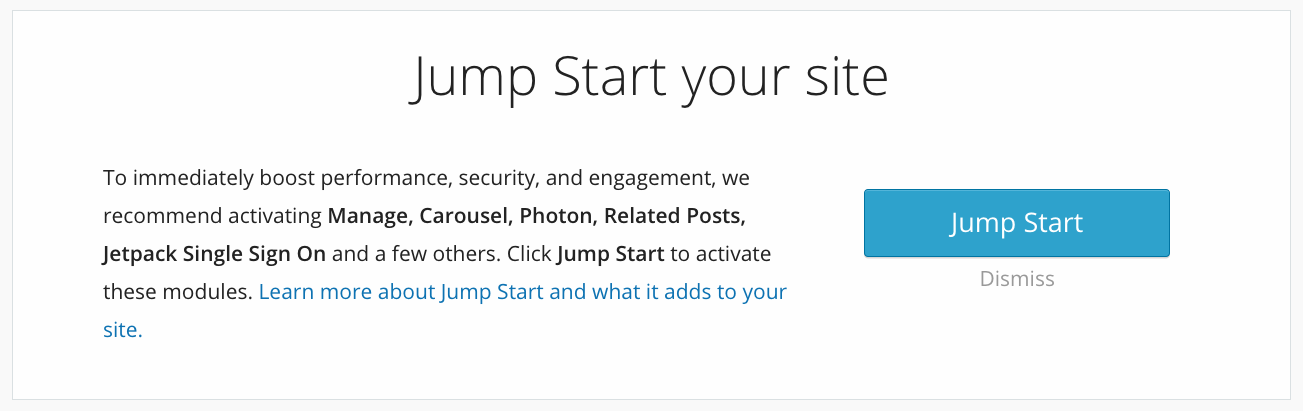
Jump Start
With the click of a button, you can immediately boost performance, security, and engagement to jump start your site with a curated set of Jetpack modules. This feature is tailored for those who are new to the plugin or new installation of Jetpack.
How to Update
Visit the Plugins page in your Dashboard and update Jetpack from there. Alternatively update all your sites in bulk from wordpress.com/plugins/jetpack.
How to Install
You can install Jetpack by visiting our install page or by searching for it in your Plugins page on your dashboard.
Feedback
Please give us your feedback by leaving a comment and letting us know what you love or what you’d like to see in future updates. If you find any bugs or issues, please file a new issue on GitHub, create a new forum post, or simply contact our support team.