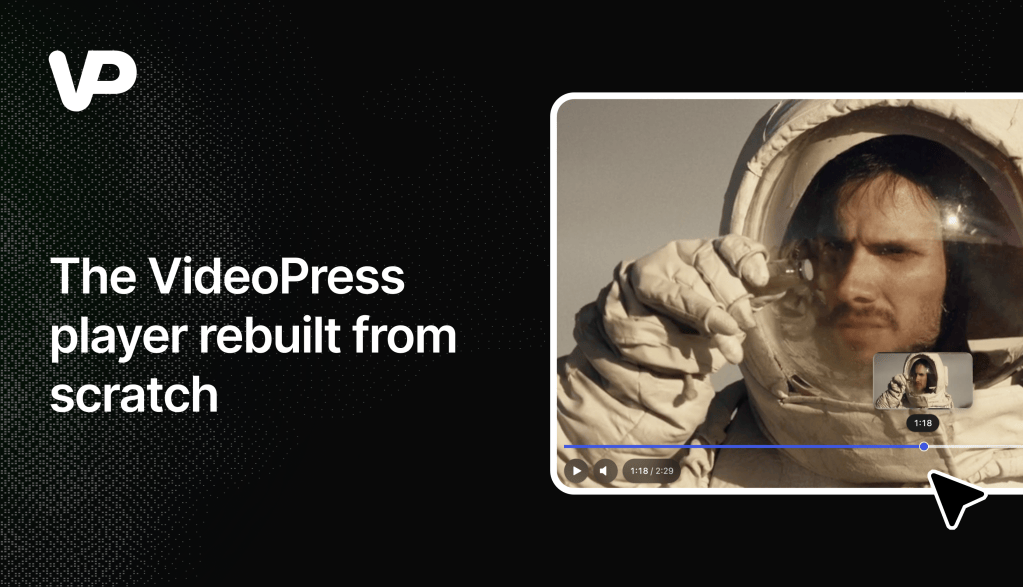

Recently, we’ve been on a spree to modernize all things VideoPress. The most recent and visible result of this effort is the video player.
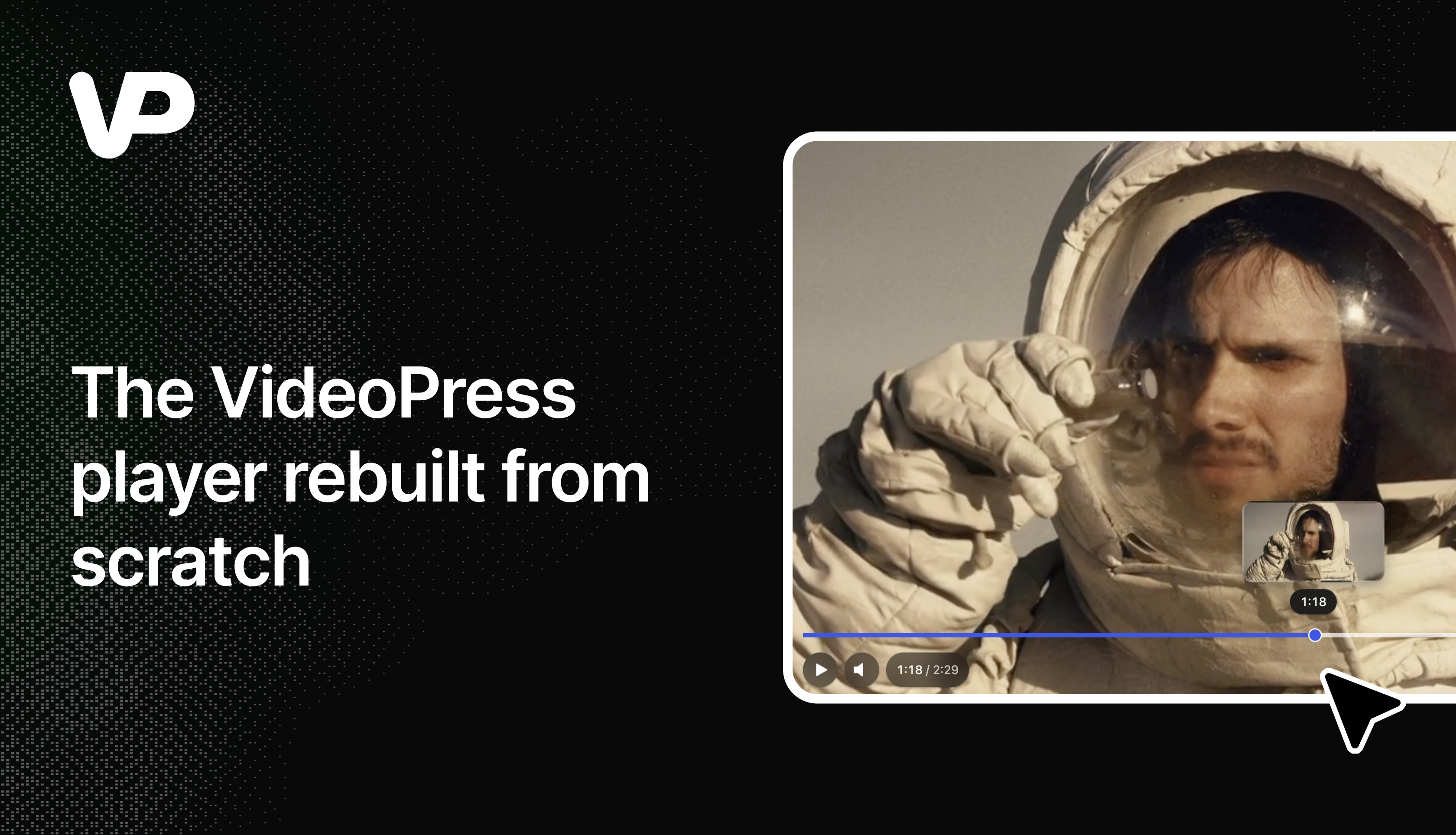
The previous VideoPress player had some issues with the seek bar’s touch area overlapping and interfering with the settings controls on mobile devices. The seek bar now sits above the control buttons, so opening the settings doesn’t also send you to an entirely different part of the video. While addressing those issues, we took the opportunity to review other parts of the player that looked very outdated. And instead of iterating on the existing frontend code, we decided to rewrite most of it from scratch.
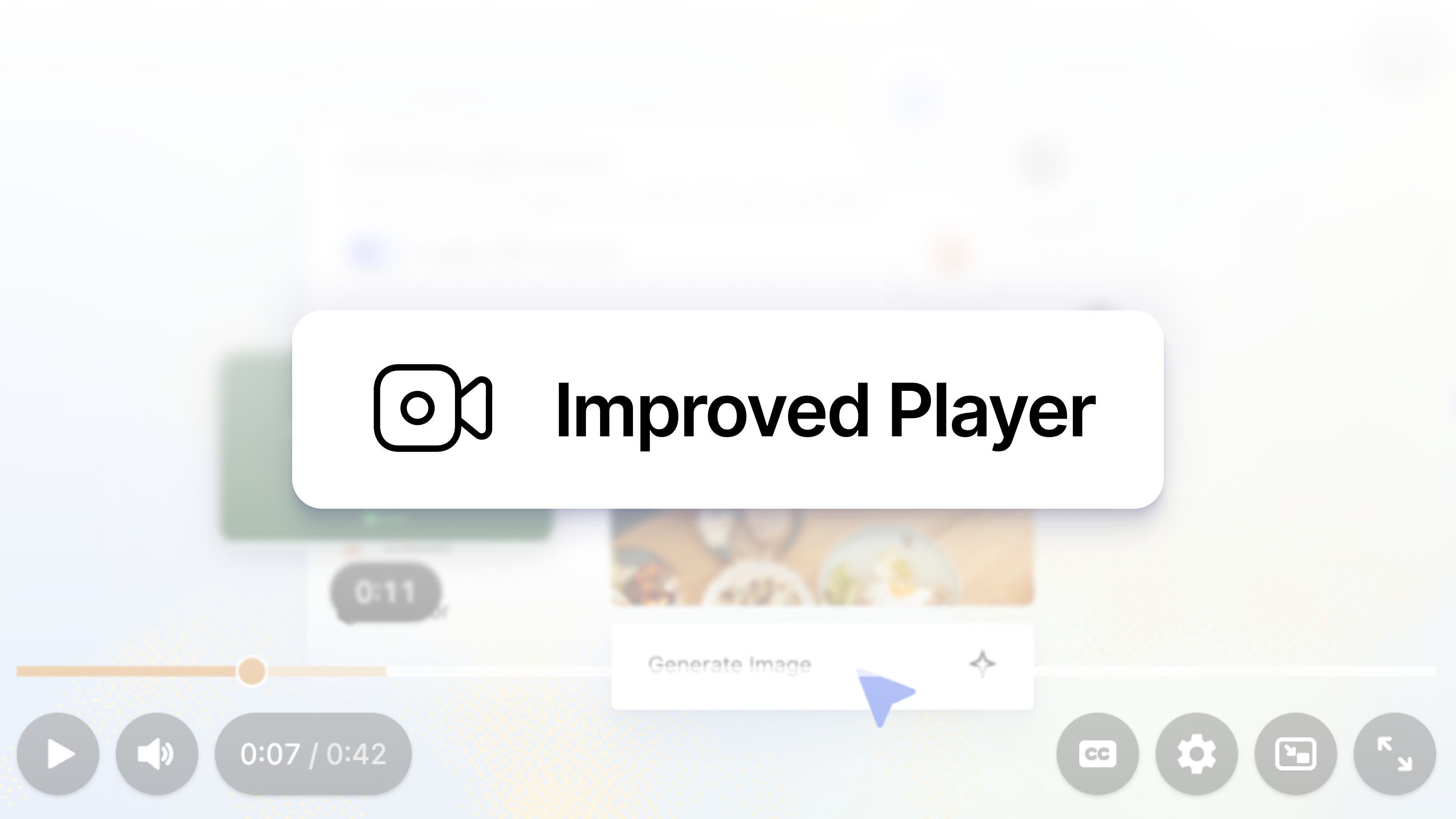
The result is a much more modern look and feel, with updated controls, new animations, and nicer settings and sharing menus — not just nicer but also more usable on mobile screens. On phones and tablets, settings and sharing open in panels that slide up from the bottom, with room to actually tap what you meant to tap. You can also double-tap the video to seek backward or forward. And when the player is embedded in a smaller space, the menus adapt to fit.
We’ve also added full keyboard support, so you can navigate the controls and menus without reaching for a mouse. When a video ends, a new end screen gives you the option to replay it or share it with someone else.
And as the saying goes, a video is worth a million words, so what better way to illustrate it than with the player itself?
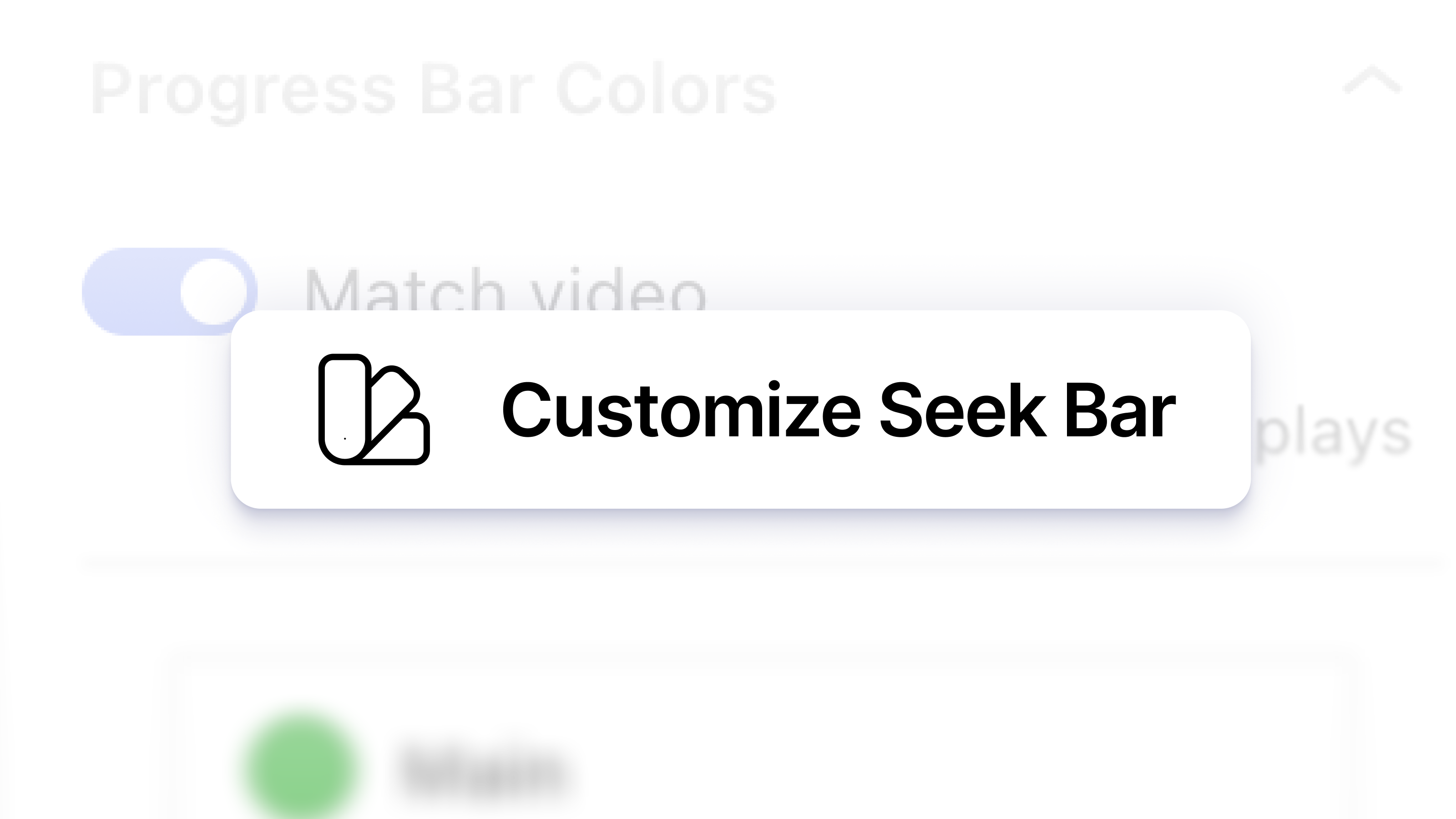
We also took the opportunity to improve a pet peeve of mine: the dynamic color seek bar algorithm. The previous algorithm often resulted in a boring grey color because it used the average color of the video frame. The newer algorithm instead tries to find the most vibrant color in the frame, resulting in more of an ambilight effect. And if you don’t like the ambilight effect, you can still customize the seek bar colors to your heart’s content using the block editor settings.
The redesigned player is already the default for everyone, with no plugin update required.
We hope you like it, and if anything feels amiss, any feedback is more than welcome.