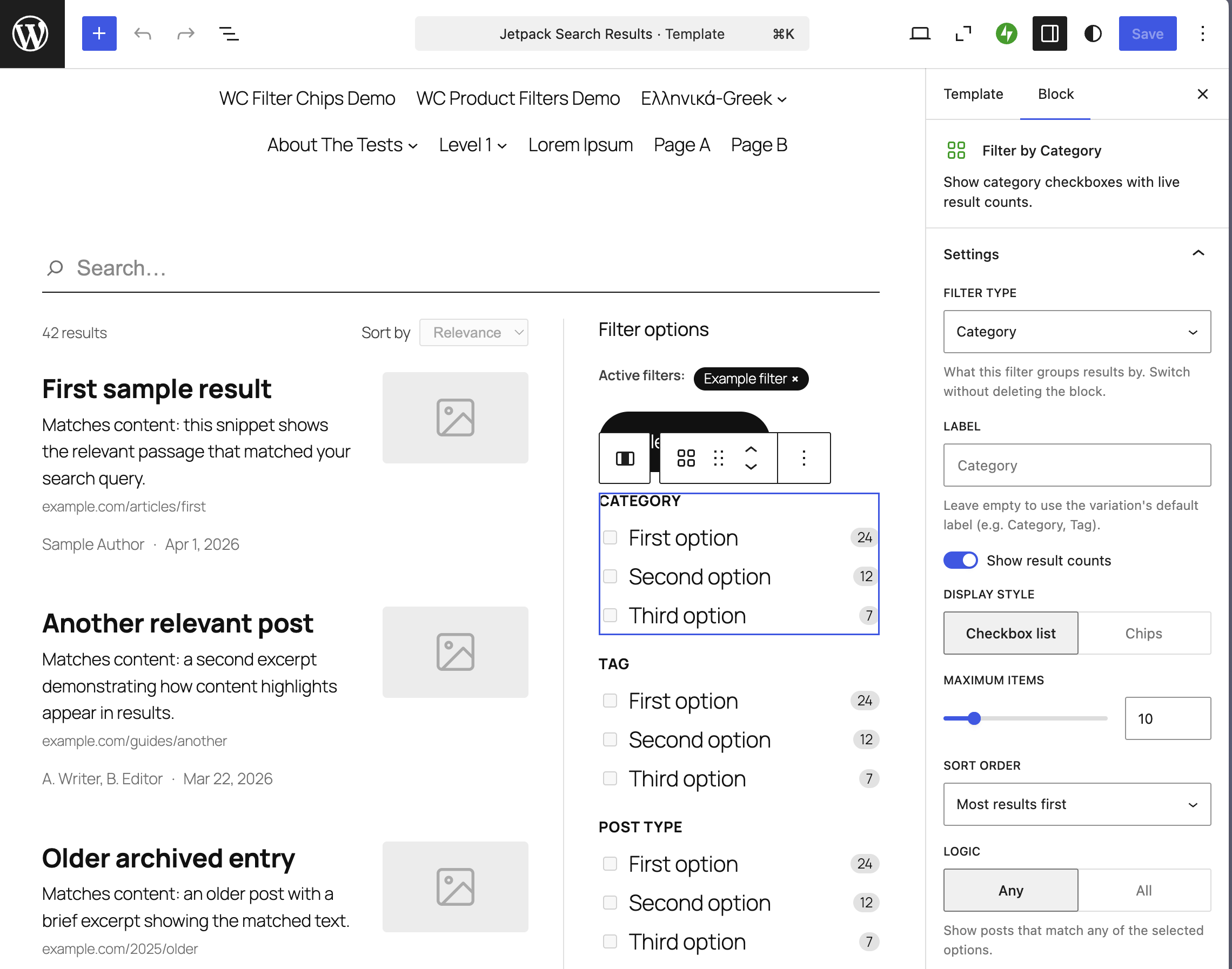
Most search results pages look the same: a list of titles, a snippet, maybe a date. Whatever your theme ships is what your visitors get — and if you want filters, sort, or a different empty state, you’ve historically had to edit theme templates by hand. With Jetpack Search Blocks, the search page is a real block template. Open it in the block editor, drop in the blocks you want, save. That’s it.
The problem with default search
WordPress search runs a standard query and renders whatever your theme’s search.html (or search.php) puts on the page. That works fine — until you want something more. Maybe you want filters by category. A “load more” instead of pagination. A different empty state. A featured pattern above the results. A sort dropdown that respects the way you organize your content. Doing any of that has historically meant editing templates by hand, or reaching for a third-party plugin that brings its own UI.
The Search Blocks library
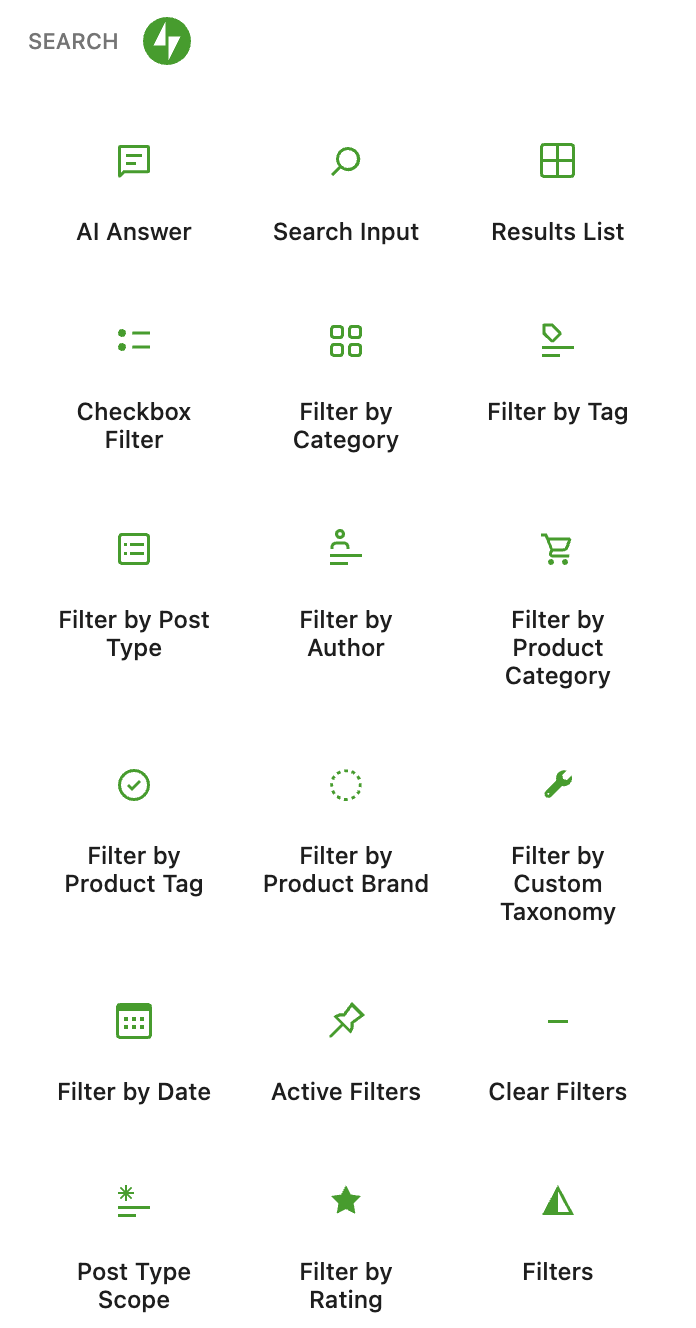
Jetpack Search Blocks ships a library of native blocks that together compose a complete search experience:
- Search Input. The search-as-you-type field. Drop it into a header, a sidebar, or the results page itself.
- Filters. Checkbox filters for taxonomies, post types, dates — plus filter compositions like the default vertical sidebar or the collapsible popover layout.
- Results. The Results List with selectable layouts, plus Results Count, Sort By, and Load More — each independently configurable.
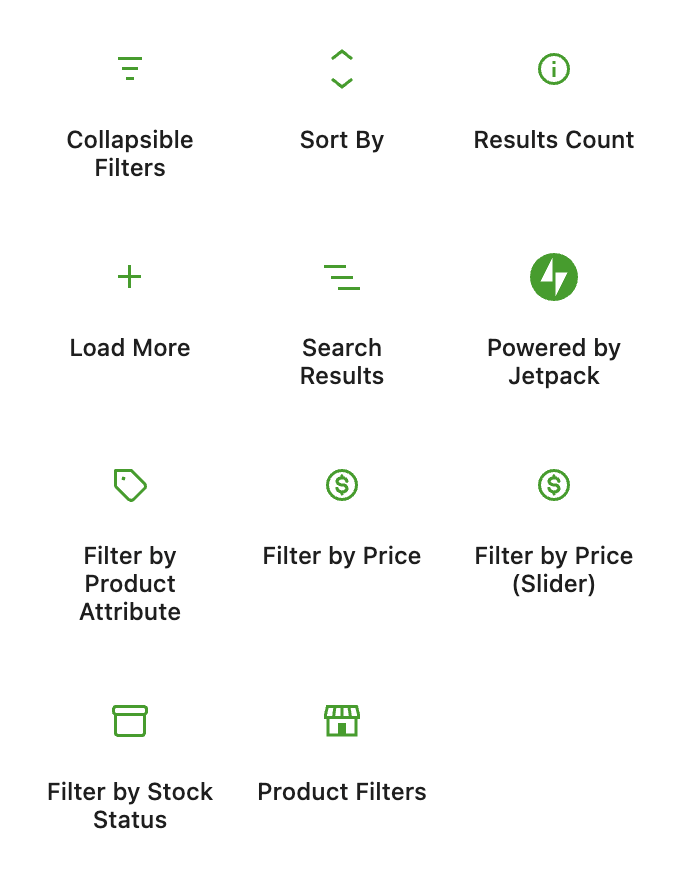
Every block exposes its own settings in the inspector — header text, layouts, how many items per page, which taxonomies to filter on. The blocks are theme-aware: they use your site’s fonts, colors, headings, and spacing out of the box, so the search page looks like it belongs on your site.
A search page you can actually design
Open the Embedded search template (on block themes) or its built-in fallback (on classic themes), and you’re in the block editor. From there, the page is yours:
- Rearrange filters into a left sidebar, a right sidebar, or a horizontal bar above results.
- Add a hero block above the results with a custom title, intro paragraph, or featured image.
- Replace the default empty state with a Pattern showing your most popular content or a CTA.
- Drop a Sort By dropdown, configure the order options, and place it wherever you want.
When you save, that’s what visitors see. Search-as-you-type still works — the filters update results in real time as visitors interact — but the layout, copy, and styling are yours.
Works with any theme
Block themes pick up the template through the same template system that powers the rest of full-site editing. Classic themes get a fallback template that ships with Jetpack Search and adopts the theme’s fonts, colors, and content width. Either way, you don’t have to migrate to a new theme to use Search Blocks.
Availability
Embedded search ships with Jetpack 15.9 / Jetpack Search 7.0 and is already live on WordPress.com Simple sites. Activate it from the Experience Selector in your Jetpack Search dashboard. Any site with a Jetpack Search plan can switch it on — no opt-in filter, no extra setup.
How did this ship so fast?
The blocks landed in a one-month sprint — Automattic’s Radical Speed Month. Two engineers used AI pair-coding to the 20 new blocks in four weeks. Backlog items that had been sitting for years finally got their week.
Make search feel like the rest of your site
If “search page” has always been the part of your site you couldn’t quite customize, this is the release that hands the keys back. Open the editor, drag in the blocks, and design the page you actually wanted.