

Over 1 million posts are shared every day
Jetpack Social makes it easier to customize and publish to your social platforms, so you can focus on writing and growing your audience.
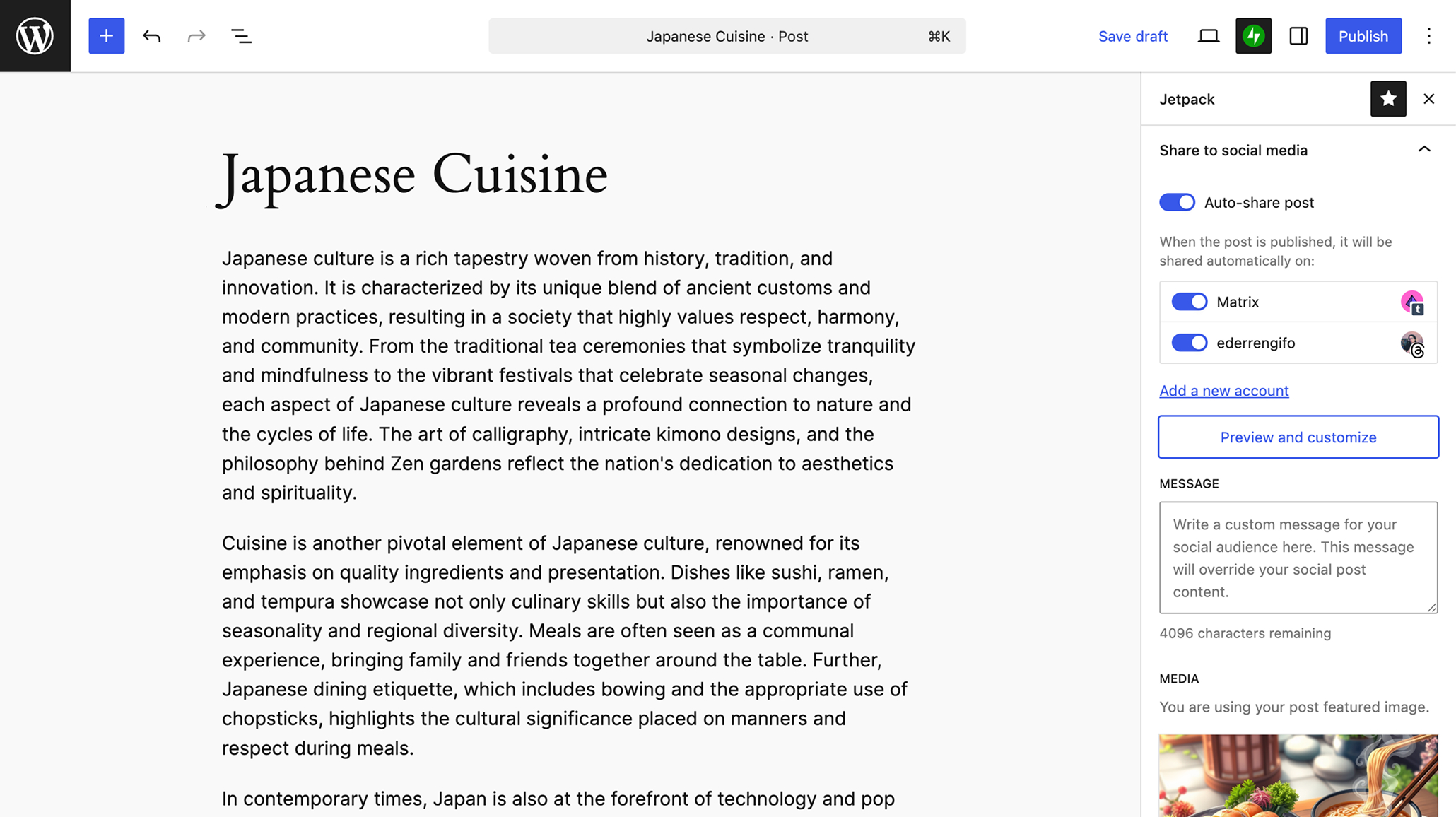
Discover all Jetpack Social features
Connect your accounts, tailor every post, and keep your audience engaged without leaving WordPress.
Connect and organize
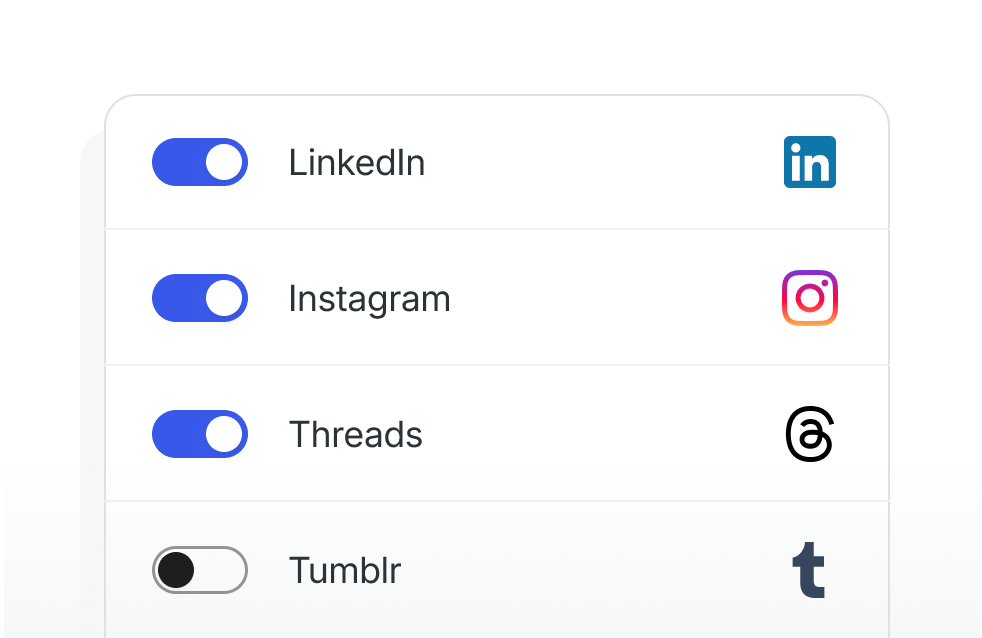
Manage your social accounts in one place
Connect the most popular social platforms and organize your accounts from your WordPress admin. Choose which accounts are active, and control sharing from the editor.
Publish with posts
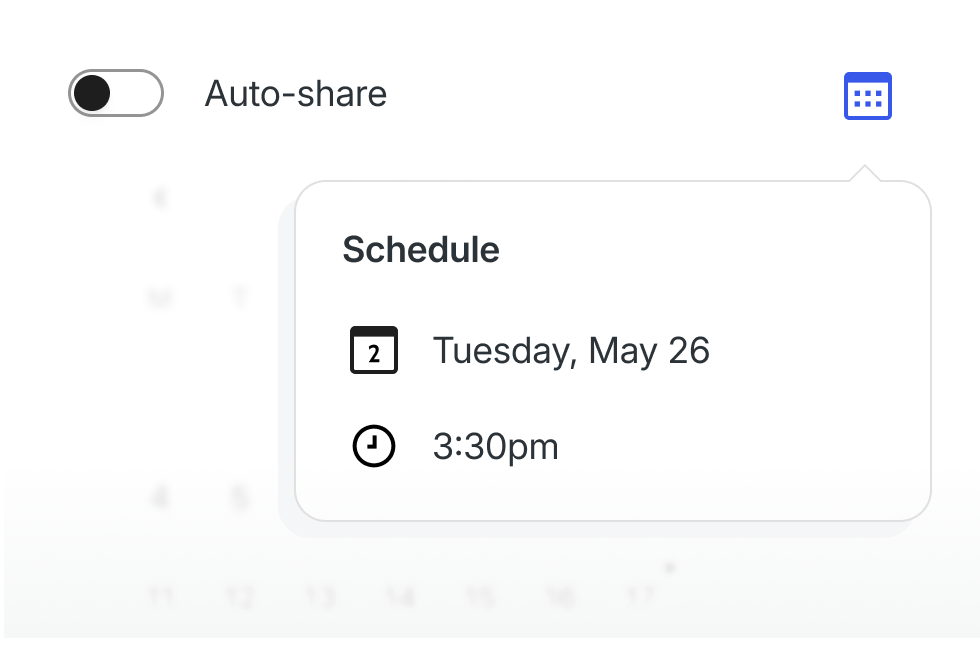
Auto-share or schedule social posts for your blog
Share automatically when you publish, or schedule posts for later. Before anything goes out, you’ll see a pre-publish confirmation to review and proofread.
Advanced customization
Customize the content for each social platform
Reach different audiences with the right message. On a paid plan, give each network and connection its own message and images, save reusable message templates per connection, then override them for a single connection right in the editor.
Learn more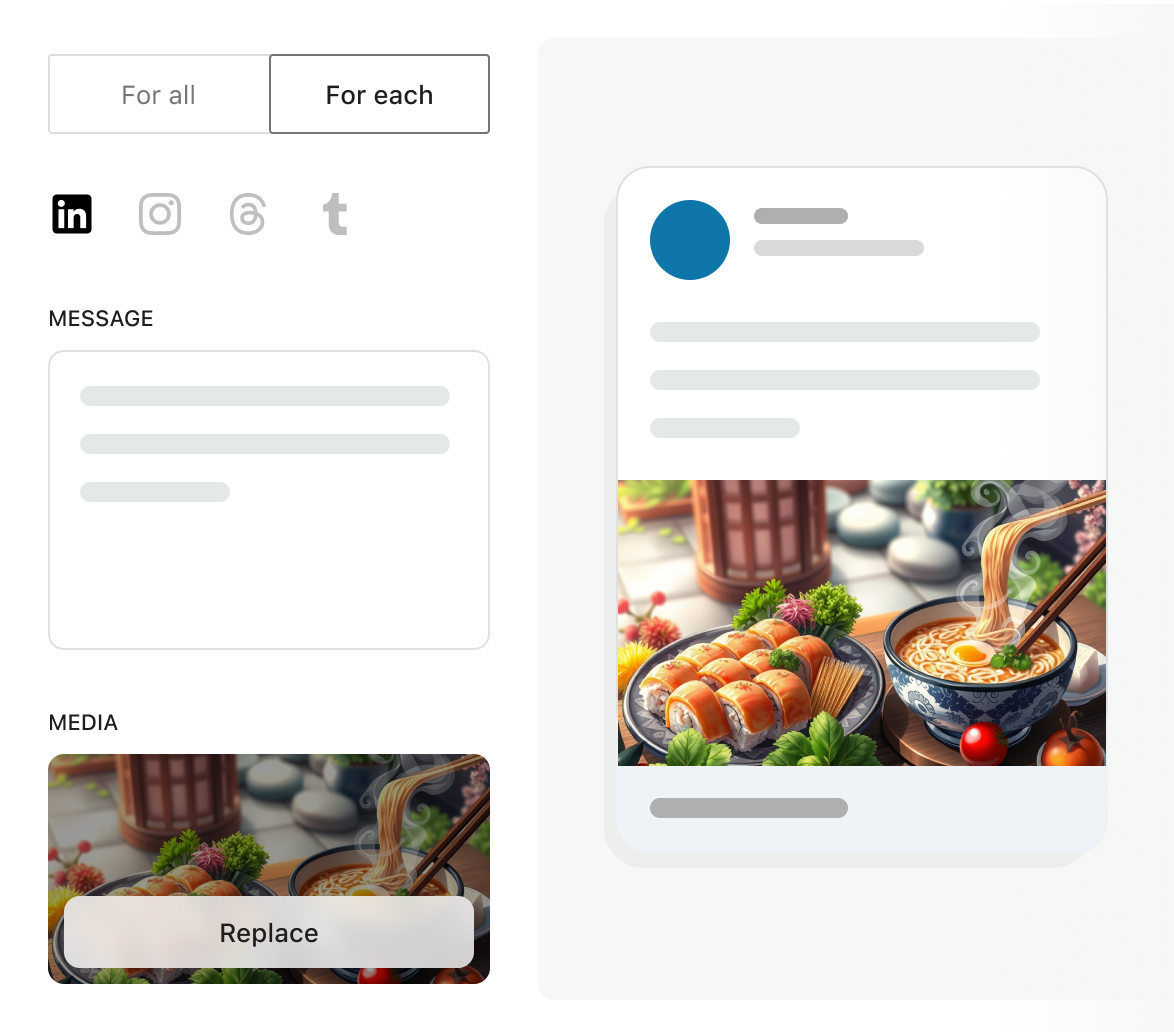
Customize visuals
Use custom media for better engagement
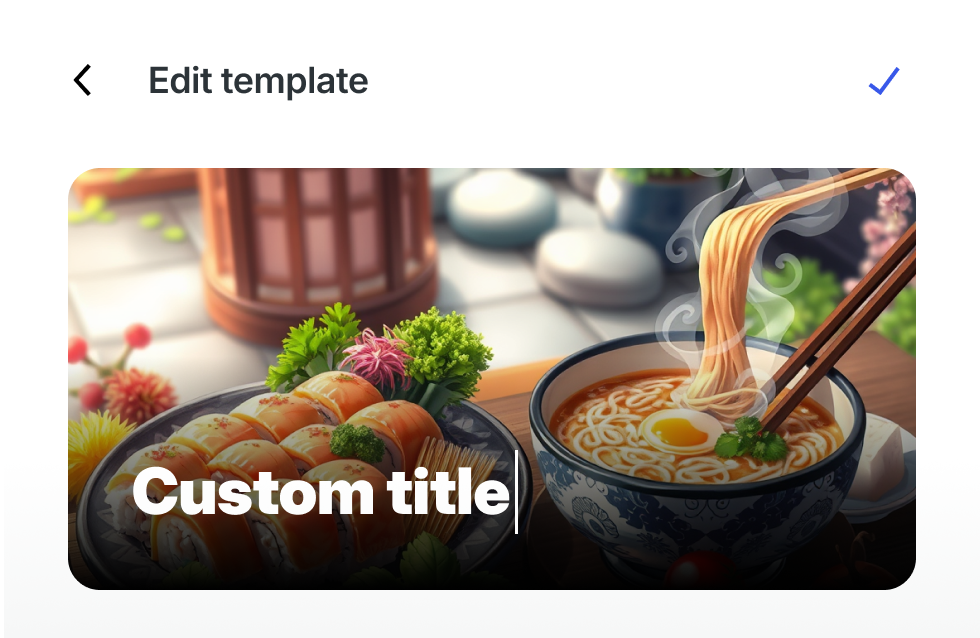
Add custom images and videos to your social posts. Upload or generate media, or compose visuals in the integrated template editor. You don’t need other tools.
Notes
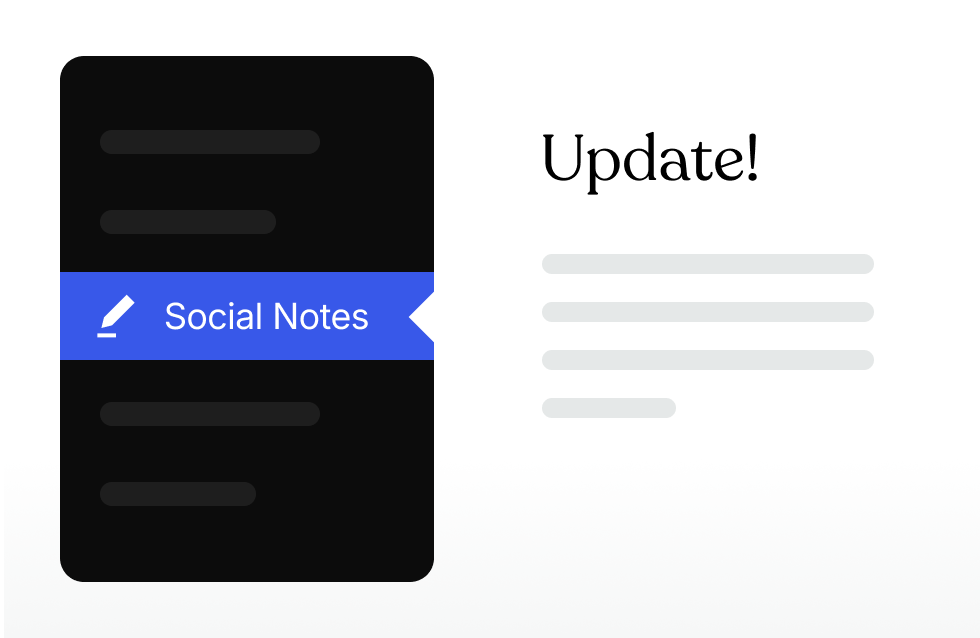
Share quick updates from your WordPress admin
Not every update needs a blog post. Create and share short Notes to stay active and keep your audience updated.
Social Free
Grow your audience effortlessly by automating posting on social media.
What's included:
- Auto-share new posts to Facebook, Instagram, Threads, Bluesky, LinkedIn, Mastodon, Nextdoor & Tumblr
- Unlimited shares
- Post previews before sharing
- Re-share and schedule published posts
- Social Notes for short updates
Social (popular plan)
per month for the first year, billed yearly
Get SocialTailor every post to each network with custom messages, templates, and media.
What's included:
- Everything in the free plan
- Customize the message and media for each network
- Reusable message templates per connection
- Upload custom images or videos with your posts
- Automatically generate images with Social Image Generator
- Priority support
* Discount is for the first year only; all renewals are at full price.

Jetpack Social questions
Learn how publishing, customization, and plans work.
Which social networks can I connect?
Can Jetpack Social publish automatically?
Can I customize a post for each platform?
Can I use my own images and videos?
Can I post an update without publishing a blog post?
Is there a free Jetpack Social plan?