

Choosing the right web host is one of the most important steps when launching a site. If you plan on using WordPress, you should opt for a service that’s specifically tailored to the CMS.
Fortunately, many companies now offer high-quality managed WordPress hosting. With this type of service, your host takes care of essential tasks like updates, security, and software configuration. That means more time to focus on creating content and growing your site.
In this guide, we’ll compare popular managed WordPress hosting companies and the plans they offer. We’ll also break down how to choose the best option for your needs, based on factors like performance, security, customer support, scalability, and price. Let’s get started!
TL;DR: Our top managed WordPress hosting picks
If you just want the best pick for your situation:
- Best overall performance: Pressable
- Best all-in-one for businesses and creators: WordPress.com
- Best budget entry point: Bluehost / IONOS
- Best for agencies/dev workflows: Liquid Web or Pressable
- Best for WooCommerce: WordPress.com Commerce plan or a host with strong server-side caching + scalable resources
What is managed WordPress hosting?
Managed WordPress hosting is a service that’s designed to deliver a hands-off, high-performance experience. With managed plans, the host handles security, updates, and performance optimization — a key benefit that reduces maintenance time.
Some hosting providers focus specifically on WordPress websites, so their features are built specifically for WordPress, rather than general-purpose hosting tools.
Typically, managed WordPress hosting includes some or all of the following:
- Increased security. Your hosting provider will handle key aspects of WordPress security to ensure that your site is protected from hackers and malware. This can include scanning for vulnerabilities and providing regular updates and patches.
- Performance optimization. Top providers tend to use server-level caching and content delivery networks (CDNs) to deliver the fastest managed WordPress hosting experience.
- Managed updates. They’ll take care of WordPress updates for you. This ensures that the site is always running the latest and most secure versions of software.
- Automatic and on-demand backups. Most managed hosts will create and store backups of your site.
- Expert WordPress technical support. Managed hosting plans usually include access to WordPress specialists who can troubleshoot issues and share best practices.
- Access to staging environments. Many managed hosting providers offer staging environments where you can test changes or updates to your site before they go live.
- Increased scalability. Managed hosts typically handle traffic spikes better than unmanaged hosts. Depending on the plan you choose, you might get access to a virtual private server (VPS) or a dedicated server. That means that you’ll either share resources with fewer websites or even have an environment all to yourself.
The primary goal of the best managed WordPress hosting companies is to offer a hassle-free server environment. This enables you to focus on growing your site, without worrying about the technical details behind the scenes.

The importance of choosing the right WordPress managed hosting provider
If you don’t take the time to research web hosting providers, it’s easy to end up with a service that falls short. While switching hosts is always an option, migrating a site can be time-consuming and disruptive.
When choosing a WordPress hosting provider, it helps to read as many reviews as possible. While doing so, try to pay special attention to the following:
- Server performance. Site speed is critical to your website’s success. Your web host should offer top-of-the-line performance.
- Uptime guarantees. These days, any decent web host offers near-perfect uptime. That means that uptime averages above 99% and, typically, even closer to 100%.
- Security practices and tools. A strong hosting provider includes multiple security measures to help protect a site from common threats.
- Backups and recovery solutions. Managed hosting plans should include automated and on-demand backups, along with the ability to restore a site directly from the hosting dashboard.
- Expert WordPress support. Managed WordPress hosts should provide support from agents trained in the CMS, so technical issues can be resolved quickly and accurately.
- Scalability. Prioritize scalable managed WordPress hosting so you can upgrade as your site grows. Managed web hosts tend to cater to sites with higher performance needs.
Price also plays an important role when selecting a hosting provider. For that reason, this guide reviews managed WordPress hosting options that combine strong features with reasonable starting prices.
A review of nine managed WordPress hosting providers
Now it’s time to look at some of the best managed WordPress hosting providers available today. This section compares key features, pros and cons, and pricing, making it easier to decide which option fits your needs.
1. Pressable
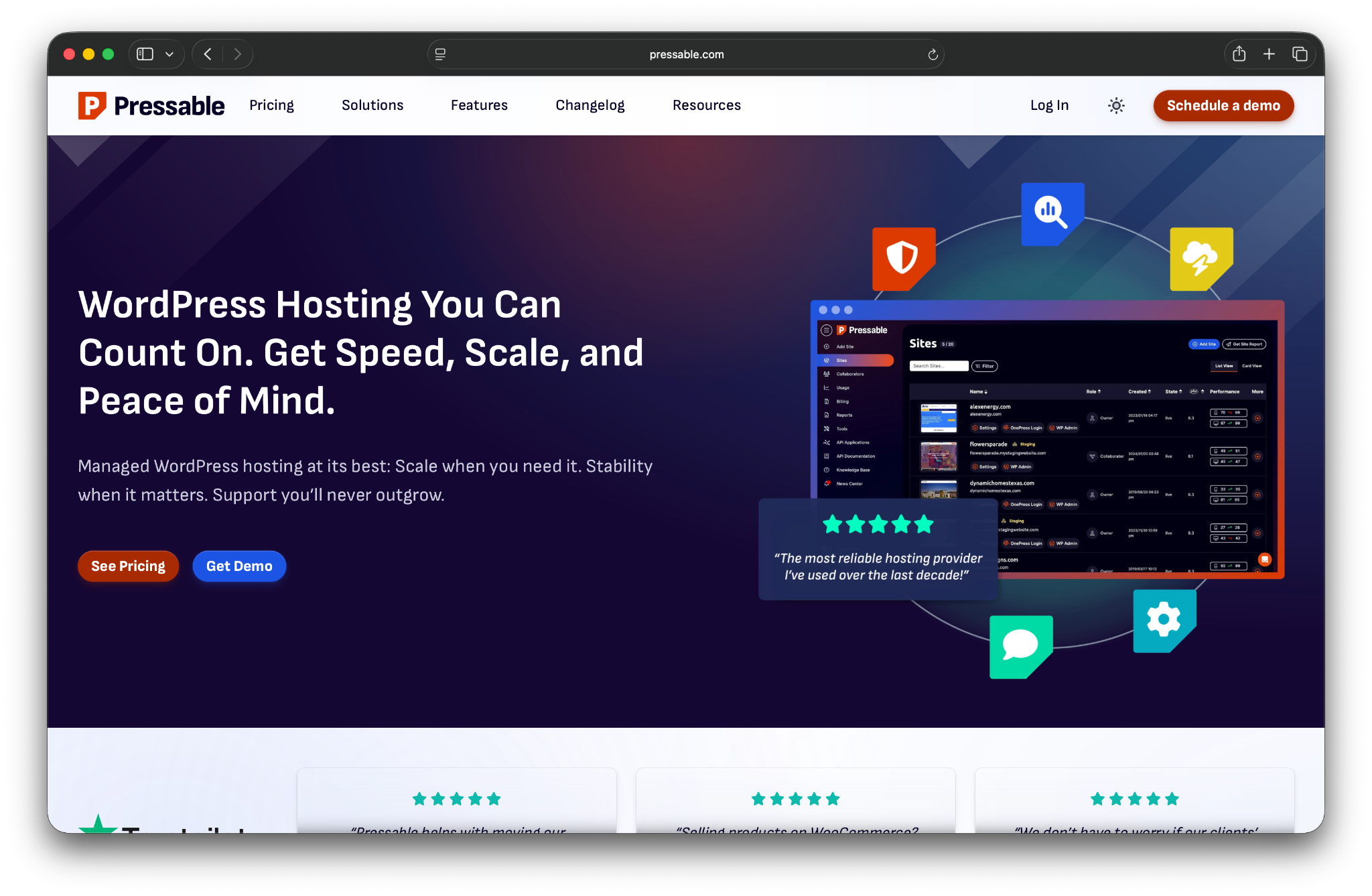
In terms of performance, few hosting providers can match Pressable. This managed WordPress host focuses on providing the best possible service and combines top-of-the-line security and advanced WordPress features.
Pressable is owned by Automattic, the company behind WordPress.com. As a result, white glove support is handled by Automattic Happiness Engineers that genuinely know WordPress inside and out. Its managed hosting plans include many of the features expected from a premium service, such as free SSL certificates, automatic backups and updates, a web application firewall (WAF), malware scanning, and hack recovery assistance.
Pressable also includes Jetpack Security, adding protection against threats like brute force attacks, malware, and spam. Should anything go wrong, there are ultra-fast recovery options as well.
Pricing is flexible and scales based on the number of sites hosted or the amount of monthly traffic, making it easy to choose a plan that matches a site’s size and growth expectations.
Key features:
- Support for as many websites as you need with auto-scaling for bursts of high traffic
- Automatic backups
- A web application firewall
- Malware scanning, cleaning, and hack recovery assistance
- An advanced plugin update scheduler
- Performance reports
- Automatic failover
- A free global CDN
- Smart staging environments
- An included Jetpack Security plan
Pros and cons:
Pressable is known for its premium support and service, but it’s likely the best managed WordPress hosting company if you also care about the best performance for your website. It offers a fantastic collection of managed features and top-tier security.
If you have to find a con, it’s pricing. While plans are flexible, they’re designed for growing or high-traffic sites and may be more than smaller projects want to spend.
Best for:
High-traffic sites, publications, and agencies that require elite, reliable performance, support, and scalability.
Pricing:
Pressable offers a broad range of plans. Prices start at $20.83 per month for one website with support for up to 5,000 visitors per month. Pressable also offers custom options for those with very specific needs.
2. WordPress.com
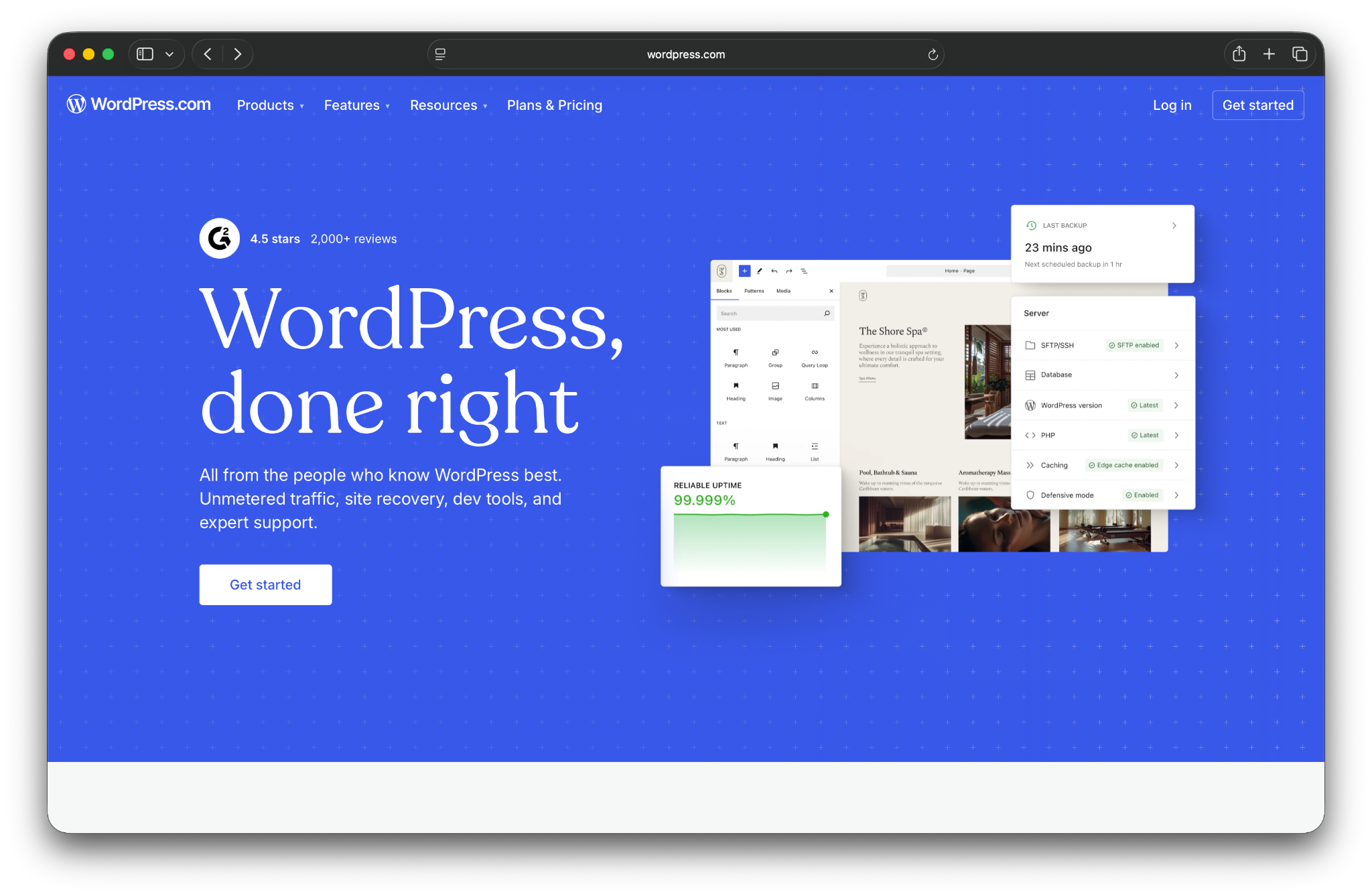
With WordPress.com managed hosting, you tap into one of the fastest and most reliable infrastructures on the market. Real-time backups, burst scaling, and automated failover are some of the standout features.
The best part? None of those features are paid add-ons. Everything you need is built into the cost of a Business ($25/month) or Commerce ($45/month) plan.
Each plan includes one website, plus every feature you see below. The centralized site and domain management dashboards are a nice touch for developers, designers, and agencies who manage multiple sites and projects.
With WordPress.com, domains, hosting, and site-building happen all in one spot so you can focus more on creating content and other important tasks and less on handling the intricacies of hosting.
Key features:
- 99.999% uptime
- Free domain registration for one year
- Plugin support, including automatic updates
- Automated burst scaling
- Multi-region, real-time failover
- Automated edge caching
- A built-in CDN
- 24/7 expert support
- Real-time backups
- DDoS mitigation
- Malware scanning and removal
- An extensive theme library, plus tools to build custom themes
- Free Jetpack integration
Pros and cons:
WordPress.com stands out for the sheer number of features included with its managed hosting plans. Real-time backups, advanced security tools, performance optimizations, and spam protection are all bundled into the base price, offering strong value compared to purchasing similar tools separately.
Because the hosting platform is built and maintained by WordPress.com, every feature is designed to work seamlessly with WordPress.
That said, each plan is limited to a single website. This may be less appealing for users who need to host multiple sites under one account.
Best for:
Creators and businesses that prioritize security and simplicity and want an all-in-one platform managed by the experts behind WordPress itself.
Pricing:
The Business plan offered by WordPress.com is $25 per month, which includes the vast majority of features. The Commerce plan at $45 per month adds ecommerce features, making it the best managed hosting for WooCommerce. It also includes powerful add-ons like loyalty programs and marketing automation.
3. Bluehost
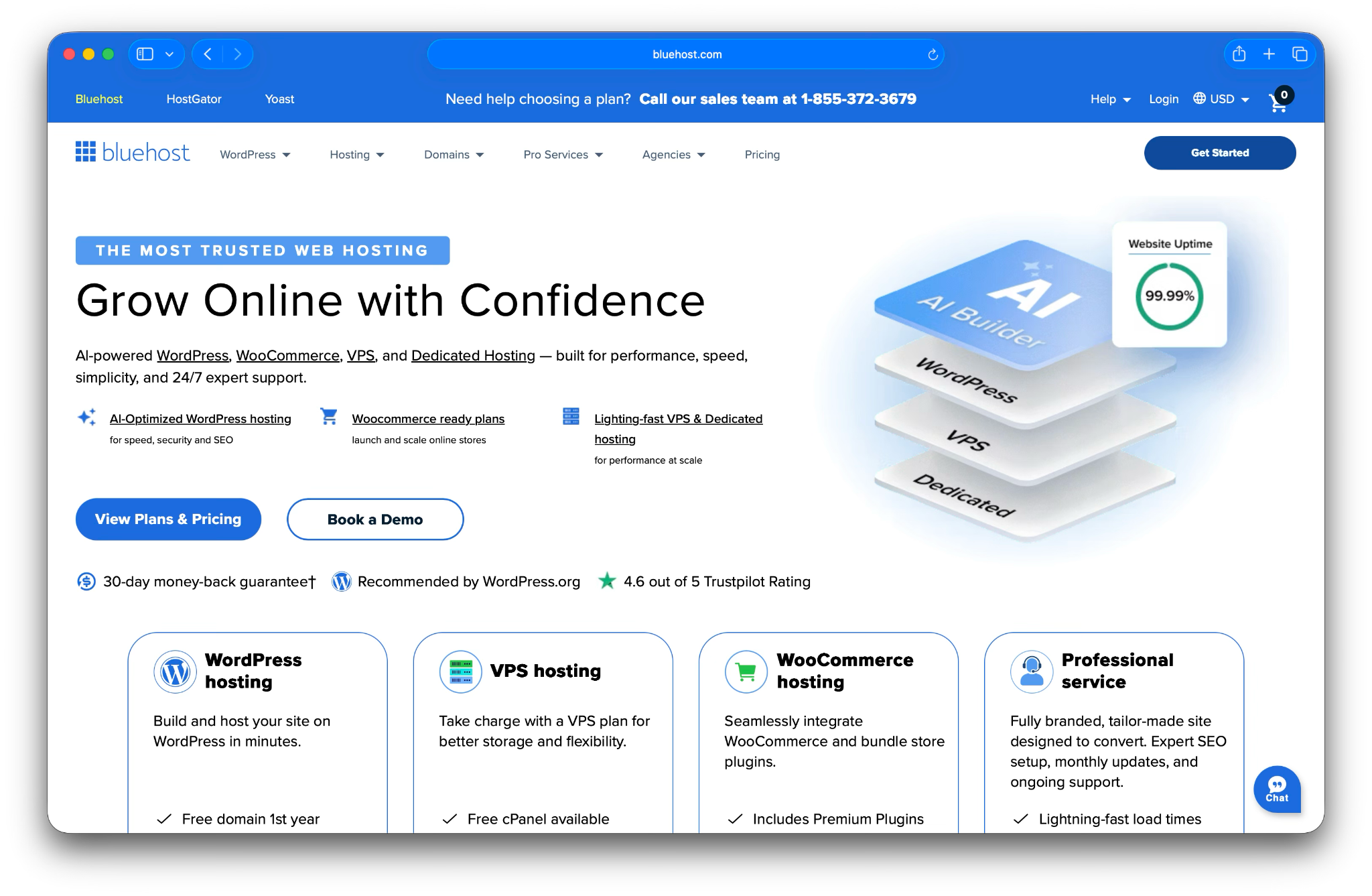
Bluehost is another popular hosting provider. The company offers a large selection of hosting plans, ranging from shared to dedicated options. Bluehost also provides domain registration, email hosting, and access to web design and development professionals.
In addition to its standard hosting plans, Bluehost offers several WordPress-specific options. These include basic WordPress shared hosting, WooCommerce hosting, and fully managed WordPress plans. This variety makes Bluehost a popular choice for beginners and small organizations.
Bluehost’s managed WordPress plans come with a free content delivery network, a collection of professionally built WordPress themes, automatic updates, round-the-clock phone support, and free Secure Sockets Layer (SSL) certificates. Higher-tier plans also include daily backups and malware scanning tools.
Key features:
- Support for multiple websites (on some plans)
- Free CDN integration
- Around-the-clock phone support
- Automatic daily backups (not available on all plans)
- Malware scanning tools (not available on all plans)
- Bundled premium WordPress themes
- Bundled ecommerce plugins (with the Online Store plan)
- Free WordPress migrations
Pros and cons:
Bluehost stands out for its affordability. Depending on the contract length, managed WordPress hosting plans can cost just a few dollars per month when billed annually. The inclusion of premium themes and ecommerce plugins adds value, especially for new site owners.
Another advantage is its round-the-clock phone support, which is still uncommon among managed WordPress hosts. This can be especially helpful for users who prefer real-time assistance.
Best for:
Businesses and bloggers seeking a user-friendly and affordable entry into managed hosting.
Pricing:
With Bluehost, you can get some of the best WordPress hosting deals, with plans starting at just $9.99 per month.
4. DreamHost

DreamHost’s line of managed WordPress hosting plans is called DreamPress, which offers three options. In terms of pricing, DreamHost is in the middle of the pack.
Every DreamPress plan comes with a trove of WordPress features. You’ll get a free domain, email hosting, on-demand backups, and staging functionality. DreamPress will also set up Jetpack on your WordPress website. It also comes with a massive library of ready-to-go themes that you can use for your website.
Support is available via live chat and email. Higher-tier DreamPress plans include priority support, which delivers faster response times.
Key features:
- Support for one website (on all plans)
- One-click staging sites
- Built-in caching
- CDN integration
- Free WordPress migrations
- Free domain registration
- Automatic WordPress updates
- Automated and on-demand backups
- SFTP, SSH, and WP-CLI support
Pros and cons:
DreamPress delivers a well-rounded managed WordPress hosting experience with a strong feature set. The included templates, integrations, and built-in tools make it a good option for users who want flexibility without relying heavily on third-party services.
There are a few downsides to using DreamPress. First, support is not unlimited.
Additionally, the basic tier doesn’t offer CDN integration, and some features are only available with the more expensive plans.
Finally, each plan is limited to a single website. This means DreamPress can be an expensive option if you’re looking to host multiple sites.
Best for:
Businesses and bloggers who want a reliable, independent host with excellent value and a strong commitment to uptime.
Pricing:
DreamPress plans start at $19.99 per month and go down a bit if you pay yearly. There’s also a big difference in price between DreamPress 3 and DreamPress 5 plans.
5. Hosting.com
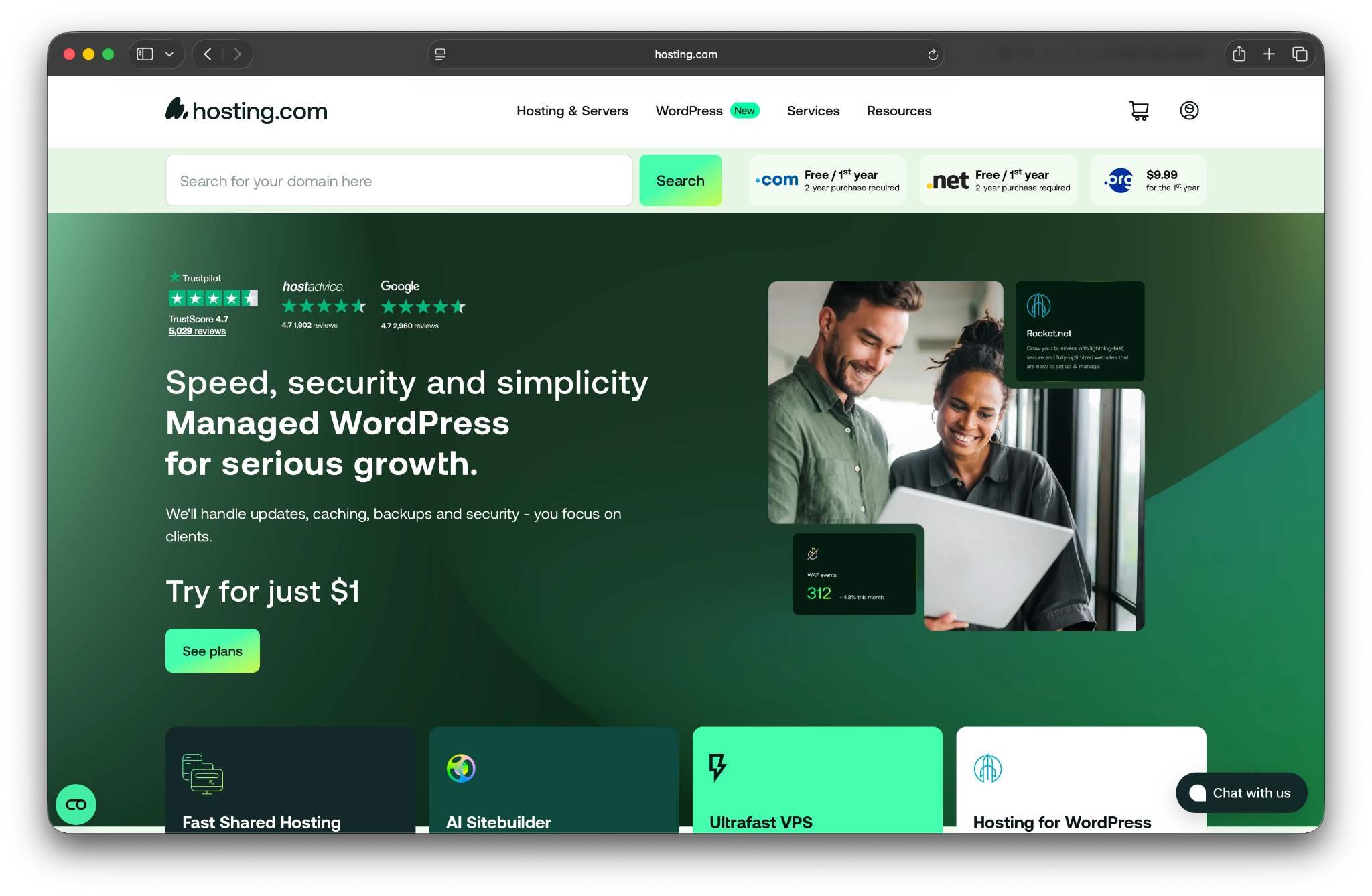
Hosting.com (formerly A2 Hosting) offers almost every type of hosting plan imaginable. The company’s managed hosting service comes with a strong set of features and a compelling price-to-performance ratio.
While Hosting.com’s managed WordPress plans aren’t strictly budget-focused, they remain competitively priced for the level of performance included. Some plans also support multiple or unlimited websites, which adds flexibility for growing sites.
Managed WordPress plans include features such as automated daily backups, Jetpack integration, automatic updates, staging environments, and 24/7 support. Support is available via phone, live chat, and email, with agents trained to handle WordPress-related issues.
Key features:
- Support for one or more websites (depending on the plan)
- Jetpack integration (with more advanced tools available on higher-tier plans)
- Support via phone, chat, and email
- Daily website backups
- Daily malware scans (via a Jetpack integration)
- Staging sites
- Automatic WordPress updates
Pros and cons:
One of Hosting.com’s biggest advantages is the variety of managed WordPress plans available at different price points. The ability to host multiple sites on a single plan also makes it a flexible option for users managing more than one WordPress installation.
That said, the plan structure may feel confusing at first. Hosting.com uses similar plan names across its standard hosting and managed WordPress offerings, even though the features and limits differ between them. This means plans with the same name aren’t always equivalent, so it’s worth double-checking plan details before choosing one.
Best for:
Performance-conscious users who want faster-than-average speeds without paying premium prices.
Pricing:
Hosting.com’s prices for managed WordPress hosting vary depending on the number of websites you want to set up. More expensive plans offer support for unlimited websites, as well as better Jetpack integrations and site optimizations.
Plans start at $14.99 per month.
6. Liquid Web

Liquid Web is one of the most developer-friendly managed hosting companies you can find. Unlike many managed hosts, it offers full server access, giving advanced users the freedom to customize server configurations as needed.
The platform places a strong emphasis on performance. Servers are tuned for speed, and Liquid Web includes several performance-focused plugins, such as tools for plugin monitoring and image optimization.
If you use WooCommerce, Liquid Web can also set up automatic daily testing for you. This feature will help you identify any issues with your store. Plus, the support team can fix any problems that come up.
Aside from those features, you also get some of the basic perks you can expect from most managed web hosts, including free SSL setup, staging sites, automatic daily backups, and developer tools like WP-CLI support.
Key features:
- Support for large numbers of websites
- Full access to the server
- Performance optimization plugins
- Automatic daily testing for WooCommerce stores
- Staging sites
- Automatic daily backups
- WP-CLI support
Pros and cons:
Liquid Web stands out for offering managed WordPress hosting with full server control. This level of access is a major advantage for experienced developers, but may feel overwhelming for users without server management experience.
You can get the most out of Liquid Web’s managed WordPress hosting if you run a WooCommerce store. The company’s automated daily testing is a fantastic tool that helps ensure your store is running perfectly at all times.
Another advantage is how Liquid Web structures its managed WordPress plans around both features and resources. Core capabilities like daily backups and migration support are consistent across plans, while higher tiers unlock additional tools such as extended backup retention, advanced security features, and staging environments.
This makes it easier to choose a plan based on how much functionality and scale a site needs, though the plan names and feature differences can take some time to understand.
Best for:
Developers, agencies, and mission-critical websites that require premium performance, control, and great support.
Pricing:
Liquid Web’s managed WordPress hosting plans start at around $6 per month and support a single website. Pricing scales based on the number of sites, available resources, and included features, making it easier to choose a plan that matches a site’s size and complexity.
7. EuroDNS
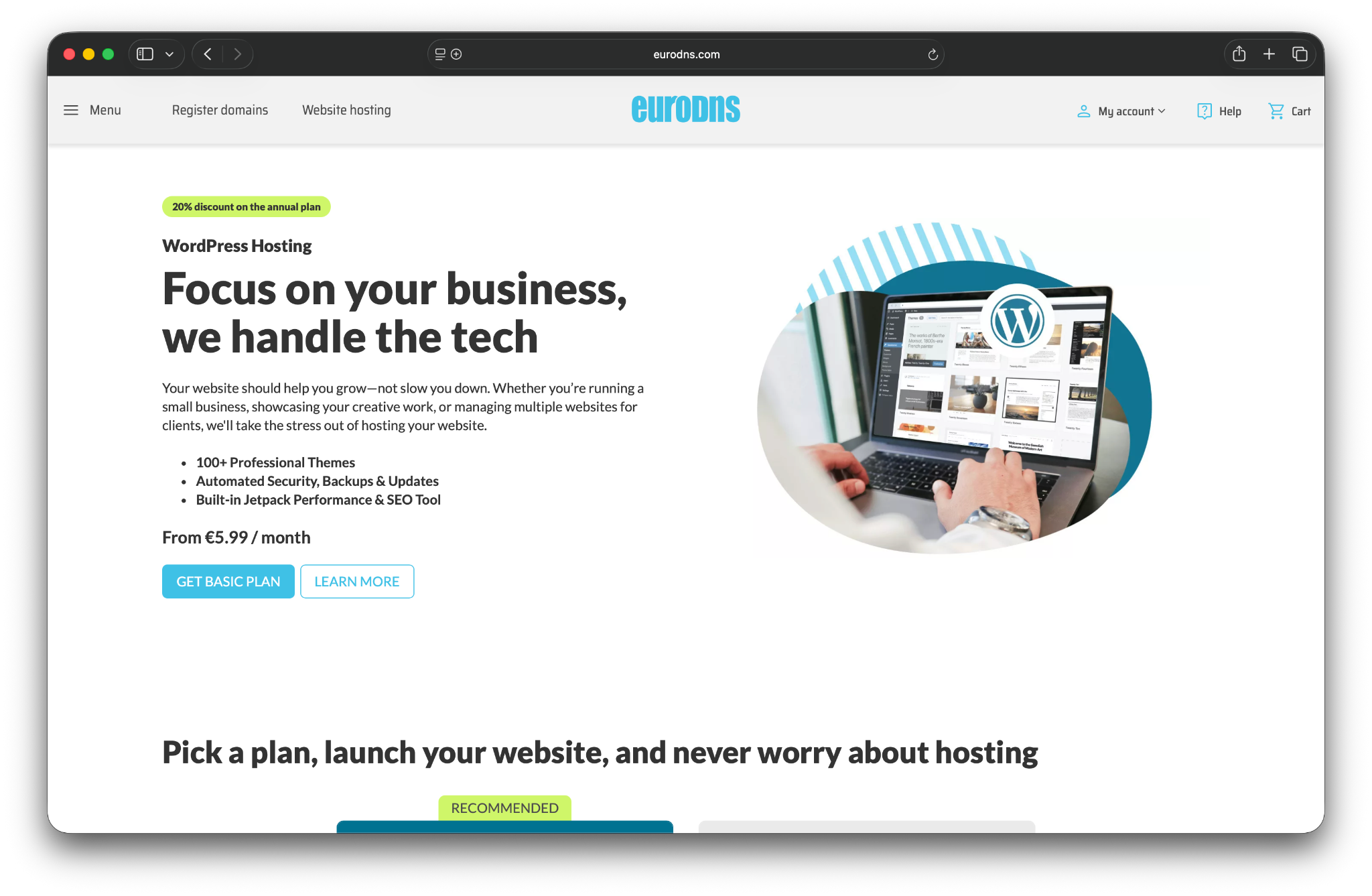
EuroDNS offers a mix of services, including domain registration, DNS management, and managed WordPress hosting. Its managed WordPress hosting is designed to be simple and accessible, with just two plans available: Basic and Advanced.
Most of EuroDNS’s managed WordPress hosting features are powered by Jetpack. Through this integration, plans include automatic backups, malware scanning, automatic WordPress updates, and content delivery network (CDN) support.
EuroDNS offers support through phone and email. Your account also entitles you to priority support from Jetpack if you experience any issues.
Key features:
- Support for one website
- Jetpack integration
- Automatic backups
- Malware scanning
- Automatic WordPress updates
- CDN integration
- Support via phone or email
Pros and cons:
EuroDNS makes your life easy by only offering two managed WordPress hosting plans. The downside is that the WordPress Basic plan offers a meager 1GB of storage, which is not enough for many sites.
The main draw of using EuroDNS is its integration with Jetpack. If you’re a fan of Jetpack and its many features, EuroDNS enables you to get hosting for a cost that’s similar to a premium Jetpack license.
Best for:
WordPress website users, especially those located in Europe, who want the convenience of managing hosting and domains on a single platform.
Pricing:
Prices start at €5.99 per month for the WordPress Basic plan, but you’re better off paying for the Advanced plan if you want more features and storage. This will cost €11.99 per month.
8. IONOS
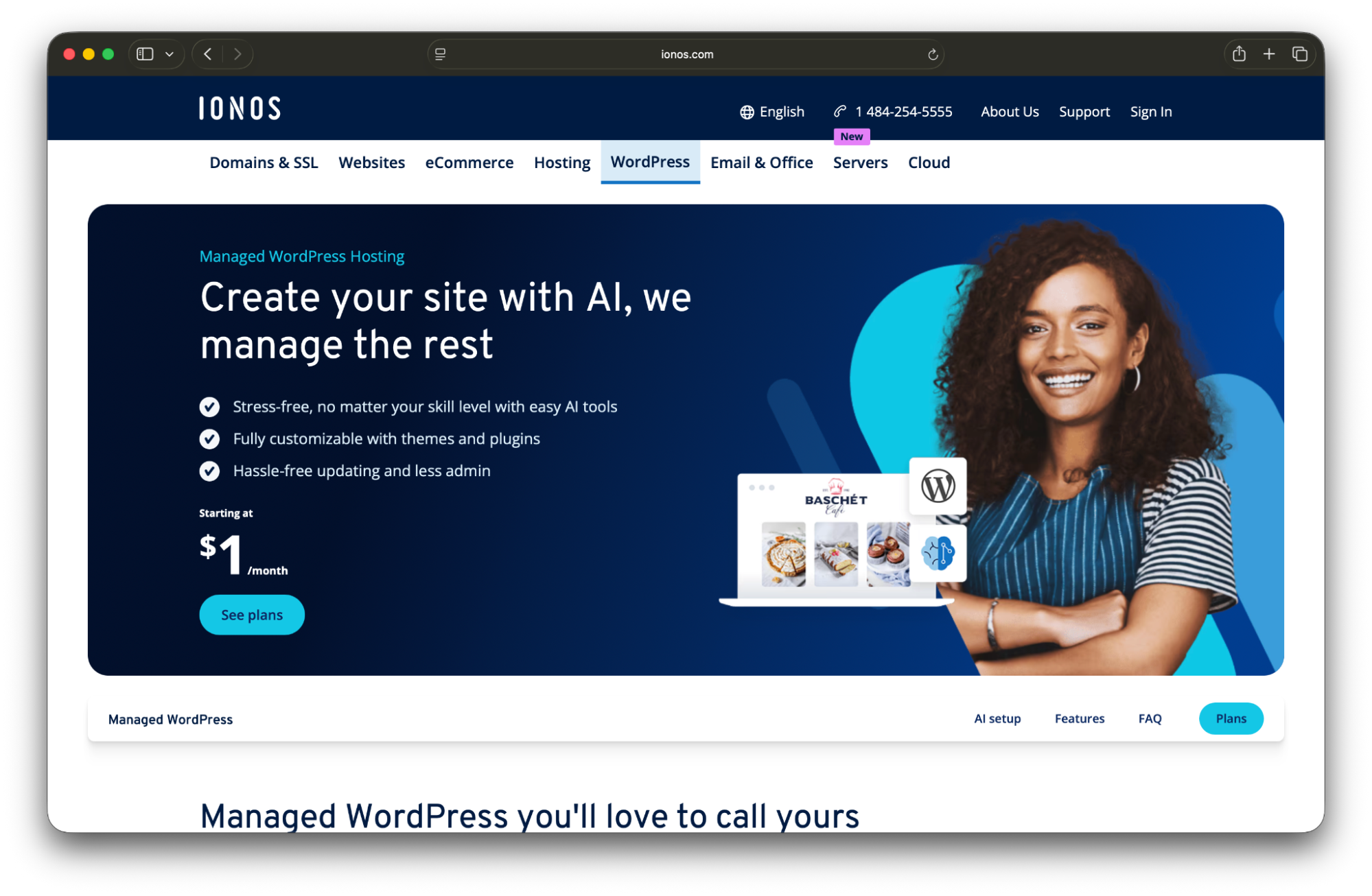
IONOS is one of the most affordable managed WordPress hosting providers available, with entry-level plans are often priced at just a few dollars per month. It also offers a guided onboarding experience that’s especially helpful for new site owners.
After signing up, IONOS’s WP Assistant walks users through a short setup process to help choose a theme and connect a domain and email account. This works well because all plans include free domain registration and email hosting.
With IONOS, you get to enjoy backups through Jetpack. Plans come with 12 free months of Jetpack Complete, which includes real-time backups, daily malware scanning, CDN integration, and many other features.
Depending on the plan you choose, you’ll also get access to a caching plugin and repairs in case of malware infections. If you find yourself in a technical bind, you can contact IONOS support through phone, chat, or email.
Key features:
- Support for one website
- Jetpack integration with access to the entire suite of tools and a one-year free subscription
- Automatic, real-time backups
- Malware scanning and cleanup (the latter is only available with the Boost plan)
- Free domain registration
- A website configuration wizard
- A caching plugin
- Support through chat, email, and phone
Pros and cons:
Affordability is IONOS’s biggest strength. Few managed WordPress hosts can match its low introductory pricing, and even renewal rates remain competitive compared to many alternatives.
The included WP Assistant is another standout feature, particularly for first-time WordPress users. It simplifies early setup tasks that often slow down new site launches.
On the downside, most of the platform’s advanced capabilities aren’t proprietary. Though its integration with Jetpack provides a ton of value, IONOS offers fewer built-in managed hosting features overall than some high end providers.
Best for:
Budget-conscious individuals, small businesses, and first-time WordPress users who want an affordable managed hosting plan with guided setup and bundled essentials.
Pricing:
IONOS offers aggressive introductory pricing. Entry-level plans typically start at around $1-$2 per month during the initial contract and increase to $4-$8 per month upon renewal, depending on the plan.
9. InMotion Hosting
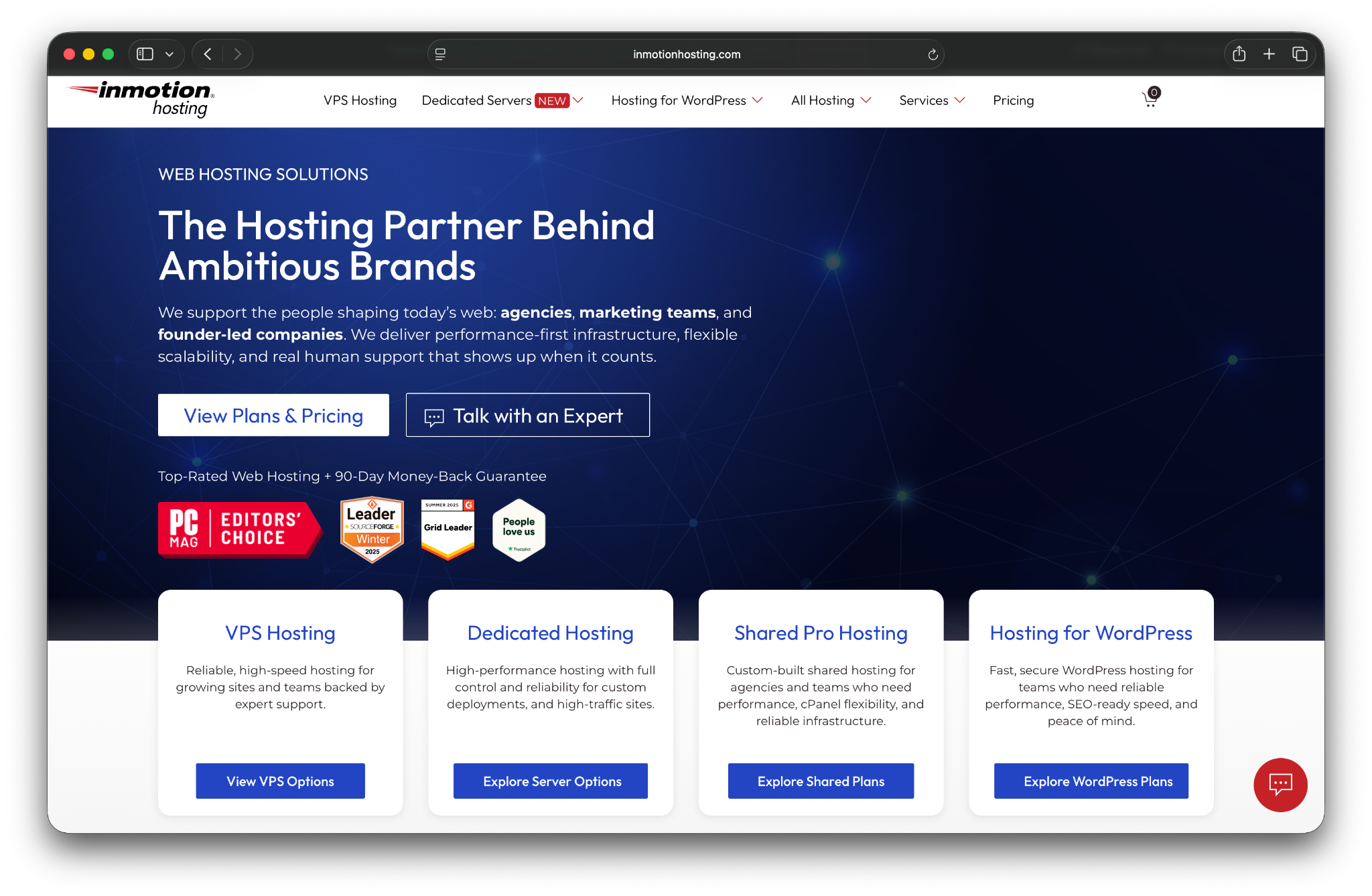
InMotion Hosting offers all kinds of plans, including high-quality managed WordPress hosting options. These are designed to provide the best possible performance and offer many developer-friendly features.
InMotion Hosting comes with automatic daily backups, staging functionality, and a custom WordPress hosting dashboard that makes it easy to manage multiple websites. InMotion Hosting also supports direct client billing, which allows agencies to have clients pay for hosting directly while retaining control over site management.
Key features:
- Unlimited WordPress websites
- Automatic backups
- Staging and playground environments
- DDoS protection and a web application firewall
- Customizable WordPress updates
- Direct client billing
- Fully isolated resources
- A dedicated account manager
- Disaster recovery in case of a hack
Pros and cons:
If you run an agency or work with clients on WordPress websites, this can be a fantastic option for you.
On the downside, the platform may feel excessive for small or personal websites. Many features are designed with professional workflows in mind, which can be more than hobby sites require.
Best for:
Small to medium-sized businesses looking for a reliable, US-based independent host with strong customer support.
Pricing:
Managed WordPress plans start at $200 per month for 250,000+ site visits per month and scale based on the need for additional resources.
A comparison of managed WordPress hosting providers
| Pressable | WordPress.com | Bluehost | DreamHost | Hosting.com | Liquid Web | EuroDNS | IONOS | InMotion | |
| Number of websites | Multiple (on some plans) | One website | Multiple (on some plans) | One website | Multiple (on some plans) | Multiple websites | One website | One website | Multiple(on some plans) |
| Starting prices per month | $20.83 | $25 | $9.99 | $19.99 | $14.99 | $5 | €5.99 | $1 | $200 |
| Automatic backups | Yes | Yes | On some plans | Yes | Yes | Yes | Yes | Yes | Yes |
| Free SSL certificate | Yes | Yes | Yes | Yes | Yes | Yes | Yes | Yes | Yes |
| Jetpack integration | Yes | Yes | No | Yes | No | No | Yes | Yes | No |
| Automatic WordPress updates | Yes | Yes | Yes | Yes | Yes | Yes (for plugins) | Yes | Yes | Yes |
| CDN integration | Yes | Yes | Yes | Yes | Add-on | No | Yes | Yes | No |
| Staging functionality | Yes | Yes | Yes | Yes | Yes | Yes | No | No | Yes |
| Firewall and DDoS protection | Yes | Yes | No | Yes | Yes | No | No | Yes | Yes |
| Malware scanning | Yes | Yes | On some plans | Yes | Yes | Yes | Yes | Yes | Yes |
| Support options | Chat | 24/7 support from Happiness Engineers | Phone | Email and chat | Phone, chat, and email | Phone, chat, and email | Phone or email | Phone, chat, and email | Phone, chat, and email |
Choosing the right managed WordPress host for your needs
Not all managed hosting for WordPress works the same way. The “best” provider depends on your technical experience, traffic levels, and long-term goals. Some hosts prioritize simplicity, while others focus on performance, scalability, or developer tooling.
Here’s how to choose the right option based on your specific needs.
Managed WordPress hosting for beginners and small businesses
If you’re new to WordPress or running a small business, simplicity and reliability matter most. You need a platform that’s easy to use, affordable, and backed by responsive support.
Look for hosts with intuitive dashboards, automated updates and backups, one-click staging, and 24/7 customer support. Providers built primarily for developers often include advanced features you won’t use, which can increase costs without adding value.
Top picks for this category: Bluehost and WordPress.com
Managed WordPress hosting for developers and agencies
Developers and agencies need more control and efficiency. The right host should support modern workflows and make it easy to manage multiple client sites.
Key features to look for include SSH access, WP-CLI, Git integration, and robust staging environments for testing changes safely. Multi-site management tools and client-friendly billing options can also save time and reduce administrative overhead.
Top picks for this category: Pressable and Liquid Web
Managed WordPress hosting for high‑traffic & ecommerce sites
High-traffic websites and WooCommerce stores demand performance and scalability. Your host must handle traffic spikes without sacrificing speed or stability.
Look for infrastructure designed for high-traffic WordPress sites, including server-level caching, a high-performance CDN, strong security protections, and the ability to scale resources as demand grows.
Top picks for this category: Pressable
Top picks per use case
| Use case | Our top pick | Why it wins |
| Best overall performance | Pressable | Powered by WP Cloud, it offers unmatched speed and reliability for mission-critical sites. |
| Best for small businesses | WordPress.com, Bluehost | Bluehost offers a cost-effective and easy-to-manage platform, while WordPress.com provides rock-solid security and an all-in-one solution, letting business owners focus on growth. |
| Best for Developers & Agencies | Pressable, Liquid Web | Pressable offers elite performance and effortless scaling for client sites, while Liquid Web provides deep server control and powerful developer tools. |
| Best Value for Beginners | IONOS, DreamHost | Both provide low entry prices, with IONOS offering aggressive introductory deals. |
Frequently asked questions
Still have questions after reading this managed WordPress hosting comparison? Here are answers to some of the most common ones.
What is the difference between shared hosting and managed WordPress hosting?
Shared hosting is inexpensive because you share server resources with many other websites. Managed WordPress hosting provides a dedicated environment optimized specifically for WordPress, with experts handling all technical aspects like security, backups, speed, and updates. It’s a premium, hands-off service.
For a deeper dive into the differences between shared and managed plans, see Jetpack’s guide on shared vs. managed WordPress hosting.
Is managed WordPress hosting worth it?
Whether managed WordPress hosting is worth it or not depends on your budget and technical expertise. If you don’t mind troubleshooting technical issues, optimizing website performance, and tinkering with security settings, you don’t need managed hosting.
If you don’t want to deal with WordPress site maintenance tasks on your own, managed WordPress hosting can be worth it. With this type of hosting, you’re paying a premium for a more VIP level of service.
Managed hosting is also a smart investment if you can do these tasks on your own but want to spend your time focusing on other aspects of your website. WordPress maintenance and security can eat up a decent amount of time, so it’s smart to delegate that work if you have the budget for it.
What is the fastest managed WordPress hosting?
Based on performance testing, Pressable consistently delivers fast server response times and strong performance under load. That said, speed depends on several factors, including site configuration, traffic patterns, and content.
Providers like Bluehost and WordPress.com also offer excellent performance and can handle high-demand sites when properly configured.
Do I need managed hosting for my WooCommerce store?
Yes, managed hosting is highly recommended for WooCommerce stores.
Managed WooCommerce hosting is optimized to handle the unique demands of online stores, including dynamic product pages and checkout flows. Features like server-level caching, performance optimization, and enhanced security are critical for improving load times, protecting customer data, and maximizing conversions.
Do managed WordPress hosting providers keep backups of my site?
Backup frequency varies by provider, but most managed WordPress hosting providers offer automatic backups, often accessible through the hosting control panel. Some hosts also include on-demand backups, which are useful before making major changes to your site.
That said, many WordPress experts recommend keeping off-site backups in addition to those stored by your host. This adds a layer of protection in case an issue originates at the hosting level.
What should I look for when choosing a managed WordPress hosting provider?
Managed hosting features and pricing vary widely between providers, so it’s important to choose based on your specific needs and budget.
At a minimum, look for reliable automated backups, strong security measures, and responsive support. Features like malware scanning, brute-force protection, and proactive monitoring are also important.
Before committing, compare multiple hosts to find a provider that offers the right balance of performance, features, and price for your website.

Switch to managed WordPress hosting
If you run a WordPress site, managed hosting is worth considering. Many providers offer competitive pricing while delivering a higher level of service compared with standard hosting.
With managed hosting, your web host will take care of a variety of security and performance tasks, so you can focus on growing your website.
Many reputable WordPress providers will automatically install Jetpack to help boost security on your website. Learn more about Jetpack Security.
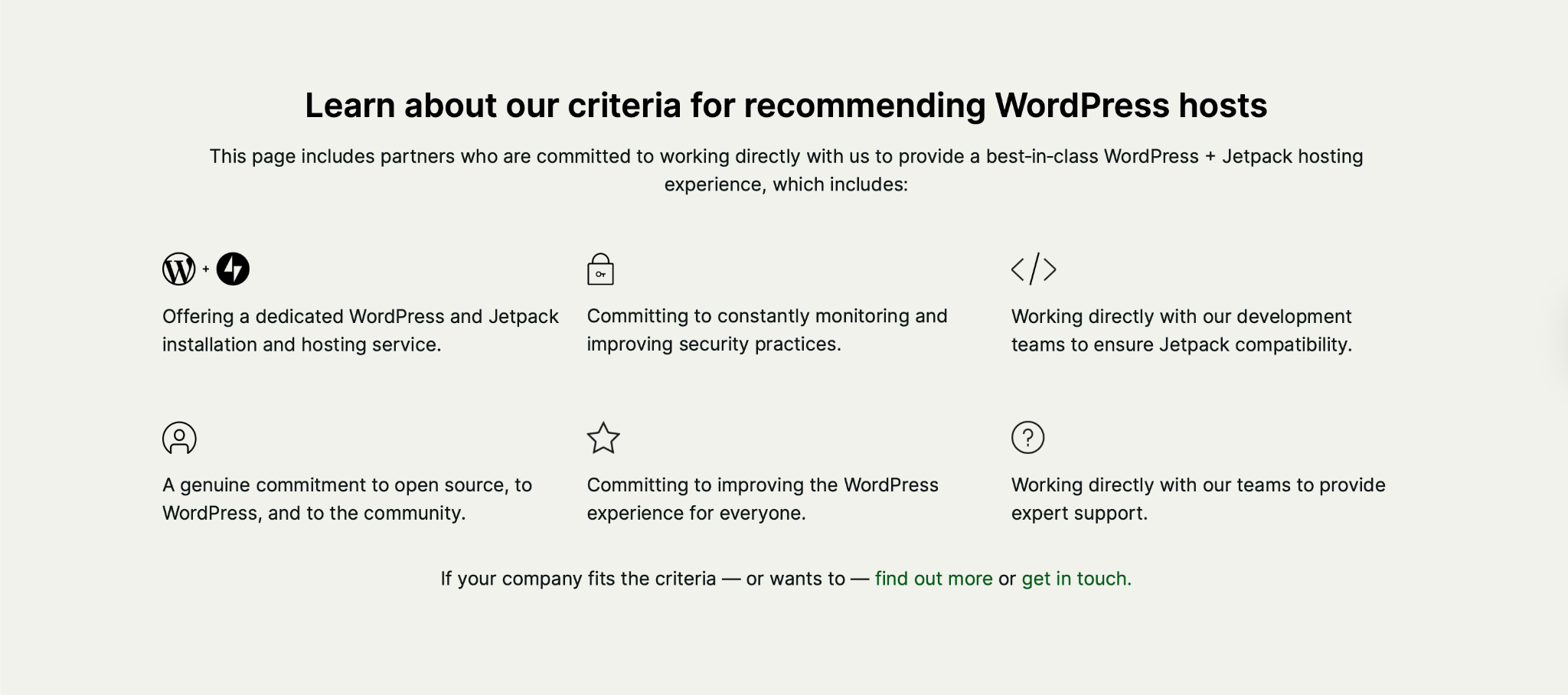
Find the best managed WordPress hosting plan for you: See Jetpack’s recommended WordPress hosting providers.