

Starting a blog is one of the most effective ways to share your ideas, connect with others, and build a lasting presence online. Blogs help grow businesses, build personal brands, and offer an avenue for sharing your expertise. However, before you can put words on a page, you need a solid platform that makes blogging simple. But how can you choose with so many options out there?
In this guide, we’ll break down the top blogging platforms today, covering their features, customization options, and costs. First-time bloggers and those looking to switch platforms will find this comparison helpful. By the end, you’ll hopefully find one that supports your goals and makes your blog a success.
Why start a blog?
Blogging has come a long way from merely offering a simple way to share thoughts online. Now, it’s a powerful tool for businesses of all sizes. Here are some of the key reasons why blogging is worth the effort:
To enhance brand visibility and credibility
A blog offers a place to highlight your expertise. Publishing thoughtful content regularly helps to build trust with your audience and strengthen your reputation. This visibility also establishes your name or business as a reliable source in your industry.
To drive traffic and leads to your business
A steady stream of content on your blog can attract website visitors. When people use search engines, your content may appear in the results. The more you write unique, quality content about a specific subject, the more credibility you’ll gain with search engines.
To support your marketing and sales funnel
Blogging complements your marketing efforts by engaging readers at different stages of their journey. Informative posts nurture leads, answer common questions, and encourage visitors to take the next step. What that next step is depends on your goals, but it could encompass anything from signing up for your newsletter to making a purchase.
Five blogging platforms compared
Selecting the right blogging platform plays a major role in your success online. Each platform mentioned here offers distinct features that suit different purposes. What follows is an overview of the top blogging platforms to help you make this all-important decision.
1. WordPress
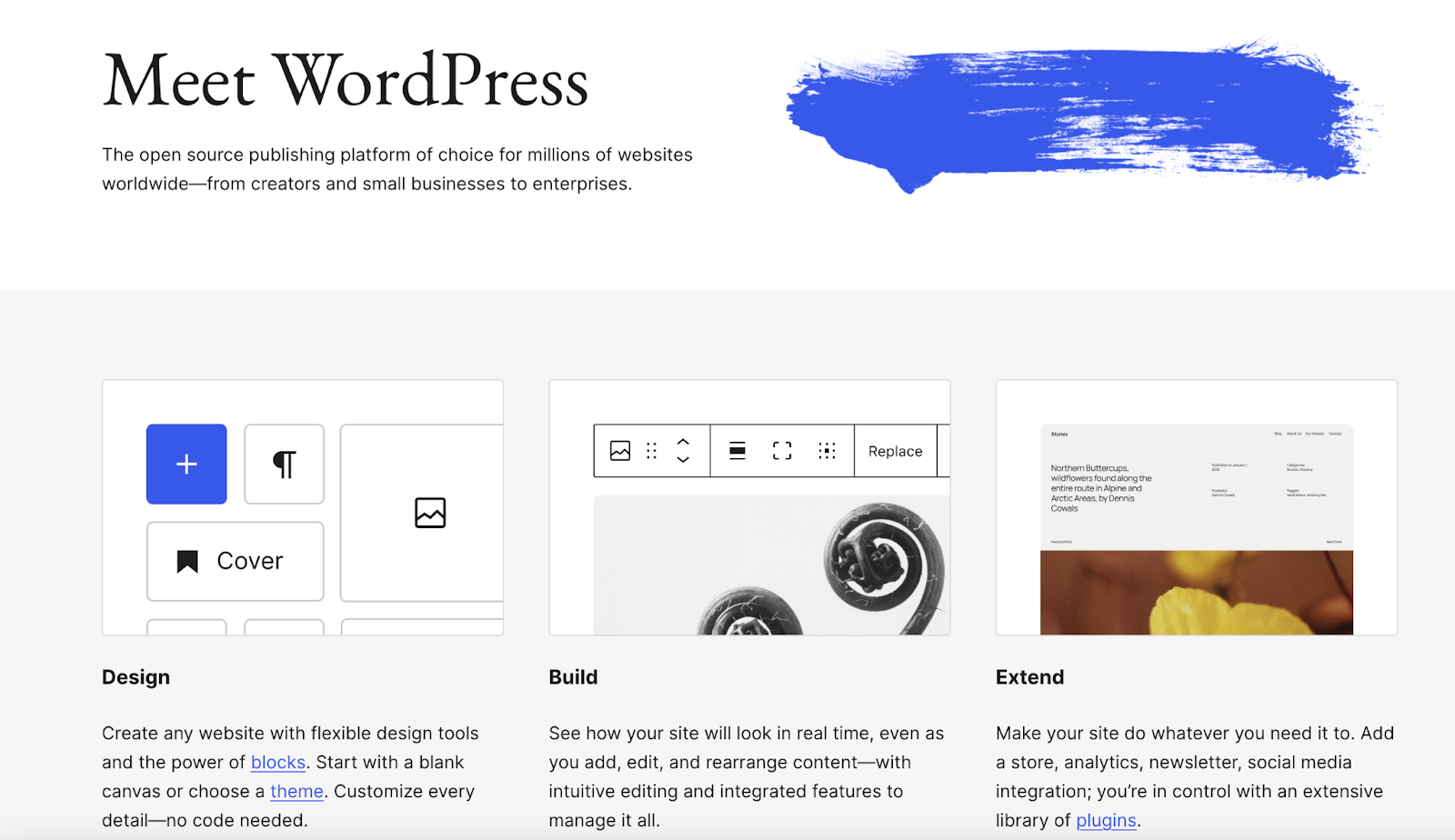
WordPress is self-hosted, open-source software that offers flexibility and control over your blog. It powers over 40% of the web, from personal blogs to large-scale businesses. Creating a WordPress blog means you own your website entirely, including its files, features, and customization options.
Note: For the purposes of this section, WordPress refers to the open source software available through WordPress.org. We’ll also explore hosted versions — WordPress.com and WordPress VIP — and explain their differences below.
Features:
- Full control and ownership over site content and hosting
- Thousands of free and premium themes
- More than 60,000 plugins for added functionality
- Support for custom domains
- Advanced SEO (search engine optimization) tools like Yoast and Rank Math
- Integration with WooCommerce
- Full access to source code so you can make any number of customizations (HTML, CSS, PHP, JavaScript)
- The freedom to scale your infrastructure on your own terms
Ease of use:
WordPress is straightforward to use once set up, but it requires technical knowledge for installation and maintenance. Hosting providers like Pressable simplify the process with one-click installs. There are also hosted WordPress services available — WordPress.com and WordPress VIP — which offer advanced support and features or a simplified management experience for those who need it.
Read their sections below to learn more about the distinctions between WordPress.org, WordPress.com, and WordPress VIP.
Customization options:
WordPress allows for tons of customization, primarily through plugins and themes. With both free and premium options available, creating the precise type of blog you want is within reach. Custom code is permitted as well.
SEO capabilities:
This platform allows for extensive SEO, with plugins like Yoast SEO and Rank Math that guide you through optimizing content, generating sitemaps, and controlling meta settings.
Social media integration:
You can extend built-in social media features with social media plugins. Jetpack provides social sharing tools, the ability to display social icons, and display live social feeds.
Monetization options:
WordPress supports every monetization method, including Google AdSense, affiliate marketing, ecommerce, and memberships.
Support and community:
A vast community surrounds WordPress, offering extensive resources, tutorials, and forums. Many hosting providers include WordPress-specific support and professional developers are widely available for hire.
Price:
WordPress is free, but you’ll need to obtain your own hosting and a domain name, which costs between $5-30/month depending on the provider. Premium themes and WordPress plugins vary in cost, too.
WordPress.com and WordPress VIP do have monthly fees, but hosting is included. Read more below.
Best for:
Anyone who wants full control over their site will find WordPress a sound choice. This includes bloggers and businesses anticipating a need to scale.
A special look at WordPress.com and WordPress VIP
WordPress.com
WordPress.com is a hosted version of the WordPress software. This means you don’t have to handle the technical aspects of website management — that’s done for you. Instead, you can focus on creating a site that meets your needs. WordPress.com provides hosting, security, and maintenance as part of its service.
While it can make things significantly simpler for beginners, access to source code and certain features — like plugins and ecommerce functionality — are only available with certain plans.
Getting started with WordPress.com is free (ad supported) and includes a subdomain. Premium plans start at $4/month for personal use and go up to $45/month for advanced features like plugin installation, SEO tools, and ecommerce support. A free custom domain comes with premium plans.
WordPress.com is best for beginners seeking a simple, all-in-one solution, casual bloggers who don’t need advanced customization, and larger businesses that want a managed approach.
WordPress VIP
WordPress VIP is an enterprise-grade version of WordPress, designed for high-traffic websites and content-focused businesses. If you require top-tier performance, scalability, and security, this is a good option. Unlike WordPress.org or WordPress.com, WordPress VIP is a fully-managed hosting service paired with support for complex websites.
Plans start at approximately $25,000/year, with pricing customized to each client’s needs. Premium features like a higher uptime guarantee and faster support ticket response times increase the overall price.
Enterprise-level businesses that require unmatched scalability and performance stand to benefit the most from WordPress VIP.
2. Tumblr
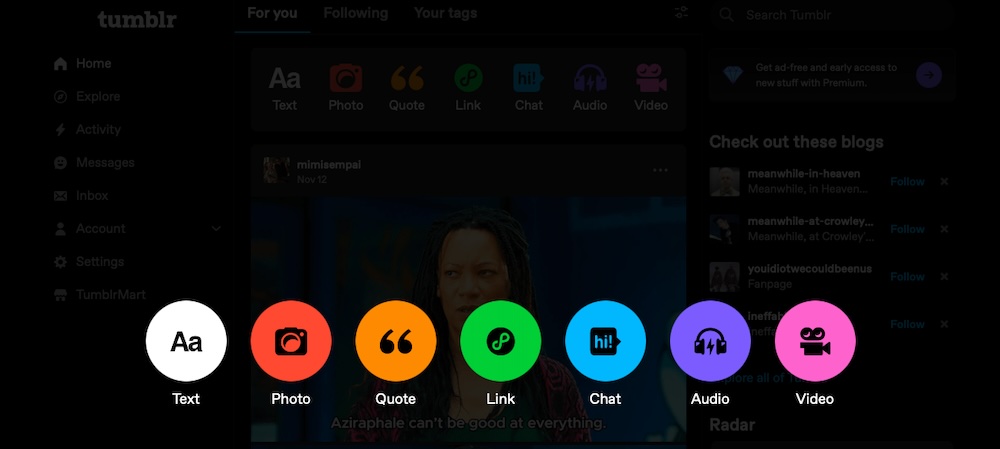
Tumblr is a free blogging platform centered around microblogging. It’s like a blogging platform and a social network in one. Known for its simplicity and vibrant community, it works well for those who want to share creative content like images, GIFs, videos, and short posts. It can be used for blogging, too, and the integrated social features allows for simpler audience engagement.
Features:
- Free hosting with an optional custom domain for an added fee
- A built-in social network for sharing and engagement
- A simple dashboard for posting text, images, videos, and GIFs
- A tagging system to improve content discovery
- A variety of free and premium themes
- Basic HTML editing capabilities for customization
- A mobile-friendly interface and app support
- Unlimited storage for media
Ease of use:
Tumblr’s interface is beginner-friendly, requiring no technical expertise. Setting up a blog is quick, with pre-designed templates to get you started immediately. Post text, images, videos, and links without navigating complex tools. The dashboard functions much like a social media feed, simplifying the process of following people, reblogging content, and interacting with the community.
Customization options:
Tumblr provides a selection of free and premium themes, though they are less versatile compared to platforms like WordPress. Tweaking your blog’s appearance via HTML is possible, but the options remain somewhat restricted. Overall customization is limited, focusing instead on built-in functionality.
SEO capabilities:
Tumblr provides basic SEO features, including customizable URLs and tags. Its SEO is sufficient for casual bloggers, but serious marketers might find it limiting due to restricted control over technical aspects like structured data or page speed optimization.
Social media integration:
Social media is deeply embedded into Tumblr. The platform itself operates as a social network, allowing users to follow blogs, share posts, and interact with other creators directly. Tumblr’s tagging system makes content discoverable within the community.
Monetization options:
Tumblr is not optimized for monetization, but there are limited options. You can enable ads on blogs to generate revenue, embed affiliate links within posts, and link to external ecommerce stores, though Tumblr lacks built-in ecommerce tools.
Support and community:
Tumblr’s support system primarily consists of a help center with FAQs and guides. The platform has a lively community that thrives on creative engagement. Those seeking technical support or advanced troubleshooting may find the resources limited compared to larger platforms.
Price:
Tumblr is free to use. You get a blog and subdomain at no-cost. Optional premium themes cost between $20 and $50 and custom domains start at $5.
Best for:
Tumblr is best for casual bloggers looking for a simple platform to build a blog around. Artists, photographers, and creators who want to share visual content can benefit, too.
3. Medium
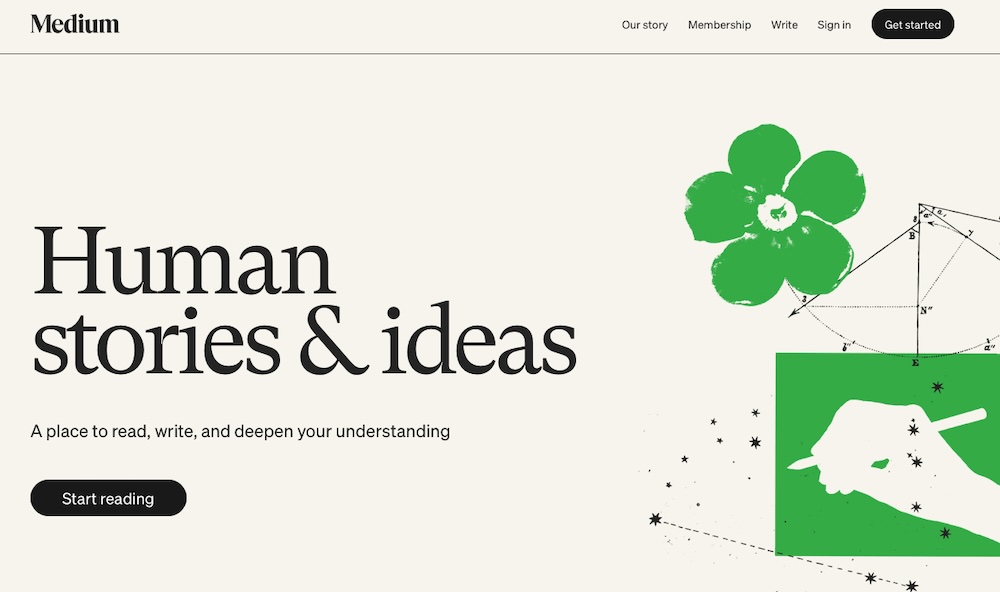
Medium helps writers and publishers focus on storytelling and sharing ideas without distractions. It’s known for a minimalistic design and an emphasis on content quality over customization. It’s a popular choice for professionals, thought leaders, and hobbyist writers who want to broaden their audience.
Features:
- Free publishing with built-in audience reach
- A clean, minimalist content editor
- Highlighting and commenting for reader interaction
- Built-in distribution and curation tools
- A Partner Program for monetization based on engagement
- Responsive design
- The ability to embed media like YouTube videos
- Analytics to track reads and engagement
Ease of use:
Medium is one of the most straightforward blogging platforms to use, requiring no technical setup. To get started, create an account, write posts using the editor, and publish instantly. The editor is distraction-free and the formatting tools include options to embed images, videos, and links.
Customization options:
Medium offers a standardized design across all blogs, focusing on readability and uniformity rather than customization. There is limited text and media formatting within the editor but no customization options for fonts, colors, or page layouts. You can set up a custom domain for branding purposes, however.
SEO capabilities:
Medium simplifies SEO by handling many technical aspects automatically. Articles can be indexed by search engines and optimized for fast loading and responsiveness. However, you don’t have control over metadata or structured data.
Social media integration:
Medium encourages sharing with built-in social media buttons on every post. It also allows embedding of external content from platforms like Instagram and YouTube. Readers can highlight and comment on specific sections, too.
Monetization options:
Medium provides monetization opportunities primarily through its Partner Program, which pays writers based on the engagement their content receives from paying members. Writers can’t run ads or sell directly on the platform, limiting the revenue streams compared to other platforms.
Support and community:
Medium has a dedicated help center with detailed guides and FAQs to address common issues. The platform’s community is active and collaborative, allowing writers to connect with readers and other creators through claps, comments, and curated topic collections.
Price:
Anyone can create and publish content for free. Readers can pay $5/month or $50/year to access premium content, contributing to the Medium Partner Program. Writers can purchase a custom domain. It’s optional, with costs typically managed through third-party providers.
Best for:
Writers focused on publishing high-quality content are the primary demographic for Medium. Industry professionals looking to reach a built-in audience or gain authority on a given topic would find it beneficial as well.
4. Ghost
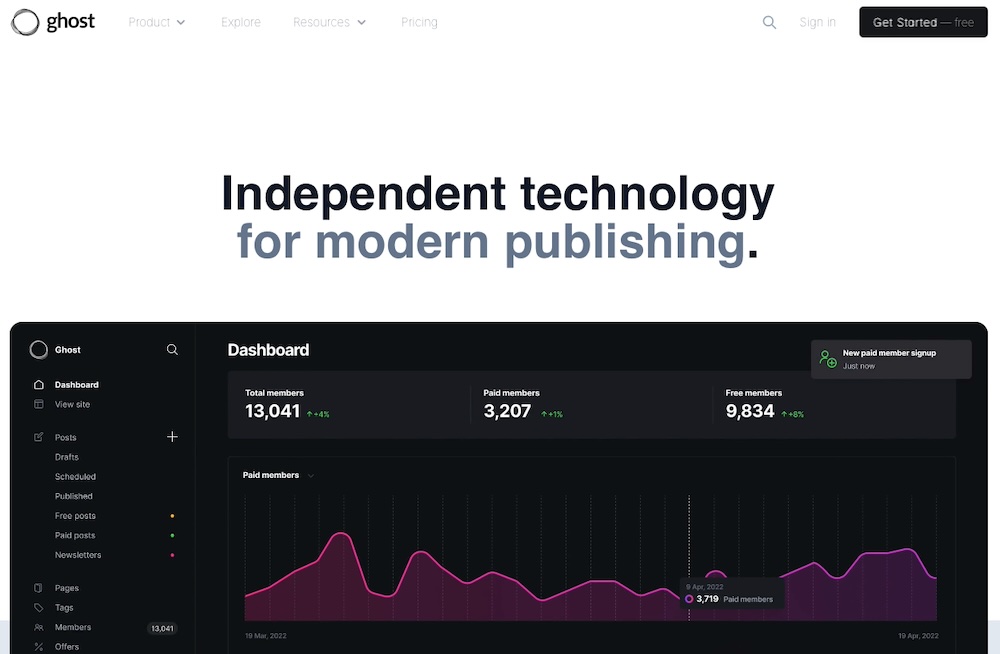
Ghost is an open-source blogging platform for writers, publishers, and content-focused businesses. Its minimalist interface and a strong emphasis on speed, simplicity, and performance make it a stand out platform.
Features:
- An open-source platform with optional managed hosting (Ghost Pro)
- A distraction-free content editor with Markdown support
- Built-in SEO tools, including automatic sitemaps and schema markup
- Membership and subscription management
- An integrated email newsletter
- Advanced analytics
- Responsive design
- Full access to the codebase for custom development
Ease of use:
Ghost’s editor and dashboard are designed to be user-friendly, allowing writers to focus on content creation without technical distractions. For non-technical users, Ghost Pro simplifies the experience by managing hosting, updates, and backups. However, self-hosting Ghost requires server setup, configuration, and maintenance, which may be challenging for beginners.
Customization options:
Ghost provides a library of free and premium themes focused on readability and performance and the option to upload custom themes or edit existing ones with access to CSS and JavaScript. It also includes integrations with Google Analytics, Zapier, and Disqus.
SEO capabilities:
Ghost has native SEO features, including customizable meta tags, schema support, and clean URLs. These tools are built into the platform and its lightweight codebase aids fast load times.
Social media integration:
The platform lets you embed social media posts, videos, and feeds directly into your content. Built-in sharing buttons make it simple for readers to share posts, and integrations with tools like Buffer help automate content distribution across multiple platforms.
Monetization options:
Ghost stands out in monetization by offering built-in tools to manage memberships and subscriptions. Creators can set up exclusive content tiers with paywalls or recurring payment plans. Integrated newsletters also allow for direct monetization.
Support and community:
Ghost offers detailed guides for installation, customization, and management. Active forums and a developer community provide additional resources. Ghost Pro includes email support and priority assistance.
Price:
For those self-hosting, Ghost is free to use. For managed hosting, you’ll need a Ghost Pro plan, which starts at $9/month for individuals and scales to $199/month for businesses with high traffic or advanced needs.
Best for:
Ghost is ideal for professional publishers and writers prioritizing monetized content creation. Anyone seeking a simple yet powerful platform for membership and subscription models can benefit as well.
5. LinkedIn
LinkedIn is primarily a professional networking platform, but has grown to become a powerful space for publishing articles and engaging with a professional audience. LinkedIn’s built-in publishing tools let people share long-form content directly with their connections and followers. With an active base of over 900 million users globally, LinkedIn offers a unique opportunity to establish authority, build thought leadership, and drive business connections through content.
Features:
- Free publishing through the article editor
- A built-in audience of professional connections
- Social sharing and engagement metrics
- The ability to embed videos, images, and links within articles
- Instant visibility within your network
- Analytics on post performance and engagement
- A simple interface with no setup required
- The ability to link to external websites or services for lead generation
Ease of use:
LinkedIn’s publishing tools are straightforward. People don’t need to set up a separate blog or website. Instead, they can publish articles directly through the platform. The editor allows for basic text formatting, image insertion, and video embedding. Because LinkedIn is part of a larger social networking platform, your posts are immediately visible to your connections and followers.
Customization options:
There’s no real customization available on LinkedIn. It follows a uniform style consistent with the platform’s branding. Some formatting options are included but no layout or design changes.
SEO capabilities:
LinkedIn automatically indexes published articles for search engines, increasing their visibility. However, because the content resides on LinkedIn’s domain, you do lose some control over advanced SEO settings like meta descriptions and structured data.
Social media integration:
LinkedIn is a social network so every published article is instantly shared with your followers, and people can reshare your content to expand its reach. The provided analytics make it simple to track how your audience engages with your posts over time, too.
Monetization options:
While LinkedIn doesn’t directly support monetization, it does aid with indirect revenue generation, like lead prospecting, service promotion, and networking and building partnerships.
Support and community:
LinkedIn offers basic support through its Help Center, which includes guides on using the publishing platform and troubleshooting issues. Because it thrives on interaction, the LinkedIn community itself is a valuable resource for feedback, collaboration, and sharing ideas.
Price:
Publishing articles on LinkedIn is free. LinkedIn Premium provides access to additional analytics and lead-generation tools, the plans for which start at $49.99/month.
Best for:
LinkedIn is best for professionals looking to be thought leaders and build an audience.
Comparison of platforms for blogging
Here’s a quick look at how each of these blogging platforms compare:
| Platform | Top features | Ease of use | Price | Best for |
| WordPress.org | Open-source, full customization, extensive theme and plugin library | Moderate. Requires technical setup and maintenance | Free software; hosting ($5-$30+/mo), domain ($10-$20+/yr) | Bloggers, developers, businesses needing full control |
| WordPress.com | Managed hosting, beginner-friendly, free and premium plans | Beginner-friendly; simple to start with managed hosting | Free plan; premium plans start at $4/mo | Beginners, non-technical casual bloggers, people wanting managed hosting |
| WordPress VIP | Enterprise-level performance, dedicated support, custom solutions | Setup handled by VIP team | Enterprise pricing; starts at $25,000/yr | Large-scale enterprises, high-traffic websites, custom needs |
| Tumblr | Microblogging, social network integration, casual content sharing | Very simple; suitable for non-technical users | Free; optional themes or domains ($10-$50) | Casual bloggers, creatives, small brands |
| Medium | Minimalist design, built-in audience, Partner Program for monetization | Extremely simple; no setup required | Free to publish; premium reader subscription ($5/mo) | Writers, thought leaders, those seeking a built-in audience |
| Ghost | Open-source, built-in membership tools, lightweight and fast | Moderate; simple dashboard but self-hosting can be complex | Self-hosted (free) or managed plans ($9-$199/mo) | Writers, publishers, membership-driven blogs |
| Professional audience, built-in distribution, simple publishing tools | Very simple; integrated directly into LinkedIn interface | Free; LinkedIn Premium starts at $49.99/mo | Professionals, businesses building authority and networking |
Bonus: A review of vlogging platforms
Today, vlogging continues to dominate as a medium for creators and businesses to connect with audiences. Here are the top platforms to elevate your video content strategy:
1. WordPress (with VideoPress)
VideoPress allows you to embed and host videos on your WordPress site without relying on third-party platforms. It works well for brands seeking full control over their video content. VideoPress integrates with WordPress.com’s premium plans and offers an ad-free experience with fast loading speeds. If you self-host, use the Jetpack plugin to purchase and enable VideoPress.
2. YouTube
The largest video-sharing platform in the world, YouTube will help your videos reach a global audience. Features include monetization, detailed analytics, and integration with Google search results. YouTube supports long-form and short-form content.
3. Vimeo
Known for its high-quality video hosting and professional tools, Vimeo caters to filmmakers, businesses, and creatives. With features like advanced privacy settings, customizable video players, and collaboration tools, Vimeo showcases premium content in high quality.
4. Facebook
Facebook supports livestreaming and pre-recorded video uploads, making it versatile for vlogging and audience engagement. It has a wide user base and built-in advertising tools, so it’s especially effective for businesses building video for social campaigns.
5. Instagram
Instagram remains a hub for visual storytelling, with features like Reels, Stories, and IGTV catering to short- and medium-length video content. Its integration with Meta’s advertising platform helps creators expand their reach as well.
6. TikTok
TikTok is a top platform for short-form video content with an engaging, algorithm-driven feed. Creators and businesses targeting younger demographics can do so with creative, viral-friendly content. TikTok also offers built-in monetization and ad tools for brands.
How to get started with blogging
Should you decide to share your ideas, connect with others, or grow a business through blogging, there’s no time to start like the present. Here’s how to begin:
1. Define your blog’s purpose and audience
Figuring out your blog’s purpose will serve as the foundation for everything you create. To do this, ask questions like the following:
- Are you looking to build a personal brand?
- Do you want to drive traffic to your business?
- Are you passionate about a topic and want to share knowledge?
Once you know your purpose, think about your audience. Who are they? What challenges do they have? What interests or questions do they have?
Defining your audience helps establish the tone, topics, and overall strategy for your blog.
2. Understand the basics of SEO
SEO helps people find your blog through search engines. Though there are technical components, the most basic tactics are simple and effective:
- Research keywords and terms your audience is searching for and incorporate them naturally into your content.
- Write concise meta descriptions for each post.
- Include internal links to other posts on your blog and external links to reputable sources to improve credibility.
3. Plan your content strategy and calendar
Blogging involves writing but there’s more to it than just that. It also requires consistency and planning. A content strategy keeps you focused and ensures you’re delivering value to your audience.
To make sure you stay on schedule (and on topic), brainstorm 10 to 20 topics that align with your goals and audience’s interests. Then create an editorial calendar. Schedule when each post will go live. This can be weekly, biweekly, or monthly — whatever you can commit to consistently. A plugin like Editorial Calendar can be helpful for implementing this.
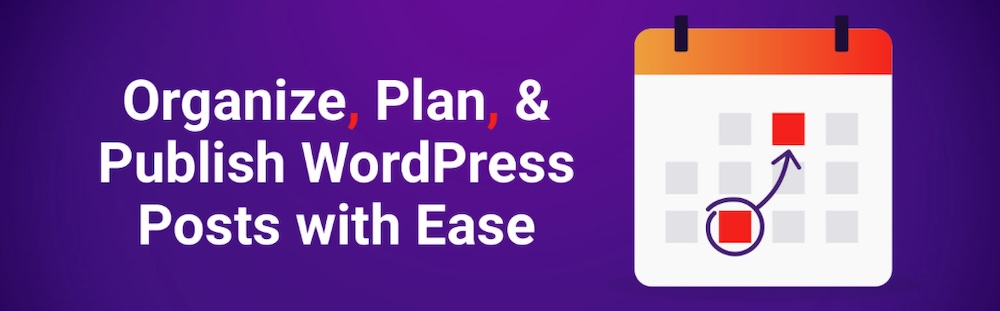
Finally, diversify your content. Mix long-form articles with listicles, how-to guides, opinion pieces, or even multimedia posts to keep things engaging.
Planning your content in advance this way makes it more likely you’ll maintain a consistent publishing schedule.
4. Choose the right blogging platform for your needs
Select a platform that matches your goals and technical expertise.
- For flexibility and scalability: WordPress.org offers full control and customization, but it requires hosting and maintenance.
- For simplicity: WordPress.com, Medium, or LinkedIn are great for beginners or those who want a quick setup.
- For casual creativity: Platforms like Tumblr are ideal for casual blogs centered on creative or multimedia content.
Take time to evaluate the costs, features, and level of support each platform offers before committing.
Common mistakes to avoid when blogging
Blogging is as much about building trust and consistency as it is about writing great posts. Missteps, even small ones, can undermine your efforts to grow your audience and deliver value. Here’s a look at the key mistakes bloggers often make and how to avoid them:
1. Inconsistent posting schedules
Imagine visiting a blog you love, only to find it hasn’t been updated in months. Readers quickly lose interest when a blog feels unreliable. Inconsistency also hinders search engine rankings, as regular updates signal active, valuable content.
2. Neglecting SEO practices
It’s tempting to assume great content will naturally attract readers, but the truth is, content needs help to be discovered. Without optimizing posts for search engines, you’re relying on luck to be found. Common SEO oversights include vague titles, no focus on keywords, and forgetting to optimize images or use headings properly.
3. Poor-quality content
Too often, bloggers focus on quantity over quality, rushing posts just to meet deadlines. But poor grammar, superficial insights, or recycled ideas will turn readers off. Blogging is competitive, and audiences expect thoughtful, well-crafted content.
4. Ignoring audience engagement
Ignoring your audience’s input is a missed opportunity. Readers who take the time to comment or share feedback expect acknowledgment. A lack of interaction makes your blog feel impersonal or unapproachable.
5. Over-promotion
A blog that reads like a nonstop advertisement loses credibility. Readers don’t visit blogs to be sold to. They come for insight, entertainment, or solutions. Blogs overly focused on promoting products or services risk alienating their audience.
Factors to consider when choosing a blogging platform
Selecting the right blogging platform impacts your blog’s functionality, design, and long-term growth. Evaluate the following key factors before making your decision:
1. The technical skills required
Some platforms, like WordPress.org, offer complete control but require some technical knowledge for setup and maintenance (though you can always hire professional help if you have the budget). Others, like Medium or WordPress.com, simplify the process by managing the technical aspects for you. Choose a platform that works for what you need.
2. Budget constraints
Platforms vary widely in cost. Free options like Tumblr and Medium are great for beginners, while premium platforms like WordPress VIP cater to enterprises with larger budgets. Consider your immediate needs and future growth plans to decide how much you’re willing to invest.
3. Scalability and future needs
Think beyond your current situation. If you plan to expand your blog into an ecommerce site or a membership-based platform, make sure the platform can scale with you. WordPress.org, for example, is highly scalable, while Tumblr or LinkedIn may be limiting for advanced features.
4. Design and aesthetic preferences
The look and feel of your blog should reflect your brand and audience. Platforms like WordPress.org and Ghost offer extensive customization, while Medium and LinkedIn stick to minimalist, uniform designs. If branding is essential, opt for platforms with more complex design tools.
Why WordPress is a popular blogging platform for businesses
WordPress has long been the preferred blogging platform for businesses, thanks to its versatility and scalability. Whether you’re managing a small blog or a complex business site, WordPress includes (or works with) unmatched tools to help you grow and succeed. Here’s a look at some reasons it stands out from other blogging platforms:
It includes powerful tools for blogging
WordPress provides access to a range of tools to enhance your blogging experience, including Jetpack AI Assistant. This tool streamlines content creation with AI suggestions, saving time on writing and editing.
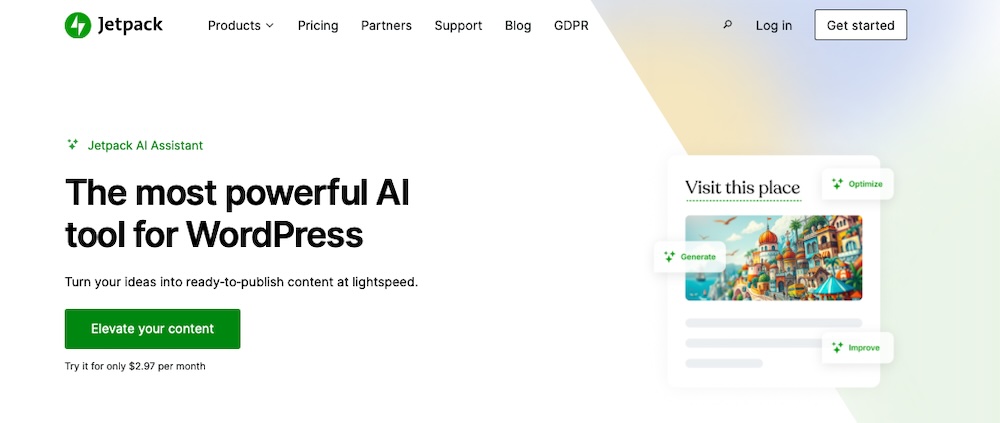
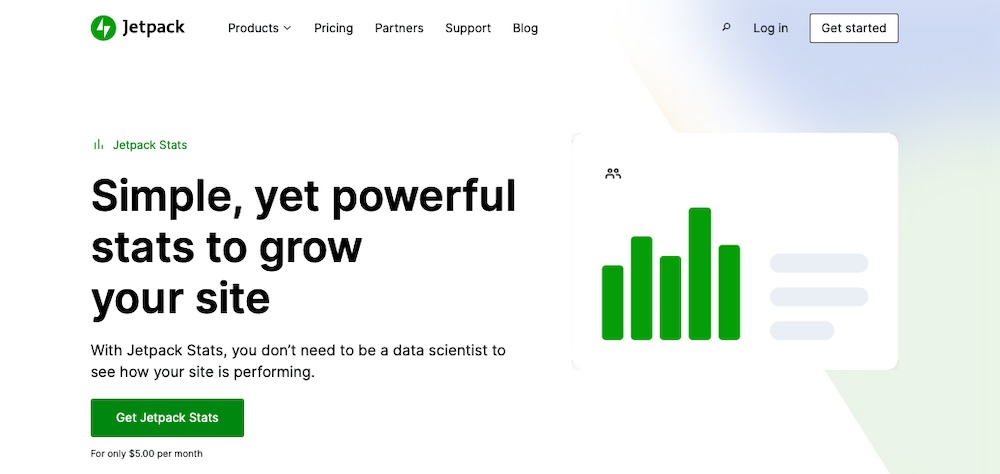
Jetpack Stats provides insight into your audience, including traffic sources, popular posts, and engagement metrics, all from your WordPress dashboard.
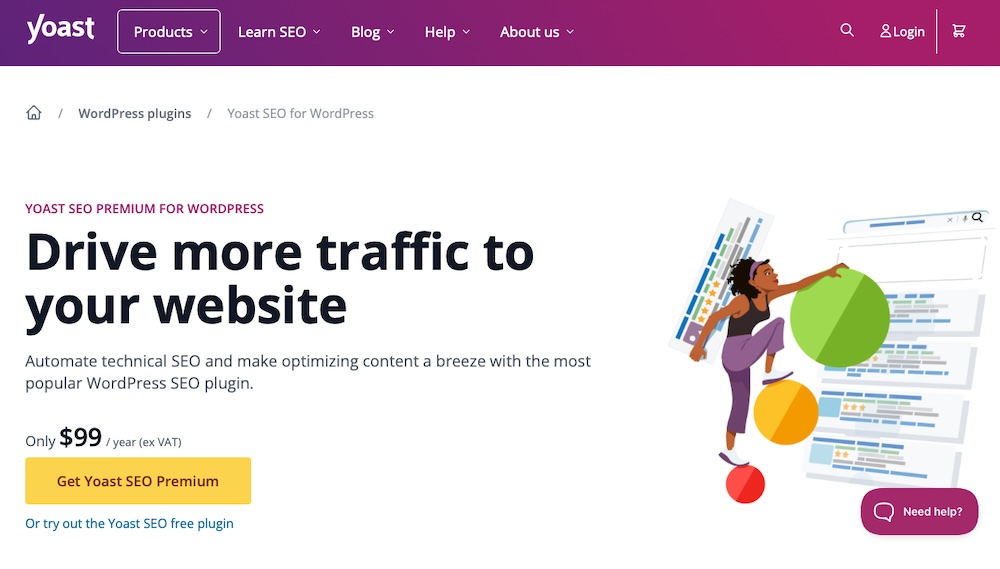
Still, another tool is Yoast SEO, which optimizes content for search engines with detailed guidance on keywords, meta tags, readability, and more.
It’s highly-customizable and flexible
WordPress.org allows for customization of every aspect of your blog. With thousands of themes and plugins available, you can create a unique look and add solutions for everything from ecommerce to lead generation and community engagement.
It has a user-friendly interface
WordPress is powerful, but it’s still generally intuitive to use. The dashboard is clean and accessible, so people of most skill levels can manage content, themes, and plugins. Thanks to the block editor, anyone can build pages, content, and templates simply by dragging and dropping elements into place.
There’s strong community support
This platform also has one of the largest and most active communities of developers, designers, and users around. This means you’ll always have access to resources like forums, tutorials, and support to address any challenges.
It’s cost-effective
WordPress itself is free, making it a budget-friendly option. While costs for hosting, themes, and plugins vary, businesses can scale their spending based on their needs without incurring high upfront fees.
There are robust security options
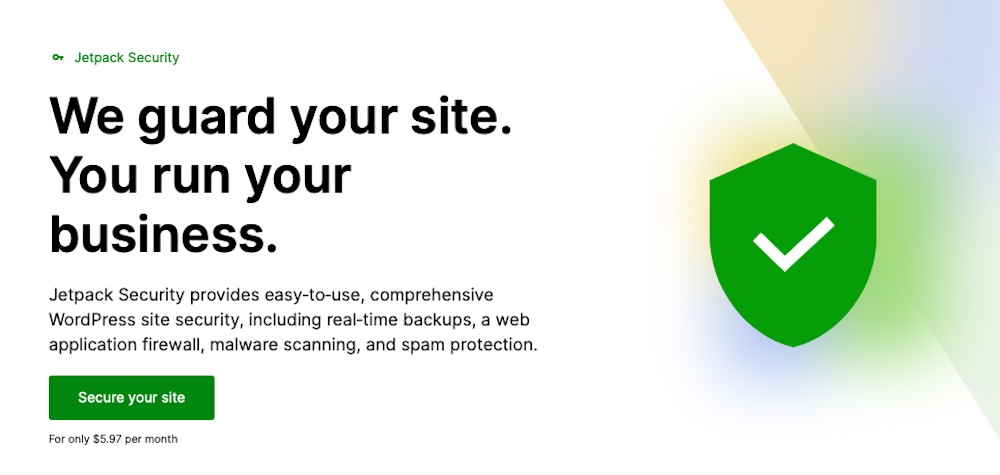
All businesses need reliable website security and WordPress delivers with access to advanced features through plugins like Jetpack Security. It protects your site with features like malware scanning, automatic backups, and downtime monitoring.
Frequently asked questions
Blogging often comes with a lot of questions, especially for those just starting out. Here are some of the most common ones answered:
Do I need technical skills to start a blog?
You don’t need technical skills to start a blog. Platforms like WordPress.com, Medium, and LinkedIn are beginner-friendly and require minimal technical expertise. If you need advanced customization, WordPress.org or Ghost require some basic technical skills or assistance from a developer.
How much does it cost to start and maintain a blog?
The cost to start and maintain a blog depends on your needs. For those starting out, free blogging platforms are available and others are low-cost. For instance, WordPress.com pricing starts at $4/month.
If going the self-hosted route, WordPress.org can be equally inexpensive, but advanced plans are available for nearly any-sized operation. You’ll incur additional costs if using premium themes or plugins. Advanced setups and enterprise solutions can range from several hundred dollars to thousands annually.
How can I ensure my blog is accessible to people with disabilities?
You can make your blog accessible to those with disabilities by following the WCAG guidelines. This involves using alt text for images, choosing accessible themes and using proper color contrast, following best practices for content structure with clear headings and readable fonts, and making your content navigable via keyboard and screen readers. Using a plugin like WP Accessibility helps you check off many of these boxes.
What is content marketing and how does it relate to blogging?
Content marketing involves creating valuable content to attract, engage, and convert your audience. Blogging is a key aspect of content marketing that gives businesses a dedicated spot on their websites to share insights, answer questions, and build trust with readers. Blogs drive traffic to a website and support broader marketing and sales efforts.
What is the difference between WordPress.org and WordPress.com?
WordPress.org is open-source and free. It offers full customization and ownership, but requires that you purchase your own hosting and perform your own maintenance. WordPress.com is the hosted version of WordPress. It’s simpler to set up, but offers limited customization unless you upgrade to higher-tier plans.
Can I leverage AI to create content for my own blog?
Yes, you can use AI to assist with blog content creation. Tools like Jetpack AI Assistant simplify content creation by offering topic suggestions, editing assistance, and even generating drafts. These tools save you time while maintaining quality.
How do I measure the success of my blog?
Measure the success of your blog by tracking performance using analytics plugins. If using a WordPress site, Jetpack Stats offers a convenient way to monitor traffic, popular posts, and referral sources directly in the WordPress dashboard. Google Analytics can be integrated into your site as well and tracks audience demographics, behavior, and conversions.
Building your success begins with the right blogging platform
You need the right blogging platform behind you to build a successful blog. For flexibility, growth, and unlimited extensibility, WordPress.org stands out as the best choice for both beginners and businesses. Paired with Jetpack, you gain access to powerful features like AI content assistance, advanced analytics, SEO tools, and real-time security — all designed to help you grow your blog right from the start.
With WordPress and Jetpack, you have everything you need to start a blogging journey that aligns with your goals and aspirations. There’s no time like right now to get started.