

Are you looking for an effective way to build a loyal following? Start an email list!
With the right email subscription plugin, you can encourage visitors to sign up for your newsletter. You’ll also manage your subscriber list and emails from the same place, streamlining your workflow.
This guides shares the top WordPress email subscription plugins and shows you how to choose the right one for your website. So, let’s dive right in.
A review of popular email subscription plugins for WordPress
Here are some of the best plugins for WordPress email subscriptions:
1. Jetpack Growth
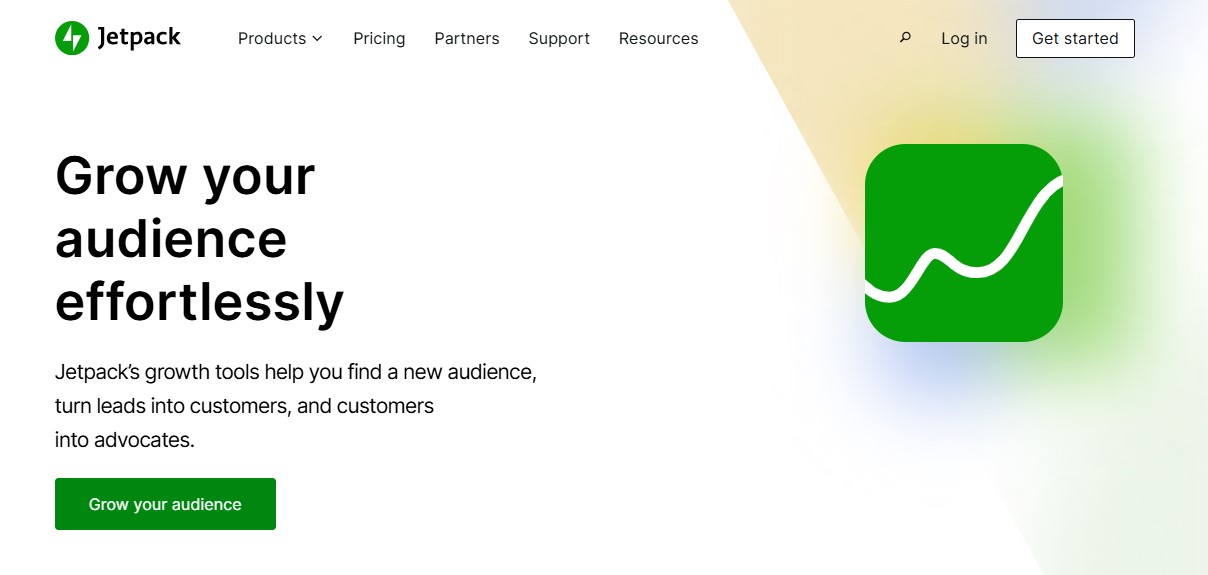
Jetpack Growth is an all-in-one solution for growing your website. It includes a newsletter feature that turns your blog posts into emails and sends them to subscribers automatically.
With this tool, you can design your newsletters in the block editor and manage them from your WordPress dashboard. You can even add a signup form to every post on your blog.
Jetpack Growth is part of the Jetpack suite of products created by Automattic, the people behind WordPress.com. Besides a newsletter, it offers tools like post scheduling and social media posting.
Key features of Jetpack Growth:
- Support for paid subscriptions
- Performance data on subscribers and campaigns
- Signup forms that you can add to posts and other pages on your site
- Delivery options for recipients, including instant, weekly, and daily digests
Pros of Jetpack Growth:
- There are no limits on the number of emails you can send or the number of subscribers.
- You can design your newsletter using the multitude of blocks available in the block editor.
Cons of Jetpack Growth:
- There are other features included in Jetpack Growth that you might not need, like automatic image generation and content scheduling.
Ease of use:
With Jetpack Growth, you’ll have access to the newsletter feature directly inside of the block editor. So, when you’re about to publish a post, you can send it immediately to subscribers.
You also have the option to automatically email every new post and add a subscription form to all articles. These automation features reduce a lot of work for you and your team.
Best suitable for:
- Bloggers who want a simple email marketing solution that integrates with the block editor
Jetpack Growth pricing:
Plans start at $9.95/month for the first year, billed annually.
2. Mailchimp for WooCommerce

Mailchimp supports a variety of content management systems, including WordPress, and also provides powerful features for WooCommerce stores.
The Mailchimp for WooCommerce plugin offers segmentation based on purchase history and behavior. It also lets you add discount codes to your emails and automatically embed pop-up forms to gain new subscribers.
Key features of Mailchimp:
- A large selection of email templates for different niches
- Automated emails like follow-ups and cart reminders
- Detailed reports on your email campaigns, including conversion rates and return on investment
Pros of Mailchimp:
- It helps you boost sales by showcasing product recommendations, offering discounts, and reminding shoppers of abandoned carts.
Cons of Mailchimp:
- While data from your WooCommerce store is automatically synced with your Mailchimp account, you can’t manage campaigns from your site. You’ll need to create your emails, access reports, and view subscribers in Mailchimp.
Ease of use:
Mailchimp has a visual email builder with plenty of pre-built templates. You can also use its AI tool to generate content like subject lines.
Best suitable for:
- Online store owners who want to boost sales with email marketing
Mailchimp pricing:
The plugin is free and you can use it with your free Mailchimp account. This supports up to 500 contacts.
Paid plans start at $20/month for 500 – 1,500 subscribers and 6,000 monthly emails.
3. OptinMonster
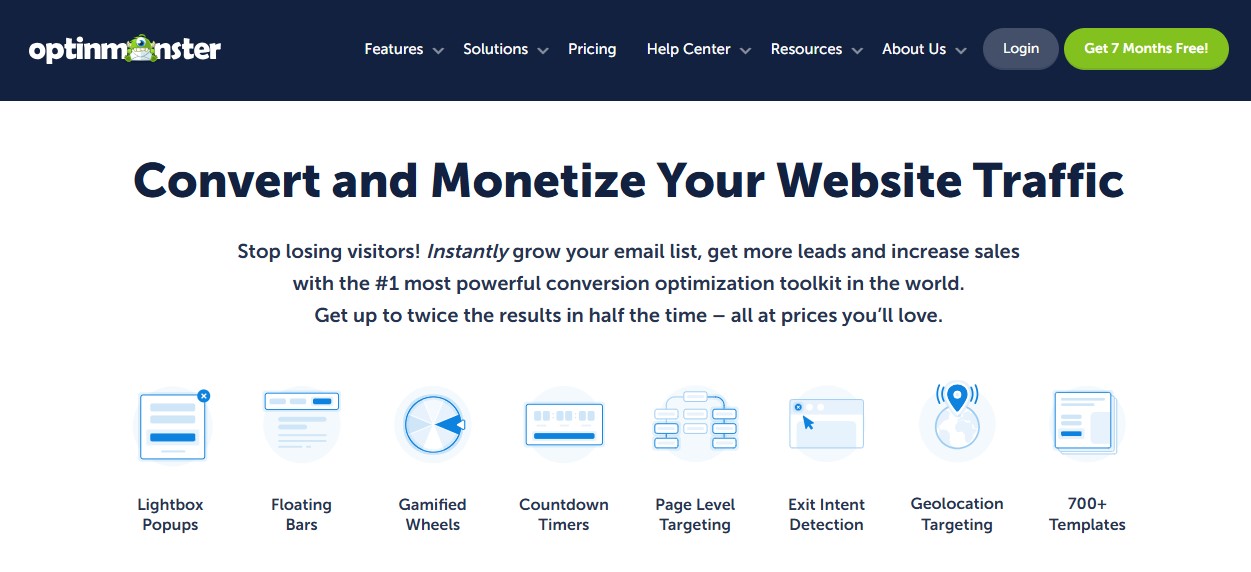
OptinMonster is a lead generation solution that focuses on email marketing. Its WordPress Popup Builder and Popup Maker plugin has more than one million installations.
This tool helps you design opt-in forms and display them in the form of floating bars, popups, slide-ins, and more. It also lets you create targeted campaigns based on visitor behavior and location using a drag-and-drop builder.
Key features of OptinMonster:
- More than 700 customizable templates
- Content optimizations with AI
- Exit-intent popups to help you turn visitors into subscribers
Pros of OptinMonster:
- It gives you a lot of control over the opt-in popups. For instance, you can display them on specific pages only, or to visitors from particular geolocations.
- It integrates with various ecommerce plugins, including WooCommerce.
Cons:
- This is mainly a subscription form builder, so you’ll need to integrate it with an email marketing service like Constant Contact or Mailchimp.
Ease of use:
Its drag-and-drop builder makes it easy to create opt-in forms and add popups to WordPress. You’ll also get a clean interface for selecting targeting options and display conditions.
Best suitable for:
- Website owners who are struggling to attract subscribers and want to try targeted offers and other incentives.
OptinMonster pricing:
The Basic plan starts at $7/month for unlimited subscribers and campaigns. However, this is designed for sites that only get 2,500 monthly page views.
The Plus plan costs $19 per month and is for sites that receive 10,000 page views.
For ecommerce sites, there’s the Pro plan for $29 per month and 25,000 page views.
4. Constant Contact
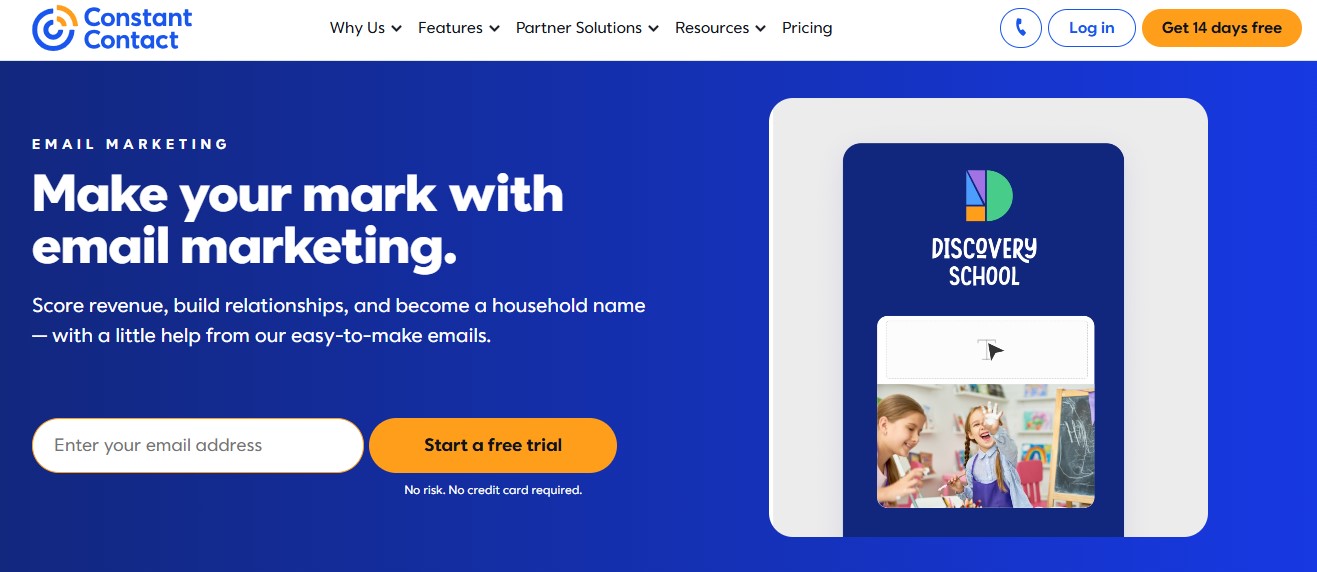
Created in the 1990s, Constant Contact is one of the oldest email marketing solutions on the market. Its Constant Contact Forms plugin for WordPress helps you create professional signup forms on your site.
The plugin automatically adds all new subscribers to your Constant Contact account, where you can design newsletters using a drag-and-drop editor and an AI writing assistant.
Key features of Constant Contact:
- Customizable email templates, including welcome messages and thank you notes
- Segmentation based on customer actions and interests, as well as custom criteria
- Subject line recommendations to boost open rates
- Advanced engagement reports and campaign comparisons
Pros of Constant Contact:
- Its AI tool helps you create complete campaigns that align with your branding. You can simply feed it a few keywords and it will write the copy for you.
Cons of Constant Contact:
- Segmentation and automation are very limited unless you purchase the highest-tier plan.
Ease of use:
Constant Contact has a visual email builder with templates and an AI copy generator, so it’s simple to create your newsletters. However, learning how to set up custom segments may take a while, especially if you’ve never done it before.
Best suitable for:
- Small businesses and marketers who want to use email marketing for market research, as Constant Contact lets you add surveys and polls to your newsletters.
Constant Contact pricing:
The Light plan starts at $12/month, but you’ll only get one automation template and one segmentation.
The Standard plan costs $35/month and includes three automations and ten segmentations.
The Premium plan starts at $80/month and has no restrictions.
5. MailPoet
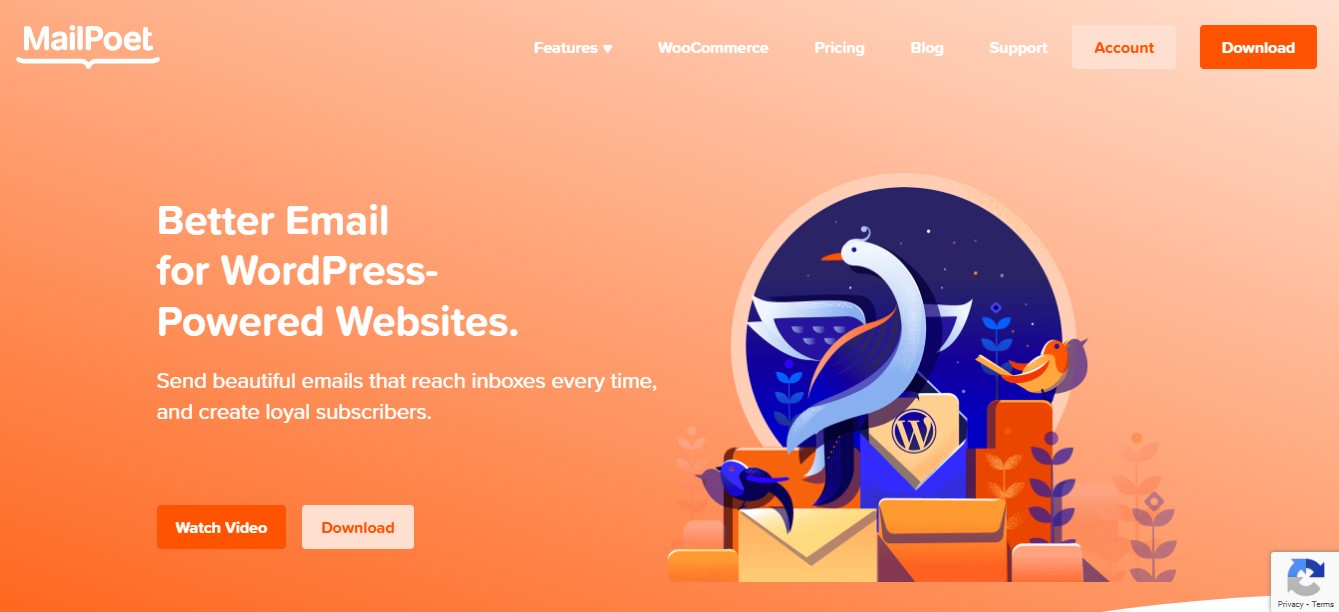
MailPoet is a newsletter tool built specifically for WordPress and WooCommerce. It offers a variety of options for displaying subscription forms, including popups, fixed bars, and slide-ins.
With MailPoet, you’ll also have more than 50 newsletter templates to choose from, plus segmentation options based on subscriber behavior and interests.
Key features of MailPoet:
- Customizable templates and subscription forms with a drag-and-drop editor
- Automated welcome emails
- Deep integration with WooCommerce
- Automatic emails to subscribers when you publish a new post
Pros of MailPoet:
- You can manage most aspects of your email marketing from the WordPress dashboard, including newsletters and subscriber lists.
Cons of MailPoet:
- The free plan displays the MailPoet branding in your newsletters, so you’ll need to purchase a premium plan if you want to look more professional.
Ease of use:
MailPoet integrates directly into the WordPress dashboard, so you won’t need to learn a new interface. Plus, there’s a large selection of templates for both subscription forms and newsletters.
Best suitable for:
- Bloggers who are looking for more advanced functionality like multi-condition segmentation (which you’ll get with a paid plan).
Pricing:
The Starter plan is free and supports up to 500 subscribers and 5,000 emails/month.
The Business plan costs $9/month (billed annually) and gives you unlimited emails.
A comparison of email subscription plugins on WordPress
| Key feature | AI & automation | Best for | Starting price | |
| Jetpack Growth | Seamless integration with WordPress | Yes | Bloggers and beginners | $9.95/month |
| Mailchimp for WooCommerce | Detailed reports | Yes | WooCommerce store owners | $20/month |
| OptinMonster | Various ways to display opt-in forms | Yes | People who are struggling to gain subscribers | $7/month |
| Constant Contact | Surveys and polls in newsletters | Yes | Small business owners and marketers | $12/month |
| MailPoet | Multi-condition segmentation | Yes | Bloggers who want advanced segments | $9/month |
Factors to consider when choosing a WordPress email subscription plugin
Here are some factors to consider when deciding on an email subscription plugin for your WordPress site:
1. Learning curve and ease of use
If you run a business or a professional blog, you don’t want to spend ages learning how to use a plugin. There are more important things to take care of, like creating and promoting content.
Some plugins are built with beginners in mind, offering intuitive dashboards and drag-and-drop email builders. Others may require more technical knowledge or extensive configuration.
If you’re new to email marketing, opt for a plugin with a minimal learning curve. It should integrate seamlessly with your WordPress website and offer visual design tools.
2. AI and automation features
Automation is a game-changer for email marketing. It saves you a lot of time and enables you to create your content in advance.
For example, you might design a welcome email that is automatically sent to new subscribers.
AI-driven features will also help you create more effective emails. Many of the best newsletter plugins can optimize your subject lines and email copy for higher open rates.
3. Customization options
Ideally, your email content will reflect your brand, while opt-in forms should align with your website’s design.
Look for plugins that give you full control over subscription forms, email templates, and layouts. For example, you should be able to personalize messages, adjust color schemes, and use branded content like logos.
Many good email subscription plugins include drag-and-drop functionality. This enables you to add and edit elements like images and text and see your changes in real time.
4. Pricing structure
Many subscription plugins offer free versions, but limit the number of emails you can send and only support a small number of subscribers.
Plans are typically priced according to the size of your contacts list. So, compare prices across different tools for the same number of subscribers. Some plans also have restrictions on the number of emails you can send per month.
Besides choosing a plugin that fits your budget, ensure that you can easily scale as your audience grows.
5. The ability to create a paid newsletter subscription
If you’re planning to monetize your newsletters, you’ll need a plugin that supports paid subscriptions. It should offer tiered plans and automated billing, and integrate seamlessly with payment gateways like Stripe or PayPal.
A paid newsletter plugin will also provide advanced options. For example, subscribers should be able to choose between monthly and annual payments.
What makes a good WordPress email subscription plugin?
Are you still unsure what tool to use? Here are the key features of a solid email subscription plugin for WordPress:
1. Ease of use for non-technical users
A good email subscription plugin should be easy to install, configure, and manage.
The best tools on the market offer intuitive interfaces and drag-and-drop builders that simplify the email marketing process. You’ll be able to set up subscription forms, create campaigns, and monitor subscriber activity without a steep learning curve.
2. AI capabilities for content creation
AI-powered features enhance your email marketing campaigns. For example, a powerful email subscription plugin can generate subject lines, suggest email content, and optimize send times for maximum engagement.
It might also offer AI-driven insights to boost open rates and conversions, while minimizing the amount of work required to create emails.
3. Built-in blocks to streamline workflow
Pre-designed content blocks make the email creation process more efficient. These include elements like images, call-to-action buttons, social media links, and product showcases.
The right plugin will integrate seamlessly with the WordPress block editor, so you can design your content within a familiar interface.
4. List segmentation and personalization
Segmentation and personalization help you target the right people with the right message.
A good email subscription plugin lets you segment your audience based on various criteria like demographics, behavior, and engagement levels. This way, you’ll be able to create emails that cater to the interests and needs of a specific subscriber group.
5. Paid newsletter subscription functionality
As a content creator or small business owner, a newsletter is another monetization opportunity. You could sell subscription plans that give followers access to exclusive and more valuable content.
A quality email subscription plugin helps you set up paid newsletters. It lets you charge subscribers for premium content, using secure payment processors like Stripe or PayPal.
Frequently asked questions
Let’s wrap up by answering some common questions about email subscription plugins.
What is a WordPress email subscription plugin?
This is a plugin that lets you build an email list through a subscription form on your website. Many email subscription plugins also offer newsletter creation tools, audience segmentation, performance reports, and other essential features.
Is it easy to set up and use an email subscription plugin on WordPress?
It can be easy or complicated, depending on the plugin. For example, some tools require advanced configuration, while others are designed for beginners.
Jetpack Growth is very straightforward to use. The newsletter feature integrates with the block editor so you can access it while creating your content.
Plus, you’ll configure its settings with just a few clicks. For example, you might choose to enable a subscription option in your comment section, add a floating subscribe button, or show a subscription popup when a visitor scrolls through a post.
What is the difference between an email subscription plugin and a newsletter service for WordPress?
An email subscription plugin usually helps you collect email addresses on your site using forms, popups, or widgets. A newsletter service is the system that sends emails, manages unsubscribes, handles bounces, and often supports automation and segmentation.
Some WordPress plugins do both, but many are only the signup layer that connects to a separate email platform. If you only need to grow your list, a signup-focused plugin can be enough. If you need to send regular campaigns, welcome emails, and segmented messages, you normally need a full newsletter tool that handles sending and compliance at scale.
Do I need double opt-in for WordPress email subscriptions, and when should I use it?
Double opt-in is a smart default for many sites because it improves list quality and reduces spam signups. With double opt-in, a person enters their email, then confirms by clicking a link in a follow-up email. Use it if you care about clean data, better engagement, and fewer fake addresses.
It is also helpful if your audience is in regions with strict consent rules. Single opt-in can grow your list faster, but it can bring more junk signups. If you use single opt-in, add strong spam checks and watch complaint rates, bounces, and low engagement.
How do I choose an email subscription plugin for WooCommerce and customer emails?
Choose based on what emails you need and who sends them. WooCommerce already sends order emails, but those are transactional emails and not marketing newsletters. For marketing, look for tools that can tag or segment people by purchase, product, or order value.
You also want consent options at checkout, so you can clearly ask for email marketing permission. Check if the plugin supports signup forms on product pages, exit popups, and post-purchase signup. Make sure you can export subscribers and keep unsubscribe rules correct. If you want abandoned cart or post-purchase flows, you often need a full email platform.
How can I improve email deliverability when using WordPress subscription plugins?
Deliverability improves when your emails are sent from a trusted system with proper domain settings. First, confirm who sends your emails, WordPress itself, your host, or an email service. Then set up SPF, DKIM, and DMARC for your sending domain. These records tell inbox providers your emails are allowed.
Next, use double opt-in to reduce fake signups. Keep your list clean by removing hard bounces and inactive users. Always include a working unsubscribe link and a real sender address. If emails come from your site, consider sending through a service or SMTP provider that handles bounce tracking and reputation.
What features should I compare when picking the best email subscription plugin for WordPress?
Start with the basics, then move to the details that affect real results. Compare form types first, such as inline forms, widgets, popups, slide-ins, and exit intent. Next check list tools, such as tags, segments, and export options. Then check compliance tools, such as consent checkboxes, double opt-in, and easy unsubscribe handling.
For sending, check if it supports post-to-email, welcome emails, and basic automation. Also compare integrations, such as WooCommerce, contact forms, and CRM tools. Finally check performance impact, pricing steps as your list grows, and support quality.
How do I move subscribers from one WordPress email plugin to another without losing data?
Start by exporting your list from the old tool, usually as a CSV file. Before importing, decide how you will map fields such as name, email, tags, and signup source. If you have segments, document how each segment works so you can rebuild it.
When you import, avoid sending a surprise email right away. First send a small test campaign to confirm deliverability and unsubscribe links. Keep records of consent if you have them, such as signup date and form location. After the move, watch bounce rate and complaints closely for a few sends, and fix issues quickly.
How often should I email my subscribers after they sign up, and what should I send first?
A simple plan is best. Send a welcome email right after signup, then follow a steady schedule you can keep. Your first email should confirm what the person signed up for, set expectations on frequency, and share one helpful link, such as your best post or a short guide. If you offer a lead magnet, deliver it right away in the welcome email.
After that, choose a schedule such as weekly or twice a month. Keep it consistent so people do not forget you. Watch opens, clicks, and unsubscribes. If unsubscribes rise, reduce frequency or tighten topic focus.