

Since social media is constantly in motion, it’s important to put out fresh content regularly. Otherwise, you risk making your brand look outdated and irrelevant. But it can be difficult to consistently post new, engaging content when you have multiple social media platforms to manage.
Fortunately, social media auto posters enable you to create and schedule content ahead of time. This way, your posts will automatically be published across different channels without requiring extra manual input. Plus, you can often access other useful features like in-depth analytics and content suggestions.
On this page, we’ll discuss the ten best social media auto posting tools. We’ll then compare these auto posters and answer some common questions.
Quick picks (if you don’t want to read the full list)
- WordPress-native auto poster: Jetpack Social
- For teams + approvals: Buffer or Hootsuite
- Budget/free starter: Planly
- RSS-to-social automation: Dlvr.it
- Analytics-first: Keyhole
A review of 10 social media auto‑posting tools
1. Jetpack Social for WordPress sites
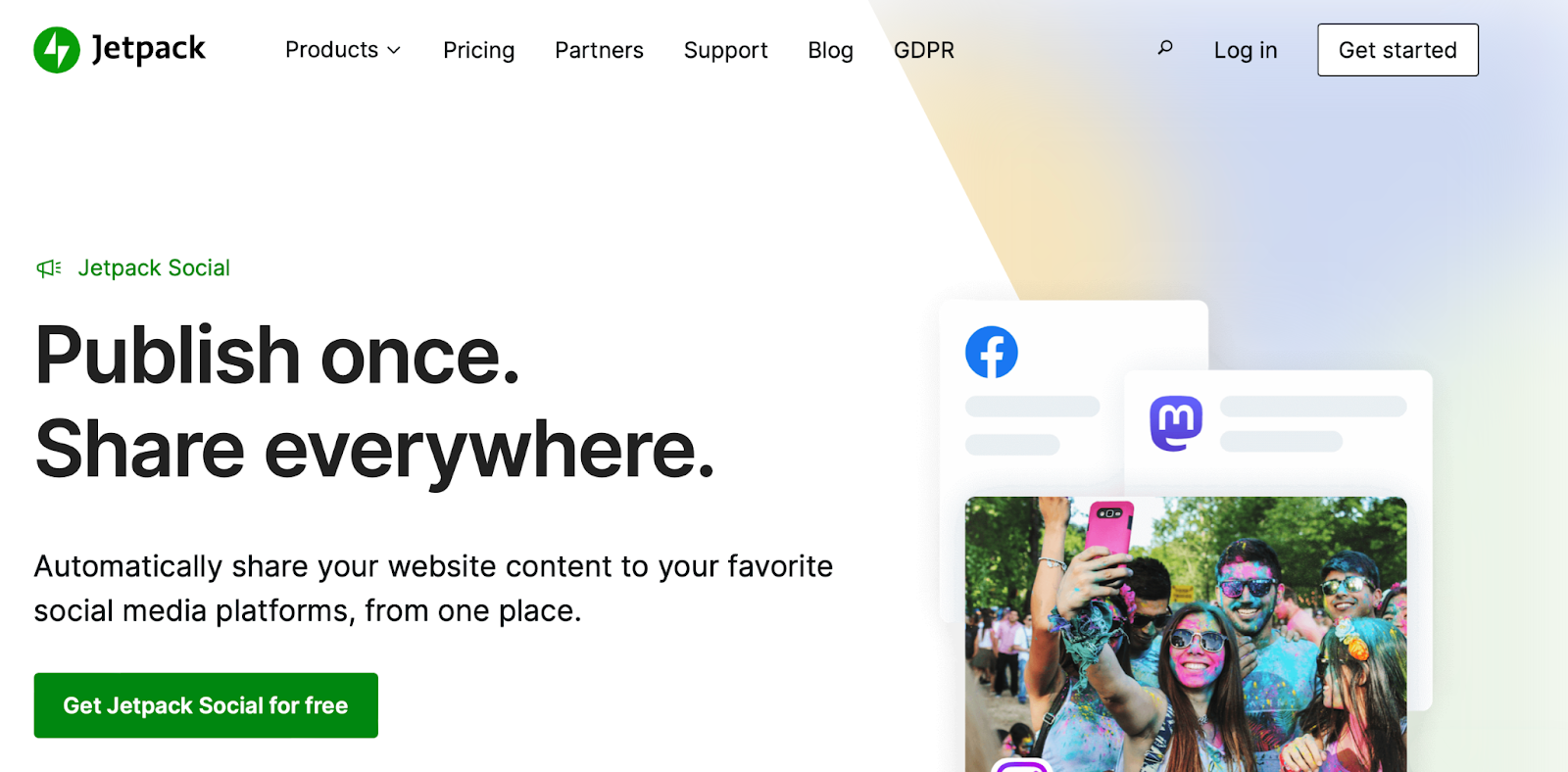
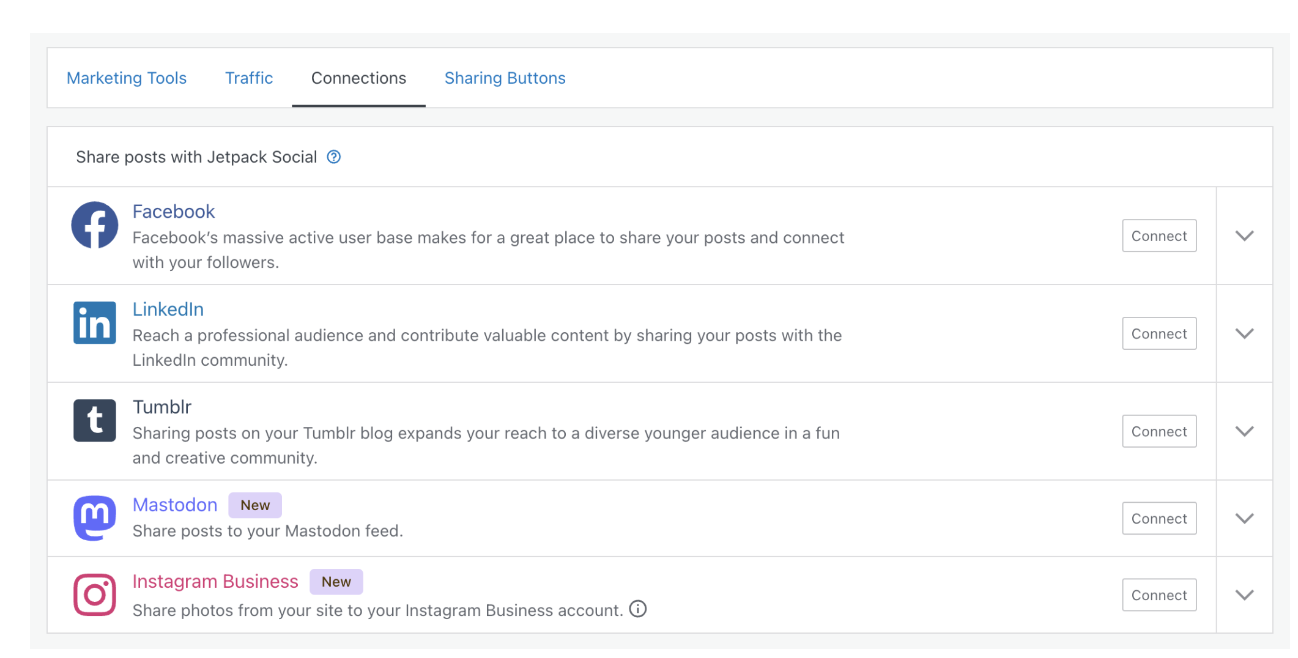
Jetpack Social is an easy-to-use social media plugin that lets you share across multiple platforms from a single dashboard. It supports a range of social media sites, including Instagram, Tumblr, Facebook, LinkedIn, and Mastodon.
Additionally, you can schedule posts for any time or day to build out your content calendar. Jetpack even provides an advanced image generator tool. You can choose from a range of styles and overlay custom text onto your photos.
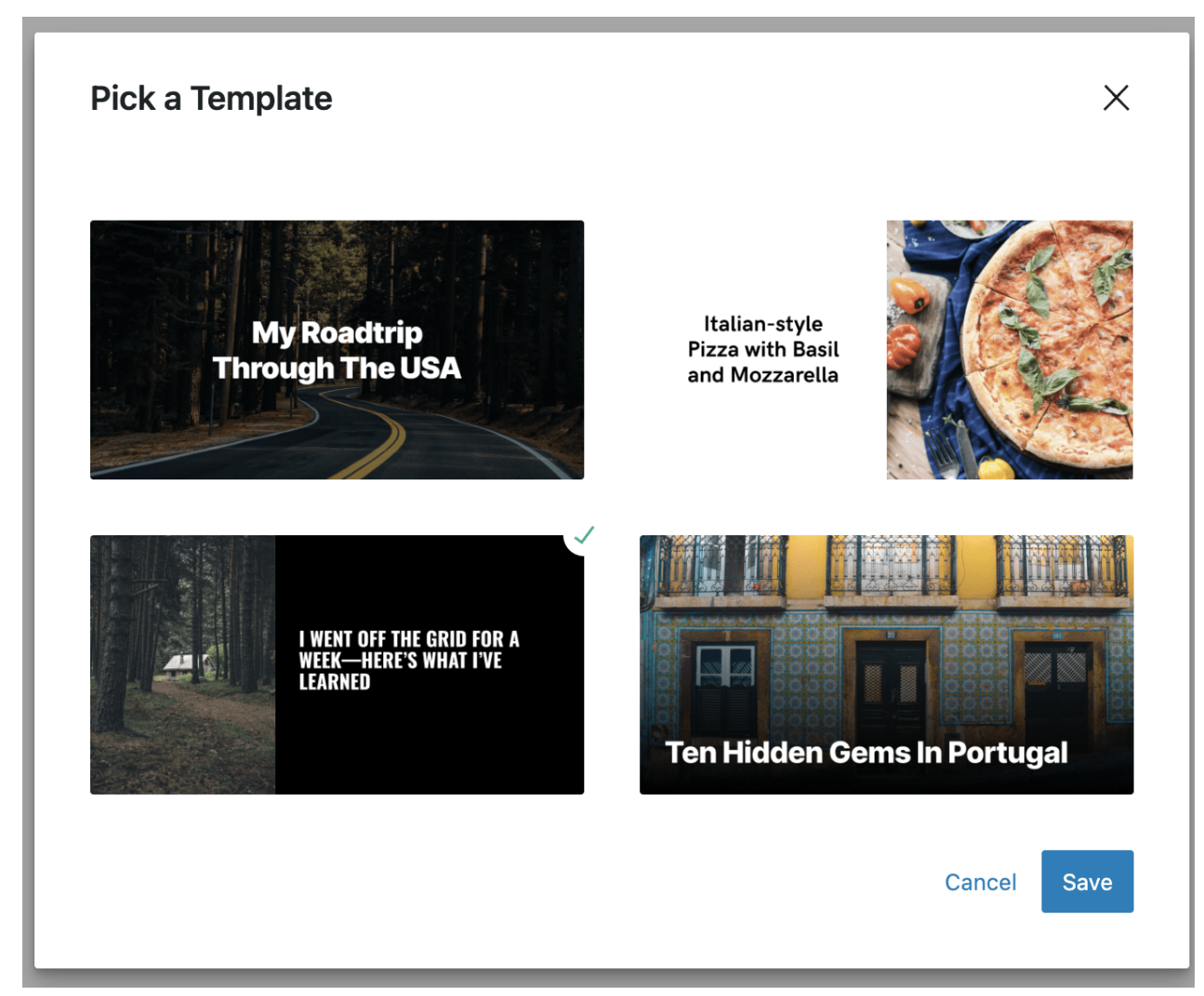
What’s more, you can boost your social engagement thanks to Jetpack Social’s organic content sharing feature. This tool enables you to select custom images, videos, and text to share your blog posts as native social media content instead of displaying the autopopulated featured image.
Key features:
- Easy post scheduling
- An image generator with a range of styles
- Support for Mastodon, LinkedIn, Tumblr, Facebook, and Instagram
- The ability to recycle old content
- Video sharing (Advanced plan)
- Multi-image sharing (Advanced plan)
- Engagement optimization (Advanced plan)
Who it’s best for:
Because it integrates directly into the WordPress dashboard, Jetpack Social is helpful to anyone running a WordPress site, whether they’re a single user or a large enterprise.
With the Social Advanced plan, you can access unlimited shares, priority support, an image generator, the video sharing tool, engagement optimization, and more.
The free social plan is perfect for beginners and freelancers who want to schedule a limited number of posts across multiple platforms (or they can upgrade to a Basic plan for unlimited shares) and don’t need the additional creative tools or engagement optimization.
Ease of use:
One of the best parts about Jetpack Social is that you can use the social media management tool directly within your WordPress dashboard. Once activated, all you need to do is locate the Jetpack icon in the block editor of the post you’re editing, click on Share to Social Media, and select the accounts you want to use.
Pricing:
You can get started with Jetpack Social for free, but this plan is limited to 30 social shares. If you want to upgrade, paid plans start at $4.95 per month.
2. Hootsuite
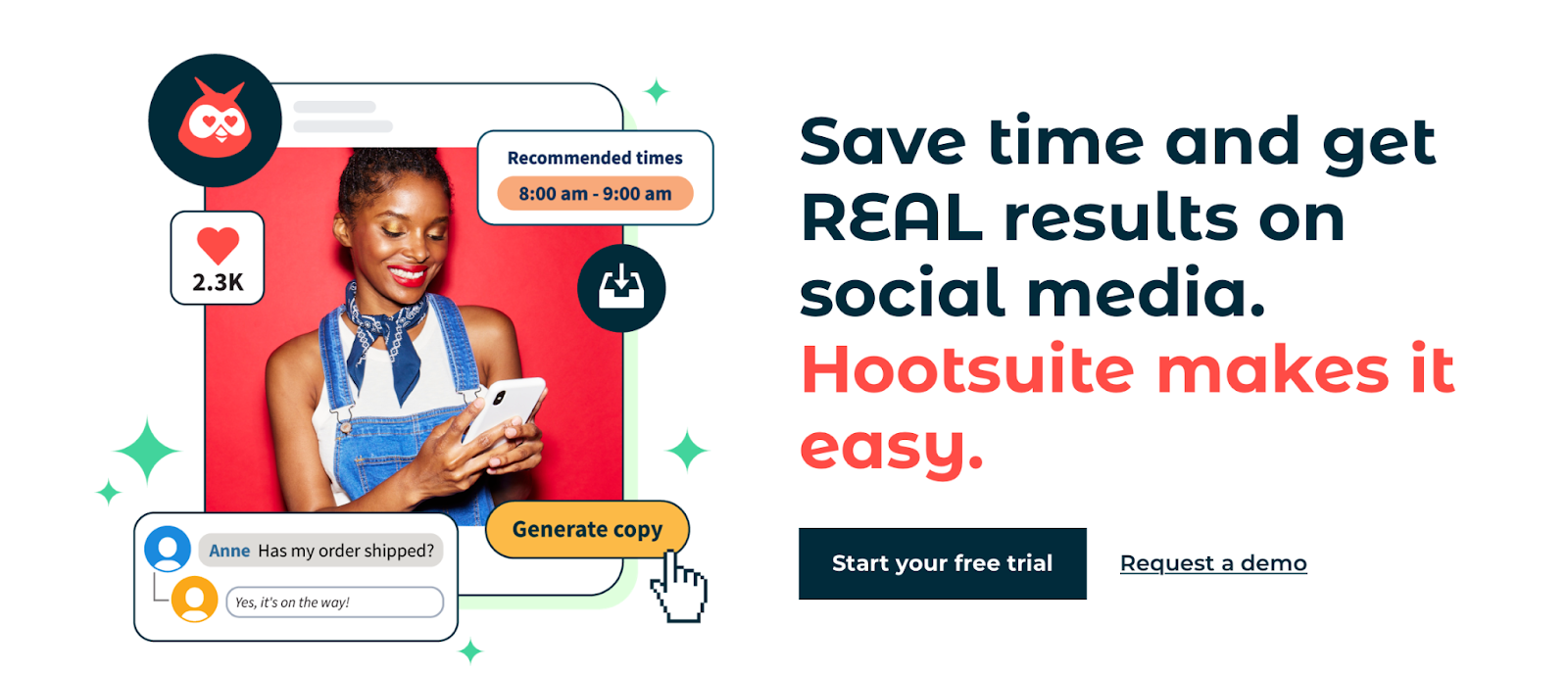
When you get started with Hootsuite, you’ll gain access to a clean, stylish dashboard where you can write, publish, and schedule social media posts. A key feature of Hootsuite’s social media scheduling tools is that you can also manage your social media inbox through your account. This means you can view all comments and DMs in one place.
Hootsuite provides robust analytics to help you improve engagement. For instance, you’ll receive actionable insights about the best time to post. You can also set up customizable streams to monitor trends and stay notified about your business.
Key features:
- Unlimited posts
- Ten social accounts (more with higher-priced plans)
- An intuitive dashboard
- A content calendar
- Access to inbox messages
- A content and asset library (Business plan)
- Inbound/outbound tagging (Business plan)
- Social ads management (Enterprise plan)
- Social ads analytics (Enterprise plan)
- Access to free tools like a caption generator and YouTube description generator
Who it’s best for:
While the Professional plan is a great choice for content creators, Hootsuite really stands out for its Enterprise solution. This plan lets you connect to over 50 social accounts and add five or more users.
With the Enterprise plan, you can move beyond simple post scheduling and launch full marketing campaigns with advanced analytics and management tools.
Ease of use:
Unlike Jetpack Social, you can’t use Hootsuite directly within your WordPress dashboard. Instead, you’ll get access to a custom Hootsuite dashboard that can connect to ten social accounts. Here, you can write and schedule your posts, add images, and reply to comments.
Hootsuite provides a help center and webinars to help you make the most of the platform.
Pricing:
Hootsuite pricing starts at $99 per month, but this plan only supports one user and ten social accounts.
3. Buffer
When looking for the best social media auto posters, you’ll find that Buffer is one more specifically designed for growing a social media presence vs. engaging with existing followers. You’ll get insights into the best time to share content, and it will help you select the right channels and suggest hashtags.
Buffer is a great tool for teams and agencies, since you can configure unique permission levels and approval flows. This way, your team can collaborate easily without any micromanagement.
You can view all of your post comments and reply to them through your Buffer dashboard. Plus, you have the option to set up Smart Alerts to prioritize important conversations like questions about a purchase.
Key features:
- An AI assistant to generate ideas, translate content, and re-purpose posts
- Video sharing on YouTube Shorts, Instagram Reels, and TikTok
- Team collaboration tools
- The ability to choose a custom time or create an automated schedule
- Reports for Instagram, Facebook, Twitter, and LinkedIn
- Boosted post insights
- Stories and post analytics
- A landing page builder
- Smart Alerts that help you prioritize conversations
- Support for multiple platforms, including Mastodon, TikTok, YouTube, LinkedIn, and Pinterest
Who it’s best for:
Buffer is one of the best social media auto posters for small social media marketing teams. It’s one of the few options that provide sophisticated collaboration tools with unique permissions and approval flows. Plus, the Team plan enables you to add an unlimited number of users to your dashboard.
Ease of use:
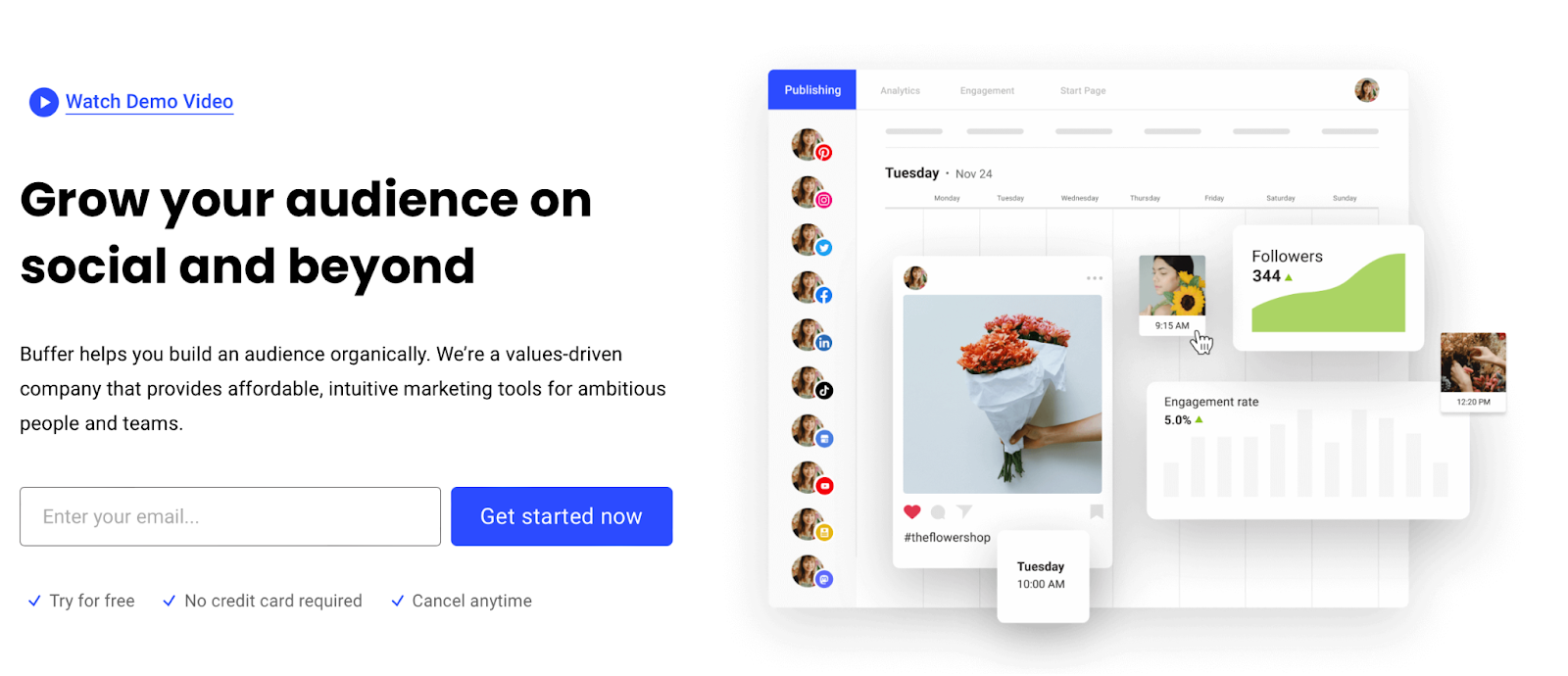
With Buffer, you’ll create all your content in an easy-to-use social media calendar. All your social platforms will be stacked to the left of the screen. Then, you can populate each content calendar with text, images, and hashtags. Better yet, you can use the AI Assistant to generate engaging posts by entering a simple prompt.
Pricing:
You can connect up to three channels with the free Buffer plan. This plan will also provide you with access to the Landing Page builder, the AI Assistant, and all planning and publishing tools.
If you require additional features or team tools, you can upgrade to a premium plan. These start at $6 per month.
4. Dlvr.it
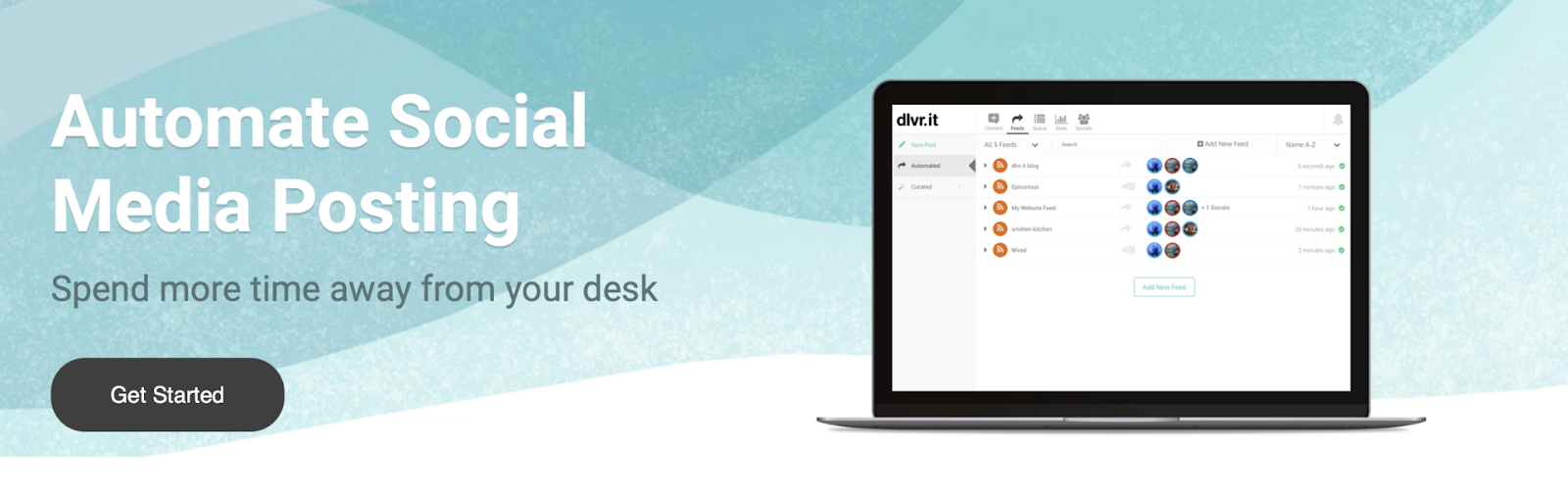
Dlvr.it doesn’t offer many features, but its auto posting functionality is quite extensive. It enables you to schedule posts from a dedicated dashboard and auto post items from RSS feeds, ecommerce sites, photo sharing apps, and social networks.
Dlvr.it supports tons of social media channels including Mastodon, Reddit, Instagram, Google Business, and more. Plus, you can integrate it with tools like WordPress and Google Analytics.
Key features:
- A Pinterest, Instagram, Mastodon, and Facebook auto poster
- The ability to schedule Google Business profile posts
- The option to recycle social media posts
Who it’s best for:
Dlvr.it is a suitable tool for complete beginners, and it provides a streamlined solution to auto posting. While you won’t find any flashy features, you’ll get access to a robust social media scheduling platform that works across popular platforms like Facebook.
Ease of use:
Dlvr.it provides a fairly intuitive interface, which is easy to use once you work with it a bit. Additionally, it has a Chrome browser extension, so you can easily post from the web. Unfortunately, the interface can become glitchy when you create categories and timings for bulk scheduling posts.
Pricing:
The free plan supports two social media accounts and 50 monthly posts (per social site). To access more queued items, platforms, and monthly posts, you’ll need to upgrade. Premium plans start from $10.79 a month.
5. Post Planner
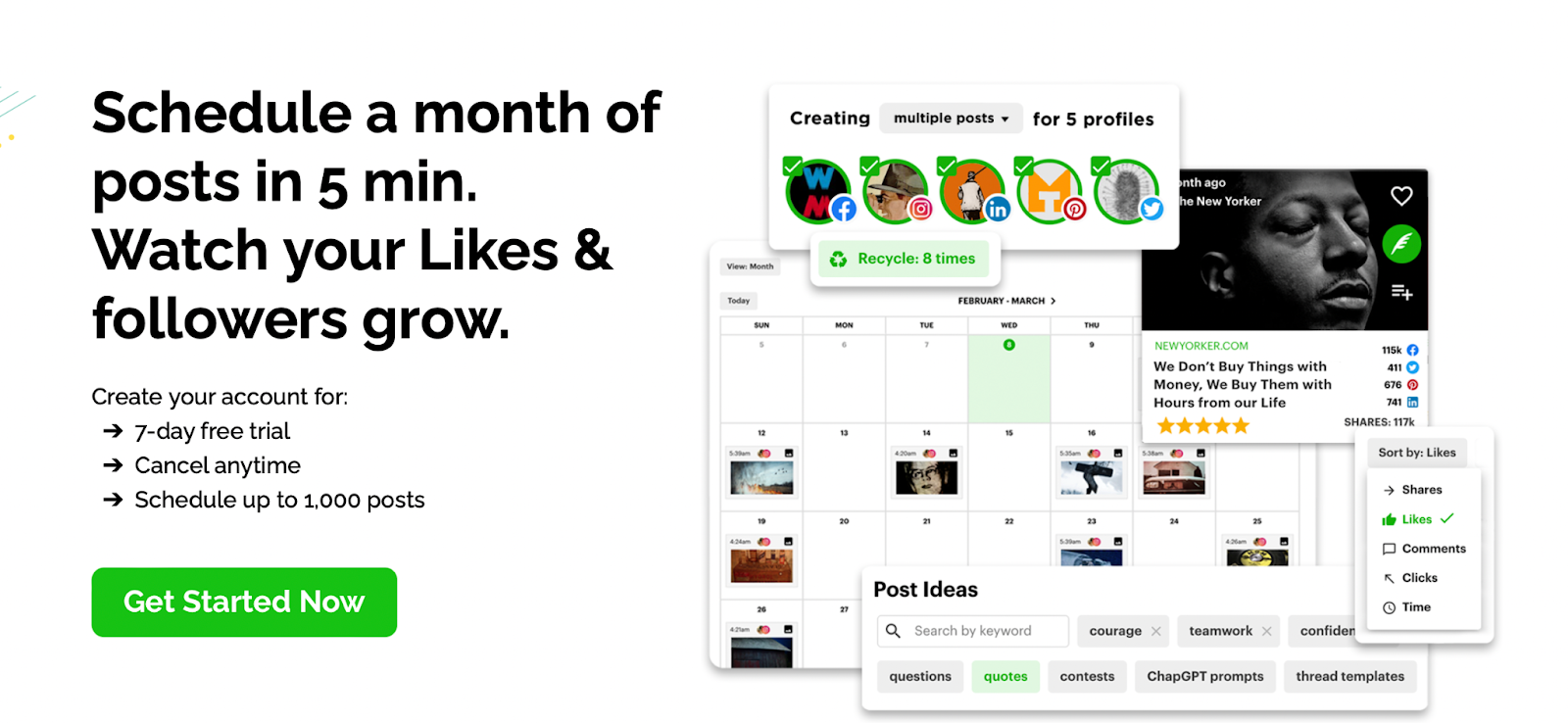
Post Planner makes it easy to manage multiple social media accounts from one place. You can auto post to seven platforms, including TikTok, Instagram, and Facebook. Plus, you can categorize posts into buckets to organize content by topic and season.
Post Planner also provides an easy way to upload many posts at once, so you can set out an entire month of content in just a few minutes. With an in-depth analytics tool, you can sort posts by engagement and re-add top-performing posts to the schedule.
This tool can help you come up with ideas for social media posts. With the Content Discovery feature, you’re able to find popular memes, videos, and more, in any industry.
Key features:
- The ability to design images with stock media editing tools
- A tool to classify posts into buckets
- The option to create and manage posts on your phone
- Analytics to evaluate post performance and engagement
- A Content Discovery tool to find viral post ideas
- Automatic post recycling
- The ability to tailor your posts to each network
Who it’s best for:
Post Planner is a social media auto poster that comes with a stylish media editor and a Bulk Composer feature. Plus, you’ll get access to a handy Content Discovery service to search and find popular videos, articles, and memes to inspire your content. Therefore, it is a great option for cutting-edge brands that want to stay up-to-date with all the latest trends.
Ease of use:
The Post Planner interface is very easy to navigate. You can view your posts by month or week. Plus, you can upload dozens of images at once.
This social media management tool also provides useful engagement metrics that help you understand how your posts are performing.
Pricing:
Post Planner packages start at $3 a month, but this only supports one social account. Therefore, you might be better off with the Growth plan. This costs $27 a month and includes ten social accounts, 1000 scheduled posts, and two users.
6. FS Poster
FS Poster is one of the best social media plugins for WordPress. You can use it directly within your WordPress dashboard to schedule blog posts, re-publish old content, and auto post to social media channels. You can get started with FS Poster Lite, which is completely free.
FS Poster supports 21 social networks and services, including WordPress, YouTube, Medium, TikTok, and Threads. It also gives you access to sophisticated analytics tools, where you can track engagement, click counts, and impressions.
Key features:
- Support for 21 networks and services
- Auto post functionality for blog posts
- The ability to create schedules with determined intervals and filters
- A direct share panel
- A URL Shortener
- Posting intervals
- Support for custom post types like WooCommerce products
- Unlimited accounts, groups, and pages on each network
- A bulk schedule option
- Click tracking for post links
- The option to display Facebook comments on your website
- Instagram carousel scheduling
Who it’s best for:
If you have social accounts across tons of different networks, FS Poster could be an excellent choice for your business. Out of all the social media auto posting tools, FS Poster supports the highest number of platforms. These include niche options like Plurk, and Discord.
Therefore, if you’re looking for a solution that goes beyond popular channels like Facebook and Instagram, this can be the right tool for you.
WordPress users may find it particularly helpful, but it’s not as robust as the advanced features of Jetpack Social.
Ease of use:
FS Poster is a great option for WordPress users, since you can install the plugin directly through your dashboard.
You can add all your social accounts under the Accounts tab. Then, you can automatically share your posts on activated accounts.
Pricing:
You can install the free WordPress plugin or upgrade to the paid version for $45.
7. SmarterQue
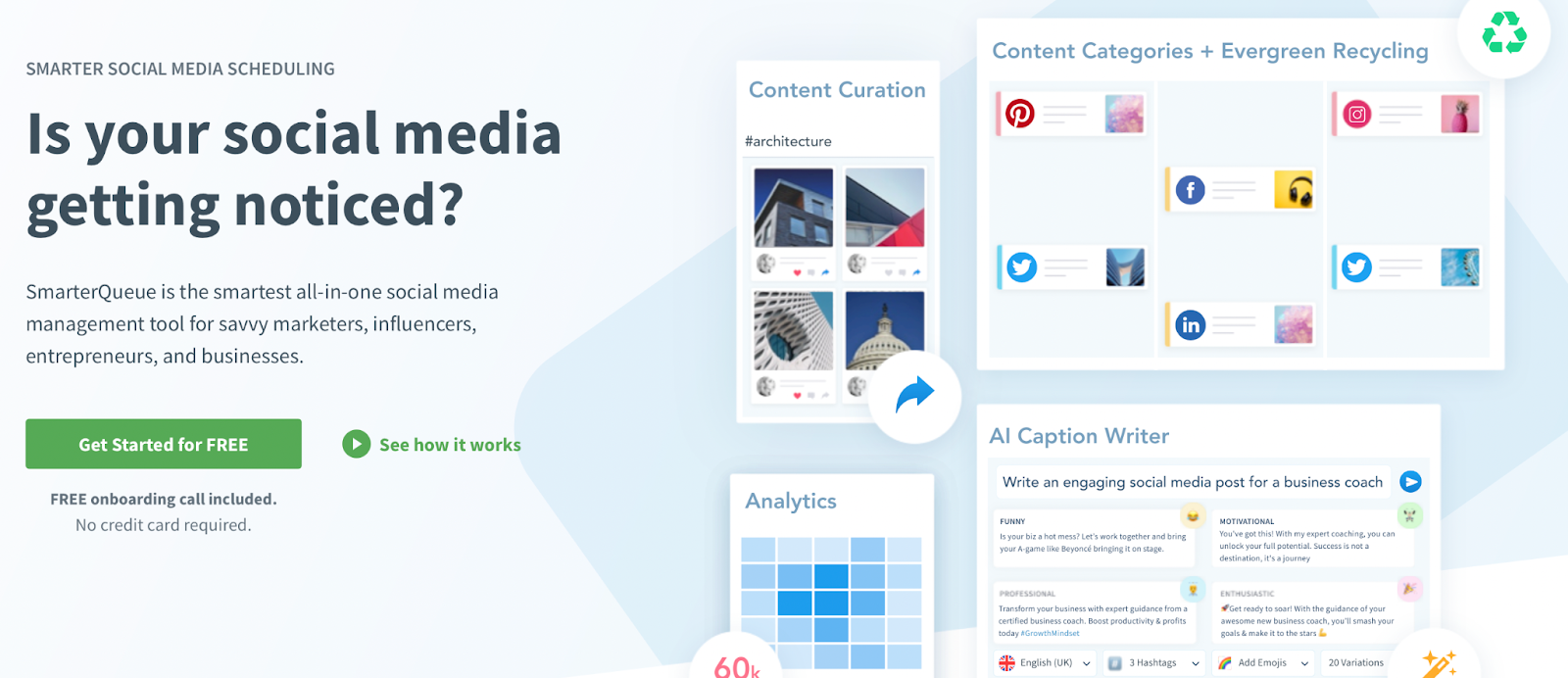
While SmarterQue is primarily known as a social media management tool, it also boasts a neat auto-posting feature. The tool enables you to create different categories of posts with separate queues and posting plans.
You can even set your posts to recycle, and they’ll rejoin the queue to be published as many times as you like. Then, you can configure unique expiration settings. You might set posts to expire on a specific date, or after the content has been posted a certain number of times.
SmarterQue also offers features that can help improve engagement for your posts. For example, you can use the AI Caption generator or discover high-quality content with the Content Curation feature.
Key features:
- Content Categories with different queues and posting plans
- Evergreen recycling
- The ability to create variations of evergreen posts to aid your social media plan and strategy
- Seasonal categories
- Unlimited shared logins
- Bitly and UTM link tracking
- Native video posts
- An AI Caption Writer
- Content Curation to discover great content across different platforms
- A visual social media calendar
- Detailed analytics to help you analyze your social history
- Competitor analysis
- The ability to manage your social inboxes from the same place
- An Instagram scheduler
Who it’s best for:
SmarterQue is one of the easiest ways to get the most value out of one piece of content. When you publish a new post, you can determine whether you want to post it once or re-queue afterward.
You can also set an expiration date for the post. For example, you might want it to expire after it’s been posted five times. This gives you lots of control over the reuse and repurposing of your content.
Ease of use:
SmarterQue is a simple, intuitive tool that still provides plenty of features. It’s a breeze to keep an eye on your content calendar. Plus, you can divide posts into appropriate categories to add a greater degree of structure and organization to your content.
Every area of the dashboard is visually laid out. This makes it quick to view posts, analytics, or content ideas.
Pricing:
Smarter Que’s plans start at $29.99 a month for four social profiles and 500 queued posts. If you require additional social profiles, posts per day, and content categories, you can upgrade to the Business plan for $42.99.
8. Later
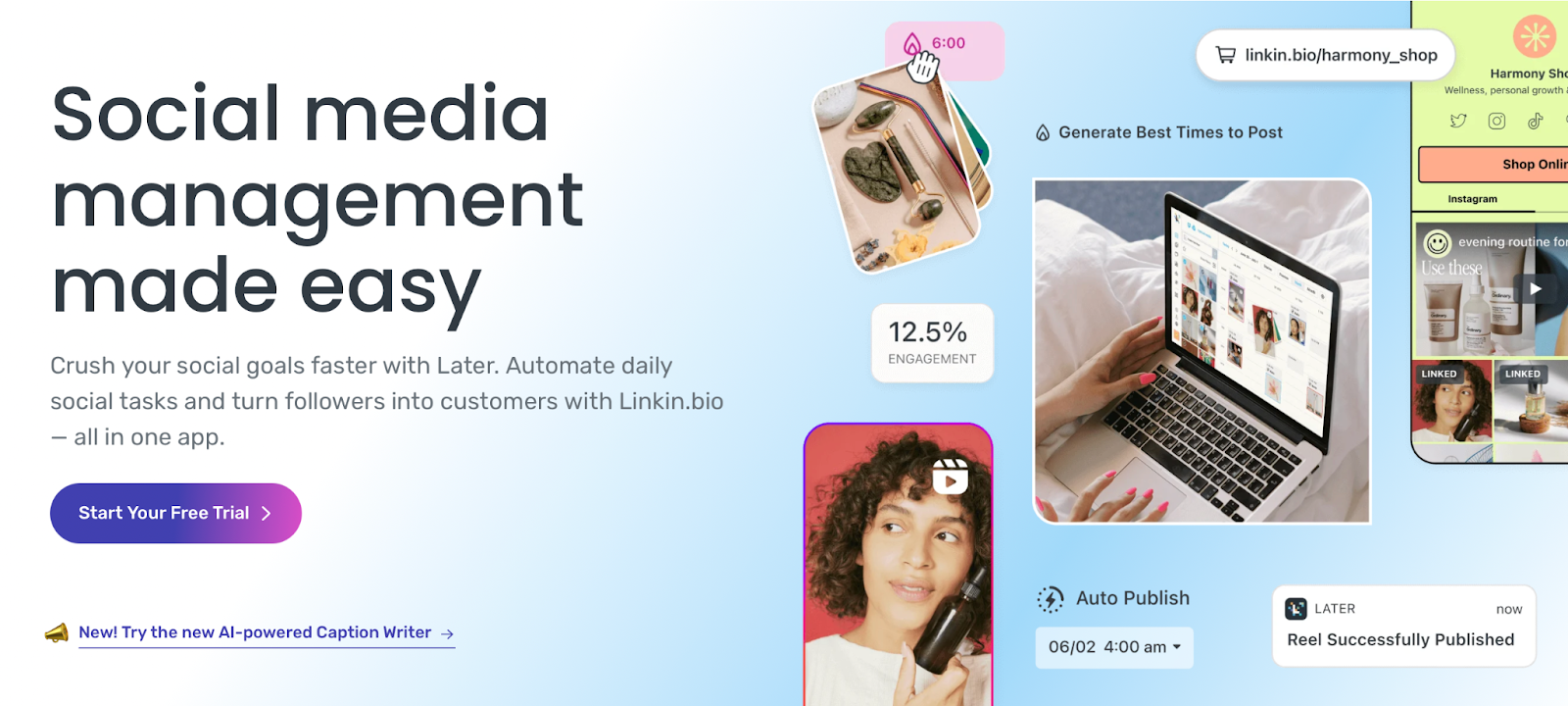
Later provides an easy way to automate daily social media tasks. You can create, edit, and schedule posts to publish at the time and date of your choosing. Alternatively, you can search for on-brand, user-generated content to publish to your feed.
What’s more, you can bulk schedule and auto-publish for different content types like single images, videos, or carousel posts. Better yet, you can optimize your posts for each network.
For instance, you can crop, trim, and add filters to your visual content using Later’s Content Creation tools.
You can also add all your assets to a media library for future use.
Key features:
- The ability to preview and arrange upcoming posts
- Free content creation tools to improve visual content like images
- Best time to post recommendations
- A media library of photos, videos, and user-generated content
- A visual planner for Instagram
- A hashtag suggestion tool
- An AI caption writer
- A custom link in bio page
- In-depth analytics
Who it’s best for:
Later provides one of the easiest ways to optimize your social posts for different platforms. For instance, you’ll receive “best time to post” suggestions and hashtag guidelines to increase the visibility of your content. Plus, you can optimize visual content with crop, trim, and filters.
Ease of use:
Later gives you access to a simple content planner and scheduling dashboard. This means that it’s very easy to use. For instance, you can upload images easily, create a media library, and use a drag-and-drop editor to rearrange posts.
Pricing:
The cheapest Later plan costs $40 a month and includes three social sets and three users. For unlimited posts, you’ll need to upgrade to the Advanced plan, which costs $80 a month.
9. Planly
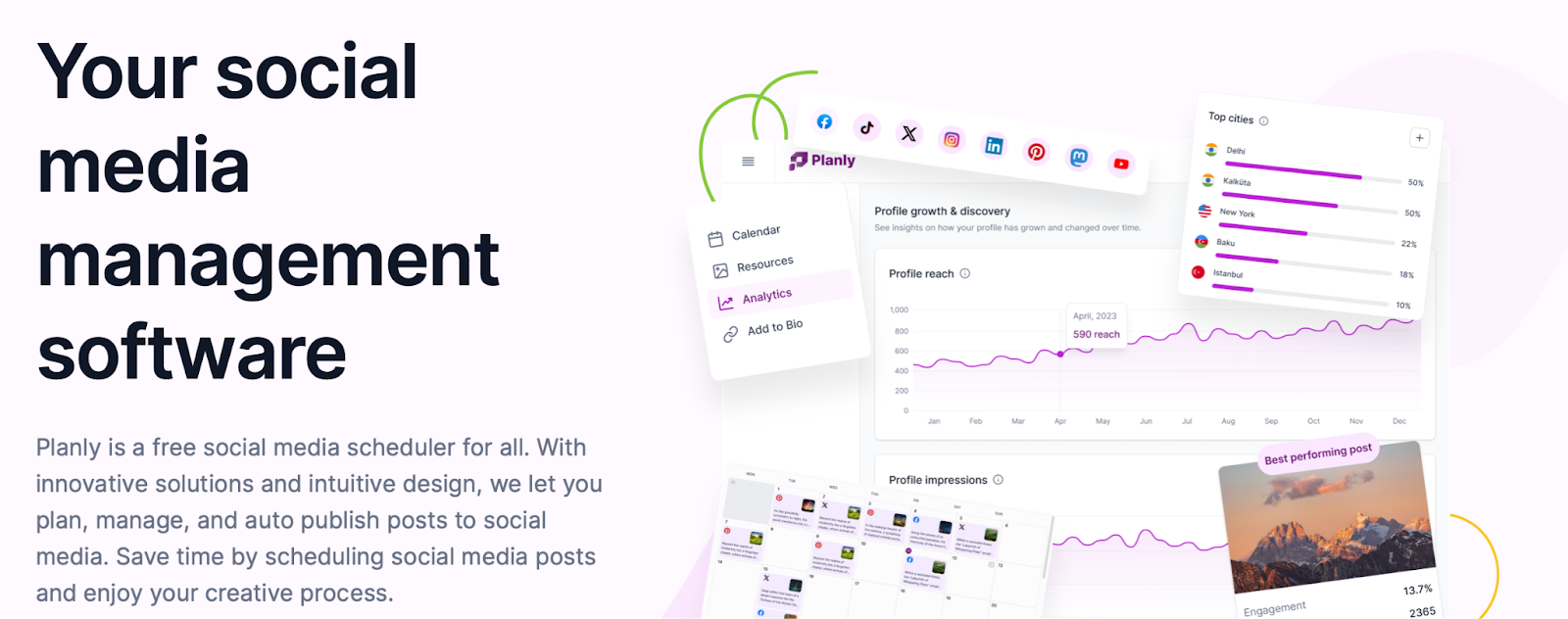
Planly enables you to easily plan, manage, and auto post to social media for free. You can create a free account and get started right away. The tool lets you auto post all types of content like carousel posts, TikTok videos, Instagram Reels, Pins, and more.
Recently, Planly made it possible to create custom landing pages to share in your social media bios. This can be very useful for affiliate marketers. Meanwhile, the visual dashboard lets you fill your content calendar using an intuitive drag-and-drop editor.
Like Later, Planly lets you create your own media library, where you can store an unlimited amount of media files. You can filter your assets by date, media type, or category to find them more quickly. You also have the option to assign tags to make them more accessible.
Key features:
- Support for all popular platforms like TikTok, Instagram, and Facebook
- The ability to schedule tons of content types
- Instagram analytics
- A drag-and-drop content planner
- Clear social key performance indicators
- Unlimited media file storage
- The ability to generate ideas with Planly’s AI Content Assistant
Who it’s best for:
Planly is one of the best social media auto posters for businesses on a tight budget. You can start using it for free. If you require additional social channels and more post-scheduling functionality, the premium plans begin at just $15.
Ease of use:
Planly is a user-friendly social media management tool. It comes with an intuitive drag-and-drop editor for building your content calendar. It also makes it easy to create visual content, and you can populate your own media library to store your assets.
Pricing:
You can get started with Planly by creating a free account. To add more social media channels to your calendar, you can upgrade to a paid plan. Pricing starts at $15 per month.
10. Keyhole
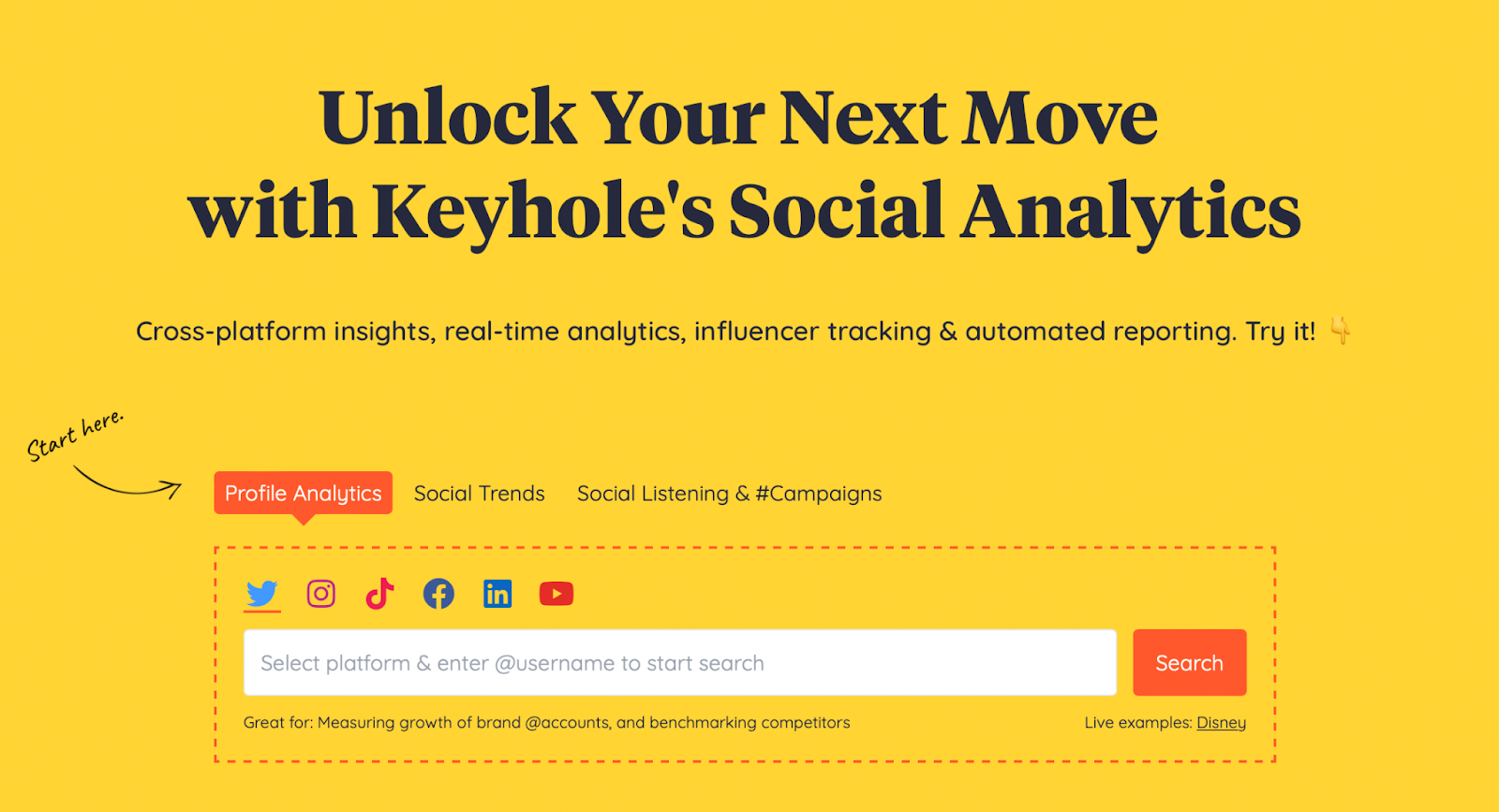
Keyhole is a social media auto poster that specializes in social analytics. You can measure the growth of your accounts and compare figures against your competitors. You can even monitor brand mentions and track your campaigns.
Keyhole also lets you auto post to various social platforms, including Facebook and LinkedIn. Plus, you can identify the best times to post using in-depth analytics for each network.
The content calendar is extensive, so you can view posts that you published months ago, as well as future posts that you’ve planned in advance. Keyhole stores all the data for published posts.
Key features:
- A detailed side view of your profile analytics
- Quick trends to gain ideas for your content
- Product research and development
- Brand mentions monitoring
- Account recommendations to enhance your posts
- Optimal post times
- A content calendar
- Multi-user plans
- Influencer tracking
- Historical data
- In-depth analytics for each network, keyword, and hashtag
- An engagement rate calculator
Who it’s best for:
Keyhole provides advanced analytics, so it’s a great choice for businesses that are looking to improve their content strategies. You can access a quick side view of each of your profile analytics within your dashboard.
You can also track keywords and hashtags to monitor your content performance. This helps you make important adjustments to your strategy to improve engagement across platforms.
Ease of use:
Keyhole can be slightly overwhelming at first, but you can access each feature from the sidebar to the left of the dashboard. Meanwhile, each of your social accounts is linked across the top. Additionally, many of the analytics are represented visually, so they’re easy to understand.
Pricing:
Small businesses and freelancers can get started with Keyhole for $79, but this only includes two trackers and five social profiles. Plus, it limits you to just a couple of major platforms. If you require more features, the Corporate plan costs $239 per month and includes support for TikTok.
A comparison of the best social media auto posters
While there are plenty of quality social media auto posting tools available, the best choice for your business will depend on your unique needs.
For instance, you may require a solution that goes beyond popular platforms like Facebook and Instagram. You might also be looking for a tool that enables you to auto post all kinds of content like images, videos, or ecommerce products.
To help you out, we’ve created a clear comparison table. This way, you can see exactly how the top ten social media scheduling tools stack up against one another across eight key areas.
Comparison table of auto posting tools for social media
| Image generator tools | Analytics | Free plan | Team tools | Content ideas | Manage inboxes | More than popular platforms | Multiple content types | |
| Jetpack Social | Yes | Yes | Yes | No | Yes | No | Yes | Yes |
| Hootsuite | No | Yes | No | Yes | No | Yes | Yes | Yes |
| Buffer | Yes | Yes | Yes | Yes | Yes | Yes | Yes | Yes |
| Dlvr.it | No | Yes | Yes | No | No | No | Yes | Yes |
| Post Planner | No | Yes | No | No | Yes | No | Yes | Yes |
| FS Poster | No | Yes | Yes | No | No | No | Yes | Yes |
| SmarterQue | No | Yes | No | No | Yes | Yes | Yes | Yes |
| Later | No | Yes | No | Yes | No | No | Yes | Yes |
| Planly | No | Yes | Yes | Yes | No | No | Yes | Yes |
| Keyhole | No | Yes | No | Yes | Yes | Yes | Yes | Yes |
Frequently asked questions
Still have questions about the best social media auto posters? We’ve got answers below!
What features should I look for in a social media auto poster?
One of the most important features to look for in a social media auto poster is cross-platform support. Some social tools only support certain networks, like Facebook and LinkedIn. But if you want to improve engagement and reach a larger audience, it’s important to make sure the tool supports the best social media platforms for business.
Additionally, one of the easiest ways to manage any auto post content is to add your posts to a visual content calendar. This way, you can quickly check where (and when) content is to be published. Plus, you can easily make changes and recycle existing posts.
You might also want to look for a social media auto posting platform that enables you to manage interactions with customers. For instance, some tools let you reply to your social inboxes directly within the dashboard. Others let you track clicks, shares, and reactions.
To aid in creating more quality content, you’ll also be a step ahead if you choose an auto poster that includes an image generator, video sharing, and engagement optimization tools — key differentiators in a tool like Jetpack Social.
How do I choose the right social media auto poster tool for my business?
With so many social media tools available, it can be difficult to choose the right solution for your business. Fortunately, Jetpack Social is an excellent option for all kinds of companies.
With Jetpack Social, you can integrate your auto posting tool directly within your WordPress dashboard. This enables you to share your blog posts straight to social media channels.
You can also go above simple blog posts. For instance, you can auto post videos, images, and WooCommerce products. Meanwhile, you can enable specific social networks to include, using a simple slider.
The best social media auto poster for your business will depend on the platform or CMS that you’re using. Jetpack Social is a great choice for WordPress. Meanwhile, Buffer makes an excellent option for other types of sites.
How do I integrate a social media auto poster with my website or blog?
If you’re looking to integrate a social media auto poster with your website or blog, the easiest way to do this is with a plugin. Not all auto posting tools provide plugins, but some solutions (like Jetpack Social) enable you to install the tool directly within your WordPress dashboard. Then, you can simply activate the tool and start adding your social accounts.
If the provider doesn’t offer a WordPress plugin, you’ll likely need to create an account on the website. While this will enable you to manage and automate your social media posts, it’s unlikely that you’ll be able to connect the dashboard directly to your website or blog.
Can social media auto posters publish posts on multiple social media accounts?
You’ll find that most auto posting tools only allow you to connect to a couple of social platforms with the free (or cheapest) plan. For instance, for $3 a month, Post Planner supports one social account. If you upgrade to the Growth plan for $27, you can connect to ten social networks.
Additionally, Keyhole only gives you access to three popular platforms with the most basic plan. But with the Corporate plan, you can also connect to TikTok. The Agency plan grants you access to YouTube and LinkedIn.
One of the best things about Jetpack Social is that the free plan lets you auto post across Facebook, Instagram, LinkedIn, Mastodon, and Tumblr.
Which social media platforms do social media auto posters generally support?
You’ll find that most quality social auto posters support popular platforms like Facebook, Instagram, and LinkedIn. But you can also find more sophisticated solutions that auto post to networks like Instagram, TikTok, and YouTube.
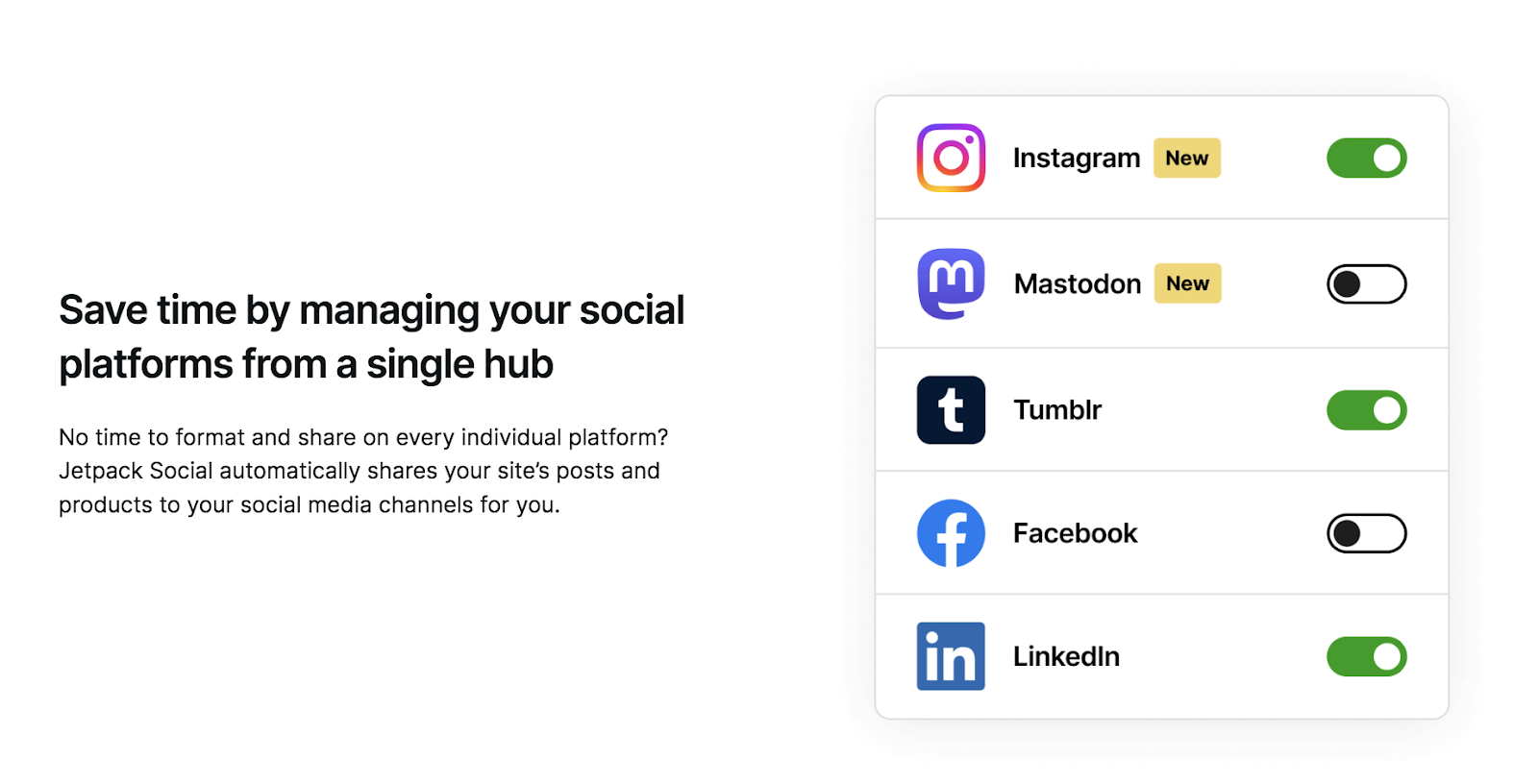
For instance, Jetpack Social enables you to connect to all of the above platforms as well as Tumblr and Mastodon. Meanwhile, if you’re looking for something a little more niche, FS Poster lets you connect to additional services like Telegram and Discord.
Can I customize my messaging when using an automated social media posting tool?
Yes. You’ll write your posts exactly as you would if you were posting them live on the networks. The only difference is that you’ll create them within a unique dashboard of one of your chosen social media tools and save them to publish at a later date.
Usually, at any time up to the publication date, you can return and make changes to the content, images, and hashtags. Alternatively, you might like to review the content a couple of hours before posting.
The only exception is if you’re using a social media auto poster plugin like Jetpack Social. With this tool, it’s even easier because you’re able to create your posts directly within your WordPress dashboard.

Publish once. Share everywhere.
Automatically share your website content to your favorite social media platforms, from one place.
Get Jetpack Social for free Jetpack