

In an increasingly disjointed world, photographs are the currency of human connection. They invite us to see the world from a unique perspective. They share moments, create emotions, and let us tell our stories without a single uttered word. For photographers, each image is a work of art, an expression of creativity, a narrative waiting to be shared.
But what is art without an audience? In other words, where should you post and showcase your photography in 2026?
Social media platforms have opened a world of opportunities for photographers, democratizing the art and business of photography. They offer a stage to present to a global audience, garner instant feedback, and build a community.

At the same time, the vast landscape of social media can be overwhelming. From Instagram to Flickr, each platform has its own best practices and unspoken rules. Choosing the right platform and curating the right content can be daunting.
But this is where we step in to provide you with a detailed roadmap to navigate the journey — a roadmap tailored for photographers.
The 9 best social media sites for photographers in 2026
Before diving into the platforms, let’s consider the key factors that should guide your choice of social media platforms. It’s not about being in every place; it’s about being in the right place.
You want to choose platforms where your target audience is most active, that align with your style of photography, and that cater to your business goals. Also consider the ease of use, the tools and features available, and how well you can integrate the platform into your existing workflows.
1. Instagram
Instagram and photography go together like the lens and the shutter. Born as a photo-sharing app, Instagram has become a go-to platform for photographers.
Advantages for photographers
Instagram’s visually-driven nature is ideal for photographers. It offers various features such as filters, stories, and reels that are perfect for showcasing and experimenting with your work. Its user-friendly interface and vast user base provide an opportunity to reach a global audience.

Best practices and strategies
Use hashtags intentionally to increase your content’s discoverability. Engage with your followers by responding to comments and messages. Make the most of Instagram’s multiple post formats — photos, carousels, stories, and reels.
Content ideas
Post a mix of your best shots, behind-the-scenes glimpses, and your creative process. Use stories for interactive content such as polls and Q&As. Share a photo series or reels to showcase your editing process.
2. 500px
500px is a photographer-specific network.
Advantages for photographers
500px is built for photography-first discovery. It’s strongest for showcasing cohesive bodies of work, getting feedback from photographers, and occasionally earning licensing-style opportunities.
Best practices and strategies
Upload series (not one-offs). Use precise titles, keywords, and gear/location metadata where appropriate. Treat it like a portfolio with a release cadence (e.g., 1–2 uploads/week).
Content ideas
Project drops” (10–20 images), before/after edits, and themed series (e.g., “Winter street portraits in Paris”).
3. Tumblr
Tumblr’s blogging format is a unique choice, and an effective one for photographers.
Advantages for photographers
Tumblr’s emphasis on community and sharing makes it a great platform to build a dedicated fan base. Its blog-like nature allows for more in-depth captions, offering you a chance to delve deeper into your creative process.
Best practices and strategies
Regularly interact with the community by reblogging other people’s posts, responding to messages, and participating in discussions. Customize your Tumblr page to reflect your photography style.
Content ideas
Share photo essays, series, or narratives. Use the platform to provide insight into your artistic process or to discuss photography techniques.
4. Behance
Behance is like a virtual exhibition for photographers, where you can showcase your work in a professional format.
Advantages for photographers
Behance’s focus on creative portfolios makes it a perfect platform for showcasing your best work. The network of professionals on Behance can provide valuable connections and feedback.
Best practices and strategies
Keep your portfolio updated with your latest and best work. Engage with the Behance community through comments and appreciations. Make sure your profile is complete and represents your personal brand.
Content ideas
Showcase your best work, highlight your creative processes, and share your experiences in your industry.
5. Pinterest
Pinterest, the digital vision board, is an underexplored gem for photographers.
Advantages for photographers
The platform’s emphasis on visuals and discovery makes it a treasure trove for photographers. It’s a perfect place to not just showcase your work but also to discover new inspiration and trends.
Best practices and strategies
Use SEO-friendly descriptions and hashtags to enhance discoverability. Create various boards for different types of work or inspirations.
Content ideas
Share your photography, behind-the-scenes, photography tips, mood boards, and inspirations.
6. Facebook
Despite the rise of new platforms, Facebook remains a behemoth and a necessary platform for photographers.

Advantages for photographers
Facebook’s vast user base and versatile post formats make it a must-have platform for photographers. It’s excellent for community building, client engagement, and event promotion.
Best practices and strategies
Make use of Facebook groups to connect with other photographers and potential clients. Regularly engage with your followers through likes, comments, and shares.
Content ideas
Share your latest work, behind-the-scenes, photography events, client testimonials, and promotions.
7. YouTube
In the era of visuals, YouTube’s focus on video content presents a unique opportunity for photographers.
Advantages for photographers
YouTube can enhance your brand through the power of video, enabling you to present your work, personality, and knowledge in a dynamic format. It’s also a great platform for monetization.
Best practices and strategies
Consistency is key on YouTube. Regularly upload videos, engage with comments, and promote your channel on other platforms.
Content ideas
Share photography tutorials, gear reviews, vlogs, project walkthroughs, and time-lapse videos of your editing process.
8. TikTok
The rising star, TikTok, is not just for dance routines and lip-syncing.
Advantages for photographers
TikTok’s emphasis on short, creative videos makes it a fun and refreshing platform for photographers. Its algorithm also provides a fair chance for your content to go viral.
Best practices and strategies
Keep videos short and entertaining. Make use of trending songs and hashtags. Engage with the community through challenges and duets.
Content ideas
Share quick photography tips, behind-the-scenes videos, the editing process, photo challenges, and humorous content related to photography.
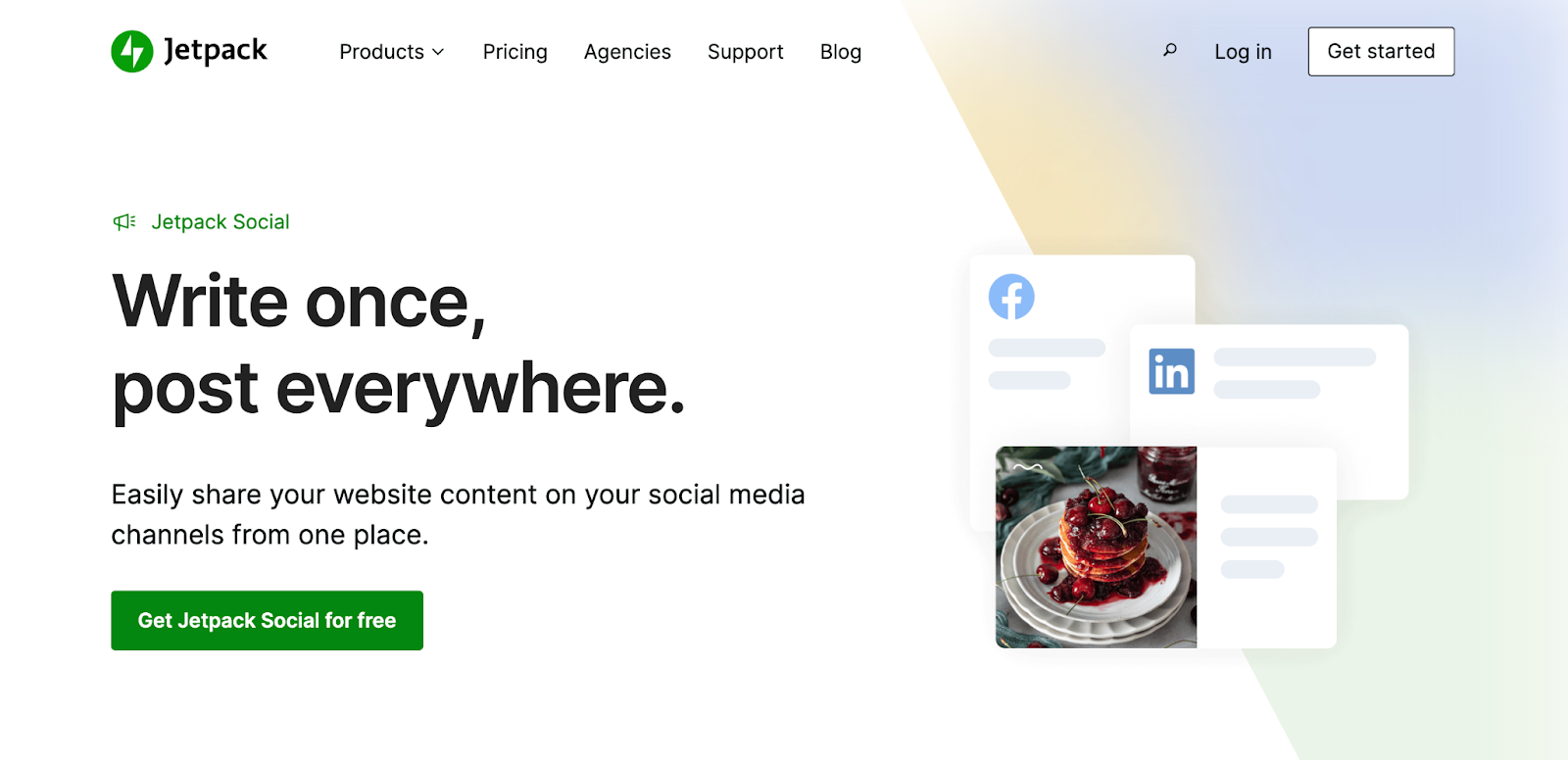
Publish once. Share everywhere.
Automatically share your website content to your favorite social media platforms, from one place.
Get Jetpack Social for free9. Flickr
Flickr, the old faithful, continues to be a beloved platform among photographers.
Advantages for photographers
Flickr’s emphasis on high-quality images and its supportive community make it an excellent platform for serious photographers.
Best practices and strategies
Regularly participate in groups and discussions. Make use of tags and descriptions for better discoverability.
Content ideas
Share your best work, participate in photo challenges, and engage in critique groups.
Compelling content ideas for photographers on social media
Having touched on some content ideas while discussing individual platforms, let’s delve deeper into what kind of content photographers can share on social media. Remember, content’s most important, but it can’t go very far without engagement. Your posts should not just showcase your work but also engage your audience, inspire conversation, and build community.
1. Showcase your portfolio and latest work
Your social media platforms serve as a dynamic portfolio of your work. This is where you can show the world what you’re capable of and how your work evolves.
Behind-the-scenes content
People love to see a peek into what goes on behind the camera. It adds a layer of authenticity and relatability to your work. From setting up the shot to post-processing, your audience will appreciate seeing what goes into making that perfect image.
Before and after shots
Before and after shots, especially of your editing process, can be quite engaging. It helps your audience appreciate the amount of work and skill that goes into each shot.
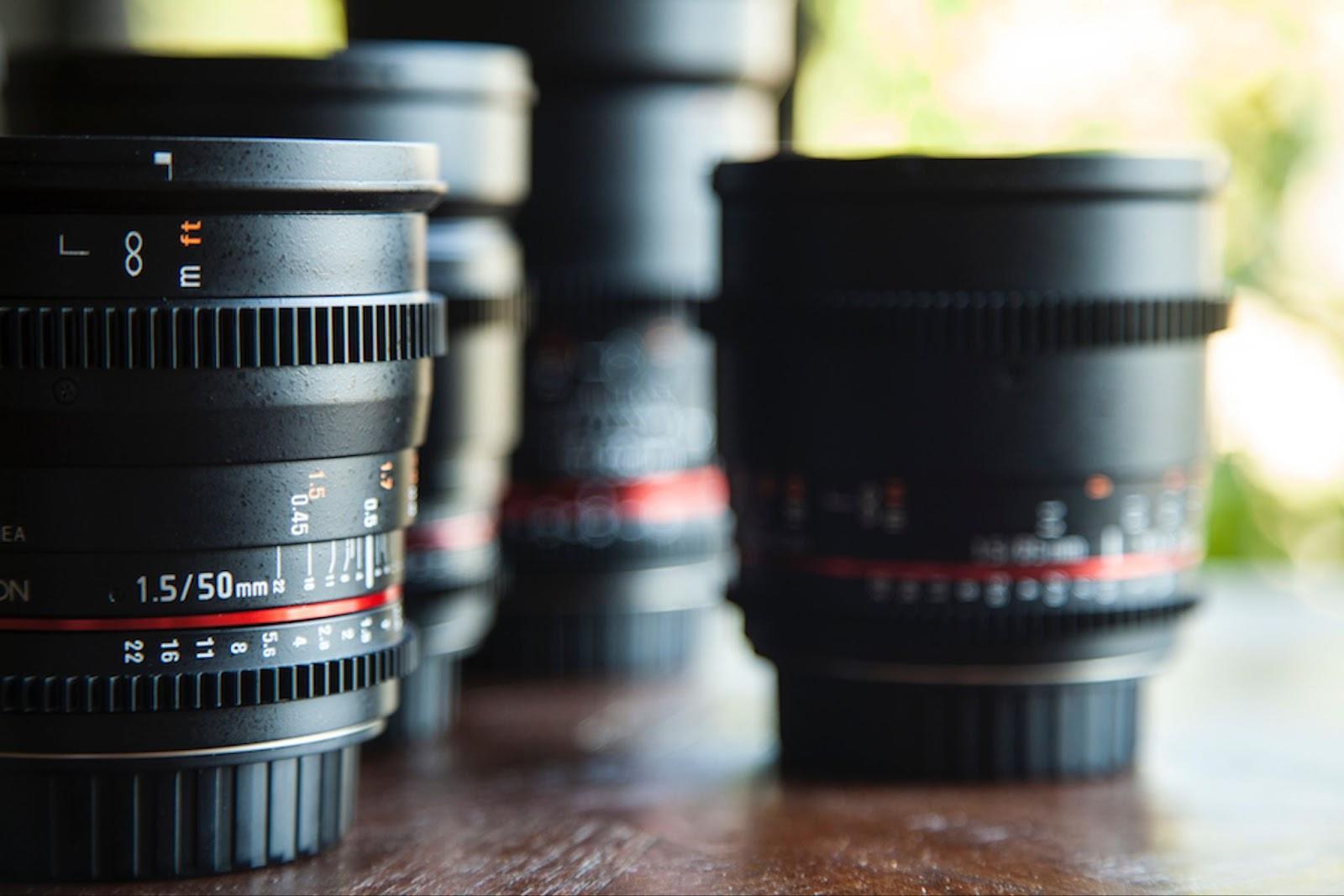
Photo series and projects
Sharing a series of photos around a particular theme or a long-term project can make for compelling storytelling. It keeps your audience engaged and coming back for more.
2. Share photography tips and tutorials
Sharing knowledge not only positions you as an expert in your field, but also builds trust and engagement with your audience.
Editing techniques and software recommendations
Many aspiring photographers and hobbyists follow professionals for tips and learning resources. Sharing your favorite editing techniques and software can be immensely helpful for your followers.

Lighting and composition tips
Lighting and composition are the backbone of a good photograph. Sharing your expertise in these areas can help others improve their photography and appreciate your work better.
Gear reviews and recommendations
Share your insights and experiences with various photography gear. This could range from detailed reviews of the latest camera models to tips on choosing the right lens for a particular type of photography.
3. Feature client stories and testimonials
Nothing speaks louder than the words of a happy client. Client stories and testimonials provide social proof, build trust, and can often lead to new client referrals.
4. Highlight industry events and exhibitions
Are you attending a photography workshop? Participating in an exhibition? Or just visiting a photography fair? Sharing these experiences keeps your content fresh and interesting while also showing your active participation and engagement in the industry.
5. Explore photography-related topics and trends
Stay relevant and engaging by discussing current topics and trends in photography. This could range from the ethical aspects of certain genres to the impact of smartphone cameras on professional photography.
6. Incorporate visual storytelling through captions
While a picture may be worth a thousand words, a well-crafted caption can add depth and context to your image. Use your captions to share the story behind the photo, the thoughts it evokes, or simply the technical details of the shot.
7. Engage with followers through interactive posts
Engagement is key to building a loyal, active, and growing social media following. Content like polls, Q&As, and contests can boost engagement and make your followers feel part of your photography journey.
Polls and surveys
Use these tools to gather feedback, understand your audience’s preferences, or simply have fun and create engagement.
Q&A sessions and live videos
Regularly engage with your audience through Q&A sessions or live videos. This makes your followers feel valued and heard, and strengthens your connection with them.
8. Collaborate with other creators for cross-promotion
Collaboration is a powerful tool in the social media world. By collaborating with other creators, you can tap into their audience, bring fresh perspectives to your work, and add variety to your content.
9. Collaborate with brands and clients for sponsored posts
As your following grows, you may find opportunities to collaborate with brands and clients for sponsored posts. While this can be a great source of income, always ensure that the collaborations align with your brand and resonate with your audience.
How to turn followers into inquiries (simple funnel)
Most photographers don’t need more followers but a cleaner path from “I like your work” to “I want to book.” Use this funnel:
- Profile: one-line specialty + location + trust proof (awards, years, client count).
- Link: one primary action (Book / Check availability / Pricing guide).
- Proof: pinned post or highlight with testimonials + full galleries.
- CTA in posts: “DM ‘DATE’ for availability” or “Save this checklist.”
- Follow-up: reply within 24 hours with a gallery link and next steps.
Weekly posting cadence you can sustain (for busy photographers)
A sustainable baseline that works across platforms:
- 1 Reel/TikTok: 15–30s BTS or before/after edit
- 1 Carousel: “How I shot this” (lighting/posing breakdown)
- 3–5 Stories: testimonial, availability, a personal moment, a FAQ
- 1 Pinterest batch: 5–10 pins linking to galleries/posts
In addition to likes, track saves, shares, replies, and inquiry clicks.
Frequently asked questions
As you start working with social media, you may have several questions and concerns. Let’s address some of the most common ones we’ve heard from photographers about social media.
Which social platform gets photographers the most bookings?
For most local service photographers, Instagram + Facebook tend to drive the most inquiries because clients use them as a trust check and because local groups/venues accelerate referrals. Pinterest and YouTube often win for long-term evergreen traffic and authority.
What should I put in my bio as a photographer?
Use: (1) specialty + location, (2) proof, (3) the next step. Example: “Paris wedding photographer | 10+ yrs | Featured in X | Check availability ↓”
How do I post without giving away my best work?
Share proof (highlights, moments, transformations) while keeping full galleries and premium deliverables on your site. Social is the trailer; your website is the portfolio + conversion.
Does it help to have an official website for my photography business?
Absolutely. While social media is great for visibility and engagement, an official website acts as a central hub for your online presence. It’s where potential clients can find detailed information about your services, browse your full portfolio, read client testimonials, and reach out to you for bookings. Having a website also adds credibility to your business. With the right tools, you can even sell your photographs or photography services online directly through your site.
Which platform is easiest to set up and manage a photography website?
This is subjective and depends on your specific needs and technical skills. However, WordPress has proven to be an excellent platform for photographers. It’s easy to use, highly customizable, and comes with a range of plugins, like WooCommerce for selling functionality and Jetpack to enhance security and performance.
How often should I post on social media to maintain engagement with my audience?
Quality always trumps quantity. It’s better to post fewer high-quality posts than bombard your audience with sub-par content. That being said, consistency is still key.
As a general guideline, aim for at least one to two posts per week on platforms like Facebook, Instagram, and LinkedIn, and regular pinning on Pinterest. However, these are just guidelines. Experiment, track your engagement, and find what works best for you.
What are effective ways to incorporate video content into my social media strategy?
Video content is highly engaging and versatile. You can use it to share photography tutorials, gear reviews, behind-the-scenes snippets, or time-lapse videos of your editing process. Live videos and Q&A sessions can be great for engagement. Platforms like YouTube, Instagram, and TikTok are excellent for sharing video content.
Can I schedule social media posts directly from my WordPress site?
Yes, you certainly can, and it’s a real game changer! With Jetpack’s social media sharing plugin, Jetpack Social, you can schedule and share posts on your social media channels directly from your WordPress site. It saves you time and helps you maintain consistency in your social media posting.

Publish once. Share everywhere.
Automatically share your website content to your favorite social media platforms, from one place.
Get Jetpack Social for free Jetpack