You’ve probably heard that optimizing images makes sites load faster and that’s for good reason: it’s true. If you want visitors to stick around and search engines to rank your site higher, speed needs to be a top priority. Slow-loading pages frustrate people, drive them away, and ultimately hurt your conversion rates.
Images greatly impact site performance, especially if you rely heavily on visuals. That’s why image optimization matters so much. Even so, compressing images to reduce file size can degrade their quality. Thankfully, the WebP image format provides a solution to this issue.
In this guide, we’ll discuss WebP’s impact on site performance and how to use the free features included in Jetpack Boost to convert images to this format.
WordPress has been the leading open source content management system (CMS) for more than two decades. During that time, there have been numerous version updates — each bringing significant improvements to security, features, and performance.
Since your WordPress version affects numerous aspects of your site, from plugin compatibility to maintenance and troubleshooting, knowing which one your site is running is crucial.
This guide covers seven step-by-step methods to check your website’s WordPress version.
Do you want to use an eBook as a lead magnet for your email list? Add a printable worksheet to your resource library? Share a checklist with readers? All of these are excellent examples of times that you need to add a PDF to your site.
This detailed guide explains how you can easily upload, manage, and embed PDFs in WordPress. Let’s get started!
A solid SEO strategy helps your site rank higher in search results, increasing traffic and boosting your engagement. WordPress offers built-in SEO tools but, for optimal performance, a few modifications can make a big difference.
This guide will provide eleven essential steps to improve your WordPress SEO strategy, regardless of your skill level.
You don’t need a premium theme to build a professional-looking WordPress site. Many of the most trusted and widely-used themes on the market are free and deliver impressive performance, flexibility, and design options right out of the box.
Still, choosing the right free theme takes some care. Some are lightweight and well-maintained, while others may slow down your site or limit customization. That’s why we’ve done the research for you.
This list highlights the best free WordPress themes today, trusted by site owners, developers, and small business owners alike. Every theme here is available directly from the official WordPress theme directory, so you can install with confidence and start building right away.
✅ My Jetpack page redesigned – clearer tabs to see your products, find new ones, and get help ✅ Easier setup – verification codes work better across devices + mobile app sign-in ✅ Better navigation – Forms moved to main menu, Stats pages streamlined ✅ Search improvements – highlighted search terms for visitors ✅ Forms upgrades – Google Drive integration + new layout option
Full Details
Simplified My Jetpack experience
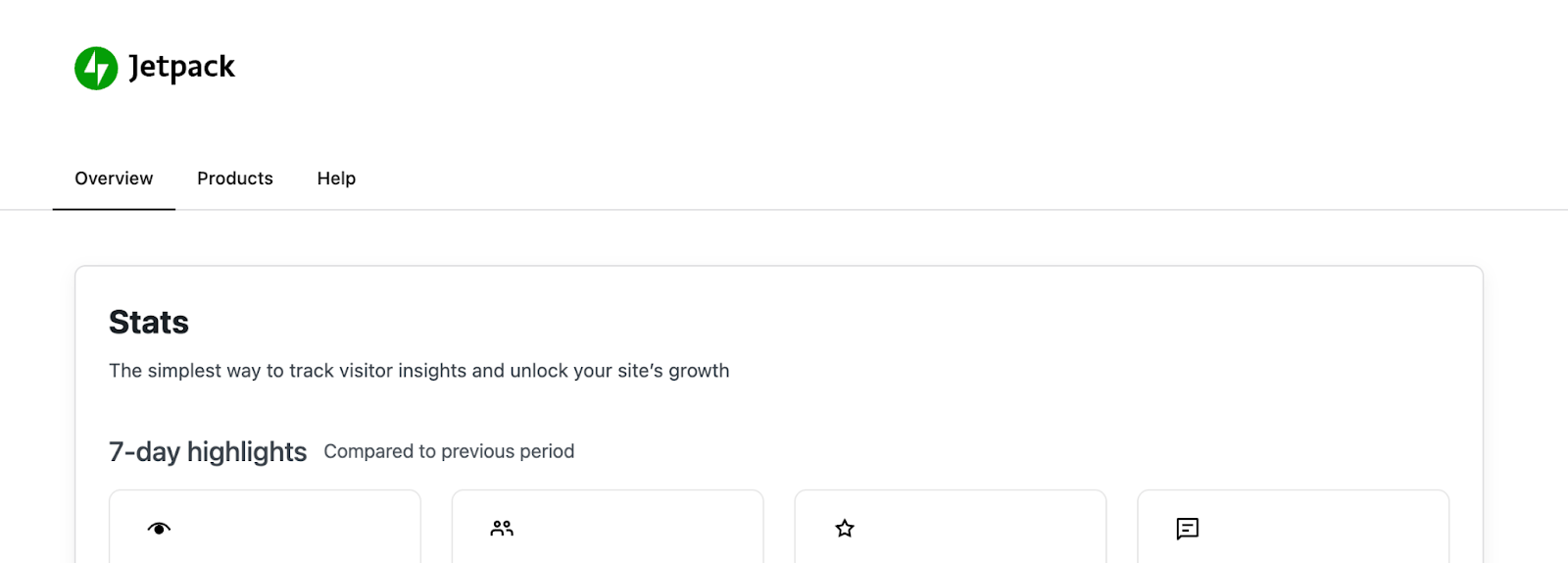
The My Jetpack page now features a cleaner, more intuitive layout with three clear sections:
Overview tab: See which products you own and can use
Products tab: Discover which products might benefit your site
Help tab: Get assistance when you need it
New My Jetpack tabs improving organisation
Easier setup for new users
Setting up Jetpack is now more straightforward:
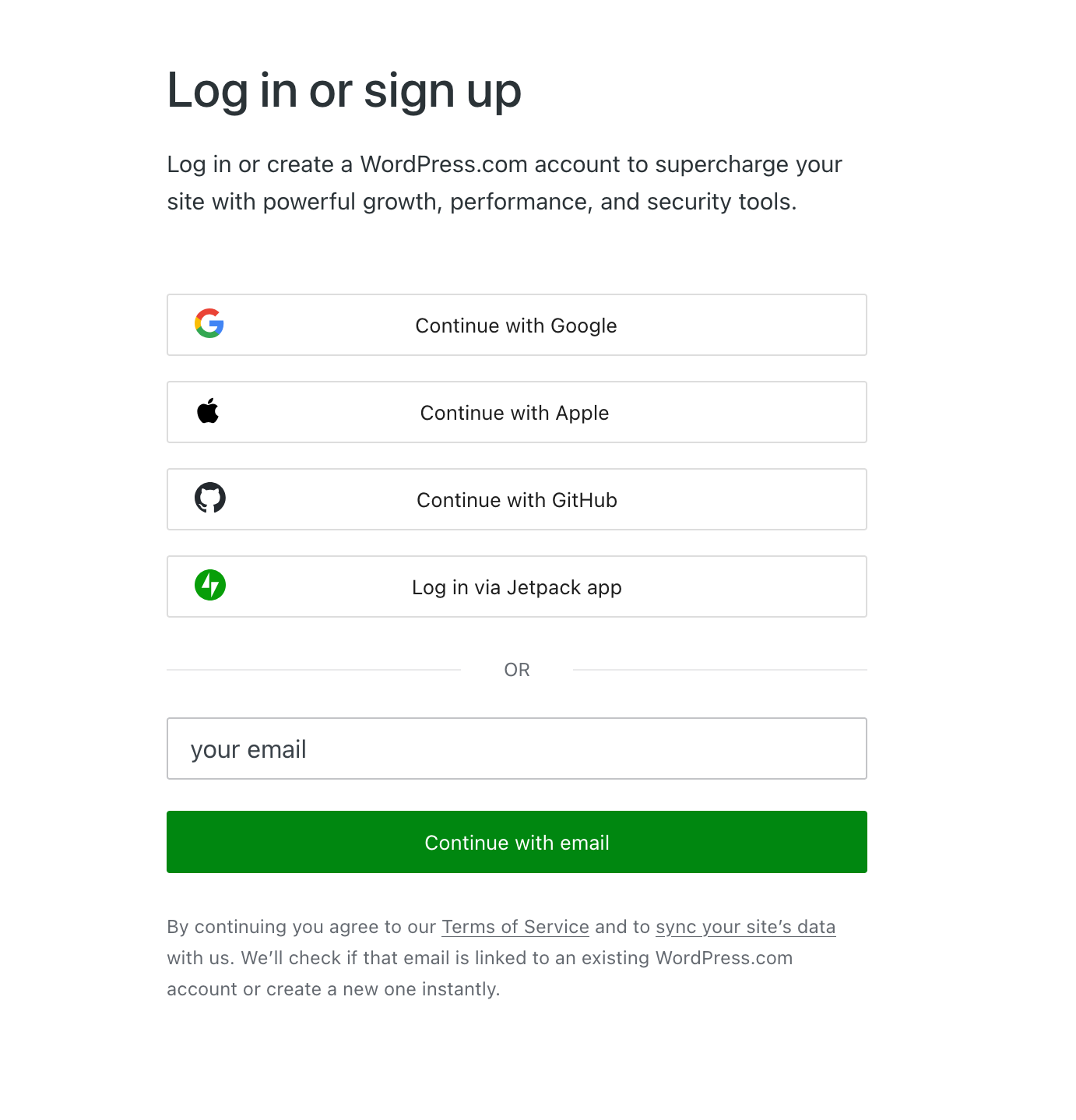
Verification codes instead of email links: You’ll receive a code to enter rather than clicking a link in your email. This works better when you check email on your phone or a different device
Connect using the mobile app: You can now sign in and connect your WordPress.com account using the Jetpack mobile app
New Jetpack app login option
Easier to find features
Jetpack Forms
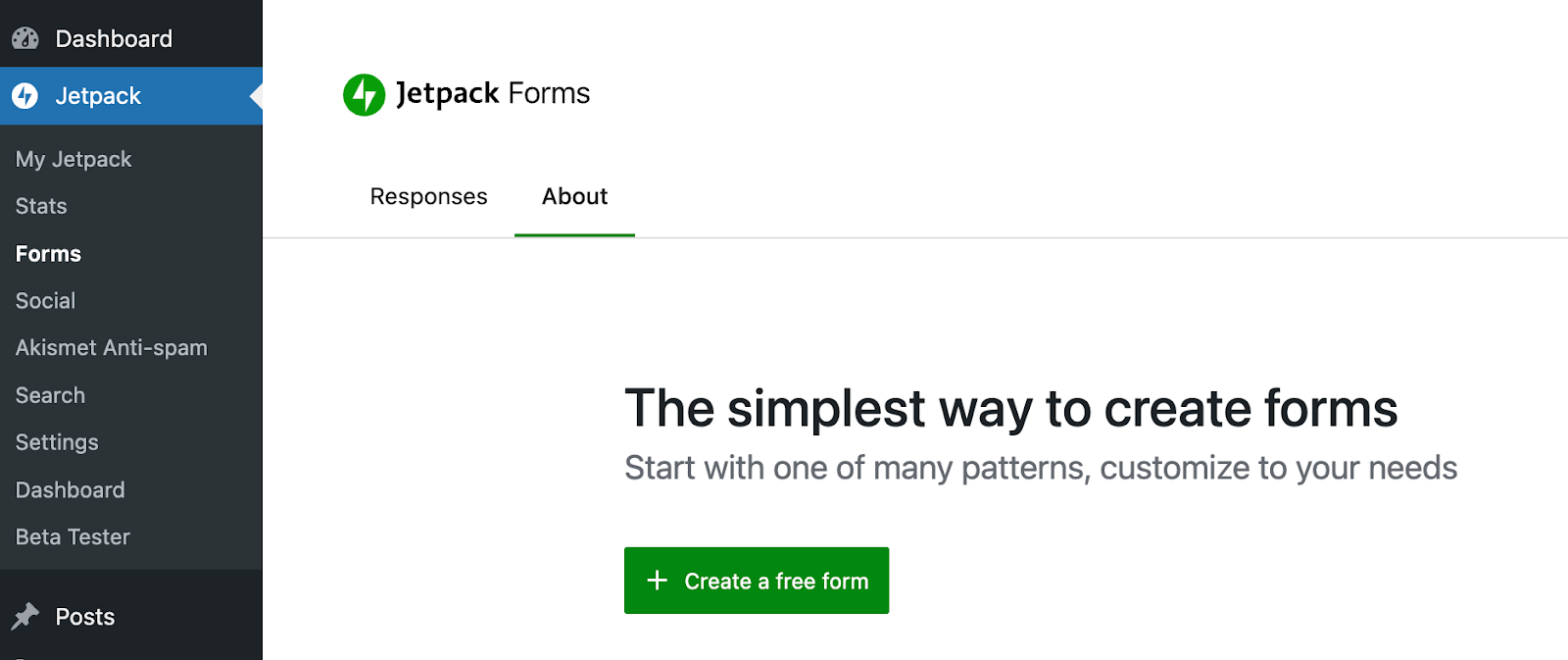
Jetpack Forms are now under the main Jetpack menu, making this popular feature easier to locate and access.
Jetpack Forms menu position
Jetpack Stats
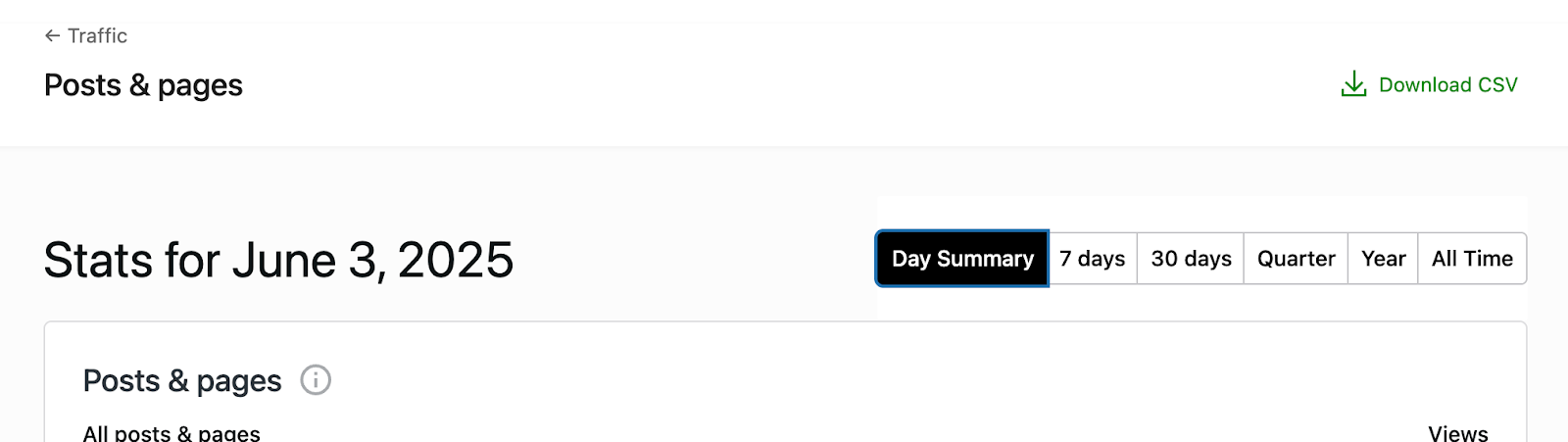
All Stats pages now have consistent navigation and header functionality.
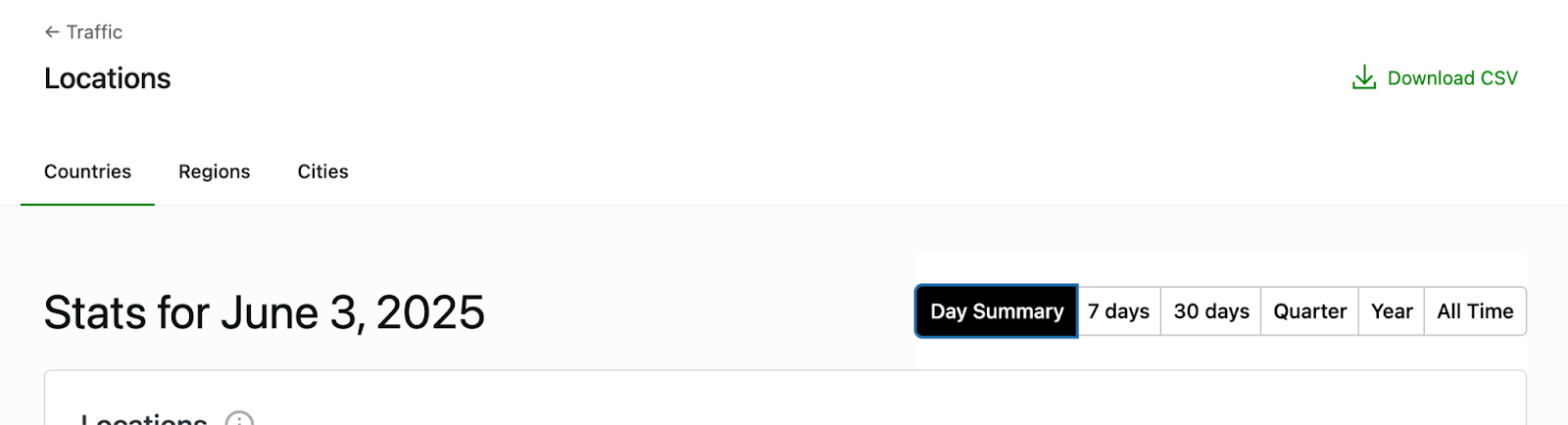
Navigation update for Posts & pagesNavigation update for Locations
Usability changes
Jetpack Search When visitors search your site, Jetpack Search highlights their search terms in the results, making it easier for them to find what they’re looking for.
Jetpack Forms
Google Drive integration: You can now integrate your Google Drive with Forms through the integrations section in Forms settings
New layout option: A new 33% width layout gives you more control over how your forms look on your site
What’s Coming Next
New features and improvements are in development for the July release.
Stay in the loop: Subscribe below to be the first to know about new features and updates.
Get Jetpack updates in your inbox
Subscribe now or forever wonder why you didn’t.
Did you know?
Jetpack now has a completely redesigned setup process that gets new users up and running faster than ever. You’ll see this streamlined experience when installing Jetpack on any new site.
Are you looking for an effective way to build a loyal following? Start an email list!
With the right email subscription plugin, you can encourage visitors to sign up for your newsletter. You’ll also manage your subscriber list and emails from the same place, streamlining your workflow.
This guides shares the top WordPress email subscription plugins and shows you how to choose the right one for your website. So, let’s dive right in.
For WordPress agencies, choosing the right hosting partner is a foundational decision — one that affects everything from operations and site performance to, ultimately, client satisfaction.
Discerning organizations turn to agencies for trusted guidance when selecting a hosting solution. Many agencies also resell hosting or manage multiple client sites as part of ongoing service agreements. A strong partner will minimize downtime, maximize performance, and reduce time spent on troubleshooting and routine maintenance.
But with so many hosting providers on the market — each with their own features, pricing models, and service levels — it can be difficult to know where to begin. Some hosts emphasize affordability, while others offer agency-focused features like white labeling, centralized management, and developer tools.
This guide explores eight of the best WordPress hosting options for agencies, comparing their strengths, limitations, and ideal use cases. It also covers essential hosting features for agency workflows, the value of managed services, and practical tips for maintaining top-tier performance.
Your site might feel fast to you, but that doesn’t guarantee a smooth experience for everyone else. Different locations, devices, connection speeds, and even times of day all influence how quickly your site loads.
That’s why regularly checking your WordPress site speed matters. It helps you understand how your site performs for real people and pinpoints areas where it lags behind. Even better, it gives you a chance to fix issues before they start affecting things like traffic, engagement, or conversions.
Thankfully, you don’t need to be a developer or a performance expert to do this. With the right tools, you can run a quick speed test, review the results in plain language, and take steps to improve your site’s performance.
In this guide, we’ll walk through the key speed metrics you should know, offer up tools to use, and show you how to run a site speed check.
When you change a URL in WordPress or remove a page, visitors and search engines can hit a 404 error instead of the content they expect. Redirects solve this by sending each old URL to the best new destination, preserving your rankings and user experience.
In this guide you’ll learn how to create 301 and 302 redirects in WordPress using a plugin, .htaccess rules, and best practices used on real‑world sites.