

When you’re starting a new business, foundational elements like your ecommerce platform can make or break your entire effort. You’ll need a solution to list and manage SKUs, create a beautiful, compelling storefront, and actually process payments from your customers.
The most popular ecommerce platforms offer unique integrations, features, and add-ons that make them more or less suitable for various industries and experience levels. But before you can even select from the best options, you should familiarize yourself with the differences between proprietary and open source software and hosted solutions vs self-hosting.
There’s a lot to learn, but making the right choice is worth the effort. In this post, we’ll start by discussing the different types of ecommerce platforms. Then, we’ll explore nine of the top choices and show you how to pick the right one for your needs.
The different types of ecommerce platforms
Before you choose an ecommerce platform, it’s important to know the options you have. You’ll find a range of hosted, self-hosted, and open-source platforms. In this section, we’ll discuss the difference between these solutions.
Proprietary
Proprietary solutions eliminate many of the technical complexities involved in running an online business. Think of a proprietary ecommerce platform like renting a house.
While you’ll be limited in customizations and flexibility, you don’t have to worry about ongoing maintenance, so it can be a more reliable option for beginners. Your chosen provider will take care of software updates, site security, hosting, and more.
Since all the most technical tasks are handled for you, it’s relatively easy to manage your ecommerce store, and you’ll often find a very quick setup process. Plus, you may be able to access dedicated customer support.
On the other hand, you’ll probably be locked into a monthly and per-transaction fee, and you’ll also be unable to make many changes or add functionality that sets your store apart. If you violate the terms of the service (or they think you have), proprietary platforms can kick you off at any time.
Open-source
Open-source ecommerce platforms give you full access to the source code. This enables you to fully customize anything and everything to meet your exact needs. Or you can leave it alone — the choice is completely yours. This is a great option if you want full control over your ecommerce environment, but don’t want to develop something completely from the ground up.
Typically, open-source platforms are available for free or at a much lower cost. Plus, there’s often a vibrant community of developers who offer support, resources, and plugins that extend the base functionality of the platform. If you have technical expertise, you can build and customize your store on your own. And if you run into something more complicated, simply reach out to a qualified developer.
Open-source software is often popular with business owners because it involves no vendor lock-in compared to proprietary options. You typically own all of your own data and don’t have a “landlord” who can suddenly evict you without notice.
Hosted
Most proprietary solutions are hosted. This means that the software runs on a physical server network maintained by the software provider. This allows them to keep control over the software, but it also reduces the technical work on your end.
However, some open-source solutions offer hosted options as well. WordPress.com, for instance, is a hosted version of the open-source WordPress software. This comes with pre-built extensions, access to WordPress security, growth, and performance tools, and a world-class, global server infrastructure powered by WP Cloud.
Self-hosted
If you choose a self-hosted option, you’ll either need to find and pay for a hosting provider or set up and maintain your own server environment, which requires some technical knowledge (or an in-house IT team).
This offers more ownership and control, but comes with additional technical responsibility.
Many new store owners choose to run the open-source software, WordPress, and install WooCommerce as the ecommerce engine. You can do this through a hosted solution like WordPress.com or purchase a WordPress hosting plan from a reputable provider. Most of these providers will help you install WordPress and offer additional tools to contribute to your success.
The nine best ecommerce platforms to sell online
Now that you know what to look for, let’s discuss nine of the best ecommerce platforms.
1. WooCommerce
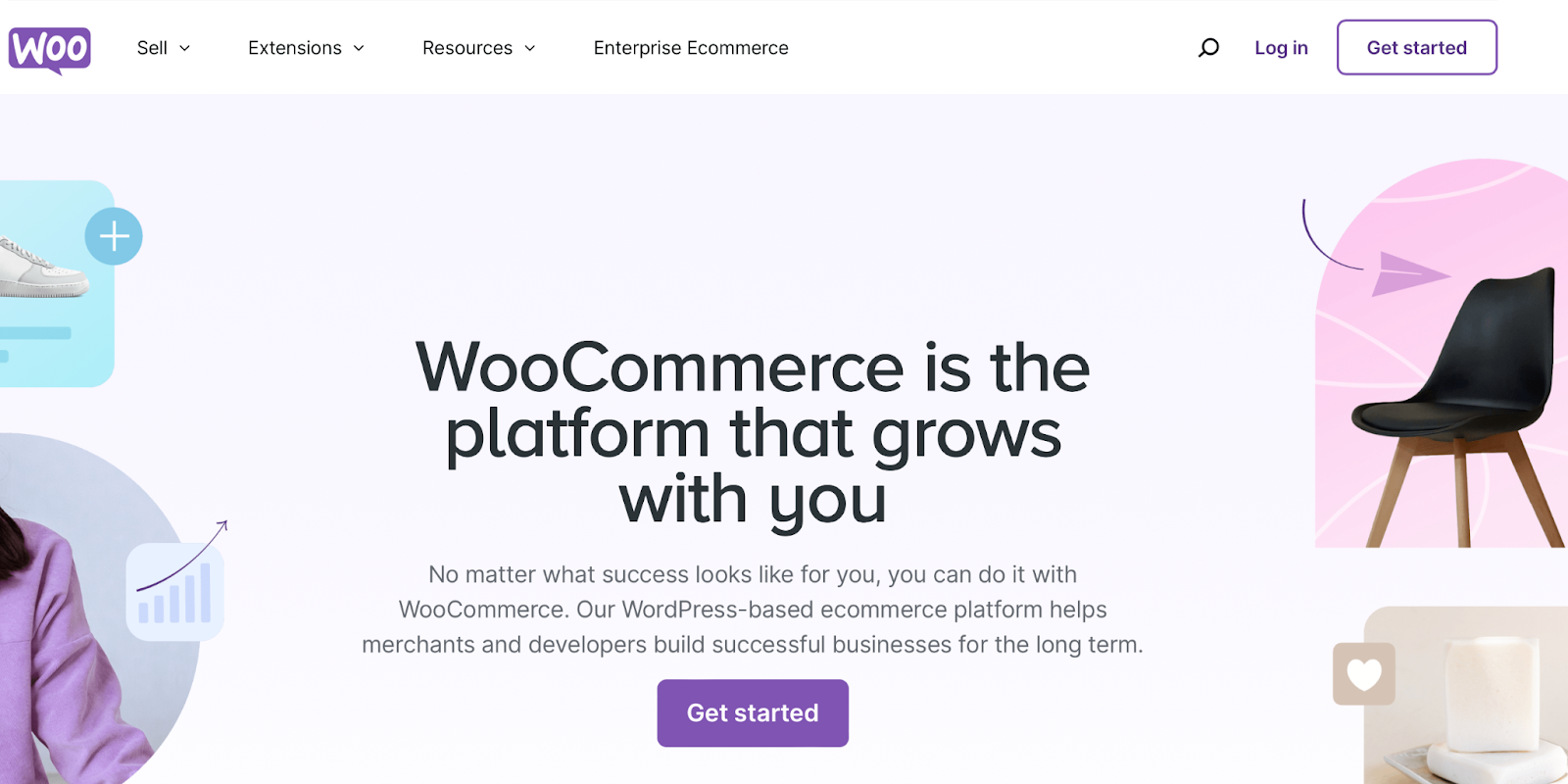
WooCommerce is the leading ecommerce software, powering 39% of online stores. And that’s no surprise — this open-source tool built specifically for WordPress (a content management system) offers ultimate flexibility and ease of use, and the base software is completely free.
Since WooCommerce is a WordPress plugin, you get all the benefits that come alongside the most popular content management system (CMS) — its unrivaled, passionate community, open-source mentality, easy-to-use interface, powerful plugin and theme database, and more.
For example, you’ll be able to build your entire store — from pages and blog posts to product page templates and checkout pages — using a block-based system. Blocks are individual elements that make up your site, like images, paragraphs, columns, headings, and videos. You can drag these into place and adjust their design using simple settings. There’s no code required at all!

WooCommerce in and of itself is free, and includes everything needed to start an online store, from product listings and shipping to checkout functionality and inventory management. There are no limits on the number of products and variations you can have, so it’s a great option for stores of any size.
You can sell absolutely anything you can imagine — physical and digital products, bookings, subscriptions, memberships, online courses, tickets, wholesale items — the sky’s truly the limit!
You’ll also get access to a huge library of both free and premium extensions. While some of these enable you to sell specialty product types like subscriptions, they also enhance your store functionality, integrate with a variety of third-party tools, drive your marketing forward, and more.
A huge benefit of WooCommerce being open-source is that you’ll gain ultimate control and flexibility over your store. You’ll retain ownership of data like customer and order details, along with the design of your site. You’ll never have to worry about your ecommerce platform taking down your store for some sort of perceived policy violation.
Plus, you can view the full source code and modify it however you want — there are absolutely no limits. This drives a thriving developer community, so you’ll find tons of free plugins and themes to further extend your website. This also means that there are a lot of developers and agencies you can choose to work with if you like, ranging in budgets and focuses.
As you can see, WooCommerce truly provides unrivaled flexibility, functionality, and ease of use.
Features
- Thousands of free and premium themes to choose from
- The flexible, powerful WordPress block editor
- Unlimited products and variations, with support for special product types like subscriptions and bookings
- The ability to set up shipping rates, plus extensions that let you create intricate shipping rules and conditions
- Integrations with popular payment gateways, including PayPal, Stripe, and Square, or do it all, natively, with WooPayments
- Guest checkout capabilities
- Email marketing tools for a variety of skill levels and store sizes
- Simple order management directly in the WordPress dashboard
- Tax calculations, along with extensions that automate this process
- Built-in store reports and analytics
- Over 800 official extensions
- Extensive documentation and support
- Custom solutions for enterprise-level stores
- Tools that simplify digital marketing strategies like social media, Google Ads, and reviews
Pros
- WordPress and WooCommerce are both free and open-source.
- It’s highly-customizable, with the ability to edit the source code, flexible APIs, and tons of plugins, themes, and extensions.
- There’s a wealth of community support, forums, documentation, and free guides and resources.
- It has a user-friendly interface that integrates seamlessly into the WordPress dashboard.
- There’s a quick, guided installation using the WooCommerce Setup Wizard.
- It’s highly-extendable in terms of design and functionality.
- It’s a beginner-friendly platform with a drag-and-drop editor, intuitive dashboard, visual reports, and more.
- You own all your store data and are in full control over your site.
- Because of its open-source nature, there are endless developers you can choose from to work on your site, including an entire library of certified Woo partner agencies.
- Enterprise stores can thrive with a low TCO, unlimited customization and resource scaling opportunities, complete store and data ownership, and dedicated support.
Cons
- You will need to purchase hosting separately. However, managed hosting is available through WordPress.com, or you can work with WooCommerce agencies to take care of everything for you.
- Some extensions and plugins do involve a fee.
Ease of use
WooCommerce is beginner-friendly, especially if you have experience with WordPress. It uses the same dashboard, navigation, and block editor as WordPress.
When you get started, the Setup Wizard will walk you through all the initial steps, from business settings and product types to installing helpful tools, choosing a theme, and setting up shipping and payments.
When you’re ready to design your site, the block editor and site editor enable you to build every part of your store with an intuitive drag-and-drop tool. Plus, thanks to the impressive global community, it’s easy to find support, guides, and tutorials if you need help.
Best for
Businesses of any size, from new stores to enterprises, that are looking for complete ownership, control, and freedom, along with a wide variety of options for developers and other vendors.
Pricing
Free
A spotlight on top WooCommerce tools
As we’ve discussed, there are a lot of ways to extend the base functionality of WooCommerce. Here are some of the useful tools you have at your disposal:

While WooCommerce can integrate with dozens of payments options to meet unique customer needs all over the world, WooPayments is the go-to tool.
Built and managed by the official Woo team, it has direct, seamless integration with the WooCommerce dashboard for faster, simplified financial management. You can handle disputes, issue refunds, and request fast deposits into your bank account all in one place.
WooPayments accepts more than 135 currencies in dozens of countries, as well as express checkout options like Apple Pay and Google Pay.
Using the tool also streamlines approval opportunities for business growth financing and offering buy now, pay later options to customers.
Last, but not least, WooPayments has several options for accepting in-person payments so you can sell on the go or sync with a more permanent physical location. Whether you use a card reader or take advantage of Tap to Pay on iPhone and Android, WooPayments has the latest technology to simplify everything about getting paid.
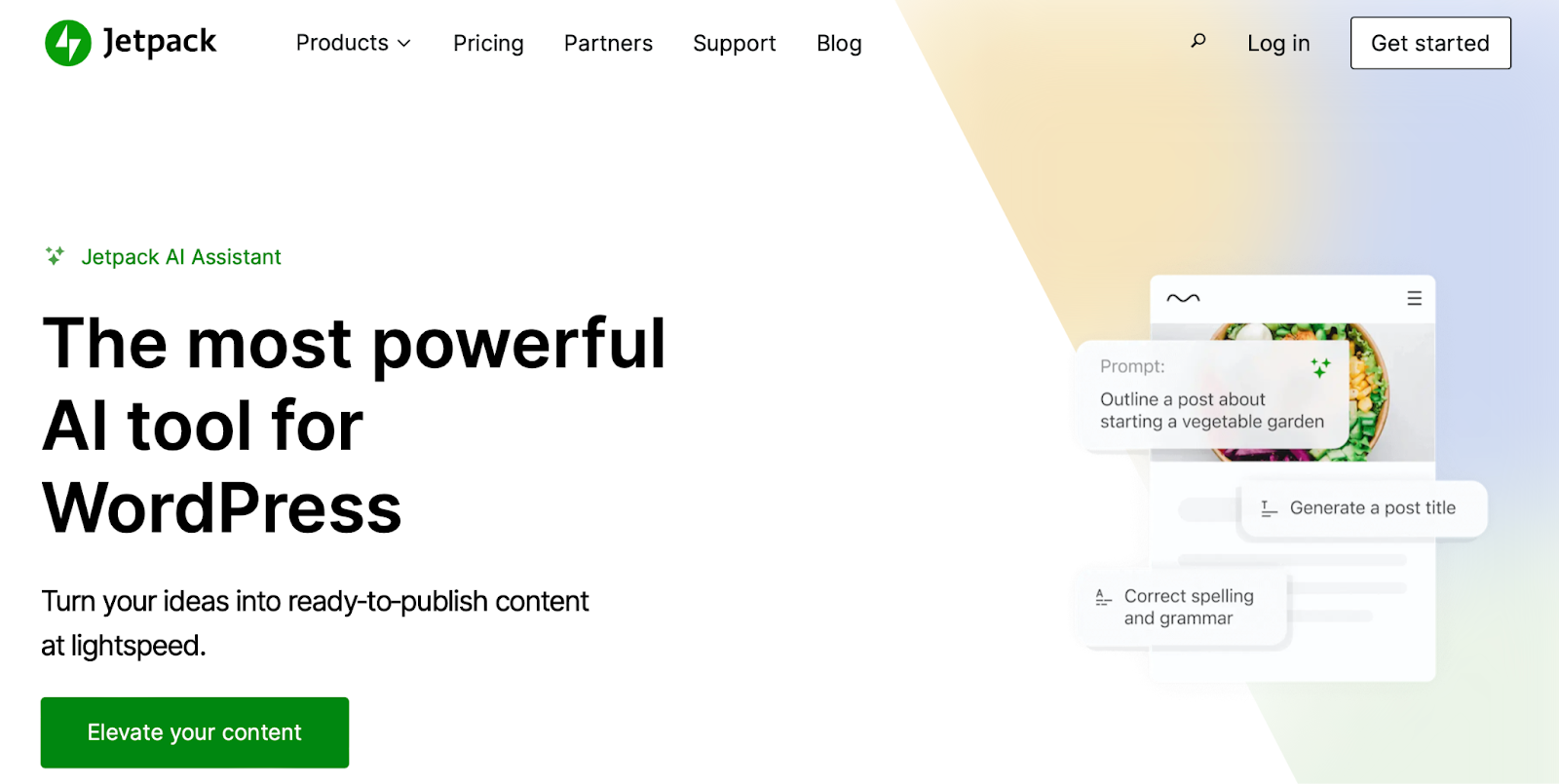
Jetpack is one of the most well-known names in the WordPress and WooCommerce space. There are lots of powerful tools available for security, performance, statistics, and more. But let’s take a quick look at the Jetpack AI Assistant.
It’s an incredibly helpful content generation tool that can dramatically accelerate your processes. For example, it can automatically create bulleted lists that highlight your product benefits and generate compelling product titles and descriptions. You can use the AI Assistant to create comparison tables, which is great if you want to present the differences between subscription plans or product SKUs.
If you’re introducing a new product feature, you can use the AI Assistant to make your announcement more persuasive. Plus, you’ll get access to an accurate grammar and spelling checker as well as automatic translations — perfect for those who cater to a global audience.

Yoast SEO is a popular choice for WooCommerce because it includes a ton of SEO features in one, single tool. An SEO box will appear on each page, post, and product, allowing you to set the target keyword, meta description, SEO title, and more. It will also analyze the content and provide tips to help you rank for your target keyword.
It also sets up structured data for your products and other post types to help them stand out in the search results. There are both free and premium versions of this tool.
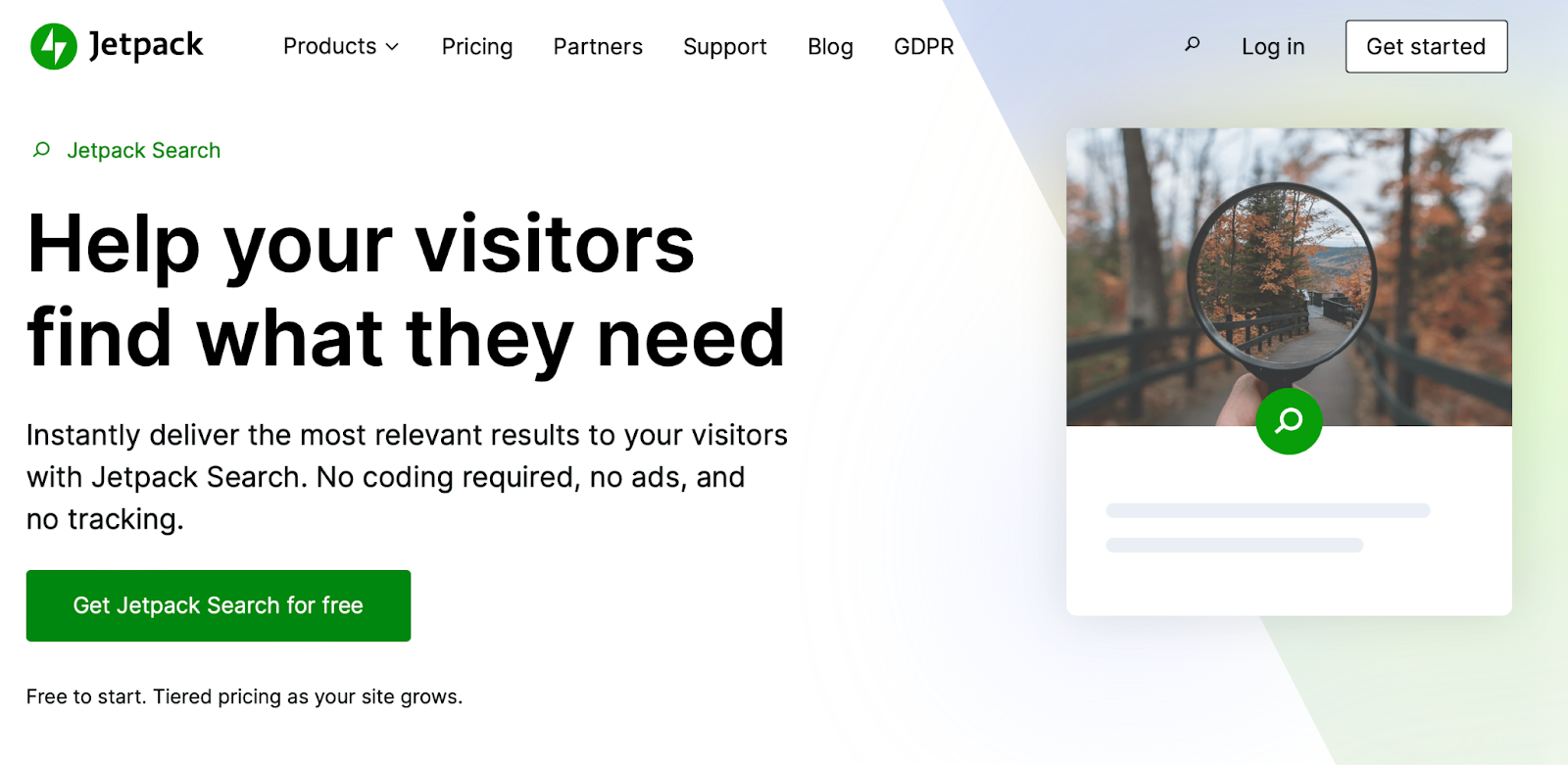
Jetpack Search provides detailed search functionality that guides shoppers to the exact content they’re looking for in your store. This is especially important for stores with a large inventory, as it can be more difficult for customers to find the exact product for them.
Jetpack Search provides powerful filters that let shoppers narrow down results based on a variety of factors. Results are displayed in real time, so visitors can view them without reloading the page, and they update automatically based on new and updated content.
Plus, it supports 38 languages and provides spelling correction tools.
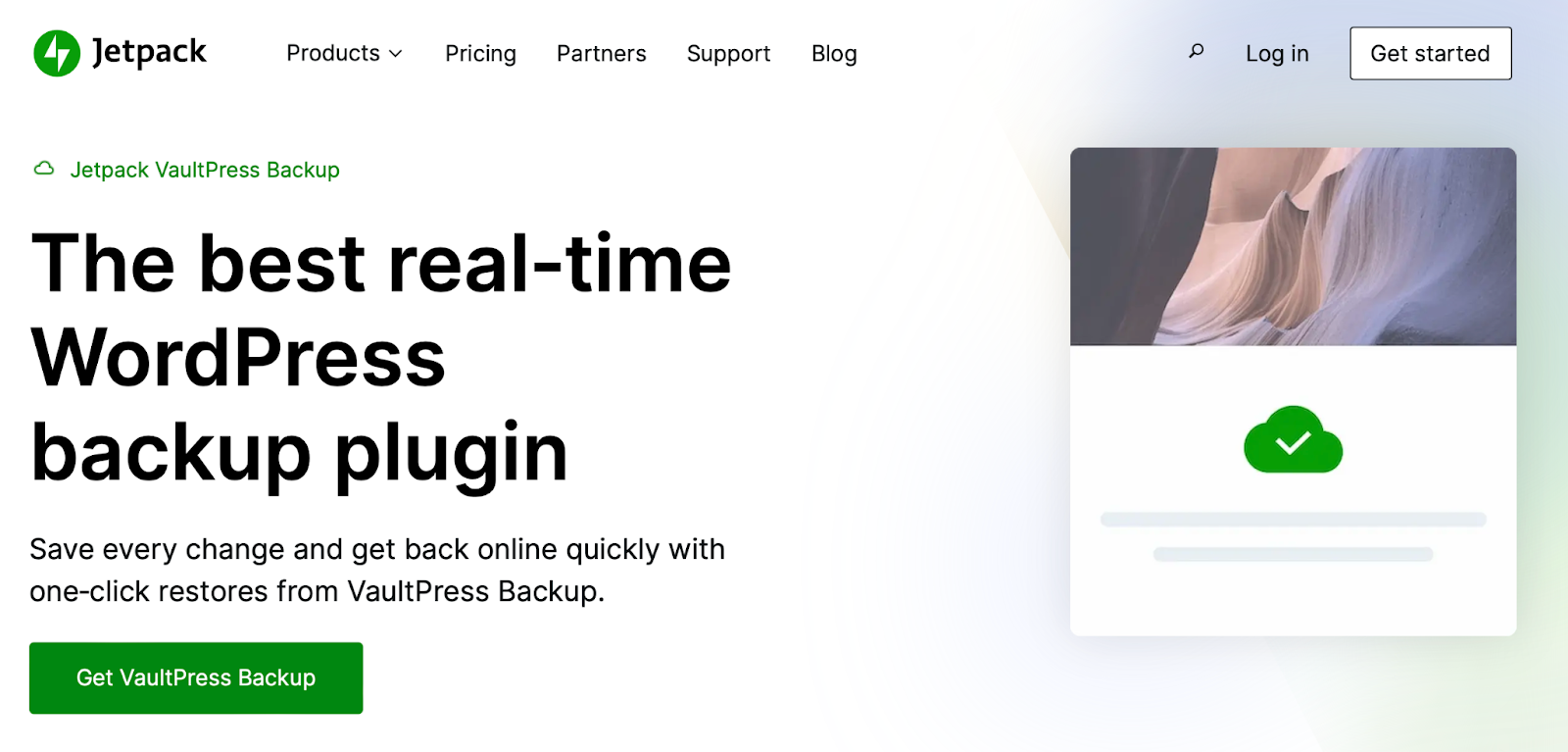
Jetpack VaultPress Backup provides total peace of mind in case something goes wrong on your site. It automatically creates real-time backups, so that every single change and update you make on your store is saved. And multiple copies of each backup are stored on secure WordPress servers.
If you ever need to restore your site, you can do so in just a few clicks, even if you’re out of the office. And you can use the powerful activity log to filter through actions taken on your site and restore a backup to just before something went wrong.
2. Amazon Business / Marketplace
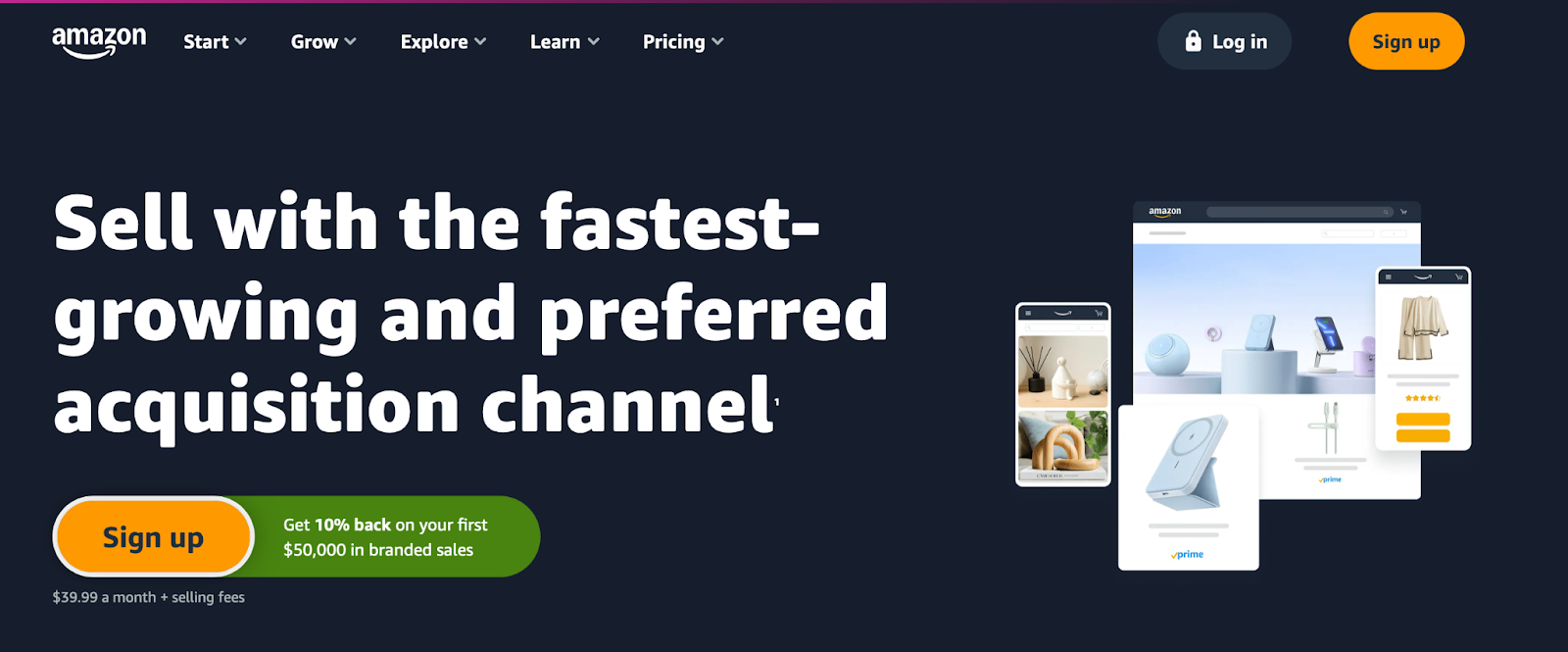
Selling on Amazon is a great way to reach customers before you have a chance to build a following. You’ll get access to a huge global audience, along with built-in selling tools. There are also plenty of resources and guides to help you list, ship, and advertise your products.
Of course, when you use a marketplace like Amazon, you’ll give up a lot of control. There are restrictions on what you can sell, and some items require approval. All of your products must fit into the Amazon template, so you won’t be able to customize the design of your pages and highlight benefits the way you’d like. And other, competing products will be shown right alongside yours.
Plus, Amazon will keep a percentage of each transaction and, if you opt for the Professional plan, you’ll have to pay a subscription fee, even if you don’t actually sell any items.
One good strategy is to sell on Amazon alongside your own WooCommerce store. There are powerful extensions that sync product information and inventory, so everything is always up-to-date. Then, you can benefit from Amazon’s global audience while maintaining full control over your own site.
Features
- Product listings shown in the Amazon catalog
- Feeds, spreadsheets, and reports to manage inventory
- On-site advertising tools
- Custom shipping options
- Special promotions to encourage sales
- Optional programs, including Fulfillment by Amazon
- The Amazon Seller app to track sales on the go
- Selling guides to help you succeed
Pros
- You get access to a huge global audience.
- There are relatively low marketing costs.
- It’s a beginner-friendly tool.
- You can take advantage of Amazon programs like Fulfillment by Amazon.
Cons
- There’s a lot of competition, and competing products are shown alongside yours.
- Amazon takes a cut of every sale you make.
- You’re very limited when it comes to product listing design and store functionality.
Ease of use
It’s relatively simple to start selling on Amazon. You’ll first need to create an Amazon seller account. Then, you can add your products and build a product detail page.
While you won’t get access to a helpful, open-source community, Amazon provides plenty of free guides to help you set up your storefront.
Best for
Vendors who want to leverage a marketplace without managing their own store.
Price
With the Individual plan, you’ll pay $0.99 for every item sold. The Professional plan costs $39.99 a month. You’ll also incur selling fees when an item is purchased, which depends on the product type.
3. Adobe Commerce

Adobe Commerce is based on an open-source model (Magento), so it gives you access to its source code and your data. There are two plans available: Commerce Pro and Managed Services. While they both include the basics needed to start and run an online store, the Managed Services option offers a lot more hands-on support and guidance.
Similar to other open-source options, Adobe Commerce is highly-customizable, and you’ll have complete control to configure it in any way you like. But unlike other open-source tools like WordPress, it’s very technical. While your developer or agency may be able to build and manage a custom store on your behalf, it would be very difficult for someone without development experience to do so.
Features
- A mobile-friendly checkout experience
- Custom catalogs and pricing
- A free Amazon Sales Channel extension
- A first-party integration with Walmart Marketplace
- A fully-integrated payment solution
- AI-powered product recommendations
- Live search functionality
- Product inventory and order management
- Customized dashboards with automated report updates
Pros
- There are lots of integrations, especially with other Adobe products.
- It’s highly customizable and open source.
- It’s a good option for B2B sales.
- It’s highly-scalable.
Cons
- The software is highly-technical and typically requires a development team or agency to build and manage a store.
- There’s limited technical support available.
- It’s quite expensive, even for simple stores.
Ease of use
Adobe Commerce comes with a learning curve. Not only can it be difficult to set up, but you’ll also need the skills and knowledge to properly maintain your store, including the ability to install security patches.
Customer support is lacking, so it’s best for businesses that have an in-house IT or development team.
Best for
Large enterprises that are looking for a highly-flexible platform and have a dedicated IT team or agency on hand.
Pricing
Pricing varies based on your business size and features needed.
4. Shopify

Shopify is a proprietary, closed-source ecommerce platform. It packages ecommerce features alongside hosting and management tools for a more hands-off approach than with open-source tools.
While this can make it a good option for beginners, it also means that you have a lot less control. You won’t have nearly the same access to code as you would with an open-source platform, and you may find yourself unable to find an add-on that provides a specific functionality you need. Plus, Shopify can take down your store at any time if they determine you’ve broken their terms and conditions.
You’re limited in the number of product variations you can create. And while you can leave many speed and security tasks in the hands of Shopify, you’ll also have less control over these aspects as you grow.
And in addition to being a premium tool, Shopify charges a transactional fee on top of the fees from third-party payment gateways.
Features
- A one-click checkout process
- Business-ready templates and themes
- Multiple sales channels, including social media, online marketplaces, and more
- Multiple inventory locations
- Custom reports and analytics
- Built-in web hosting with a domain and SSL certificate
- In-person selling with Shopify POS
- Marketing automation
- Shopify Email (10,000 emails free each month)
- Fraud analysis
Pros
- It has a user-friendly interface that can be easy for beginners.
- It’s a fully-hosted service, so you don’t need to purchase a separate hosting plan.
Cons
- If you want to use a third-party payment gateway, you’ll have to pay a transaction fee to Shopify on top of the fees from the provider.
- Shopify only offers dedicated support to Shopify Plus members earning $10 million a year or more. Even paying $30,000 a year could leave you stranded with no way to get help.
- You have very limited customization options.
- You cannot work with or edit the source code.
- There are no free plans available.
Ease of use
As a hosted option, Shopify is relatively easy to use. All plans come with live chat support and there are free resources available, including guides, tutorials, and a help center.
Best for
Complete beginners who are happy to compromise on control and customization in exchange for a fully-managed service that requires limited technical skill.
Pricing details
Shopify is a premium solution with plans starting at $29 per month (billed annually). Some features are only available with higher-priced plans, so you may pay up to $299 per month just to get access to one specific tool.
5. Alibaba Marketplace
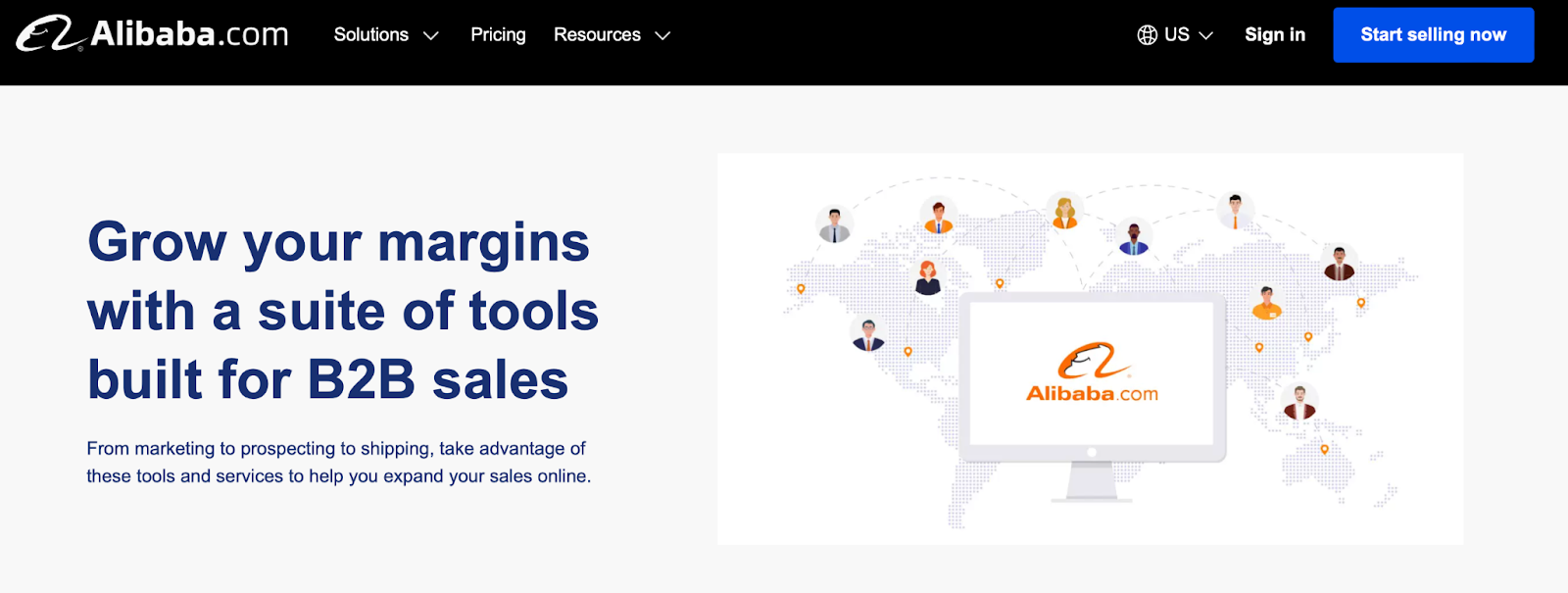
Alibaba marketplace is another great option if you don’t want to set up and manage your own store. It functions similarly to other marketplaces like Amazon, but provides more features for B2B businesses and wholesalers.
The audience is much more B2B-focused than Amazon’s, which makes it a better fit for business-targeted stores. It includes things like translation tools, the ability to negotiate prices with clients, product inquiry forms, online trade show features, and more. Plus, you can easily reach a global audience from a single storefront.
But it also costs more than most of the tools on this list and, just like with Amazon, is much more limited in terms of customization, ownership, and flexibility.
Features
- Optimized product listings
- Dynamic pricing
- 18 languages
- Online trade shows
- Product inquiries
- The AliSupplier app
- Product showcases
- Sponsored campaigns
- In-depth analytics and historical data
- One-to-one customer support
- Generative AI tools
Pros
- It’s quick and easy to get started.
- You gain access to a global, existing audience.
- It provides a lot of tools specifically targeted to B2B stores.
Cons
- There’s a lot of competition.
- It’s expensive compared to other platforms.
- You lose a lot of control and ownership.
Ease of use
A marketplace ecommerce solution tends to be easy to set up, and Alibaba is no different. All you have to do is create an Alibaba account, configure a business profile, and start listing products.
There are also lots of resources and guidance for new sellers available on the website. Some plans come with one-on-one support.
Best for
B2B vendors and wholesale suppliers who would prefer the ease and convenience of a marketplace, rather than managing their own store.
Pricing
Alibaba offers custom pricing for sellers, but plans start at $166 per month.
6. BigCommerce
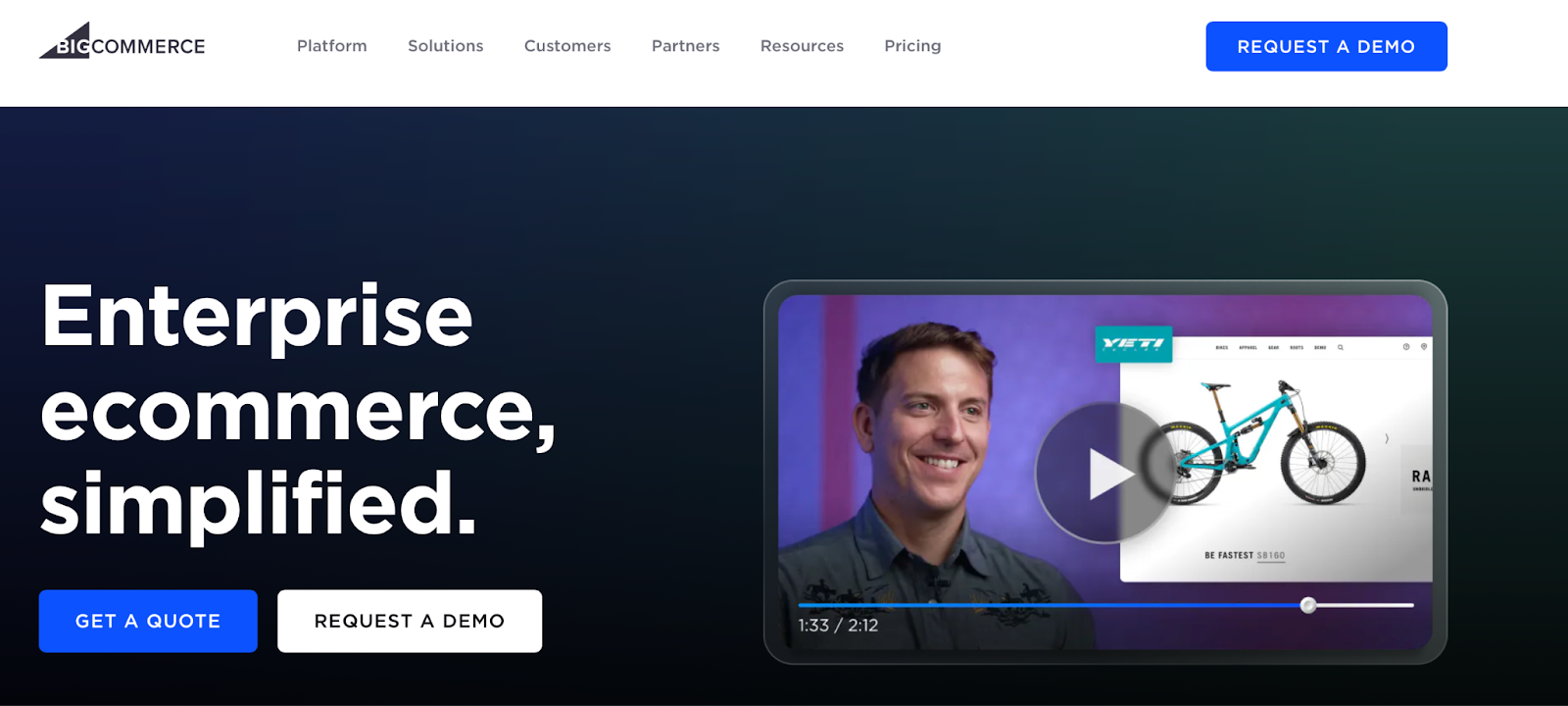
BigCommerce is an open SaaS solution that offers a suite of tools with analytics, design options, inventory management, and more. As with other proprietary platforms, hosting and many site management tasks (like security and speed) are included with each plan.
You can build your store using a drag-and-drop editor and take advantage of a somewhat limited theme library as a design starting point. BigCommerce also includes solutions for B2B commerce, cross-channel selling, and brick-and-mortar stores.
Again, though, you may run into limitations with design and functionality that you won’t with open-source tools.
Features
- Multi-currency options
- A drag-and-drop page builder
- 24/7 technical support
- Integration with multiple sales channels (including eBay and Amazon)
- Real-time shipping quotes
- Headless capabilities and integrations
- Customer groups and segmentation
- Extended functionality via the App Marketplace
- Google customer reviews
Pros
- You can scale with BigCommerce, thanks to a variety of plans.
- It has a somewhat intuitive interface, including a visual builder.
- It includes 24/7 support.
- Hosting and some site management processes are included in plans.
Cons
- There are limited design and functionality options.
- You have less control and ownership than with open-source solutions.
- There are no free plans available.
Ease of use
BigCommerce is suitable for beginners thanks to a user-friendly interface and built-in management features.
All plans come with 24/7 technical support. Plus, there are plenty of free articles, guides, and webinars available.
Best for
Mid-market brands that want a scalable ecommerce platform and don’t put much value on ownership and flexibility.
Pricing
Plans start at $29 per month, billed annually.
7. PrestaShop
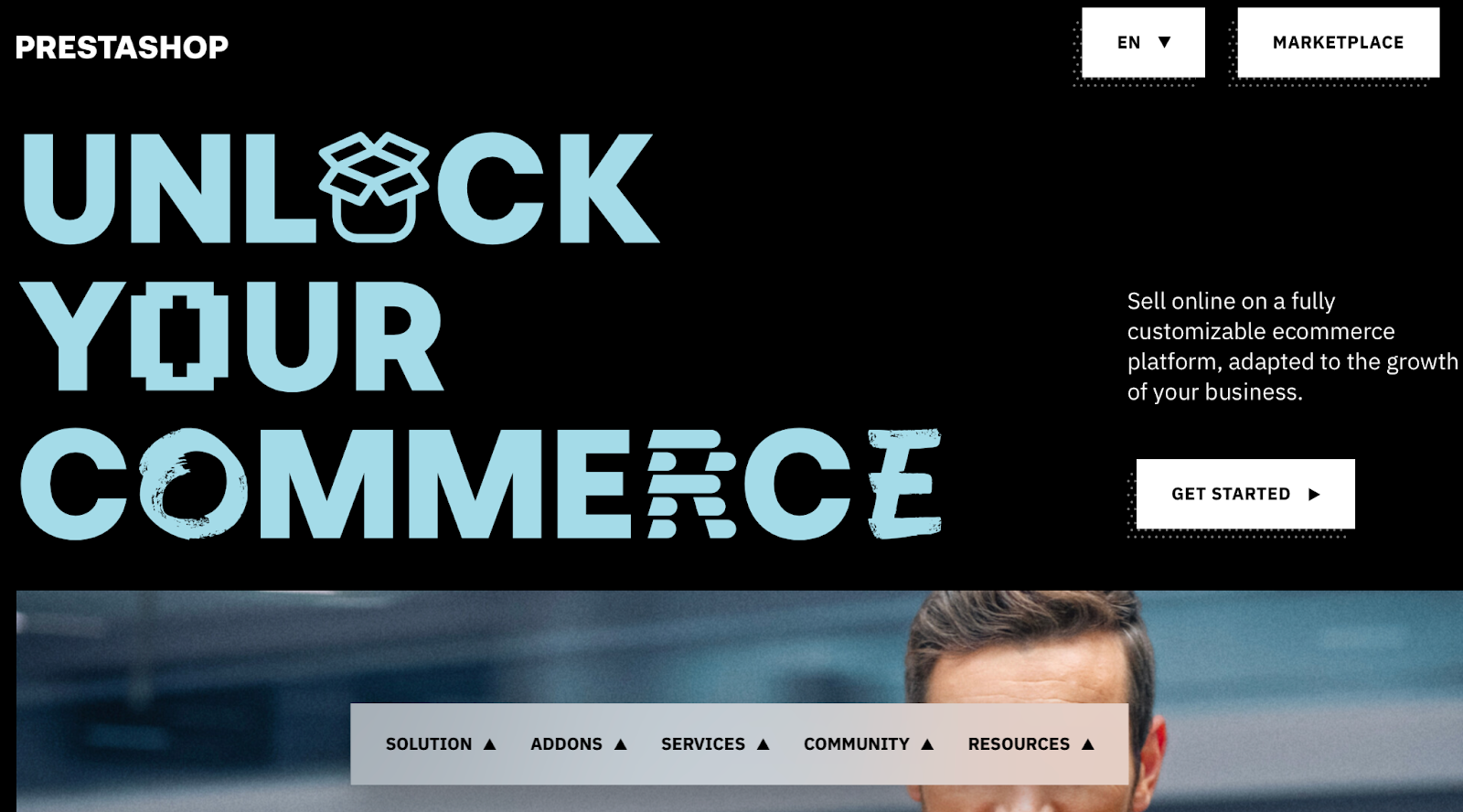
PrestaShop is another open-source ecommerce platform that you can extend with a range of themes and add-ons. It’s a scalable solution with multi-storefront, multi-currency, and multi-inventory support.
It caters to a global audience, with support for over 65 languages and currencies. There are plenty of built-in tools for order tracking, SEO, coupons, and emails. Plus, it allows you to use reliable payment gateways like PayPal.
However, you’ll need to find a third-party hosting provider to run the software, and you’ll be responsible for managing tasks like security, performance, and updates on your own. There is a library of add-ons for more functionality and third-party integrations, but it’s important to know that the pricing here is very high compared to add-ons available with other platforms.
Note: We’re referring to the free, Classic version of PrestaShop here. There is, however, a hosted version available for a fee.
Features
- Customizable themes
- An all-in-one payment solution (with PayPal)
- Automated ads through Google networks, Facebook, and Instagram
- A dedicated shipping service
- Comprehensive analytics
- Marketing automation (with Klaviyo)
- Unlimited products
- Basic SEO features
- A marketplace of extra modules and themes (though many are expensive)
Pros
- It’s free and open-source.
- It provides features for reaching a global audience.
Cons
- Technical support is only available with the hosted platform.
- Extensions and themes can be expensive.
- There are a limited number of free themes.
Ease of use
PrestaShop is fairly easy to set up thanks to an intuitive interface and pre-installed starter modules. That said, you might require a developer to build your ecommerce store if you opt for the Classic solution (and you’ll need to choose a quality web host). Additionally, technical support is only available with the hosted plan.
Best for
Global brands looking for a highly-scalable platform with a development team to build and maintain it.
Pricing
PrestaShop is completely free, but you’ll find that many themes and add-ons are premium. You also have the option to purchase Hosted PrestaShop with prices starting at $24 per month.
8. NetSuite SuiteCommerce
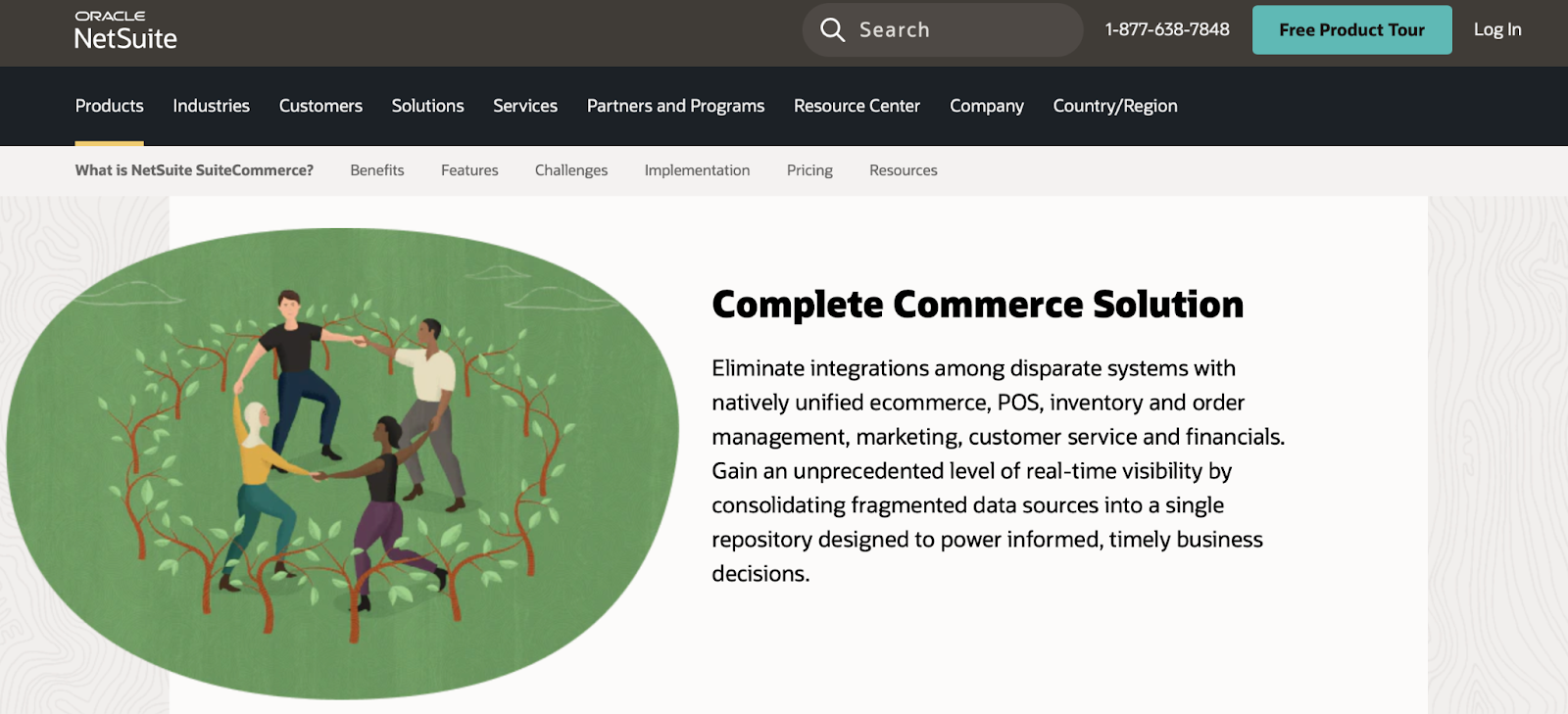
NetSuite SuiteCommerce enables you to provide customers with an omnichannel shopping experience. You can sell to businesses and consumers from a single solution. Plus, there’s support for multiple languages, currencies, taxes, and customs, making it a great option for global brands.
It was specifically created to integrate with other NetSuite tools like accounting software, ERPs, and CRMs. So if you’re already using their suite of solutions, this could be a next step that makes sense for your business. You’ll also get access to responsive designs and a range of built-in ecommerce features like customer reviews, quick view, and dynamic images.
Pricing depends on the modules you need, which can be good for smaller businesses that don’t want to pay for unnecessary functionality. That said, costs can quickly add up, and customization pricing tends to be high.
Features
- B2B and B2C selling modules
- Inventory management optimization
- Fast order processing
- Online quote requests
- Product comparisons
- Advanced site search
- Customer reviews and ratings
- Dynamic image galleries
Pros
- It includes native features for omnichannel selling.
- You can run unified B2B and B2C systems.
- It’s a great option for global brands.
- It offers smooth integration with other NetSuite products.
Cons
- It’s dependent on the NetSuite ERP.
- It’s limited compared to other options on this list.
- It can be quite expensive.
- It can be difficult to customize.
Ease of use
SuiteCommerce is an integrated cloud-based platform that’s somewhat intuitive. The interface makes it relatively simple to utilize different themes and extensions and expand your inventory.
That said, it lacks the support that some of the best ecommerce platforms offer. Community support isn’t great, since NetSuite isn’t as popular as alternatives like WooCommerce. Even on the official website, learning materials and resources are extremely limited.
Best for
Ecommerce sites that already use NetSuite as their ERP and are comfortable with the limitations of the platform.
Pricing
NetSuite offers custom pricing, so you’ll have to contact the team to get a quote.
9. OpenCart
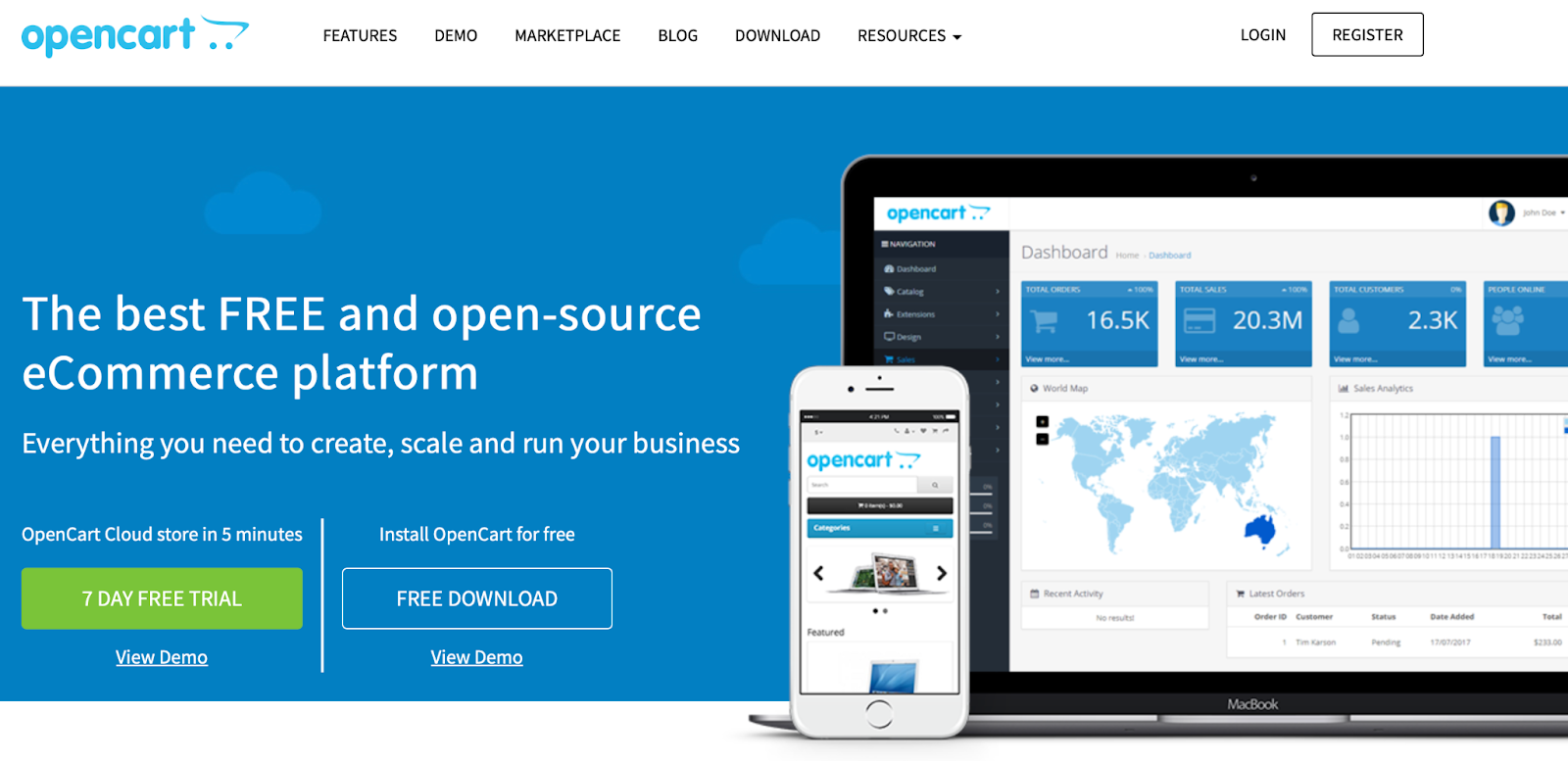
OpenCart is a free, open-source platform. It has a library of extensions and themes, as well as store management tools. There’s also dedicated technical support available, though with a 0.37% market share, there are fewer resources available than with other platforms.
A unique feature of OpenCart is that you can manage multiple ecommerce sites all from one dashboard. This allows you to set up multiple stores, each with a different product selection at different price points. You can also apply a unique theme to each store and localize your store settings.
Features
- Unlimited products
- Product reviews and ratings
- Reward points
- Multilingual and multi-currency support
- Recurring payments
- Sales reports
- Multi-store functionality
- A built-in affiliate system
- Discounts and coupons
- Guest checkout options
Pros
- It’s relatively straightforward to use.
- As an open-source tool, you own your content and can work directly with the source code.
- It can be a good option for managing multiple stores.
Cons
- It can be more technical to set up than other open-source tools.
- Extensions can be expensive.
- The library of themes is limited compared to other solutions, like WooCommerce.
- While you can edit the source code, ready-to-go add-ons and features are limited compared to other options.
Ease of use
To set up OpenCart, you’ll need to install the software on a hosting platform.
Once your site is set up, it’s fairly easy to use and maintain. There’s also a Facebook community, forums, documentation, blog posts, and more. That said, there are fewer ready-to-go solutions — like add-ons and extensions — so code customization will be required more frequently than with tools like WooCommerce.
Best for
Vendors looking for a free, flexible ecommerce platform that developers can customize at a high level.
Pricing
OpenCart is completely free to download, but you’ll need a hosting provider.
Comparison of the top ecommerce platforms of 2024
| Overview | Key features | Pros | Cons | Ease of use | Pricing | |
| WooCommerce | Highly-customizable, free solution for stores of all sizes | Unlimited products, a huge extension library, a drag-and-drop block editor, full flexibility, full ownership | Free, highly-customizable, user-friendly, a large community | Hosting and site management are not included | An intuitive interface, guided setup, lots of resources | Free (with paid extensions) |
| Amazon Business / Marketplace | Marketplace selling to a global audience | On-site advertising tools, automated repricing, multiple category lists, optional programs | Established audience, low marketing costs, quick setup | High competition, selling fees, product restrictions, little control | Quick account creation, lots of selling guides | Individual plan charges $0.99 for each item sold while the Professional plan costs $39.99 a month |
| Adobe Commerce | Highly-flexible platform for large enterprises with an IT team | Custom catalogs, headless commerce, marketplace integrations, product recommendations | Highly-customizable, scalable | Technical setup, limited support, relatively expensive | Requires an in-house IT team or developer to set up and maintain | Pricing varies based on your business size and features needed. |
| Shopify | Beginner-friendly hosted solution | Multiple sales channels, custom reports, marketing automation, hosting included | Fully hosted service, user-friendly, 24/7 support | Limited customization, extra fees for third-party payments, limited ownership and control | Easy setup, live chat support, lots of free resources | Plans start at $29 per month |
| Alibaba Marketplace | A convenient marketplace for B2B vendors and wholesalers | Optimized product listings, dynamic pricing, online trade shows, product inquiries | Quick setup, established audience | High competition, expensive | Easy setup, one-on-one support, lots of free guides | Custom pricing, starting at $166/month |
| BigCommerce | Hosted platform for mid-market and enterprise brands | Scalable plans, multi-storefront options, multiple sales channels, headless capabilities, customer groups | Scalable and relatively intuitive | Limited design options, limited control | User-friendly interface, 24/7 support, free articles and webinars | Plans start at $29 per month |
| PrestaShop | A scalable platform for global brands with advanced SEO and marketing features | Automated ads, comprehensive analytics, SEO features, marketing automation | Flexible options, great for a global audience, unique features | Can be technical to build and maintain, limited support, many extensions are premium | Intuitive interface, limited support, may require a developer | Free, with a hosted option that starts at $24 per month |
| NetSuite SuiteCommerce | A unified B2B and B2C platform that depends on the NetSuite ERP | Inventory management optimization, quote requests, fast order processing | B2B and B2C solution, native features for omnichannel selling | Limited support, replies on the NetSuite ERP | Intuitive interface, lacks community support and free resources | Custom pricing |
| OpenCart | Free, flexible platform that can be extended easily | Multilingual, recurring payments, multi-store functionality, built-in affiliate system | User-friendly, highly flexible | Extensions can be expensive, setup is slightly technical | Relatively straightforward to use, but requires more in-depth coding for customization | Free, but you’ll need a hosting provider |
How to choose the best ecommerce platform for your business
Now that we’ve talked about the best ecommerce platforms in 2024, let’s take a look at some important steps to take when choosing the right solution for your business.
Identify your business needs and goals
Are you trying to increase sales or expand your audience? Do you want to tap into a new market or start selling to other businesses? Answering these types of questions can help you choose the best platform.
For example, if you don’t already have an audience and want to start making sales quickly, you can leverage well-known marketplaces like Amazon. If you want to specifically sell to companies, you want a platform that makes this process simple.
Match platform features to business requirements
There are a lot of ecommerce platforms available, and they’re all different. Take the time to consider the requirements of your business. Do you have a development team or technical experience? What types of products are you going to sell? What types of functionality is non-negotiable? Are you selling to individuals or companies?
Think through migrations and switching platforms
If you’re already running a store, think through everything required to migrate or switch platforms. There are a number of signs that indicate that you’re ready for a new ecommerce environment.
For starters, you might require a new type of functionality that isn’t available on your old platform. Perhaps your existing solution has raised prices, or you’re frustrated with the inability to customize your store.
If you decide it’s time to move, you’ll need to make a detailed plan. Manual migrations can be time-consuming and require a unique set of skills. You may need to budget for this process or find a cheaper, automated solution that can help you do it yourself.
The good news about switching to an open-source solution like WooCommerce is that there are various ways to handle the process. Of course, you have the option to carry out manual migrations, but there are also dedicated extensions like Cart2Cart that you can use to migrate your Shopify store or from other ecommerce platforms.
Additional criteria for choosing an ecommerce platform
Let’s take a look at some additional key criteria for choosing the best ecommerce platforms for your business.
1. Ease of use
There are many daily tasks associated with running an ecommerce store. You might have to update product inventory, create deals and discounts, and print labels for deliveries.
That’s why ease of use is so important. If you’re using software that makes things complicated or that requires a lot of experience, your productivity and efficiency will suffer. Or, you may need to hire developers to help if there’s a steep learning curve.
Most ecommerce platforms provide a dashboard where you can quickly access different areas of your site. It’s best to prioritize a user-friendly interface that’s organized intuitively, and doesn’t take too much time and effort to master.
2. Customization and flexibility
If you want to differentiate your business from your competitors, you’ll need to customize your ecommerce platform to reflect your branding and meet your exact needs.
This is one of the reasons why open-source platforms are so popular. They offer a great deal of flexibility and customization. Since you have full access to the source code, you (or your developer) can make literally any change you can imagine. Make complex design decisions. Add functionality to rival your competitors. Integrate with any number of third-party tools for shipping, payments, accounting, inventory management, and more.
You won’t be held back in any way.
Proprietary solutions might make it easier to add certain pre-built functionality (with an extra cost, of course), but if something you need doesn’t exist, you’re simply out of luck.
3. Scalability: Anticipating business growth
If you’re in the early stages of your business, you might be expecting significant growth over the next few years. Therefore, you don’t want to sign up for a tool that locks you into a pre-defined number of resources that you’ll soon outgrow.
4. Payment gateways and transaction fees
If you’re selling products online, you’ll need a payment gateway to safely accept and process online transactions. There are a number of solutions to choose from depending on the currencies and payment methods you want to accept. Some offer additional features like buy now, pay later integration and each will have their own transaction fee schedule.
5. Integrations and add-ons
The best ecommerce platforms make it easy for you to integrate the software with other useful tools and apps. This enables you to set up a streamlined workflow and automate many parts of the customer journey.
There are tons of integrations and add-ons you can use to access additional features and functionality. Many business owners like to connect their site to an ecommerce email marketing platform to trigger automatic email sequences when customers view or purchase a product.
On top of this, you might be interested in analytics apps to monitor key metrics like traffic, page views, likes, shares, revenue, and more. And, it can be a good idea to integrate your store with social media channels to boost your follower count or feature user-generated content on your site.
6. SEO and marketing tools
Earlier, we discussed the difference between open-source and hosted ecommerce platforms. You’ll often find that hosted platforms provide built-in marketing and SEO tools, although these may come at an extra cost.
SEO and marketing tools are a great way to position your products in front of the right people and gain more visibility for your site. For example, they can help you optimize your content for search engines with metadata, schema markup, keywords, and more. Meanwhile, marketing tools might involve integrations with social media or other advertising platforms or the ability to create unique promotions and discounts to attract new customers.
You can usually utilize similar tools with open-source platforms. Or, if an existing tool doesn’t exist, you can reach out to a developer who can create a custom plugin that fulfills your exact needs.
7. Security features
When you’re processing payments over the internet, you open your business to a range of security risks, like ecommerce fraud and brute force attacks.
Hackers can expose sensitive data like credit card details and personal information. This can cause legal problems and permanently damage your reputation and erode customer trust. Therefore, it’s important to choose ecommerce solutions that offer built-in security features to keep your data (and customers) safe.
You can find dedicated security measures like malware scans, two-factor authentication, and web application firewalls. The best ecommerce platforms should also integrate with SSL certificates to encrypt data and ensure compliance with privacy laws.
8. Pricing plans and additional costs
Although it can be tempting to favor cheap ecommerce platforms, it’s really important to carefully consider the value you’re getting for your money.
Additionally, if you can’t access the features and functionality you need, you’ll end up installing extra tools and spending more money. You’ll see that most proprietary platforms offer multiple plans, so make sure to have a thorough look at what’s available with each package.
But, if you have your eye on open-source solutions, you can essentially set your own price based on the tools you opt to use, so it’s completely customizable. You can typically download the software for free, but you will need to consider web hosting costs.
Then, you can install premium themes, plugins, and extensions or opt for free tools.
Steps for setting up and launching your ecommerce store
If you’re looking for a solution that offers complete control and customization over your store, you’ll want to consider an open-source solution like WordPress and WooCommerce.
Here’s how to get started:
- Select a business name. You can then register this as your domain name. Some hosting providers offer a free domain for the first year.
- Decide on hosting. Ideally, you’ll choose a reputable hosting provider that offers auto-installs for WordPress and WooCommerce.
- Use the Setup Wizard to complete the Store Setup Checklist. Once you install WooCommerce, you’ll need to go through the setup wizard to add details about your store location, products, taxes, shipping, and more.
- Add your products. Next, you can start uploading your products. You can choose from various product types, and add categories, tags, and attributes to organize them.
- Activate payment options. WooPayments is the preferred option for eligible merchants. With it, you can accept 135+ currencies through traditional debit and credit cards and digital payments methods like Apple Pay and Google Pay. It integrates directly into the WooCommerce dashboard for simplified financial management, and you can opt to accept in-person payments and even enable buy now, pay later options in just a few clicks. If it’s not right for you, there are dozens of reputable payment extensions available for specialty solutions and specific geographic regions.
- Set up taxes. You may need to consult a qualified tax professional to understand your obligations based on business type, applicable jurisdictions, and sales volume. Many merchants find extensions like WooCommerce Tax, Avalara, and TaxJar to be quite helpful.
- Set up shipping. For U.S. stores, WooCommerce Shipping works best. But there are tons of shipping extensions available in the WooCommerce marketplace.
At this point, you’ve successfully set up your store. You’ll also need to take steps to protect your store by installing a security solution like Jetpack. Plus, you can integrate extra functionality into the platform using free and paid extensions.
Tips for ecommerce success
So far, we’ve introduced you to the best ecommerce platforms and discussed some key factors to help you choose the right one for your business. Now, let’s explore some tips for ecommerce success, no matter what platform you use.
Invest in high-quality product images
The best way to convince people to purchase your products is to show their value, rather than simply telling them it’s valuable. High-quality images are key here, especially when shoppers can’t physically touch your items.
Make sure that your photos are well-lit and in focus. Share a variety of angles and settings. If you sell clothing, consider featuring images on models with varying body types. Here are some tips for taking professional-looking product photos, even if you’re not a professional yourself.
You can also use photo editing software or apps to help you clean up, edit, and enhance your images. Adobe Photoshop and Lightroom are popular options. And if you want to offload the process, simply hire a professional photographer.
Optimize product listings and descriptions
While there are a lot of factors that affect search engine rankings, a great place to start is by optimizing product listings for your target keywords.
First, you’ll need to identify high-volume keywords and search terms using tools like Google Keyword Planner. You might want to target long-tail keywords, as they’re often easier to rank for.
Then, you can implement these terms in your product titles, descriptions, image alt tags, permalinks, and other content. But try not to just stuff these in anywhere — make them a natural part of your page.
Another important thing to consider here is the speed of your product pages and website as a whole. You can use tools like GTmetrix and Google PageSpeed Insights to analyze your current load time. They’ll provide actionable steps you can take to improve your speed.
If you’re using WordPress, the best starting point is Jetpack Boost. This plugin was built specifically for WordPress sites, and allows you to check off a variety of speed optimization tasks in one fell swoop — optimize your images, activate a CDN, defer non-essential JavaScript, concatenate JavaScript and CSS, and more.
This beginner’s guide to ecommerce SEO will walk you through this section in more detail.
Provide fast, helpful customer support
Customer support is often a differentiator between competing stores. Make sure that yours stands out!
Start by providing a variety of ways for shoppers and customers to get in touch with you — email, contact forms, live chat, phone, etc. Be available on the social media platforms that your audience uses, and make sure you respond to queries quickly and professionally.
But you also want to guide site visitors to the right information so they never have to reach out. Create an FAQ page, a help center, clear documentation, size guides, and similar resources, and make them easy to find on your site.
Offer a clear, simple, and fair return policy
One of the best ways to motivate people to purchase your products is to offer a fair return policy. In fact, one of the top reasons why people dislike online shopping is that they can’t see the items in person or try out the things they like. As such, you’ll want to make it easy for them to return unsuitable products.
This means that shoppers should be able to return items even if there’s nothing wrong with them. You should also provide a large window that gives people adequate time to return products.
Leverage automation to optimize user and shopper experience
Automation enables you to personalize the shopper experience to make your offer more appealing. To give you an idea, you may automatically send a follow-up email after visitors have viewed a specific item on your site.
Additionally, you can ask shoppers for feedback after purchases, or you might display related products. By tailoring your content, you can maximize the chance of it being effective. This way, you can present the right offer to the right person at the right time
As we’ve discussed, chatbots are a great way to enhance the shopper experience since you can provide 24/7 customer support. You might answer questions and respond to inquiries to increase sales. Plus, you can resolve issues promptly and conveniently so that customers won’t need to pick up a phone or send you an email.
Automation technology helps you learn more about customer behavior and market trends. You can use this information to make informed decisions about your business. Plus, it enables you to anticipate market changes, strategize successfully, and scale your operations.
Rely on analytics for data-driven decision-making
Although you should implement strategies to increase sales or boost conversions, it’s just as important to monitor the results. This way, you can identify what works and what you need to improve, and you have the data available to back up your decisions.
It’s a good idea to implement an analytics solution that gives you access to key metrics like product views, average order value, revenue, referral sources, and more.
Jetpack Stats is a powerful tool for WooCommerce stores. It breaks down the data on your site and presents it in a digestible manner, which makes it possible for even beginners to understand complex metrics. You can monitor clicks, views, orders, refunds, and more.
The plugin works in real-time. This means you’ll have access to the most up-to-date information, which facilitates quick decision-making. Plus, you’ll get an instant snapshot of the most valuable information, presented in the 7-Day Highlight or Year in Review, which helps you identify weekly and yearly trends.
Frequently asked questions
You may still have some questions about the best ecommerce platforms for your business. In this section, we’ll answer some common ones.
What is the best ecommerce platform for small businesses?
WooCommerce is the best ecommerce platform for small businesses that want to set up a self-managed site. You’ll gain total flexibility to modify the platform to meet your exact needs. If you don’t want to manage your own site, Amazon Marketplace can be a good place to start.
You could sell on both WooCommerce and Amazon Marketplace to tap into different audiences. With the Amazon for WooCommerce extension, you can create a highly optimized product data feed, tailored to your Amazon store. Plus, the extension facilitates seamless coordination between the two platforms, which simplifies order and inventory management
Can I switch ecommerce platforms later if I’m not satisfied?
Yes, you can. However, this process is extremely complicated if you’re leaving a proprietary platform like Shopify. Since you’re locked in, you may be able to export some data like product details, but you’ll have to re-build and redesign the rest of your site and store from scratch.
So it’s best to take the time and effort to pick the right ecommerce platform from the start. If you opt for an open-source solution like WordPress and WooCommerce, you’ll be able to export and download all your content. This enables you to migrate to any hosting provider you’d like, as you grow or as your needs change.
How important is customization in choosing an ecommerce platform?
If you’re looking to set up a basic ecommerce site with simple design and functionality, customization won’t be too important.
But if you’re looking to create a unique store and position yourself for growth, you’ll want to be able to modify both your design and functionality. This is where choosing a platform like WooCommerce — with fully-accessible source code, powerful extensions, and an easy-to-use interface — is extremely beneficial.
What are the advantages of using open-source ecommerce platforms over proprietary ones?
First, open-source software is usually free, and you get full access to the source code, which enables you to make the customizations you want. Proprietary software can come with licensing fees and vendor lock-in which makes it less popular with merchants. You’ll also find limited customization options.
What are the benefits of integrating AI into my ecommerce platform?
Artificial intelligence (AI) enables you to automate tons of routine tasks, which helps boost productivity. For instance, Jetpack AI Assistant speeds up content creation with its ability to automatically generate blog posts, tables, bulleted lists, forms, and more, based on one or more prompts.
Which platforms have the best analytics and reporting tools?
By default, WooCommerce enables you to keep track of key statistics like gross sales, average order values, refunds, order tax, shipping, downloads, and more. But you can gain more in-depth analytics by integrating a dedicated tool like Jetpack Stats.
This way, you’ll get access to a user-friendly dashboard where you can monitor traffic referral sources and location. You can also measure clicks, likes, comments, and page views.
Moreover, you can see weekly and yearly trends that emerge on your site.
What are the best practices for optimizing site speed on these platforms?
The best practices for optimizing site speed on ecommerce platforms depend on the software and extensions that you use. With WooCommerce, you can find one-click speed optimization solutions like Jetpack Boost.
This gives you a desktop and mobile performance score for your site. Plus, you can easily implement a range of advanced optimization techniques like critical CSS generation and JavaScript deferral. These features enable you to prioritize the loading and processing of the most important styles and functions to improve the UX and reduce the load on your server.
You can also implement caching to speed up content delivery times. And Jetpack Boost lets you refresh your cache so that content like dynamic pages and live feeds is up-to-date.
Another way to optimize speed on ecommerce platforms is to compress and optimize your product images. Jetpack Boost provides access to a dedicated image CDN, which automatically resizes images and converts them into efficient formats like WebP.
The best ecommerce platform to sell online
An ecommerce platform enables you to sell your products to an online audience. But besides basic functionality, there are plenty of extra features, integrations, and hosting types to consider when choosing a solution for your business.
WooCommerce is the most popular global ecommerce platform for a reason. It gives you complete ownership and control over your business, data, and design. You can use it for free, utilize affordable, pre-built extensions for unique features and capabilities, or even hire an agency to build completely custom solutions.
Great for businesses big, small, and everything in between, WooCommerce powers B2B wholesale companies, traditional ecommerce stores, professional services companies, in-person sales, and more.
WooCommerce is the best ecommerce platform for almost every situation.
Have you decided to build with Woo? Extend functionality using a range of extensions and plugins. With the Jetpack AI Assistant, you can automatically create optimized product descriptions, meta descriptions, blog content, and more. And Jetpack VaultPress Backup enables you to secure your WooCommerce site with real-time backups stored in remote locations. Check out the plans today!

 Jetpack