

If you’re starting a WooCommerce store, picking the right payment gateway is not something to take lightly. It touches every transaction, affects your customers’ trust, and even shapes your profit margins. There are plenty of options available, but not all of them meet the unique demands of every business.
To help you find the best match, we’ve gathered the eight best, popular payment gateways for WooCommerce. Each offers something slightly different and, by the end of this guide, you’ll have a clear understanding of which one suits your store best.
Quick picks (TL;DR)
If you want the fastest decision, start here:
- Best all-around (most stores): WooPayments or Stripe (fast setup, strong wallets, solid international coverage)
- Best for PayPal-heavy audiences: PayPal (add alongside your main card gateway)
- Best for omnichannel (in-person + online): Square
- Best for EU/local methods: Mollie
- Best for express checkout trust: Amazon Pay (as a secondary option)
- Best for established/high-volume stores needing a more “merchant account” setup: Authorize.Net
Tip: Most stores convert best with 2 options: (1) a direct card gateway like WooPayments/Stripe + (2) a wallet like PayPal/Apple Pay.
What to look for in a WooCommerce payment gateway
Before you commit to a payment gateway, take a step back and weigh your options against a few critical factors.
Key features to consider
Pay attention to:
- Compatibility: It must integrate seamlessly with WooCommerce, ideally without needing a developer.
- Security: Look for PCI-DSS compliance and built-in fraud prevention features.
- Transaction fees: Always check the small print to avoid surprises.
- Supported payment methods: Make sure your customers’ preferred payment methods are available — think credit cards, digital wallets, and crypto.
- Ease of setup: The faster and easier the setup, the sooner you can start selling.
- Customer support: Responsive, knowledgeable support can save you hours of frustration.
- International capabilities: If you plan to sell across borders, multi-currency support is non-negotiable.
Understanding these criteria makes it much easier to evaluate each provider realistically.
A review of 8 popular payment gateways for WooCommerce

1. WooPayments
WooPayments, powered by Stripe, offers WooCommerce users a native, tightly-integrated solution. It eliminates the need for third-party plugins and keeps everything within the WooCommerce dashboard.
Key features:
- Seamless integration with WooCommerce core features
- Support for all major credit and debit cards
- Tap to Pay for in-person payments
- Support for digital wallets, including Apple Pay and Google Pay
- Buy now, pay later options
- Built-in support for subscriptions
- Local payment methods like iDEAL and SEPA available
- Multi-currency support
Pricing:
- 2.9% + 30¢ per transaction for U.S. cards
- Slightly higher fees for international cards and currency conversions
Best for:
Store owners looking for a no-fuss, easy-to-manage solution that offers a wide range of payment options for customers.

2. Stripe
Stripe has made a name for itself by offering a full-featured, developer-friendly payment gateway that fits almost any WooCommerce store. It’s widely trusted for good reason.
Key features:
- Support for Visa, Mastercard, American Express, Apple Pay, Google Pay, and more
- Instant payouts available in some regions
- Integrated fraud detection tools
- Clear, upfront pricing without hidden fees
Pricing:
- 2.9% + 30¢ per successful U.S. transaction
- Additional fees for international transactions and currency conversions
Best for:
Store owners who want flexibility, strong developer tools, and broad international reach
3. PayPal
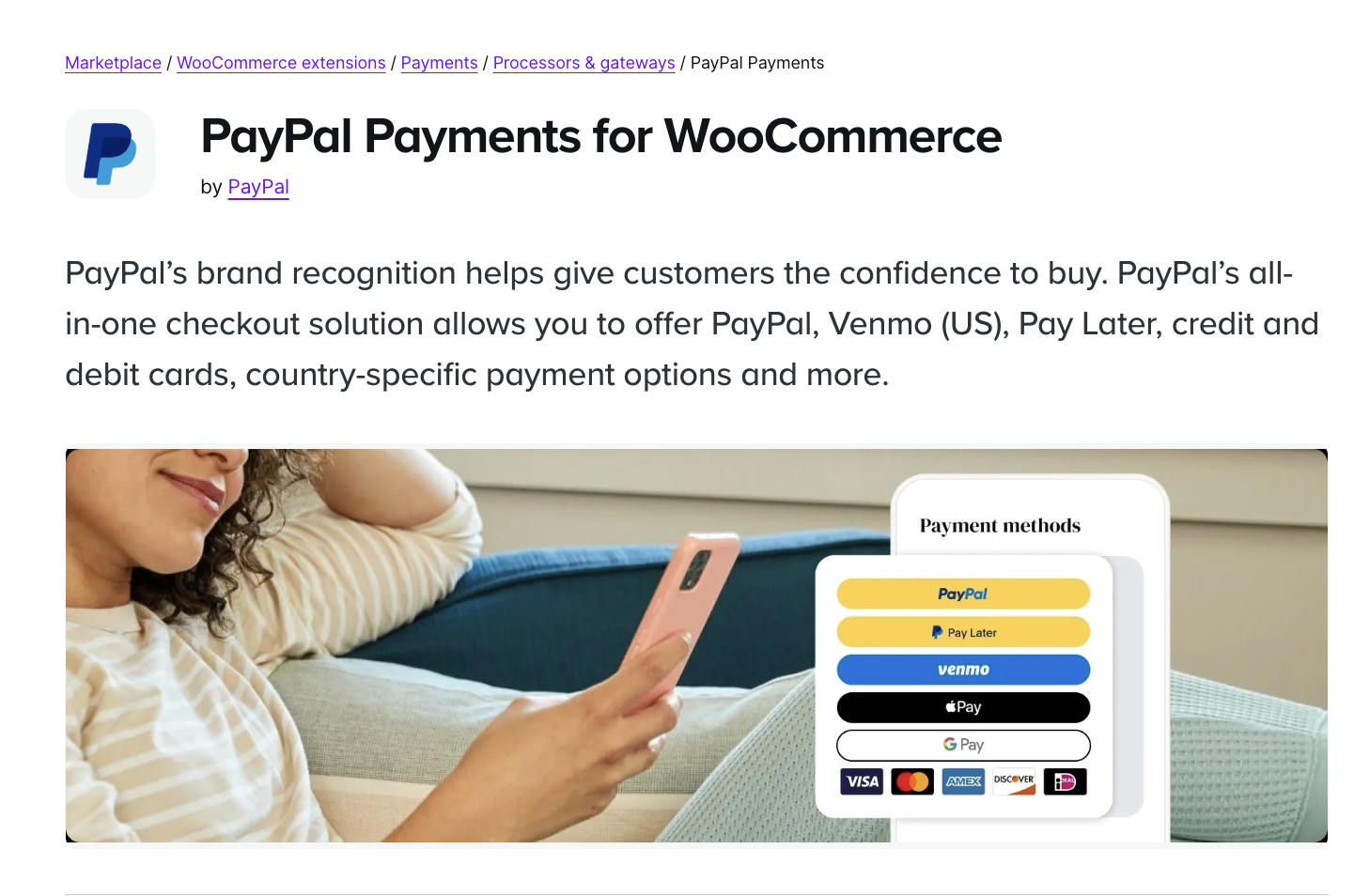
PayPal needs little introduction. It remains one of the most recognized and trusted names in online payments, which can boost customer conversion rates for online stores.
Key features:
- Support for PayPal payments, credit cards, and debit cards
- One-tap checkout for PayPal users
- Strong buyer and seller protection features
- Global brand recognition that can build customer trust
Pricing:
- 2.99% + a fixed fee based on currency
- Additional cross-border and currency conversion fees
Best for:
Stores with customers who prefer to use existing PayPal accounts to check out online. This is also a great supplementary option for other gateways.
4. Authorize.Net
Authorize.Net, operated by Visa, has been helping businesses process payments securely for decades. It offers powerful features aimed at growing businesses that need serious infrastructure.
Key features:
- Support for a broad range of payment types, including credit cards, digital payments, and eChecks
- An advanced fraud detection suite
- Support for recurring billing and subscriptions
- Rich developer documentation for customized integrations
Pricing:
- A $25 monthly gateway fee
- 2.9% + 30¢ per transaction
Best for:
Established businesses that need enterprise-grade security and functionality without sacrificing flexibility

5. Square
While Square is a point-of-sale powerhouse, it also has an extension that allows stores to accept online payments and sync their in-person and online sales automatically.
Key features:
- Support for all major cards and digital wallets like Apple Pay
- Real-time inventory sync between online and offline sales
- Fast deposits, usually within one to two business days
Pricing:
- 2.9% + 30¢ per online transaction
Best for:
Retailers that manage both brick-and-mortar shops and ecommerce operations and want everything to stay connected
6. Amazon Pay
Amazon Pay lets customers check out using the billing and shipping information already stored in their Amazon accounts. This can lead to faster checkouts and fewer abandoned carts.
Key features:
- Trusted Amazon authentication for a fast, familiar checkout experience
- Built-in fraud protection handled by Amazon
- A mobile-optimized checkout
Pricing:
- 2.9% + 30¢ for U.S. domestic transactions
- Additional charges for cross-border payments
Best for:
Businesses that want to tap into the trust and ease that Amazon’s checkout process offers. This is another good supplementary gateway.

7. PayPal Braintree
PayPal Braintree provides a payment gateway that supports not just credit cards, but also digital wallets and Venmo.
Key features:
- Support for PayPal, credit cards, Apple Pay, Google Pay, and Venmo
- Recurring billing
- Strong fraud prevention and security measures
- Developer-friendly APIs and SDKs for custom solutions
Pricing:
- 2.59% + 49¢ per transaction for U.S. cards
Best for:
Stores that want to provide a wide range of payment methods without integrating multiple gateways
The easiest speed optimization plugin for WordPress
Jetpack Boost gives your site the same performance advantages as the world’s leading websites, no developer required.
Boost your site for free8. Mollie
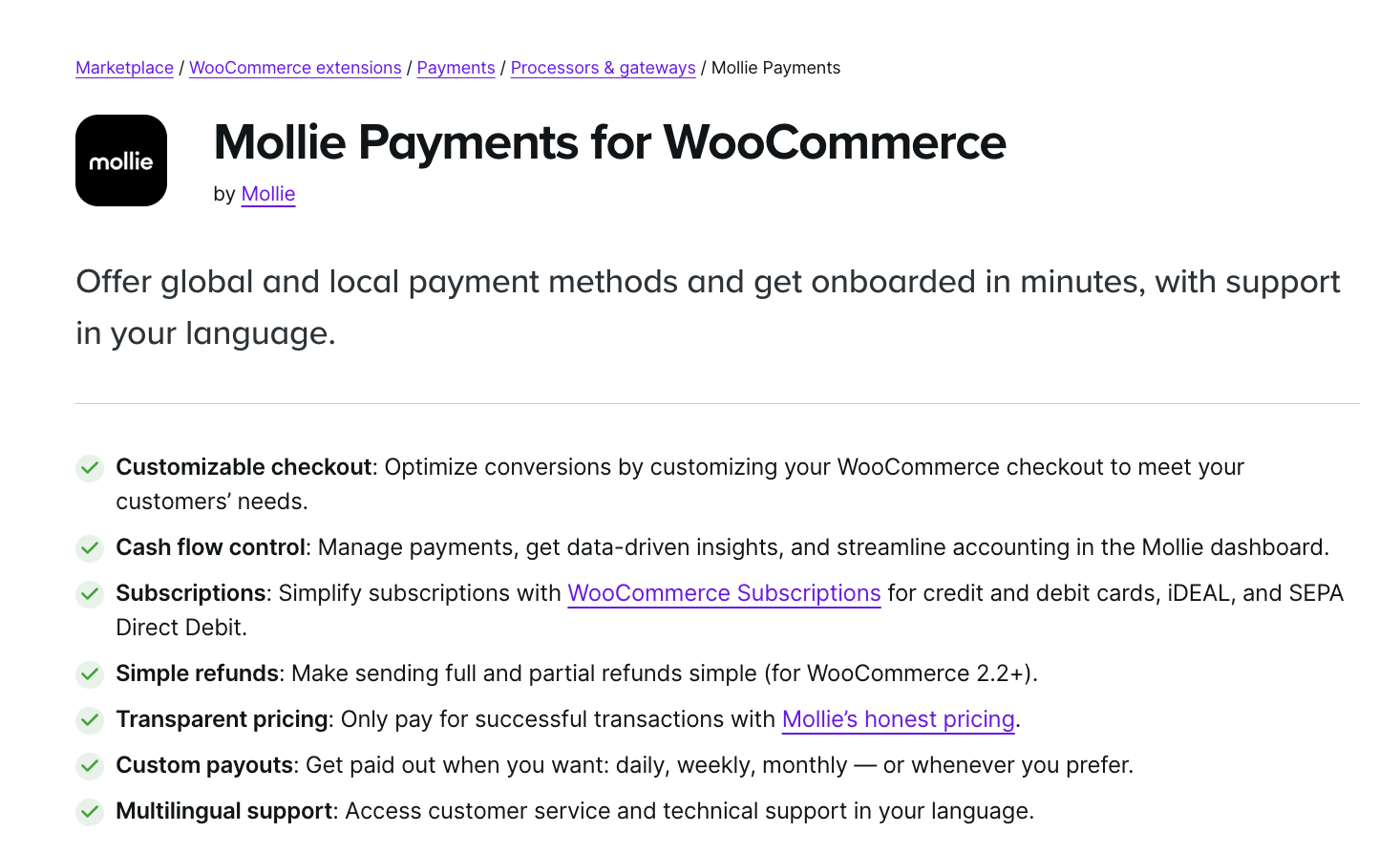
Mollie is a popular choice for European businesses that need strong support for local payment methods and a straightforward pricing model.
Key features:
- Support for a wide range of payment methods including Klarna, iDEAL, SEPA, Apple Pay, and PayPal
- Clear pay-per-transaction pricing
- Support for multi-currency transactions
Pricing:
- 1.8% + fixed fee for E.U.-issued cards
- 2.8% + fixed fee for cards outside the E.U.
Best for:
European merchants that need comprehensive support for both major and local payment options
How to choose the right payment gateway for your WooCommerce store
No two businesses have identical payment needs, so it’s important to first define what matters most to your store before picking a gateway.
Consider the following:
- Your sales model: Are you selling subscriptions, one-time products, or services? Some gateways handle recurring payments much better than others.
- Your target audience: If you sell internationally, prioritize payment gateways with strong multi-currency support.
- Cost structure: Look beyond the transaction fees. Monthly fees, currency conversion charges, and cross-border costs can add up quickly.
- Preferred payment methods: Make sure your customers’ favorite ways to pay are supported.
- Technical complexity: Some gateways are easier to set up and maintain than others, especially if you have limited technical resources.
Taking the time to map out these factors can prevent costly mistakes.
Next step: optimize checkout speed and trust
Once you’ve chosen your gateway, your next wins usually come from:
- Faster checkout load times,
- Fewer checkout distractions.
At minimum:
- Make sure your checkout is fast on mobile
- Reduce unnecessary scripts on checkout
- Display trust signals (SSL, payment badges, clear refund policy)
- Monitor checkout errors and abandoned carts
(If you use Jetpack tools, you can explore Jetpack Boost for performance and Jetpack’s other features)
Frequently asked questions
Is there a free payment gateway for WooCommerce?
Most WooCommerce payment gateways offer free plugins with no setup or monthly fees. However, all providers charge transaction fees when a payment is processed. For many stores, WooPayments, Stripe, or PayPal are the easiest “free to install” options.
Which WooCommerce payment gateway has the lowest fees?
Fees change frequently and depend on country, card type, and volume. In many regions, card processing fees are similar across major providers. Instead of chasing the absolute lowest rate, compare total cost including cross-border fees, currency conversion, chargeback fees, and any monthly gateway fees.
Which payment gateways support subscriptions in WooCommerce?
WooPayments, Stripe, PayPal Braintree, and Authorize.Net all support recurring payments when used with WooCommerce Subscriptions or compatible extensions. If subscriptions are a big part of your business, prioritize gateways with strong recurring billing tools and clear retry / dunning settings.
What’s the best WooCommerce payment gateway for international customers?
For global audiences, look for a gateway with multi-currency support and local payment methods. WooPayments, Stripe, and Mollie are strong options for international stores, but availability and fees vary, so always confirm details for your target countries.
Can I use more than one payment gateway in WooCommerce?
Yes, you can and often should use multiple payment gateways. Giving your customers choices is a smart way to increase sales. Some people love using PayPal because they have money in their account already. Others prefer typing in their credit card details directly on your site using Stripe or Square.
If you only offer one option, you might lose customers who do not use that specific service. A good rule is to offer one direct credit card method and one digital wallet option like PayPal or Apple Pay. Just be careful not to add too many options. If the checkout page looks messy or cluttered, customers might get confused and leave without buying anything.
Is it better to use a direct payment gateway or a redirect gateway for my store?
This choice changes how the checkout feels for your customer. A direct gateway keeps the customer on your website for the entire process. They type their card numbers into a form on your checkout page. This looks very professional and seamless. Stripe and WooPayments work this way.
A redirect gateway sends the customer away to another site to pay. PayPal Standard is the most common example of this. The customer leaves your site, pays on PayPal, and then comes back.
Direct gateways usually convert better because the process is faster. However, redirect gateways can sometimes feel safer to customers who are afraid to give their card info to a small, unknown website.
What is the difference between a merchant account and a payment gateway?
These terms can be confusing because they work together. A merchant account is a special type of bank account that allows a business to accept credit and debit cards. It holds the money from your sales temporarily before sending it to your regular bank account. A payment gateway is the technology that connects your online store to that merchant account. It acts like the digital credit card terminal.
In the past, you had to get these two things separately. Today, modern services like Stripe and PayPal combine them into one package. They provide the gateway technology and the account in a single service. This makes it much easier for new businesses to get started quickly.
Do I need an SSL certificate on my website to accept credit card payments?
Yes, you absolutely need an SSL certificate to accept payments securely. This is the technology that puts the little padlock icon next to your website address in the browser bar. It scrambles the data moving between your customer and your server so hackers cannot steal it.
Most payment gateways will not even work if you do not have an SSL certificate installed. It is a mandatory requirement for basic security compliance. Most hosting companies provide a basic SSL certificate for free these days. If you do not have one, your website will show a “Not Secure” warning to visitors. This scares customers away immediately because they will not trust you with their sensitive financial information.

The easiest speed optimization plugin for WordPress
Jetpack Boost gives your site the same performance advantages as the world’s leading websites, no developer required.
Boost your site for free Jetpack