

If you’re starting an online business, you’ll need the right equipment — tools to promote your brand to new customers, process orders without a hitch, and keep folks coming back again and again.
More entrepreneurs choose WordPress than any other platform. Why? It gives you complete ownership and ultimate flexibility with its open source model. Plus, there are nearly unlimited plugins to quickly add new functionality to your shop. In addition to essentials like speed optimizers and security plugins, you’ll find form builders, subscription solutions, live chat widgets, and more.
This guide will introduce you to the best ecommerce plugins and show you what to look for when choosing critical tools for your business.
How we chose these plugins (criteria)
We selected plugins based on:
- Proven compatibility with WooCommerce
- Active maintenance and support
- Performance impact (scripts, queries, checkout latency)
- Security posture and reputation
- Total cost over time (base price + required add-ons)
A review of WordPress ecommerce plugins
When sourcing plugins, you need to think about everything from core commerce functionality (listing and processing orders) to marketing, customer service, and business management.
Here are the best WordPress ecommerce plugins launch and grow your store:
1. WooCommerce

WooCommerce is the leading ecommerce plugin for WordPress. It enables you to create an online store, complete with functionality for shipping fulfillment, tax compliance, and order management.
With WooCommerce, you have full control and ownership over your brand, products, and store. Build, design, and manage your site without needing to edit a single line of code, and sell everything from physical and digital products to services, memberships, bookings, and tickets. The best part? It includes unrivaled documentation and customer support to help you along the way.
Once you install WooCommerce, it will automatically add essential pages like Checkout, Cart, and Shop. Then, customize these pages with the block editor and extend functionality with other proven plugins from this article.
Key features:
- Support for different product types, including physical, digital, variable, and affiliate items
- Dedicated WooCommerce blocks, like filters, featured products, and reviews
- A guest checkout option
- Integration with various payment processors, including Stripe and PayPal
- Store analytics
- Omnichannel marketing, with extensions for TikTok, Pinterest, Facebook, Google, and more
- A mobile app that lets you manage your store on the go
- Built-in shipping options, along with integrations for global carriers
Pricing:
WooCommerce is a free, WordPress ecommerce plugin, but you may need to pay for certain extensions.
2. Jetpack Boost
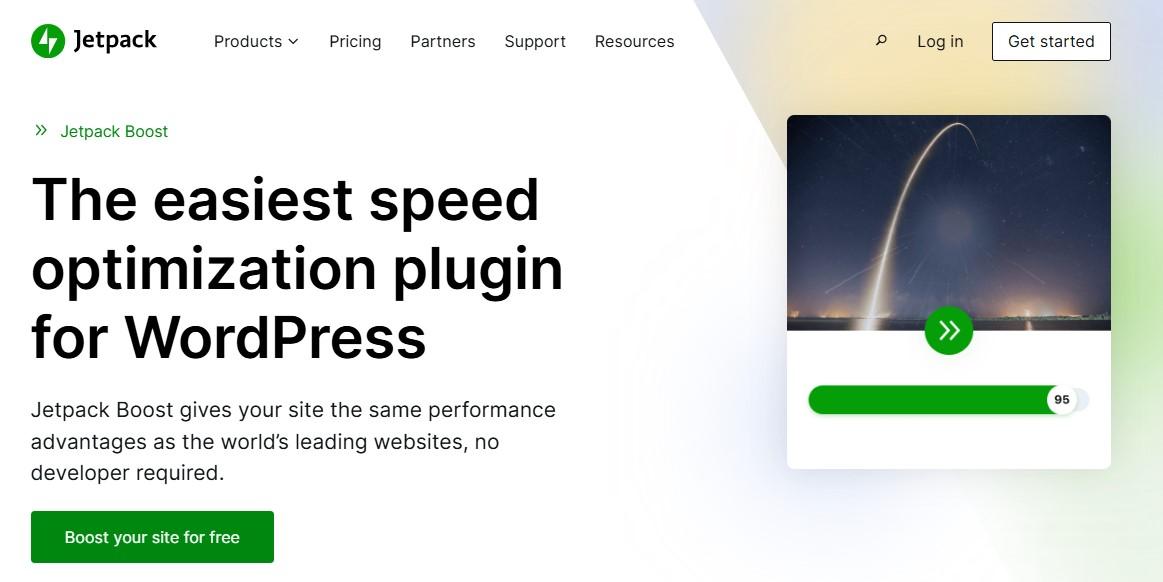
Your store should provide a pleasant shopping experience. If pages are slow to load or jump around as visitors try to read or click, people may leave your site without making a purchase.
Jetpack Boost is a WordPress plugin that improves load times by implementing features like page caching and code minification. It also gives you performance scores for desktop and mobile versions of your site.
Key features:
- An image content delivery network (CDN)
- Page caching, serving static files for faster load times
- Deferral of non-essential Javascript
- Minification of CSS code and JavaScript
Pricing:
Jetpack Boost is a free plugin with an optional premium plan. The latter starts at $9.95 per month and includes additional features like image quality control and an image size analyzer.
3. Jetpack Search

Another way to improve the shopping experience is to make it easy for customers to find products on your site. This is where Jetpack Search comes in.
Jetpack Search makes it easier for shoppers to find what they need and boosts sales in the process. It understands visitor intent, delivers lightning-fast results, and works seamlessly with WooCommerce, offering smart filters for categories, tags, and more.
Its appearance is completely customizable, so you can provide the unique experience your customers have come to expect.
Plus, since all the heavy lifting happens on Automattic’s servers, it won’t drain hosting resources and will keep your site running fast. This provides a smoother shopping experience for customers and leads to more conversions.
Key features:
- Support for 38 languages
- Spelling correction
- Filtering options, like post types
- The ability to customize search results
Pricing:
You can use Jetpack Search for free, but you’ll be limited to 500 monthly requests and 5,000 records. The premium plugin starts at $8.33 per month.
4. Yoast SEO

As the name suggests, Yoast SEO is a search engine optimization plugin. It helps you optimize your product pages to drive more organic traffic to your website.
With this WordPress plugin, you’ll get a tailored SEO analysis of each page that shows what it’s missing and suggestions to make it better.
Key features:
- The ability to set up structured data for products
- An AI writing assistant that generates meta descriptions and product titles
- Unique identifiers for variable products so they get more visibility in search results
- A recommendation box for each page, post, and product that helps you better optimize them for your target keywords
Pricing:
Yoast SEO is a freemium solution. You’ll need the Yoast WooCommerce SEO plugin to access the advanced ecommerce features. This starts at $79 per year.
5. LiveChat

If you want to engage with customers in real-time, you need a tool like LiveChat. This helps you create a custom chatbot with predetermined responses and targeted messages.
LiveChat also provides a help desk with a ticketing system. You can even use it to set up an extensive knowledge base.
Key features:
- Chat widget customization
- Reports and analytics on customer queries
- An AI chatbot with automated workflows
- Chat history and transcripts
Pricing:
The Starter plan costs $20 per month per person (or “agent”) and is ideal for small businesses.
If you want features like unlimited chat history and reporting, the Team plan starts at $41 per month per person.
There’s also a Business plan, which gives you staffing predictions, on-demand reporting, and more advanced features. This starts at $59 per month.
6. WPForms

WPForms is a drag-and-drop form builder for WordPress. It’s ideal for creating custom order forms, surveys, newsletter opt-ins, and registration forms.
This plugin also simplifies entry management. You’ll be able to view all leads, payments, and other form data in one place.
Key features:
- More than 2,000 form templates
- Smart conditional logic to show or hide fields based on a visitor’s input
- Spam protection for your forms
- Electronic signatures for payments, contracts, etc.
Pricing:
WPForms is a free plugin with premium plans that start at $49.50 per year.
7. Jetpack AI Assistant
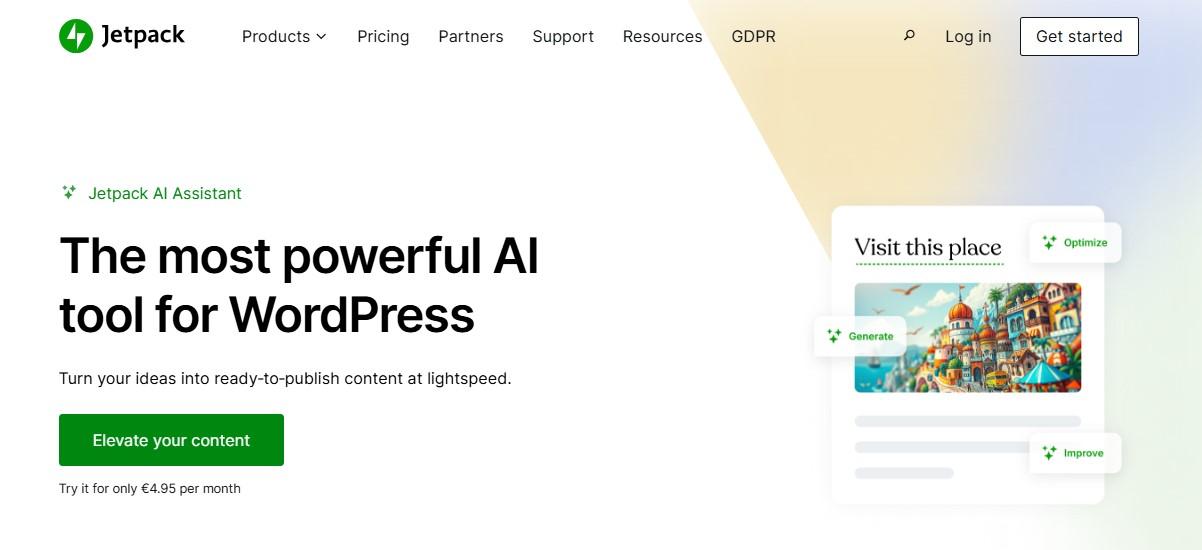
Jetpack AI Assistant brings the power of artificial intelligence directly into the WordPress block editor. Quickly generate entire articles, lists, and tables, or even use prompts to create forms, logos, and images.
Instead of wasting time on tedious tasks or switching between dozens of tabs, your workflow now lives in one place.
Key features:
- Suggestions to improve readability and fix errors
- Summaries and translations of text
- Image generation
- Title optimizations
Pricing:
You can try Jetpack AI Assistant for free, but you’ll have a quota of 20 requests. The premium plan starts at $4.95 per month for the first year.
8. Google Analytics for WooCommerce
Google Analytics is a platform that gives you detailed data about your site’s visitors, including page views per session, demographics, and browsing time.
The Google Analytics for WooCommerce plugin integrates the reporting software with your online store. You can see which products are most popular with customers, what channels (social, email, organic search) drive traffic to your store, and more.
Key features:
- Basic data tracking, including sessions, users, and events
- Ecommerce analytics like cart actions and product views
- Support for display ads
Pricing:
This is a free extension.
9. Google Product Feed for WooCommerce
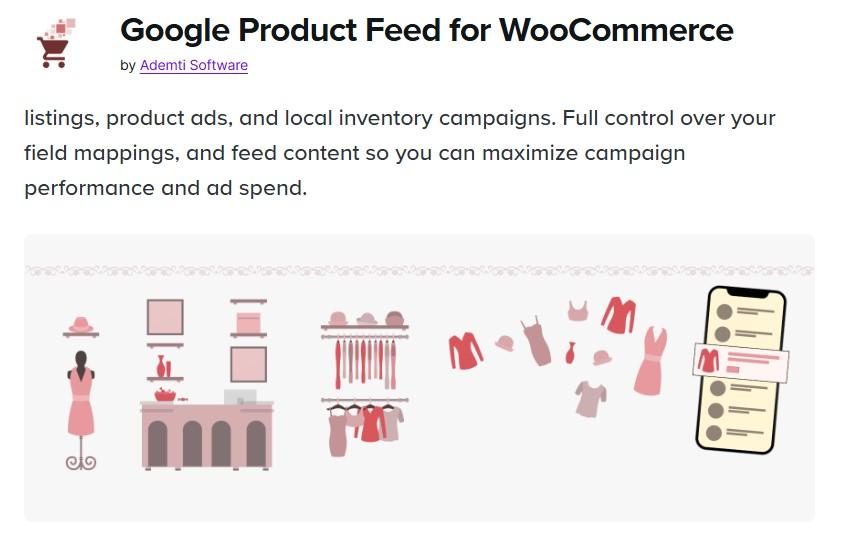
This WooCommerce plugin helps you feed product information to Google Merchant Center. Your products will also be available in your Google Ads account, enabling you to set up your own product ads.
Key features:
- Full control over field mappings
- An on-demand feed that shows the latest information for your products
- Support for more than 50 field attributes
- A large selection of WordPress filters and actions for flexible customization
Pricing:
This is a premium extension that costs $6.59 per month, billed annually at $79.
10. WooCommerce Subscriptions
By default, WooCommerce doesn’t offer subscription functionality. To obtain this, you’ll need an extension like WooCommerce Subscriptions. You can use it for subscription-based products or services like monthly gift boxes, coaching calls, premium articles, and more.
This extension allows customers to manage their subscriptions. For instance, they can downgrade or upgrade their plan without your assistance.
Key features:
- Multiple billing options, like weekly, monthly, and annually
- Support for both automatic and manual renewals
- Free trials and sign-up fees
- Integration with more than 25 payment gateways, including Stripe, Square, PayPal, and Klarna
- Recurring discount coupons and sign-up fee discounts
- Integration with other WooCommerce extensions like WooCommerce Memberships
Pricing:
WooCommerce Subscriptions costs $279 per year. If you purchase a two-year plan, it will cost $446.40.
11. Easy Digital Downloads

With Easy Digital Downloads, you can sell products like downloadable photos and graphics, courses, templates, audio files, and more. It supports unlimited digital downloads, without additional fees.
You’ll have complete control over orders and customers. For instance, you can edit customer details, give refunds, and manage order status.
Key features:
- Customizable discount codes
- Flexible payment options, including subscriptions
- Support for popular payment gateways like PayPal, Stripe, Apple Pay, and Google Pay
- Detailed reports on sales and products
Pricing:
There’s a free version available, but with a premium plan, you’ll get features like custom payment forms, email marketing tools, and additional payment processors. Plans start at $99.50 per year.
12. WooPayments
WooPayments is a preferred payment processor for WooCommerce. It’s suitable for both online and in-person payments (even using your phone as a payment terminal for debit and credit cards), and you can manage them all from your WordPress dashboard.
Currently, WooPayments is available in 38 countries and accepts more than 135 currencies.
Key features:
- Support for recurring payments for subscriptions
- Express checkout options like WooPay
- The ability to accept digital wallets like Apple Pay and Google Pay
- An available buy now, pay later integration
- Tap to Pay capabilities for qualifying merchants
- The ability to manage everything, including refunds and disputes, from inside the WordPress dashboard
Pricing:
WooPayments is free to install, with pay-as-you-go fees per transaction.
For stores based in the United States, the fee is 2.9 percent and $0.30 for each transaction. If the payment is made with an international bank card, there’s an additional 1.5 percent charge.
13. Stripe for WooCommerce
Stripe for WooCommerce is an extension that enables payments on your WordPress site. It supports both online and in-person transactions.
Key features:
- Buy now pay later options like Klarna, Afterpay, and Affirm
- Credit and debit card payment acceptance from Visa, Mastercard, American Express, and more
- Support for recurring payments via WooCommerce Subscriptions
- Responsive checkout experience tailored to desktop, mobile, and tablet
- A powerful fraud prevention solution called Stripe Radar
Pricing:
The extension is free. However, you’ll want to consider all the different transaction fees that Stripe charges, based on the payment method and where the bank card was issued.
14. PayPal Payments for WooCommerce
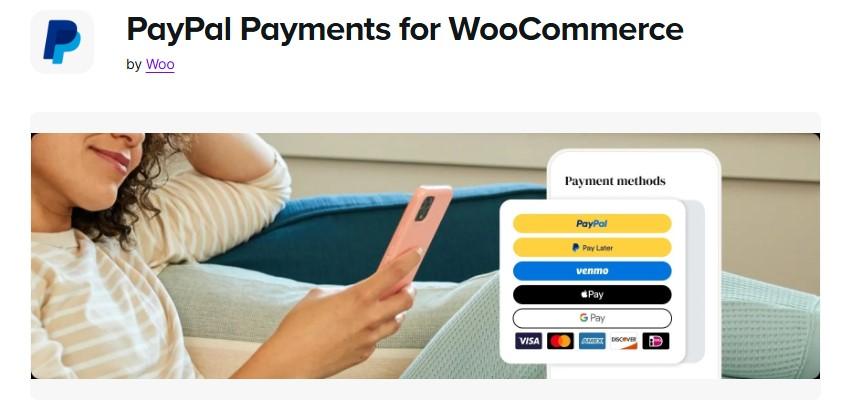
Offering multiple payment options helps reduce cart abandonment. PayPal is a popular and secure digital wallet, and you can enable it on your store with the PayPal Payments for WooCommerce extension.
With this all-in-one checkout solution, you can offer PayPal, Venmo (US), Pay Later, credit and debit cards, and more payment options.
Key features:
- Instant access to funds
- Fraud detection technology
- The ability to customize the design and placement of your card payment fields
- Support for WooCommerce Subscriptions
Pricing:
This extension is free, but you’ll need to consider PayPal’s transaction fees.
15. WooCommerce Shipping
WooCommerce Shipping helps you manage shipping and fulfillment from your WordPress dashboard. You can print USPS, UPS, and DHL labels, compare live rates across different carriers, schedule pickups, and more.
Key features:
- Direct integration with WooCommerce, so there’s no need to set up accounts with different carriers
- The option to split shipments into separate packages
Pricing:
This extension is free.
16. Jetpack Security

Finally, you’ll want a plugin that protects your store and customers from cyberattacks. Jetpack Security provides measures against common threats, including spam and malware.
You’ll also get a 30-day activity log and real-time backups, so you can see which actions and users on your WordPress site triggered a security breach and then reverse them with just a click.
Key features:
- Real-time WordPress website backups in cloud storage
- Unlimited website restores
- Comment and form spam protection
- A website firewall
- Malware scanning
- An activity log
- Brute force attack protection
Pricing:
Plans start at $9.95 per month.
Factors to consider when choosing a WordPress ecommerce plugin
The ecommerce plugins you use can impact your store’s functionality, user experience, and long-term success. Therefore, it’s important that you select the right tools from the beginning.
With that in mind, here are some factors to consider:
Features
The features of an ecommerce plugin determine what your online store can do. Of course, these will vary depending on the specific nature of the tool (whether it’s an analytics plugin, a form builder, or a chatbot).
However, here are some essential features you’ll want for your store:
- Product management. This should include support for different product types like physical, digital, and subscription-based products.
- Integration with popular payment processors. Top options include WooPayments, PayPal, or Stripe.
- Advanced shipping functionality. You should have the ability to provide real-time shipping rates, multiple shipping methods, and options for major carriers.
- Inventory management. You need the ability to track stock levels and immediately know when products are low in supply.
- Marketing tools. Don’t forget about discount codes, abandoned cart recovery tools, and email marketing integrations.
WooCommerce offers most of these features out of the box. There are also extensions that you can use to add more payment methods, offer discount codes, sell subscriptions, and more.
Automation capabilities
Running an online store involves many repetitive tasks. Automation saves you time and effort so you can focus on more important areas of your business.
Consider plugins that offer:
- Automated order processing. This reduces manual work by automatically sending invoices, processing payments, and updating order statuses.
- Subscription and recurring payments. If you sell memberships or subscriptions, automation for recurring billing is essential.
There are also AI tools like Jetpack AI that automatically generate content like images, product titles and descriptions, and metadata.
User-friendliness
Your ecommerce plugin should be easy to use, both for you and your customers. A clean and simple interface means hassle-free product uploads and management. It also helps shoppers complete an order without any issues.
You’ll also want to ensure that your ecommerce plugin is optimized for mobile devices. For example, if you’re using a form builder, the forms should automatically adjust to smaller screens.
If a checkout process is complicated, or difficult to complete on a mobile phone, it can lead to abandoned carts.
As a busy store owner, you don’t want to spend hours configuring plugins. So, choose tools with settings that you can enable with a few clicks.
For example, Jetpack Boost provides toggle buttons for enabling features like page caching and an image CDN.
Compatibility
Before choosing a plugin, verify its compatibility with your WordPress theme. If you’re using a non-ecommerce theme, you might need to switch to an option that’s designed for WooCommerce stores.
You’ll also want to check that the ecommerce plugin works well with other tools on your website. It’s a good idea to install it on a staging site first, so you can make sure that it doesn’t cause any compatibility issues.
If you cater to an international audience, you might need a plugin with multilingual support. Typically, this information is stated on the official plugin website, but you can always reach out to the developers if you’re in doubt.
Pricing
Cost is an important consideration, especially if you’re just starting out and have a limited budget.
Many ecommerce plugins come in free and premium versions. As your store grows, you may need to upgrade to a paid plan, so it’s important to look at the prices even if you’re starting with the free version.
Evaluate the initial cost versus long-term expenses. Some plugins may be cheap, but require paid extensions or add-ons for advanced features. Additionally, the license fees may increase upon renewal.
Choose the right ecommerce plugins for success
Your online store should contain all the features necessary to process transactions, secure your WordPress site, offer a smooth shopping experience, and grow your business. You’ll want to start by installing WooCommerce, which is the leading plugin for creating a shop in WordPress.
Then, move on to tools like Yoast SEO (for gaining visibility in search engines), WPForms (for creating custom contact forms), and LiveChat (for adding chatbots). If you’re selling subscription-based products, you’ll need WooCommerce Subscriptions.
Finally, there’s Jetpack, which offers features like an AI assistant, an advanced search function, performance optimization, and essential security measures. Learn more about Jetpack’s suite of powerful tools!

 Jetpack