

Consulting places a considerable premium on relationships, client retention, and streamlined service delivery. These are the pillars that determine the success trajectory of a consultant or consulting firm.
Consultants who expertly handle these aspects usually have a powerful tool at their disposal, one that’s often underestimated in its potential: customer relationship management (CRM) software.
They can’t just use any CRM — they need one tailored to the needs of consultants. The number of options can seem overwhelming, and not all CRMS are created equal. So how does a consultant determine which CRM aligns with their operations and will truly serve as an asset?
This comprehensive guide breaks down what consultants should look for in a CRM, explores potential pitfalls in the selection process, and details the top eight CRMs that stand out in the industry.
As an added bonus, we’ll take a close look at Jetpack CRM, a solution that seamlessly integrates with WordPress and offers features tailored for consultants.
What consultants should look for in a CRM
1. Customization: Adapting to specific needs
Every consulting business is unique, with distinct business processes, specialties, and client interactions. The CRM you opt for must respect this individuality. The more a CRM allows for customization, the better consultants can mold it to mirror their workflow.
For instance, having the flexibility to design custom fields, dashboards, or reports can make all the difference between a system that feels cumbersome and one that feels like a native extension of your work process.
2. Mobility: Access on the go
Consultants are often on the move, meeting clients, attending conferences, or working from different locations. A CRM that’s not just mobile-responsive, but is genuinely mobile-optimized ensures that client information, meeting notes, or essential documents are always a few taps away. This kind of mobility improves responsiveness and enhances the quality of client interactions.
3. Integration capabilities: How well it plays with other software
The modern consultant uses a plethora of tools, from accounting software and project management tools to email marketing platforms and analytics dashboards. A CRM’s value multiplies when it can interact with this software, allowing for a holistic view of the client and streamlined processes. Without this integration capability, consultants might find themselves bouncing between platforms, leading to inefficiencies and data inconsistencies.
4. Scalability: Growing with your business
Your client base today might not be the same in size or complexity a year or even a few months down the line. A consultant’s chosen CRM should not just cater to their current needs but scale effortlessly as their business grows. This means that it should have the ability to handle more clients, sophisticated workflows, and team members, without necessitating a shift to a new platform.
5. A strong user experience: Ease of use and training requirements
A tool, no matter how powerful, is only as good as its usability. CRMs that offer an intuitive user experience, with a gentle learning curve, help consultants spend less time wrestling with software and more time delivering value to clients.
Plus, minimal training requirements translate to faster adoption rates among team members, leading to a uniform, streamlined operation.
Potential pitfalls and challenges when choosing a CRM
1. Overpaying for unnecessary features
The allure of a CRM with flashy features can be tempting. But more doesn’t always mean better. Consultants must critically assess which features are genuinely relevant to their operations.
Paying for bells and whistles that don’t directly add value strains resources unnecessarily. To avoid this pitfall, map out core functionalities essential to your business and prioritize them in your CRM selection.
2. Unreliable customer support
Like any sophisticated software, a CRM can sometimes present challenges or raise questions. When these moments arise, the quality of customer support can make or break the software’s ability to be a friend instead of foe. Reliable support ensures that any glitches, doubts, or optimization queries are addressed promptly, allowing for smoother business operations.
3. Long-term contracts with unproven software
Committing to a long-term contract without an in-depth exploration of the CRM can be a recipe for frustration. It’s imperative to spend time with the software, understand its nuances, and ensure that it truly resonates with your consulting business’s needs before making a long-term commitment. Most reputable CRM providers offer trial periods or demo versions. Make use of these for a more informed choice.
A review of 8 CRMs for consultants
This section will walk you through the top eight CRMs that have proven their ability to cater to consultants’ unique needs. Each CRM for consultants will include an overview, key features, and specific pros and cons for consultants.
While the list is not exhaustive, it does encapsulate a range of offerings that align with varied consulting business models, sizes, and technological proficiencies. Whether a solo consultant or part of a larger team, one of these solutions is likely to be a good fit.
1. Jetpack CRM
Overview
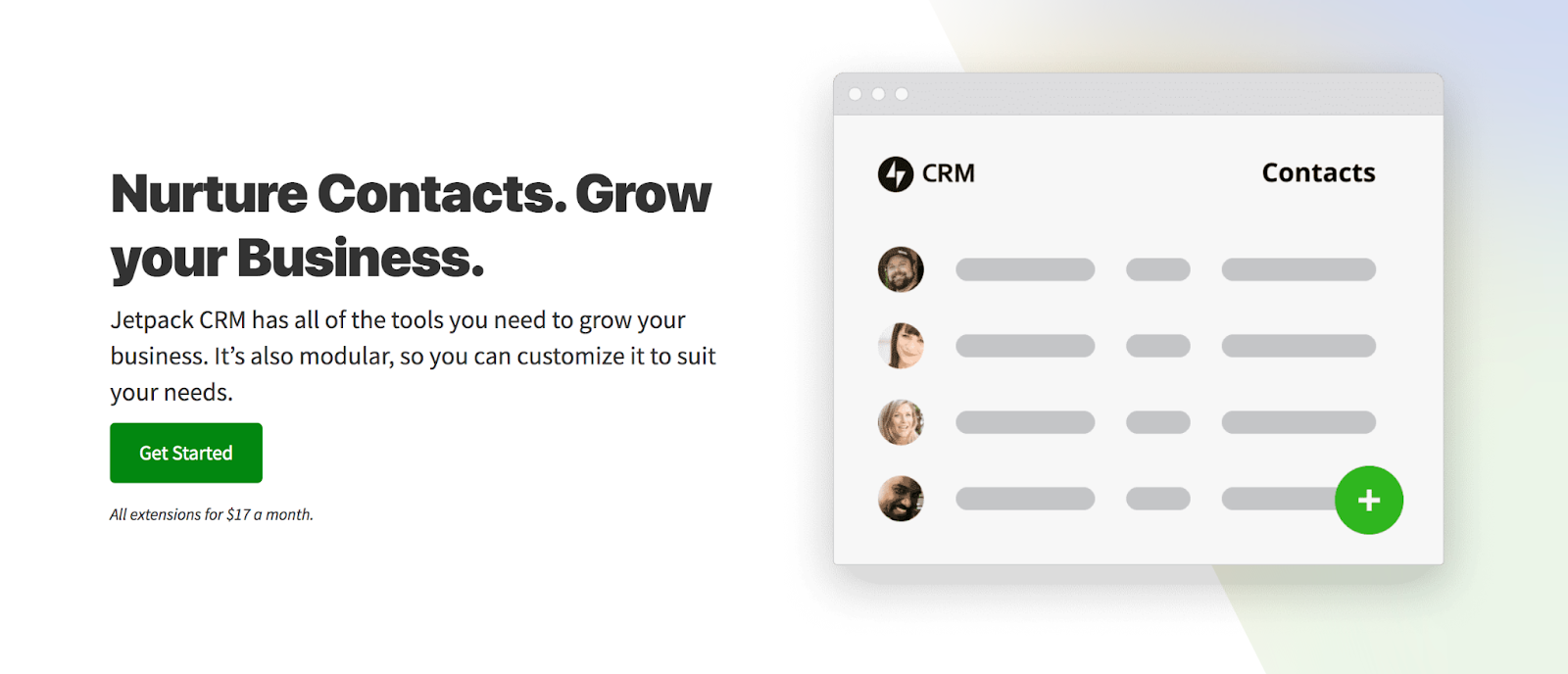
Jetpack CRM stands as a pivotal member of the Jetpack suite, tailored specifically for WordPress. Born out of a recognized need for a CRM that effortlessly integrates with WordPress sites, this software solution aims to simplify client management tasks while maximizing efficiency.
Key features of Jetpack CRM
- Contact management. Keeping track of clients, leads, and suppliers is streamlined with an easy-to-use interface.
- Quotes and invoices. Craft and send professional quotes and invoices directly from the dashboard, so that your financial transactions remain organized and timely.
- Transaction tracking. Gain insights into financial metrics and monitor the health of your business at a glance.
- Client portals. This is a unique offering that lets clients log into a dedicated portal, access documents, and communicate effectively, ensuring transparency and fostering client relationships.
Pros and cons of Jetpack CRM for consultants
Pros:
- WordPress integration. Seamless integration with WordPress makes it ideal for those already invested in the WordPress ecosystem.
- Customization. Jetpack CRM offers an extensive range of extensions and modules to fit varied consulting needs.
- Affordability. Priced competitively, it offers a rich set of features without breaking the bank.
- User-friendliness. Designed with the user experience in mind, even those new to CRM tools will find it intuitive.
Cons:
- Platform dependency. Its tight integration with WordPress means that it’s not a great option for those not on WordPress.
- Limited advanced features. While perfect for small to medium consultants, larger firms might find the advanced features limited.
With its focus on WordPress integration and an array of features tailored for consultants, Jetpack CRM emerges as a compelling choice, especially for those deeply embedded in the WordPress ecosystem. However, understanding its offerings in conjunction with one’s specific needs is critical.
Learn more about Jetpack CRM here.
2. Salesforce
Overview
Salesforce, a name synonymous with CRMs, has consistently maintained its position at the forefront of customer relationship management solutions. With an expansive ecosystem and a history of robust performance, Salesforce has carved out a niche for itself among businesses of all sizes and types.
Key features of Salesforce
- Lead and opportunity management. Consultants can track the entire sales process, from lead generation to deal closure.
- Customizable dashboards. A visual representation of business metrics provides a snapshot of performance, allowing consultants to make informed decisions.
- Einstein analytics. Leveraging AI, this tools offers predictive insights and recommends best practices.
- Integration options. With AppExchange, users have access to thousands of apps to extend the CRM’s capabilities.
Pros and cons of Salesforce for consultants
Pros:
- Extensive features. Salesforce’s vast feature set caters to diverse consulting needs, ensuring that all of your requirements are addressed.
- Scalability. Suitable for both independent consultants and large firms, Salesforce can scale as your business grows.
- Ecosystem. The expansive Salesforce ecosystem, from its app marketplace to its online community, ensures that consultants always have resources at hand.
- A cloud-based infrastructure. Being a cloud platform, it’s accessible from any device, any time.
Cons:
- Learning curve. The depth of features necessitates an investment in training to fully utilize the platform.
- Pricing. Comprehensive features come at a premium price, which might be a consideration for independent consultants or small firms.
- Overwhelming for some. Those seeking a straightforward CRM might find the vastness of Salesforce a bit daunting.
3. HubSpot CRM
Overview
HubSpot is well-known in the world of inbound marketing. The company, respected for its pioneering approach to marketing automation, offers a CRM platform designed to align sales and marketing efforts. HubSpot finds its place among startups, SMEs, and even enterprises, including consultants who are keen on maintaining optimal client relationships.
Key features of HubSpot CRM
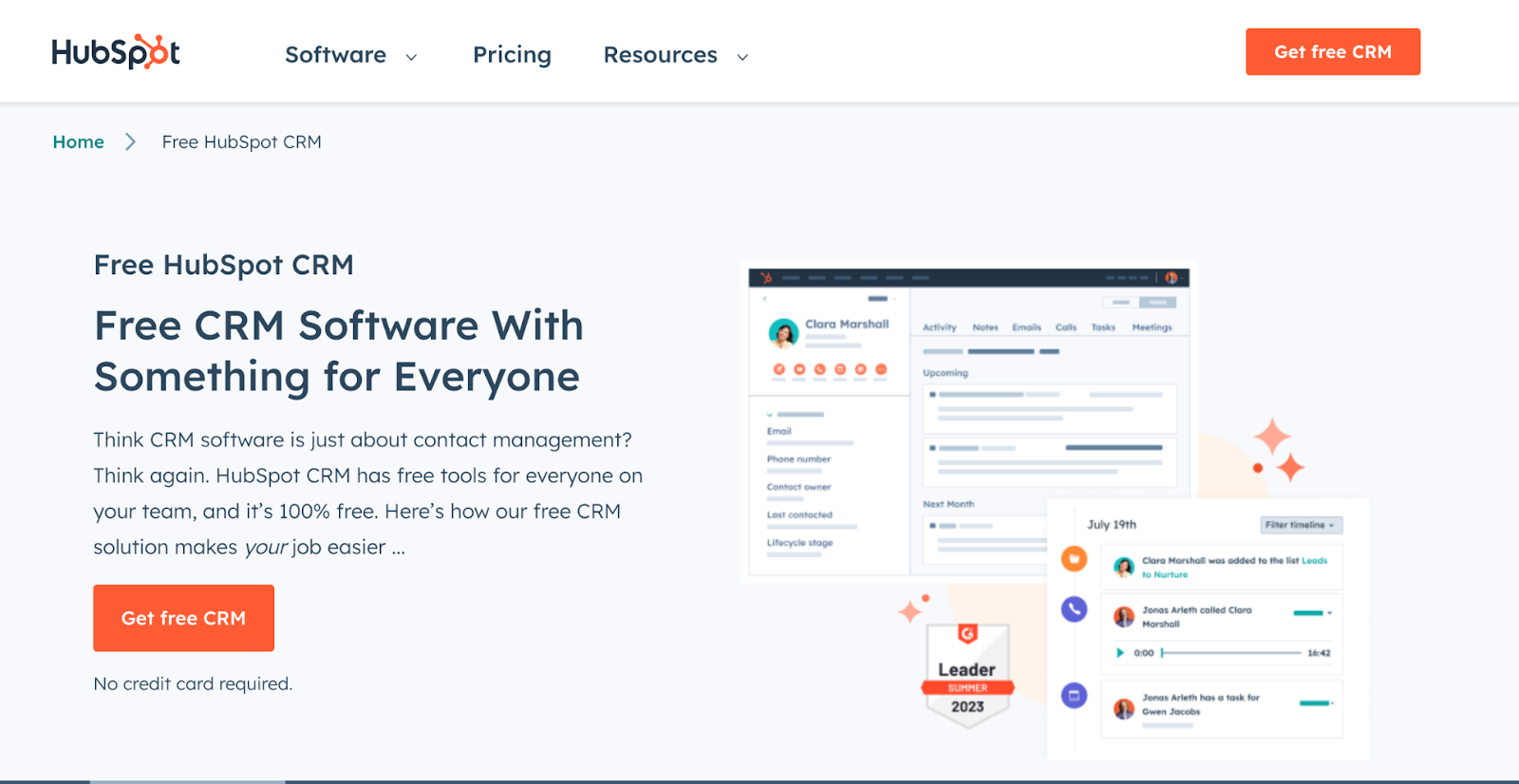
- Contact management. It includes a centralized space to store detailed contact information, including a timeline of interactions, so consultants have a full picture before every client meeting.
- Email tracking. This feature allows consultants to know when clients open their emails, facilitating timely follow-ups.
- Live chat and bots. These enable real-time communication with clients or potential leads who visit the consultant’s website.
- Meeting scheduling. An integrated calendar system that reduces the back-and-forth often associated with setting meetings.
- Sales automation. Automatic task creation based on client interactions so that no follow-ups are missed.
Pros and cons of HubSpot CRM for consultants
Pros:
- A user-friendly interface. HubSpot CRM is designed with the user experience in mind, ensuring consultants face minimal friction while navigating the platform.
- Available free tier. For consultants just starting or on a tight budget, the free version provides a host of valuable features.
- Integrated marketing tools. With built-in tools for email marketing, ad management, and more, consultants can manage both CRM and marketing efforts in one place.
- Training resources. HubSpot Academy offers a plethora of courses and certifications to help users maximize the platform’s potential.
Cons:
- Costly advanced features. While there’s a generous free tier, more advanced features require expensive plans, which might strain the budgets of some consultants.
- Integration limitations. Some users have reported limitations when trying to integrate third-party tools, which can impede workflow.
- Customization constraints. Unlike some other CRMs, there’s a cap on how much you can tailor HubSpot to very specific needs.

4. Zoho CRM
Overview
Zoho CRM is a multifaceted customer relationship management tool known for its broad scope and adaptability. For consultants, Zoho CRM provides a versatile toolkit designed to streamline client interactions so that every touchpoint is efficient and meaningful.
Key features of Zoho CRM
- SalesSignals. This is an alert system providing real-time notifications from integrated channels, allowing consultants to respond immediately to client interactions.
- An AI-driven assistant, Zia. Zia makes predictions, automates tasks, and provides advanced analytics, offering insights that can transform a consultant’s approach to client management.
- Multichannel communication. Connect with clients through email, live chat, phone, and even social media — all from within the CRM.
- Canvas. A visually driven feature, Canvas lets consultants design their own CRM interface, tailoring it to match their workflow and branding.
- Analytics and business insight tools. Zoho’s built-in analytics tools help consultants gauge the effectiveness of their strategies, offering actionable insights for improvement.
Pros and cons of Zoho CRM for consultants
Pros:
- Extensive customization. Zoho CRM’s adaptability helps consultants mold the platform to fit their exact needs.
- Affordable pricing tiers. Zoho provides a free edition and multiple paid options, making it financially accessible to a wide range of professionals.
- Integration capabilities. With a plethora of Zoho’s own suite of products and external tools, consultants can create an interconnected workspace.
- Global reach. With multilingual support and global compliance, consultants catering to an international clientele will find Zoho CRM particularly beneficial.
Cons:
- Learning curve. Given its plethora of features, newcomers might require some time to become fully accustomed to the platform.
- Occasional software glitches. Some users have cited occasional slowdowns or bugs, which can hinder workflow.
- Limited advanced features on lower tiers. To access the full potential of Zoho CRM, an upgrade to higher-priced tiers is often necessary.
5. Insightly
Overview
Insightly, a prominent player in the CRM landscape, is a platform centered around fostering relationships and nurturing leads. This tool has a reputation for its dual functionality as a CRM and project management software. Especially for consultants who oscillate between managing client relationships and overseeing projects, Insightly’s dual nature can be a boon, bridging the gap between client management and project execution.
Key features of Insightly
- Relationship linking. Insightly allows users to visualize and set up links between contacts, organizations, opportunities, and projects, offering a more holistic view of client relationships.
- Task management and project tracking. Apart from its CRM capabilities, consultants can use Insightly to manage tasks, set milestones, and monitor the progress of projects, all from within the platform.
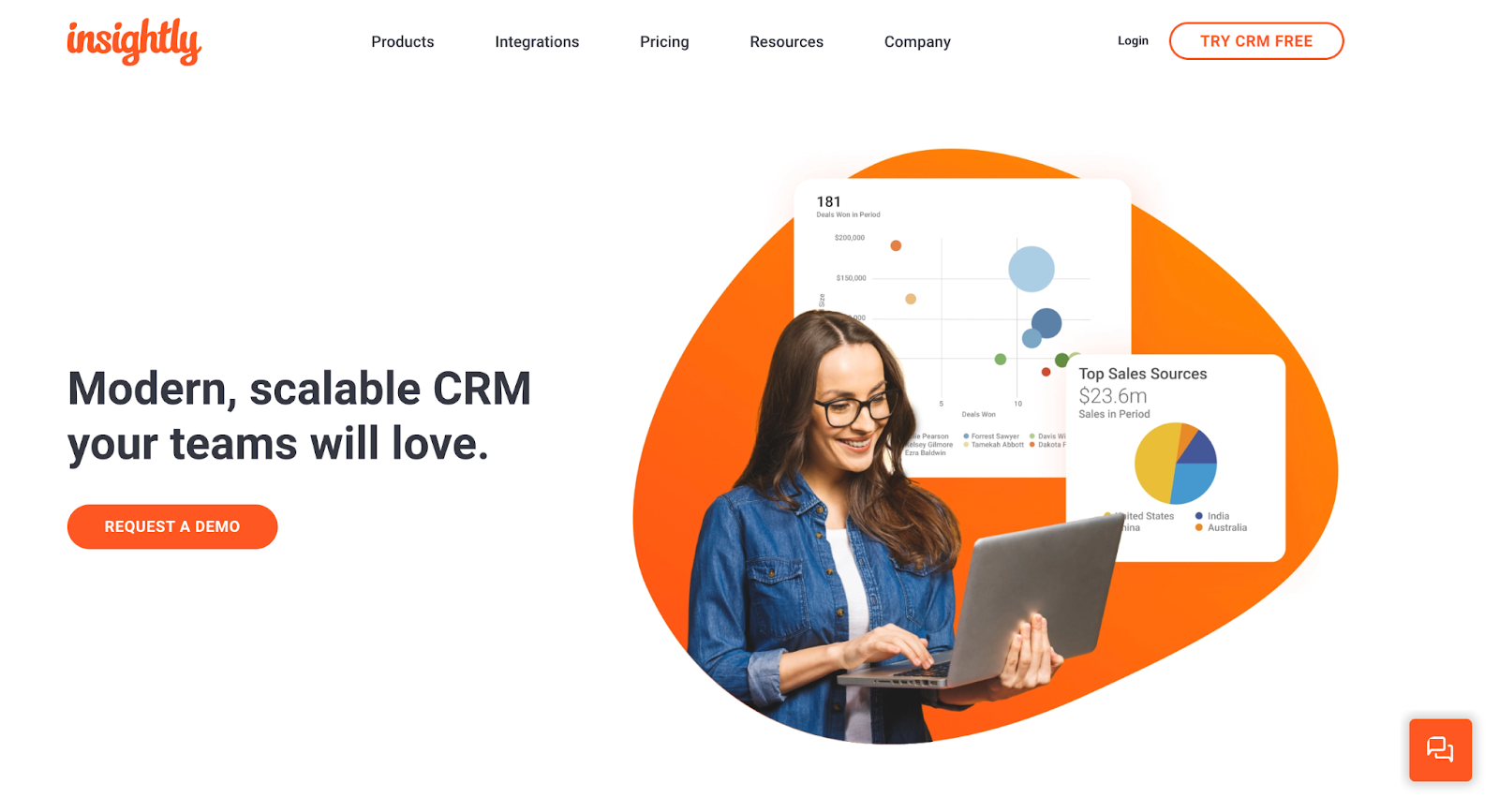
- Advanced reporting and dashboards. Tailored insights and analytical data are presented in customizable dashboards, equipping consultants with actionable intelligence.
- Email tracking. This feature enables consultants to track email interactions, ensuring timely follow-ups and a deeper understanding of client engagement.
- Integration with popular applications. Whether it’s email tools, financial software, or marketing platforms, Insightly boasts a wide range of integration options.
Pros and cons of Insightly for consultants
Pros:
- A unified workspace. With both CRM and project management tools, consultants can streamline their operations, reducing the need for multiple platforms.
- An intuitive interface. Despite its range of features, Insightly’s user interface is clean and user-friendly, making navigation and task execution straightforward.
- Scalability. Catering to both small businesses and larger enterprises, Insightly offers a scalable solution for consultants at various stages of their professional journey.
- A mobile application. For consultants on the move, Insightly’s robust mobile app helps them remain connected and informed at all times.
Cons:
- Pricing. While Insightly offers a free version, some consultants have noted that important features require a move to the paid tiers.
- Limited customization in basic plans. To truly customize the platform to one’s unique needs, an upgrade is often required.
- Occasional syncing issues. There have been reports of occasional syncing issues, especially with third-party integrations.

6. Nimble
Overview
Nimble stands out as a modern CRM solution, skillfully integrating social media insights into its core functionality. Recognized for its simplicity and efficiency, Nimble transcends traditional CRM boundaries, offering users a unique blend of relationship management and social engagement.
Consultants, often operating at the intersection of personal branding and relationship management, may find Nimble’s approach especially aligned with their needs, considering the increasing relevance of social platforms in business networking and client acquisition.
Key features of Nimble
- Social media integration. Nimble automates the process of pulling information from major social networks, offering a rounded view of contacts beyond just email correspondence.
- Unified records. Each contact has a comprehensive record that includes emails, social conversations, and activities, so consultants have all relevant information at their fingertips.
- Calendar and task management. Organizing meetings, setting reminders, and managing daily tasks becomes a seamless process with Nimble’s integrated calendar and task manager.
- Group messaging with tracking. Send personalized bulk messages and track who has opened or clicked on them, a vital feature for consultants looking to gauge client or prospect engagement.
- Smart segmentation. Filter and segment contacts based on a multitude of criteria, ensuring targeted and meaningful engagement.
Pros and cons of Nimble for consultants
Pros:
- Seamless social media syncing. For consultants emphasizing personal branding, Nimble’s ability to synchronize with social media profiles is invaluable, offering real-time insights and facilitating genuine engagement.
- An intuitive user interface. Nimble’s dashboard is straightforward and clutter-free, making it easy even for those not inherently tech-savvy.
- Automated data entry. The platform reduces manual work by automatically updating contact records with relevant information.
- A browser extension. Nimble’s browser extension allows users to access and update their CRM directly from platforms like LinkedIn, enhancing efficiency.
Cons:
- Limited advanced features. Some users have expressed a desire for more advanced CRM features, which platforms tailored for larger enterprises offer.
- Integration limitations. While Nimble offers a variety of third-party integrations, some popular tools might be missing, requiring workarounds.
- Pricing structure. Some consultants might find the pricing structure a bit steep, especially if they aren’t utilizing all the features.

7. Bitrix24
Overview
Bitrix24 situates itself within the CRM landscape as an all-in-one platform. Beyond its robust CRM functionality, it offers tools that address a range of business needs, from communication and collaboration to project management and invoicing.
Consultants, who often juggle multiple roles and responsibilities, might find Bitrix24’s comprehensive approach to be a game-changer. The platform is designed to streamline workflows, foster communication, and improve client relationships, all integral tasks for a consultant’s daily routine.
Key features of Bitrix24
- A 360-degree client view. Bitrix24 offers an all-encompassing view of each client, including previous interactions, pending deals, and assigned tasks.
- Internal communication tools. Integrated chat, video conferencing, and social networking features foster real-time communication, reducing the need for third-party tools.
- Task and project management. Comprehensive tools allow consultants to plan, track, and manage tasks and projects efficiently.
- Document management. Consultants can securely store, share, and edit documents within Bitrix24, making collaboration with clients and colleagues straightforward.
- Invoices and quotes. Generating invoices, sending them to clients, and tracking payments are facilitated within the platform, easing the administrative burden on consultants.
Pros and cons of Bitrix24 for consultants
Pros:
- A unified workspace. With its myriad of tools, Bitrix24 offers a consolidated workspace, eliminating the need to switch between various software solutions.
- Scalability. Whether you’re a solo consultant or a growing consultancy firm, the platform scales according to your needs.
- Automation capabilities. You can automate routine tasks, reminders, and follow-ups, so nothing falls through the cracks.
- Customization. Bitrix24 is known for its flexibility, allowing users to tailor the system according to their specific requirements.
Cons:
- A learning curve. Given its extensive features, newcomers might find the platform slightly overwhelming.
- Integration challenges. While Bitrix24 does support third-party integrations, not all popular tools might seamlessly connect, requiring additional effort.
- Pricing tiers. The platform’s comprehensive features come with a price tag, and to unlock advanced functionalities, consultants might need to invest in higher-priced plans.
- Performance issues. Some users have reported occasional lag and performance issues, especially when using multiple tools concurrently.
8. Streak for Gmail
Overview
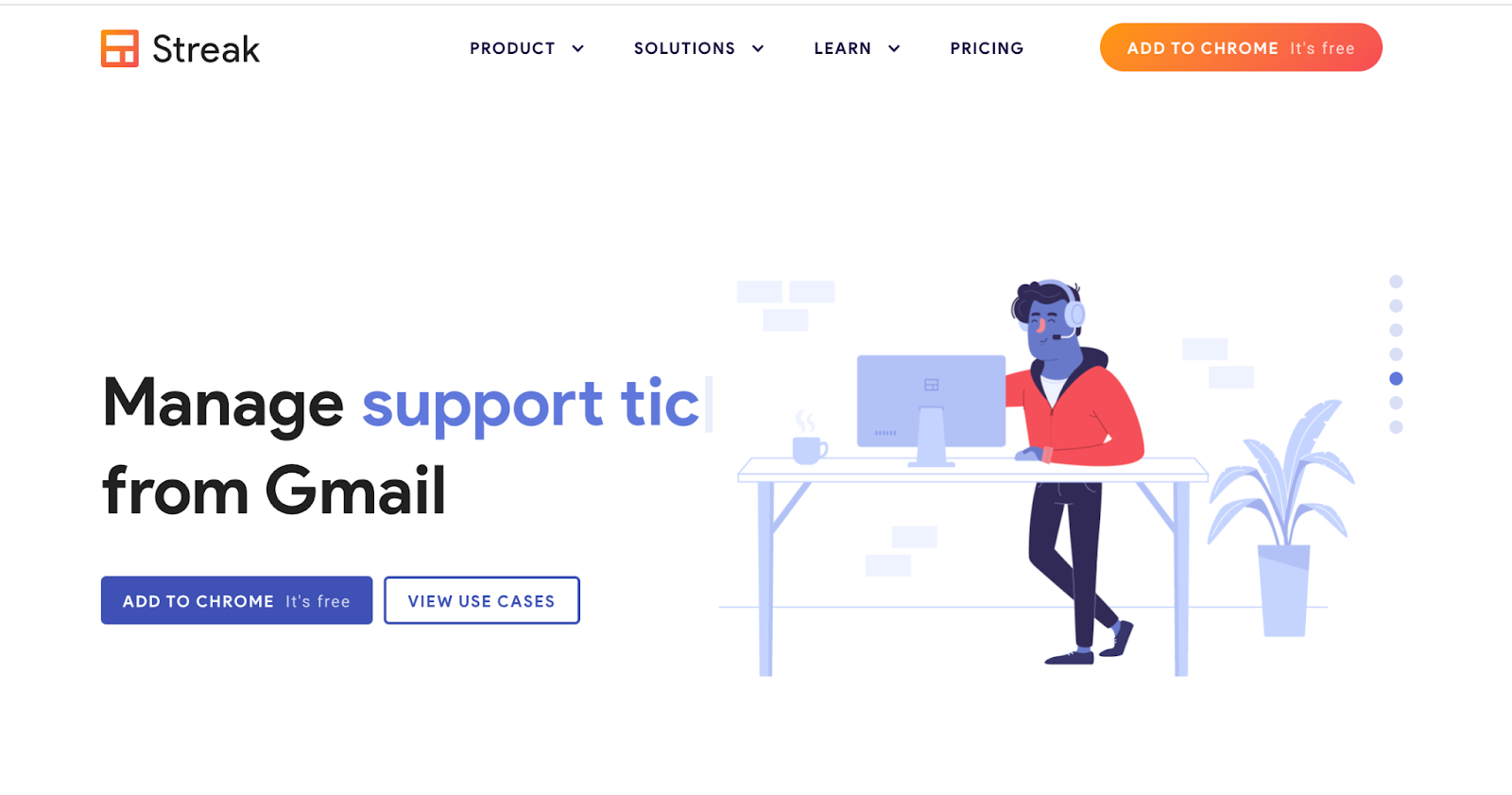
Streak for Gmail deviates from traditional CRM setups, bringing CRM functionalities directly into the Gmail interface. This ingenious integration offers users the ability to manage contacts, sales pipelines, and tasks without ever leaving their email environment.
For consultants who rely heavily on email communications and prefer an uncluttered tech stack, Streak is an invaluable asset. Operating within the familiar Gmail environment, it simplifies the often daunting task of client management by making pertinent information and tools readily available.
Key features of Streak
- Pipeline management. With Streak, consultants can efficiently manage and visualize sales and project pipelines directly within Gmail.
- Email tracking. The platform offers real-time notifications when emails are read, providing consultants with insights into client engagement.
- Data organization. Streak allows users to add notes, tasks, and custom fields to emails, so client-specific data remains organized and accessible.
- Shared pipelines. Consultants can collaborate with team members by sharing pipelines, ensuring everyone remains informed and aligned.
- Snippets and mail merge. These features help in sending personalized emails at scale, saving time, and improving outreach efforts.
Pros and cons of Streak for consultants
Pros:
- Seamless integration. Streak eliminates the need to toggle between a CRM and email, streamlining operations and saving time.
- Easy onboarding. Embedded within Gmail, the learning curve for Streak is considerably reduced.
- Enhanced email productivity. Features like email tracking and mail merge augment the email experience, making client interactions more insightful.
- Flexible customization. Streak is adaptable, allowing consultants to mold pipelines and data fields based on specific requirements.
Cons:
- Platform dependency. Streak’s biggest strength, its Gmail integration, is also a limitation. If a consultant decides to move away from Gmail, transitioning becomes a challenge.
- Limited CRM features. While Streak is perfect for basic CRM tasks, it might fall short for consultants requiring advanced functionality.
- Privacy concerns. Storing CRM data within an email platform might raise data security concerns for some consultants.
- Performance impacts. On rare occasions, adding Streak to Gmail can slightly slow down the email interface.
Questions to ask before settling on a CRM
What is the total cost of ownership (initial + ongoing costs)?
Before diving headfirst into a CRM, one must get a clear picture of the financial commitment involved. This means understanding both the initial cost of acquisition and recurring expenses, which could include monthly or annual subscription fees, maintenance costs, and hidden fees.
How often is the software updated?
The business landscape evolves rapidly. Therefore, a CRM should not remain static. Regular software updates reflect a provider’s commitment to adapt to changing business needs and address potential security vulnerabilities.
Does the CRM allow for detailed profiling of leads and clients?
For consultants, understanding the nuances of each lead or client is paramount. A CRM should be able to capture detailed profiles, recording specific needs, preferences, interaction history, and other relevant information that can enhance the quality of consultancy.
Does the CRM offer quoting and invoicing functionalities relevant to consultants?
Financial transactions are an integral part of consultancy. If a CRM offers built-in quoting and invoicing functionalities tailored for consultants, it can significantly streamline operations and create a consistent, professional appearance.
Does it facilitate collaboration, especially between teams or other consultants?
Consultancy can often be a team effort. A CRM should offer features that facilitate easy collaboration, such as shared views, task assignments, and real-time updates, ensuring that all team members are on the same page.
Does the CRM offer a client portal feature where clients can log in?
Transparency builds trust. Offering clients a dedicated portal where they can track progress, provide feedback, or access essential documents can significantly enhance the client-consultant relationship.
Does it allow storage of documents, and is there a limitation on storage space?
Document storage is essential for consultants who deal with contracts, reports, and other critical files. A CRM should offer ample storage space, with clear guidelines on any limitations.
Given the nature of consulting work, how mobile-friendly is the CRM?
Consultants are often on the move, meeting clients or attending conferences. Therefore, a mobile-responsive CRM becomes a necessity, enabling them to access critical data and functionality on the go.

Nurture Contacts. Grow your Business.
Jetpack CRM has all of the tools you need to grow your business. It’s also modular, so you can customize it to suit your needs.
Get started Jetpack