

As businesses grapple with the need to seamlessly manage customer interactions, they’re increasingly seeking comprehensive tools that also simplify financial workflows. This is where customer relationship management (CRM) systems with integrated quoting and invoicing come into play.
These tools provide a dual advantage by harmoniously merging customer management with finance tools. But among the diverse options available, which ones truly stand out?
This guide will shed light on popular CRMs equipped with quoting and invoicing functionality.
Why quoting and invoicing functionalities matter in a CRM
1. Streamlined operations
Operating a business requires a plethora of interconnected processes. Each connection point presents an opportunity for delay or errors. By integrating quoting and invoicing tools directly into a CRM, businesses can reduce the number of steps and software required to turn leads into paying customers.
Instead of manually transferring data between separate tools for CRM and finance, everything is housed under one digital roof. This minimizes the chances of data loss or duplication, ensures consistency across the board, and reduces the time employees spend switching between software applications.
2. Improved accuracy
Accuracy in both quoting and invoicing is critical for maintaining a company’s reputation and ensuring financial stability. The manual transfer of data between separate systems increases the risk of human error. Such mistakes can lead to financial discrepancies, damaged customer relationships, or even legal challenges.
When a CRM incorporates quoting and invoicing functionalities, there’s less manual intervention. This reduces the possibility of errors.
3. Faster turnaround times
The journey from lead capture to sending the final invoice can sometimes be lengthy and intricate. Every minute saved is crucial, especially for businesses operating in competitive industries. An integrated CRM system accelerates this journey.
With instant access to customer data and financial templates, sales teams can quickly generate quotes and, once approved, instantly convert them to invoices. The faster a business can navigate this process, the faster it can generate revenue and reinvest in operations.
4. Enhanced customer experience
Clients and customers expect quick and accurate responses from providers. A lag in supplying a quote or mistakes in invoicing can easily frustrate customers and harm a business’s reputation.
CRM systems that include quoting and invoicing capabilities provide the necessary agility to meet these expectations. By offering swift, accurate, and seamless interactions, businesses not only retain existing customers but also foster positive word of mouth, which can be invaluable for attracting new leads.
Features to look for in a CRM with quoting and invoicing
1. Customizable quote templates
Businesses are as diverse as the customers they serve. To effectively cater to a broad range of client needs, a CRM system should offer customizable quote templates. A customizable interface ensures that businesses can include all necessary details, showcase their brand identity, and make adjustments as industry norms and company offerings evolve.
2. Quote acceptance notifications
Timely information is key to swift business operations. A feature that notifies the sales team the moment a quote is accepted can significantly shorten the sales cycle. This functionality allows businesses to move to the next step (final negotiations, contract drafting, or direct invoicing) without delay.
3. Automated quote-to-invoice conversion
Converting a quote to an invoice should be seamless. The top CRMs will have a feature that automatically transforms an accepted quote into an invoice, using the details already provided. This saves time and aids in consistency.
4. Integration with payment gateways
Once an invoice is sent, the next logical step is payment collection. A CRM that integrates with popular payment gateways can facilitate this process. This allows customers to make payments quickly and securely, resulting in better cash flow.
5. Recurring invoicing and subscription management
For businesses that operate on a subscription model or have clients on retainer, managing recurring invoices is crucial. A robust CRM should offer features for setting up and managing these recurring financial commitments, ensuring punctuality and consistency.
6. Tax and discount calculations
Financial documents, especially invoices, often include various adjustments for taxes, discounts, or additional charges. Instead of manually calculating these, a CRM with the right tools can save you valuable time while making sure that everything’s done accurately.
7. Support for multiple languages
Businesses operating on a global scale or in multilingual regions need to communicate in the language of their customers. A CRM that supports multiple languages makes quotations and invoices understandable to all, reducing confusion and fostering better client relationships.
8. Support for multiple currencies
In an increasingly globalized economy, businesses often deal with clients from different parts of the world. A CRM that can handle multiple currencies is essential for such businesses. This allows companies to present quotes and invoices in a currency familiar to each client, simplifying the transaction process.
A review of CRM systems with integrated quoting and invoicing tools
With a myriad of CRM options available, it’s essential to discern which solutions truly deliver on their promises, particularly concerning quoting and invoicing. This segment delves into eight of the best CRM systems that expertly integrate these features, offering businesses a harmonized experience.
Keep reading as we unearth the capabilities, advantages, and limitations of these top CRM systems.

1. Jetpack CRM
Overview:
Jetpack CRM, developed by the people behind WordPress.com, stands out as a solution uniquely capable of helping WordPress users. This isn’t just another CRM — it’s a meticulously crafted tool that seamlessly integrates with the WordPress ecosystem.
Quoting and invoicing features of Jetpack CRM:
Jetpack CRM delivers a holistic experience when it comes to quoting and invoicing:
1. Customizable quote templates. Businesses can tailor their quotes to mirror their brand, making every communication unique and professional.
2. Instant quote acceptance notifications. Sales teams are promptly informed when a quote is accepted, paving the way for a swift transition to the next step.
3. Integrated payment gateways. The CRM syncs with popular payment solutions, ensuring that businesses can accept payments without a hitch.
4. Recurring invoicing. Companies can set up and manage recurring invoices — perfect for subscription models or retainer-based services.
5. Tax and discount handling. Automatic calculations reduce the risk of errors, streamlining the invoicing process.
Pros of Jetpack CRM:
- WordPress integration. As a native solution for WordPress, Jetpack CRM offers unparalleled integration, making it a top pick for businesses running on this platform.
- Ease of use. The CRM boasts an intuitive user interface, significantly reducing the learning curve.
- Affordable. Compared to other solutions, Jetpack CRM offers competitive pricing.
Cons of Jetpack CRM:
- Specific to WordPress. Its primary strength can also be a limitation. Businesses not on WordPress might find it less appealing as it’s tailored for this particular ecosystem.
- Fewer third-party integrations. While it covers all essential features, it might have fewer third-party integrations compared to some giants in the CRM space.
The bottom line
For businesses operating on WordPress, Jetpack CRM emerges as a front-runner. Its deep WordPress integration, features tailored for quoting and invoicing, and competitive pricing make it a worthy contender for any business looking to optimize its customer relationship management.
Learn more about this powerful CRM at Jetpack CRM’s official website.

2. Salesforce
Overview:
Salesforce, a giant in the CRM landscape, has built its reputation over decades. Known for its cloud-based solutions, Salesforce provides a suite of tools catering to businesses — particularly medium to large ones. Its adaptability and robustness make it a popular choice among companies aiming for growth and scalability.
Quoting and invoicing features of Salesforce:
Salesforce’s quoting and invoicing capabilities are housed within its CPQ (Configure, Price, Quote) tool. Here’s how they stack up:
1. Guided selling. Salesforce CPQ aids sales teams in selecting the most suitable products for each customer.
2. Bundled offers. This feature enables businesses to create product bundles, giving customers value packages and potentially increasing sales volume.
3. Automated approvals. Workflow approvals are simplified and automated, so quotes move smoothly through the pipeline.
4. Invoicing. Integrated invoicing eliminates the need to switch tools. Once a quote is approved, invoices can be automatically generated.
5. Payment schedules. Businesses can set up flexible payment schedules, accommodating their financial strategies and customer needs.
Pros of Salesforce:
- Comprehensiveness. Salesforce’s vast ecosystem provides a holistic approach to the CRM. Its toolset covers almost every aspect of customer relationship management.
- Scalability. One of Salesforce’s strongest points is its scalability. As businesses grow, Salesforce can adapt to changing requirements.
- Advanced analytics. With Einstein Analytics, businesses gain deep insights into their operations, driving data-driven decisions.
Cons of Salesforce:
- Cost. For many small businesses, Salesforce can be cost-prohibitive. Ensuring a return on investment requires companies to make full use of its extensive features.
- Complexity. Due to its vast array of features, there can be a steep learning curve, especially for businesses new to CRMs.
The bottom line:
Salesforce is undoubtedly a powerhouse. Its comprehensive tool set and adaptability make it suitable for businesses aiming for long-term growth and scalability. However, smaller businesses need to weigh its advantages against its cost and potential complexity. If a company plans to use the full breadth of Salesforce’s capabilities, then the investment can certainly be justified.
3. Zoho CRM
Overview:
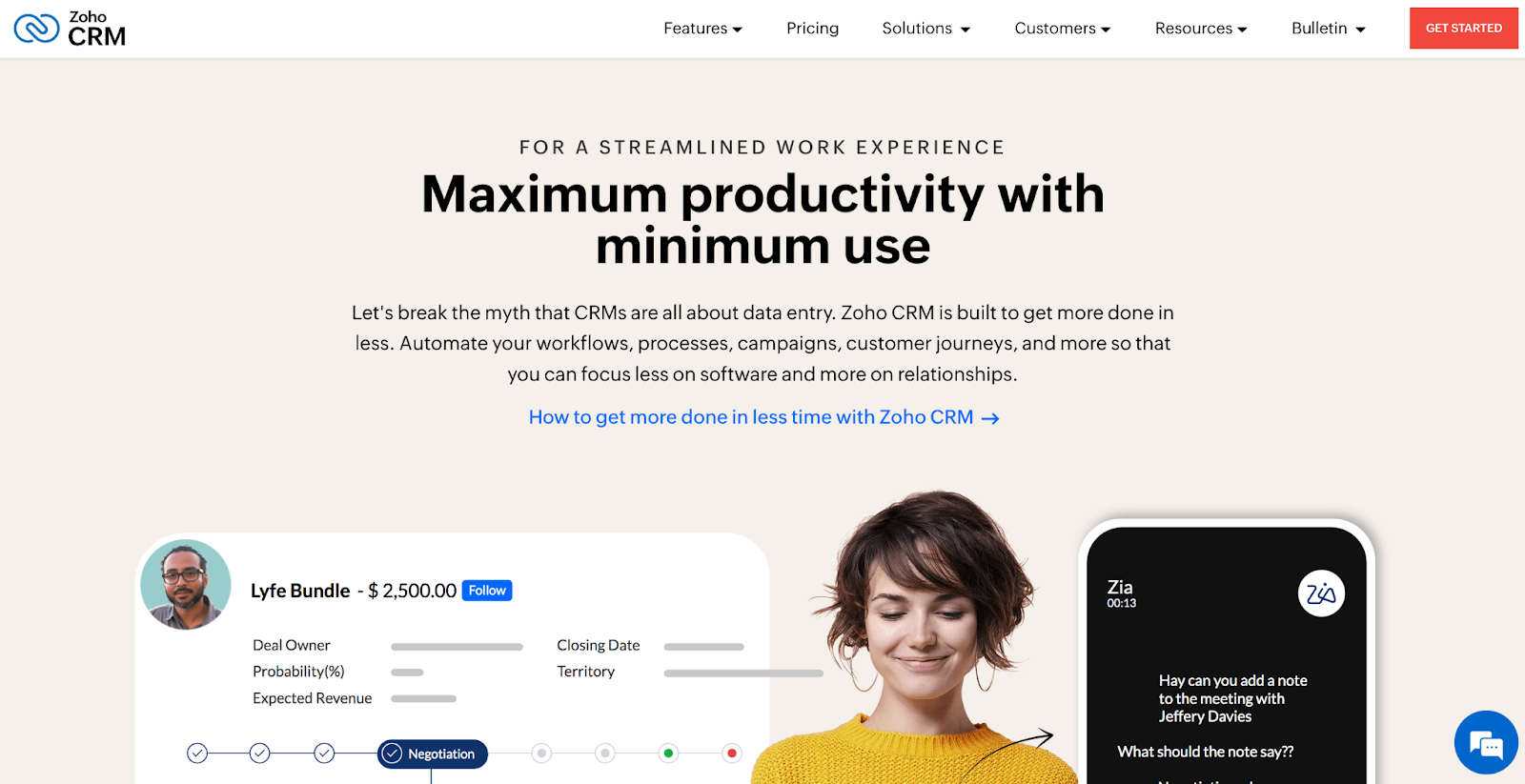
Zoho CRM stands out as a global player in the CRM arena. It’s part of the broader Zoho suite, which offers a variety of business applications. This CRM is designed with a focus on equipping businesses to engage with customers aptly, manage sales efficiently, and make data-driven decisions. Zoho CRM is a pivotal tool for many small businesses.
Quoting and invoicing features of Zoho CRM:
Zoho CRM shines in this area. Here are the features it provides:
1. Direct quote creation. Salespeople can draft and send quotes right from the CRM, streamlining the sales process.
2. Inventory management. Integrated inventory management ensures that quotations reflect real-time stock status.
3. Custom templates. Personalized quote templates allow businesses to highlight their branding, ensuring consistent communication.
4. Automated workflow. Once a quote gets the nod, transitioning to the invoicing stage is seamless, with automation taking charge.
5. Payment tracking. Invoices come with tracking capabilities, updating businesses on payment statuses.
Pros of Zoho CRM:
- Integration with Zoho Suite. One key advantage is the CRM’s seamless integration with other Zoho apps, providing a unified platform for multiple business functions.
- Artificial intelligence. Zia, Zoho’s AI assistant, offers predictive sales analytics, lead scoring, and even sentiment analysis.
- Customization. Zoho CRM allows businesses to tailor modules, fields, and functionalities to their unique requirements.
Cons:
- User interface. Some users find the interface not as intuitive as competitors, which may increase the learning curve a bit.
- Add-on costs. While the base package offers value, certain essential features might come at an additional cost.
The bottom line:
Zoho CRM remains a formidable choice for businesses. Its integration capabilities coupled with a rich feature set, make it a tempting option. However, as with any tool, understanding business requirements is crucial.
For those keen on using a suite of interconnected tools under one roof, Zoho CRM offers undeniable value. However, decision makers must also consider the potential add-on costs and assess whether the platform aligns with their business model and budget.

4. HubSpot
Overview:
HubSpot, a notable name in the digital business space, offers a suite of tools designed to bolster inbound marketing, sales, and customer service. The CRM, particularly, has garnered wide appreciation and use. Geared towards businesses of all sizes, from startups to large enterprises, HubSpot’s CRM is not just about managing contacts but delivering holistic solutions for an enhanced customer experience.
Quoting and invoicing features of HubSpot CRM:
HubSpot’s CRM boasts a user-friendly interface, and this extends to its quoting and invoicing functionalities.
1. A quotation builder. Users can quickly draft professional quotes using customized templates, then send them directly via email.
2. Line-item customization. This allows for meticulous detail, giving potential clients a transparent breakdown of services and costs.
3. E-signature integration. Speed up deal closures by letting clients sign proposals digitally.
4. Automated invoicing. Integrated with the sales process, once a quote is approved, an invoice can be generated seamlessly.
5. Payment gateways. Integrations with payment solutions mean that businesses can receive payments directly from the invoice.
Pros of HubSpot CRM:
- A comprehensive free version. HubSpot offers a surprisingly detailed free version of its CRM, allowing businesses to test and understand its potential.
- Inbound marketing focus. HubSpot’s strengths in inbound marketing can be felt in its CRM, bridging marketing and sales efficiently.
- Extensive integration capabilities. HubSpot seamlessly integrates with a myriad of third-party apps, expanding its utility.
Cons of HubSpot CRM:
- Cost structure. As businesses grow and require more advanced features, the fees can become burdensome.
- Complexity. While rich in features, some businesses might find the extensive tools overwhelming, especially if they’re only using a fraction of what’s available.
The bottom line:
HubSpot’s CRM is undeniably powerful and well-thought-out, emphasizing the transition from lead acquisition to conversion. Its focus on inbound marketing sets it apart. However, businesses should be conscious of the potential for substantial costs as they grow.
Given the breadth of functionalities HubSpot offers, companies should narrow down the features they truly need. For those who require a comprehensive tool that seamlessly merges marketing and sales, HubSpot is a compelling choice.
5. Freshsales
Overview:
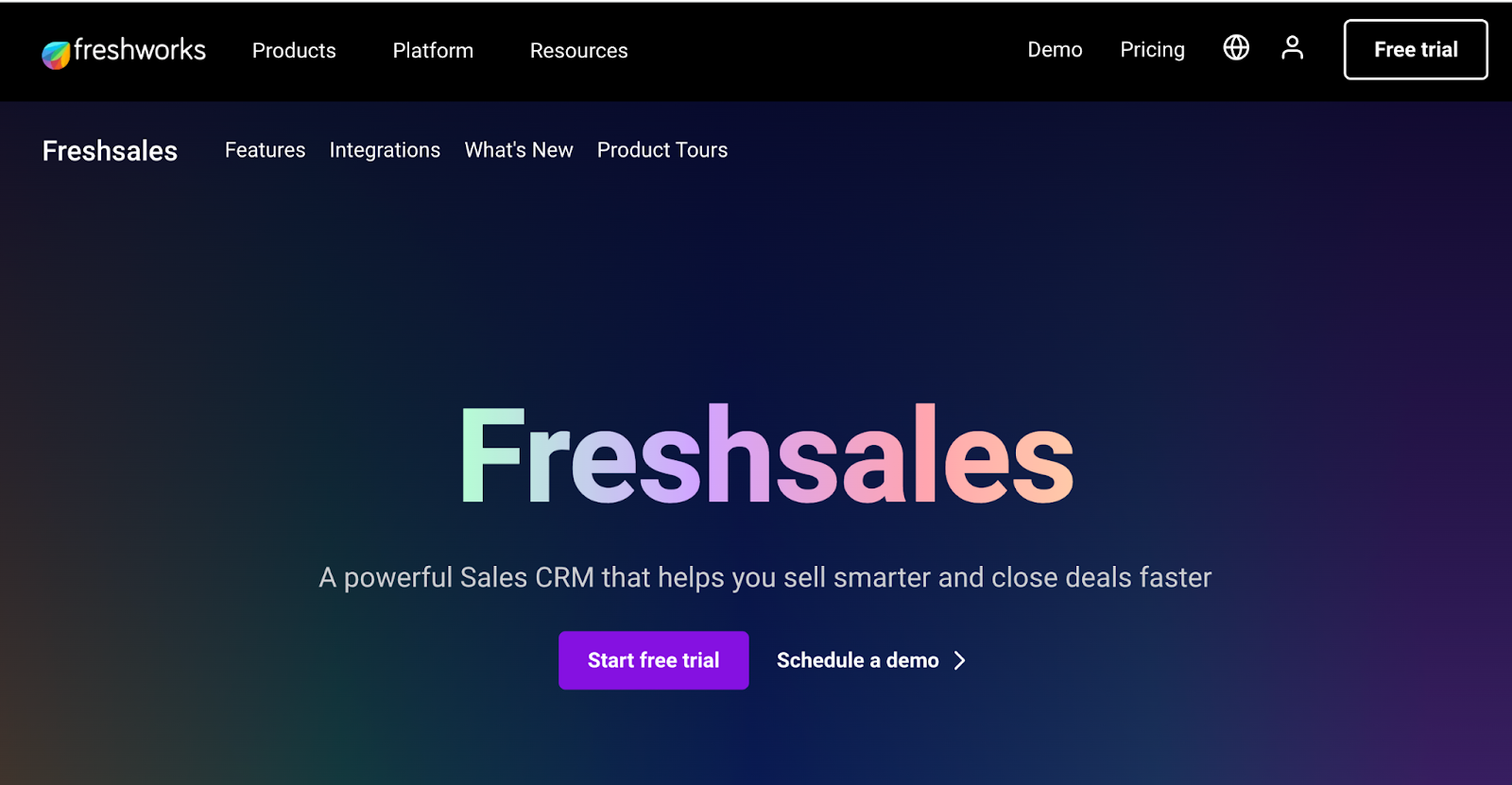
Freshsales, one of the products by Freshworks, is a strong CRM solution for businesses. Born out of the need for a single product to manage multiple facets of the sales process, Freshsales offers an intuitive interface paired with a robust set of features. Aimed at businesses that prioritize lead conversion and customer retention, Freshsales focuses on providing actionable insights to drive sales.
Quoting and invoicing features of Freshsales:
Freshsales ensures the sales process is smooth from lead generation to final invoicing with:
1. Quote management. Users can generate quotes with just a few clicks, streamlining the proposal process.
2. Customizable templates. Create quotes that reflect an accurate brand identity, offering a cohesive experience for potential clients.
3. Automated invoice creation. After a deal’s closure, an invoice can be generated promptly, minimizing delays.
4. Integrated product catalog. This helps in quickly adding products or services to quotes and invoices, boosting accuracy.
5. Real-time analytics. This tool offers insights into invoice statuses, helping businesses keep track of payments.
Pros of Freshsales:
- A 360-degree customer view. Freshsales offers comprehensive information about customers, encompassing their behavior, preferences, and past interactions.
- AI-driven insights. The built-in AI assistant, Freddy, provides predictions and suggestions to enhance sales strategies.
- Ease of use. The platform is designed for simplicity, ensuring that businesses can hit the ground running without steep learning curves.
Cons of Freshsales:
- Integration limitations. While Freshsales offers integrations, the list is not as expansive as some competitors.
- Advanced features in premium tiers. Some of the highly beneficial features are locked behind the premium plans, potentially pushing up costs.
The bottom line:
Freshsales stands out with its AI-driven insights and a holistic view of the customer journey. While it provides a streamlined experience for sales activities, potential users must weigh the features they need against the cost of higher-tier plans. However, for businesses that seek a balance of simplicity and capability in a CRM, Freshsales is a promising option.
6. Bitrix24
Overview:
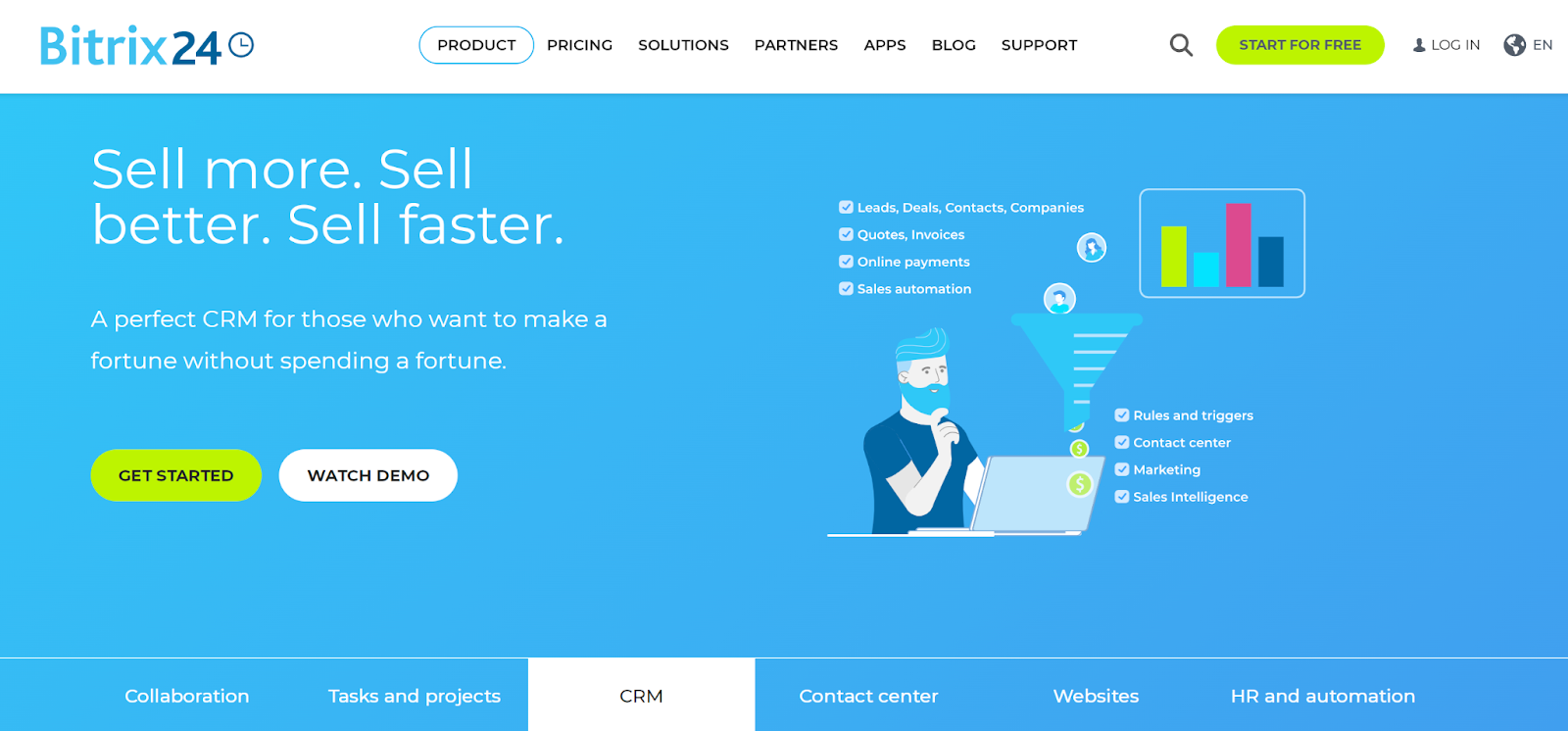
Bitrix24 is an extensive collaboration platform, furnishing businesses with a wide spectrum of tools, from CRM and task management to communication functionalities. It caters to organizations of diverse sizes, with a particular emphasis on enhancing team collaboration and streamlining operations. Through Bitrix24, businesses can centralize their workflows, making project management, sales, and client interactions more efficient.
Quoting and invoicing features of Bitrix24:
Bitrix24’s CRM provides a rich suite of features tailored for sales and customer management:
1. Quick quote generation. Easily convert deals into quotes, ensuring a seamless transition from early conversations to formal proposals.
2. Customizable quote templates. Companies can personalize templates to resonate with their branding, enhancing professionalism and consistency.
3. Invoicing with precision. Generate detailed invoices, incorporating all essential elements like taxes, discounts, and product details.
4. Product catalog integration. Directly link a product catalog, allowing swift and accurate addition of items to quotes and invoices.
5. Invoice status tracking. Monitor the status of each invoice, from issuance to payment, for transparency in financial transactions.
Pros of Bitrix24:
- A unified platform. Bitrix24 offers a holistic solution, combining CRM functionality with communication tools like video conferencing and instant messaging.
- Automation capabilities. Automate routine tasks, from lead distribution to recurring invoice generation.
- Comprehensive analytics. Dive deep into sales metrics, understanding patterns and areas of improvement.
Cons of Bitrix24:
- Complexity. Given its wide range of features, the learning curve can be steep for newcomers.
- Performance issues. Some users have pointed out occasional lags and slowdowns, especially when using multiple modules at the same time.
The bottom line:
Bitrix24, with its comprehensive suite of tools, aims to be the go-to platform for businesses looking for a unified solution. While it offers a lot of features, the complexity can be daunting for some users. It’s essential for businesses to invest time in training to unlock its full potential. However, for those willing to navigate the learning curve, Bitrix24 can be an invaluable asset in streamlining operations and fostering collaboration.
7. Keap
Overview:
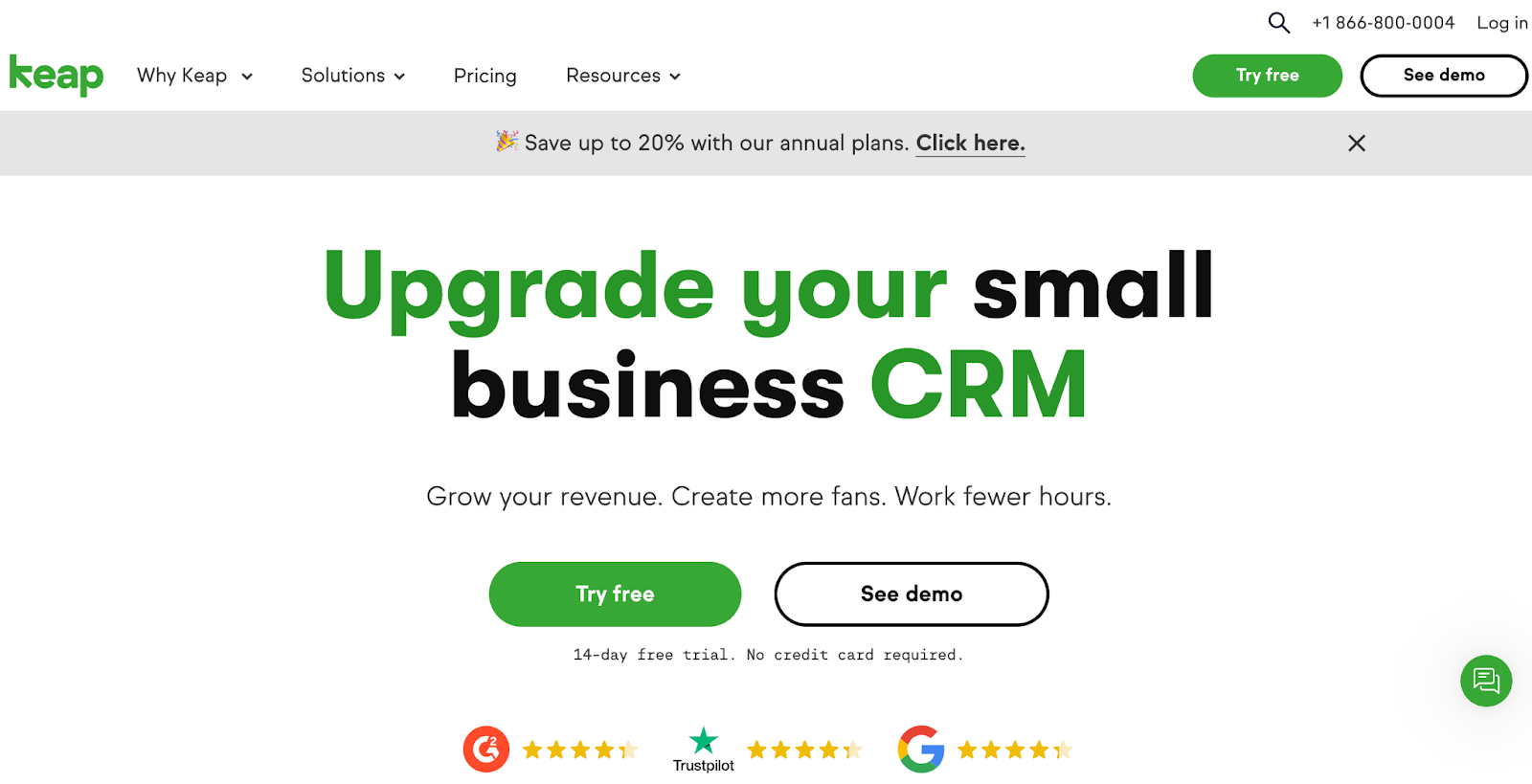
Keap, once known as Infusionsoft, has evolved as a robust small business CRM, sales, and marketing solution. As businesses grow, so do their needs. Keap responds to these dynamic needs by offering a range of tools tailored for customer relationship management, email marketing, automation, and sales processes. It primarily caters to small businesses, equipping them with functionalities that aim to convert leads, satisfy clients, and drive repeat sales.
Quoting and invoicing features of Keap:
Keap underscores the importance of streamlined sales processes, and its suite of features reflects this emphasis:
1. Personalized quotes. Craft unique, tailor-made quotes that align with the specifics of each deal and client requirements.
2. Automatic invoice creation. Convert quotes to invoices effortlessly, minimizing manual inputs and the potential for errors.
3. Integrated payments. Connect with payment gateways, allowing clients to pay directly through the invoice, further simplifying the sales process.
4. Recurring payment setup. Ideal for subscription-based services, set up and manage recurring billing with ease.
5. Detailed reports. Gain insights into sales, invoicing, and payments, for informed decision-making.
Pros of Keap:
- Extensive automation. From lead capture to after-sales communication, automate multiple facets of the customer journey.
- Comprehensive email marketing. It includes built-in tools for segmentation, broadcast emails, and automated campaigns.
- A user-friendly interface. Despite its expansive functionalities, Keap offers an intuitive dashboard and easy navigation.
Cons of Keap:
- Pricing. Some small businesses might find Keap too expensive, especially when looking for advanced features.
- Integration challenges. While Keap integrates with many tools, some users have reported hiccups in syncing with certain third-party apps.
Bottom line:
Keap, in its essence, is a powerhouse for small businesses. Its comprehensive tools, especially in the realms of automation and email marketing, can transform how businesses interact with their clients.
While there are certain areas, like pricing and integrations, where users might desire enhancements, the overall package is compelling. For small businesses poised for growth, investing in understanding and leveraging Keap’s functionalities can pay off.
8. Apptivo
Overview:
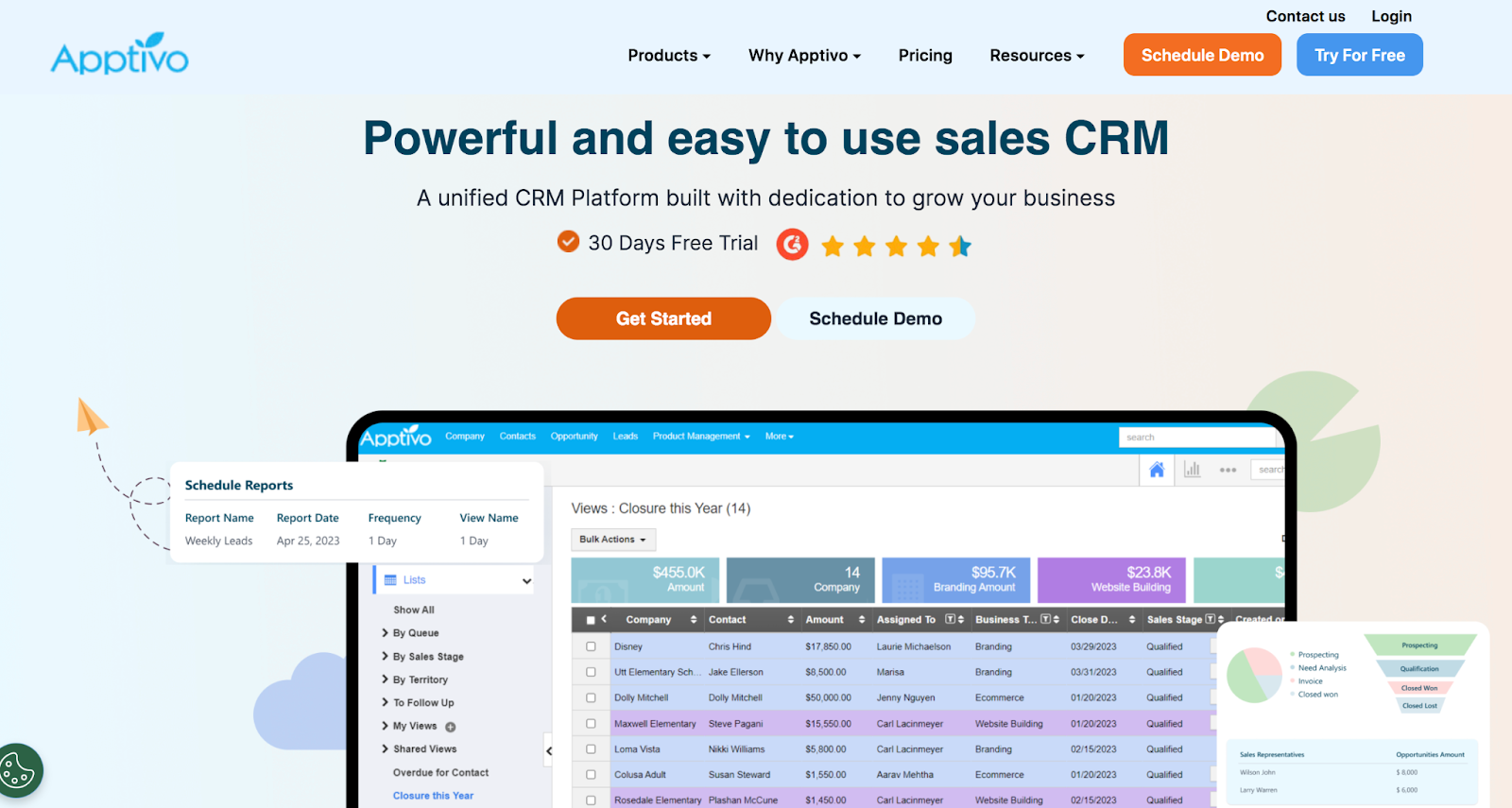
Apptivo is an all-encompassing CRM solution designed to cater to businesses of varied sizes and sectors. The software delivers a suite of integrated apps that cover the expanse of CRM tasks, from lead management to post-sales support.
Recognized for its ease-of-use, Apptivo has firmly established itself as a go-to solution for many organizations seeking a holistic approach to customer relationship management.
Quoting and invoicing features of Apptivo:
Apptivo’s commitment to providing a comprehensive CRM solution is evident in its detailed quoting and invoicing features:
1. Configurable quotes. Customize quotes based on distinct business branding, products, or services offered.
2. Invoice generation. Seamlessly transition quotes to invoices, reducing redundant work.
3. Integrated payment gateways. Clients can complete payments directly via the invoice, facilitating quicker transactions.
4. Automated reminders. Set up reminders for pending payments, ensuring timely revenue collection.
5. In-depth reporting. Garner insights from detailed invoice and sales reports, which can be pivotal for strategic decision-making.
Pros of Apptivo:
- Highly customizable. Apptivo stands out for its adaptability, allowing businesses to mold the platform to their specific needs.
- An integrated suite. Beyond CRM, Apptivo offers a plethora of integrated business apps, such as project management and procurement tools.
- Collaborative tools. Team members can easily collaborate, track communications, and maintain a unified view of customer interactions.
Cons of Apptivo:
- Learning curve. Given its extensive features, new users might need a while to get acclimated to the platform.
- Occasional sync issues. Some users have highlighted challenges with real-time syncing, especially with third-party applications.
The bottom line:
Apptivo is a quality choice for those seeking a CRM solution that extends beyond customer relationship management. Its suite of integrated apps and high customization potential makes it apt for businesses that wish to consolidate multiple operations under one umbrella.
While certain aspects, like the initial learning curve, might pose challenges, the sheer scope of functionalities offered makes it a worthy contender in the CRM space. Investing time in mastering Apptivo can pave the way for streamlined processes and enriched customer interactions.
Considerations before making your CRM choice
Choosing a CRM is not a task to be taken lightly. With customer relationships at the heart of business success, ensuring you have the right tools in place is paramount. While it might be tempting to gravitate towards the most lauded or the newest tool on the market, business leaders must take a step back and evaluate their unique needs.
Below, we break down the essential considerations every business should ponder before settling on a CRM solution:
1. Scalability
The beauty of small businesses is their potential to grow. The tools they employ must not only serve their present needs but also be capable of accommodating future expansion.
When evaluating a CRM, it’s crucial to understand its capacity limits, the ease of scaling, and whether additional costs or modules are associated with growth. A CRM that fits perfectly for a ten-person team might not be suitable for a 100-person team down the line.
2. Compatibility
Software doesn’t exist in isolation. In most business ecosystems, multiple tools and platforms coexist, often needing to communicate with each other. How well does the CRM play with other software solutions currently in use?
Whether it’s accounting software, email marketing tools, or ecommerce platforms, ensuring that your CRM can seamlessly integrate with them will prevent potential operational headaches in the future.
3. Usability
An effective CRM is not just about features; it’s about usability. A CRM that’s packed with features but is difficult to navigate can lead to reduced adoption rates among your team, undermining its purpose.
Businesses should consider the user interface, the learning curve, and how intuitive the system is for daily tasks. After all, the primary aim is to make life easier, not more complicated.
4. Budget
Financial considerations are always at the forefront of business decisions. While it’s essential to have a clear budget in mind, one must also consider the return on investment (ROI) a CRM offers.
This means evaluating not just the upfront costs of the CRM software, but any hidden fees, like the cost of training, integration, or scaling. Sometimes, investing a bit more in a CRM that aligns perfectly with business needs can offer better long-term value than opting for a cheaper, less suitable solution.
5. Support and community
Lastly, the quality of support provided by the CRM vendor can be a make-or-break factor. Quick, helpful, and accessible support can vastly improve the user experience. Furthermore, a vibrant community can be a treasure trove of insights, best practices, and troubleshooting tips.
Engaging with both the official support channels and the community can give a clear picture of what to expect post-purchase.

Nurture Contacts. Grow your Business.
Jetpack CRM has all of the tools you need to grow your business. It’s also modular, so you can customize it to suit your needs.
Get started Jetpack