

Public platforms like YouTube are great for reach, but not for control. If you need ad-free embeds, privacy controls, and consistent playback on your own WordPress site, a private host is the better fit. Below we compare six leading options side-by-side and explain when each shines.
Lights, camera, action!
Why host your videos on a private platform?
Private video hosting, sharing, and streaming has many benefits for your business, including:
1. You retain complete control over the use of your content
Free video hosting sites provide little control over who can find, view, and share your content. When you upload a file to a public video hosting service, you grant a license to that service, which means you no longer have complete control over your content. For example, according to their terms of service, you automatically grant YouTube a worldwide, royalty-free, transferable license to use and change your videos.
Private video hosting services help you avoid these issues by allowing you to host your videos without giving away your rights. They also generally give you control over the visibility of your content and who can share it — perfect for hosting exclusive videos for your audience, subscribers, customers, or clients.
2. Your videos don’t slow down your site
Hosting videos yourself is another option that bypasses free video sharing sites like YouTube, but doing so comes with a significant burden on your infrastructure. Videos are large files that take up a lot of precious server resources. If you host these yourself, the result is usually a slow-loading site or even a total crash. And poor-performing sites mean fewer visitors will stick around and you won’t be able to achieve your goals.
Third-party video hosting platforms — like the private ones we discuss in this article — remove the pressure on your infrastructure by storing and serving your videos to your viewers using their own enterprise-level systems. They also utilize tools like a content delivery network that can display videos quickly to lots of people around the world all at the same time.
If you want a fast site that reflects well on your business or creations, it’s usually more cost-effective to use a third party to host and serve your videos.
3. You can avoid third-party ads and distractions
In return for hosting your videos for free, public video platforms like YouTube and Dailymotion place advertisements before, during, and after your content. Not only can this be off-putting for your visitors, they may even be shown ads for your competitors.
Free video hosting platforms often feature “recommended” videos that autoplay after yours have been watched, meaning your viewers can quickly get distracted and pulled away from your content.
Private video hosting platforms are generally ad-free and won’t forcefully recommend other businesses’ videos to your viewers — keeping viewers’ attention on your amazing content. You can sometimes even choose which ones to recommend at the end of your videos or include other lead-capturing calls to action!
The top six platforms that offer private video hosting and sharing

1. Jetpack VideoPress
Jetpack VideoPress is a powerful private video hosting platform that lets your content shine.
VideoPress comes with an impressive 1TB of storage, allowing you to upload your videos in full 1080p or 4K HD. Automattic, the team behind WordPress.com, built VideoPress, meaning it integrates perfectly with your existing WordPress site.
Your videos will load quickly for all of your viewers, no matter their location, thanks to the combination of adaptive bitrate technology and Automattic’s state-of-the-art global CDN. Your visitors will love viewing videos on your site, thanks to the fully responsive video player, which gives them full control over their experience.
They can select the resolution in which they’d like to watch your content, turn on subtitles, change the playback speed, and use the picture-in-picture feature to “pop out” the video for easier viewing.
VideoPress features an immersive design that puts your content front and center, and it will never distract your visitors with ads or logos. You can fully customize the appearance to meet your brand or let it cleverly adapt to match the colors of each video.
This is an ideal enterprise video hosting service for teams. You can create as many user accounts as you need so that everyone can seamlessly collaborate and utilize the power of VideoPress. You and your team can also keep an eye on the performance of your content thanks to the integration with Jetpack Stats, enabling you to see how each video performs.
Key features of VideoPress:
- Video hosting using a powerful global CDN
- Fully responsive design
- Seamless integration with WordPress
- Full 4K HD support
- Picture-in-picture support
- The ability to add videos to the background of your pages
- Subtitle support
- Private video support
- Variable playback speeds
- Unlimited logins for your team
- 1TB of storage
- A maximum video upload size of 5GB
- No ads or co-branding
- A responsive player that’s customizable
Pros of VideoPress:
- VideoPress provides a generous 1TB storage allowance that you can fill with as many individual videos as you need.
- The video player is fully responsive and features adaptive bitrate technology, so your visitors have a great experience, no matter what device they use.
- You can display your content in high definition with support for 4K, 1080p, and fast-motion videos at 60 FPS.
- VideoPress also allows you to showcase your content on your WordPress site as full-width video backgrounds.
- It provides a totally ad-free experience, with no VideoPress branding visible to your visitors.
- You can create a membership site by restricting videos to logged-in users.
- The video player automatically adapts to the color of each video, or you can easily customize the player to match your brand.
- VideoPress is built and maintained by the team behind WordPress.com, meaning it integrates perfectly with WordPress.
- You can try it out with one video for free, then upgrade to add more videos to your site.
Cons of VideoPress:
- VideoPress doesn’t offer any built-in lead generation tools.
Ease of use:
VideoPress was designed to be simple to use. You can drag and drop your videos, then add them to your content using the WordPress Block Editor, making the learning curve pretty much nonexistent.
VideoPress also provides easy-to-read documentation, and they have a team of Happiness Engineers to help you if you run into any issues.
Cost:
- VideoPress is available for $4.95 a month for the first year, billed annually.
- You can also get VideoPress as part of the Jetpack Complete plan, which also includes a vast range of WordPress security, speed, and growth tools, for $24.95 per month for the first year, billed annually.

2. Wistia
Wistia is a video hosting platform designed for digital marketers. After uploading your videos, you can add layers of features to support your marketing efforts, like asking users to enter their email address to unlock your video or including interactive call-to-action buttons on the videos themselves. It also integrates with other marketing tools like popular email service providers and CRMs.
Key features of Wistia:
- The ability to add calls to action and lead capture features to videos
- Tools to create interactive videos with on-screen messages, buttons, and text
- A customizable video player
- Options to create channels and “up-next” recommendations for your videos
- Video analytics
- Integration with other popular marketing systems
Pros of Wistia:
- Wistia provides a range of marketing tools, including lead generation, integration with CRM systems, and the ability to use your videos to create custom audiences for remarketing.
- Wistia includes detailed analytics that let you see your video’s performance alongside every action a viewer takes, such as pausing the video or clicking a link.
Cons of Wistia:
- Wistia does not directly integrate into WordPress, so you must upload videos to Wistia’s website and use the embed codes to add videos to your posts and pages.
- It’s designed for marketing and lead capture videos, so it may not be suitable for all creators.
- Even on paid plans, Wistia limits the number of videos you can host.
Ease of use:
Wistia has a range of marketing features that can take some time to learn and use effectively. Using embed codes to add your videos to WordPress requires extra work and could confuse some people.
Cost:
- There’s a free version of Wistia with limited features and a ten video limit.
- Paid plans start at $19 a month for the Plus plan, which allows up to 20 videos.

3. Spotlightr
Spotlightr is a versatile platform that provides private video hosting for businesses. Alongside hosting on their global CDN, Spotlightr allows you to add various features to your videos, including chapters, overlays, and call-to-action buttons. And you can fully customize the video player to match your brand. Spotlightr also supports audience segmentation and funnels, which allow you to show different videos based on a user’s characteristics.
Key features of Spotlightr:
- A fully customizable video player
- Support for pay-per-view videos
- Options to add CTAs and video overlays
- An evergreen “live” mode to simulate live video
- Detailed analytics, including video heat maps, audience segmentation, and engagement graphs
- Social sharing
- The ability to add your own pre- or post-roll ads
- Video funnels
- A drag-and-drop uploader
Pros of Spotlightr:
- Spotlightr provides detailed video analytics, including heat maps showing which parts of your videos were most viewed.
- It allows you to manage and embed videos uploaded to YouTube and other public hosting sites, so you can see analytics from all your videos in one place.
- Spotlightr has a WordPress plugin that allows you to access some features, including the ability to upload videos to your WordPress website, which you can then add to posts via shortcodes or the Spotlightr block.
Cons of Spotlightr:
- You can only add 25 videos on the basic paid plan, and video storage space and bandwidth are limited on all paid plans. This means that you’ll end up paying for additional storage space if you exceed those limits.
Ease of use:
The drag-and-drop feature offered by Spotlightr makes adding videos easy, and an extensive suite of training videos is provided.
Cost:
- The Light plan costs $13 a month and is limited to 25 videos and 50GB of bandwidth a month with restricted features.
- The Plus plan includes most features, costs $21 a month, and provides unlimited videos and 200GB of storage and bandwidth.
- The Premium plan offers 2,000GB of storage and bandwidth, along with all features, for $55 a month.
- The Scale plan includes more bandwidth and storage for $163 a month.
4. SproutVideo
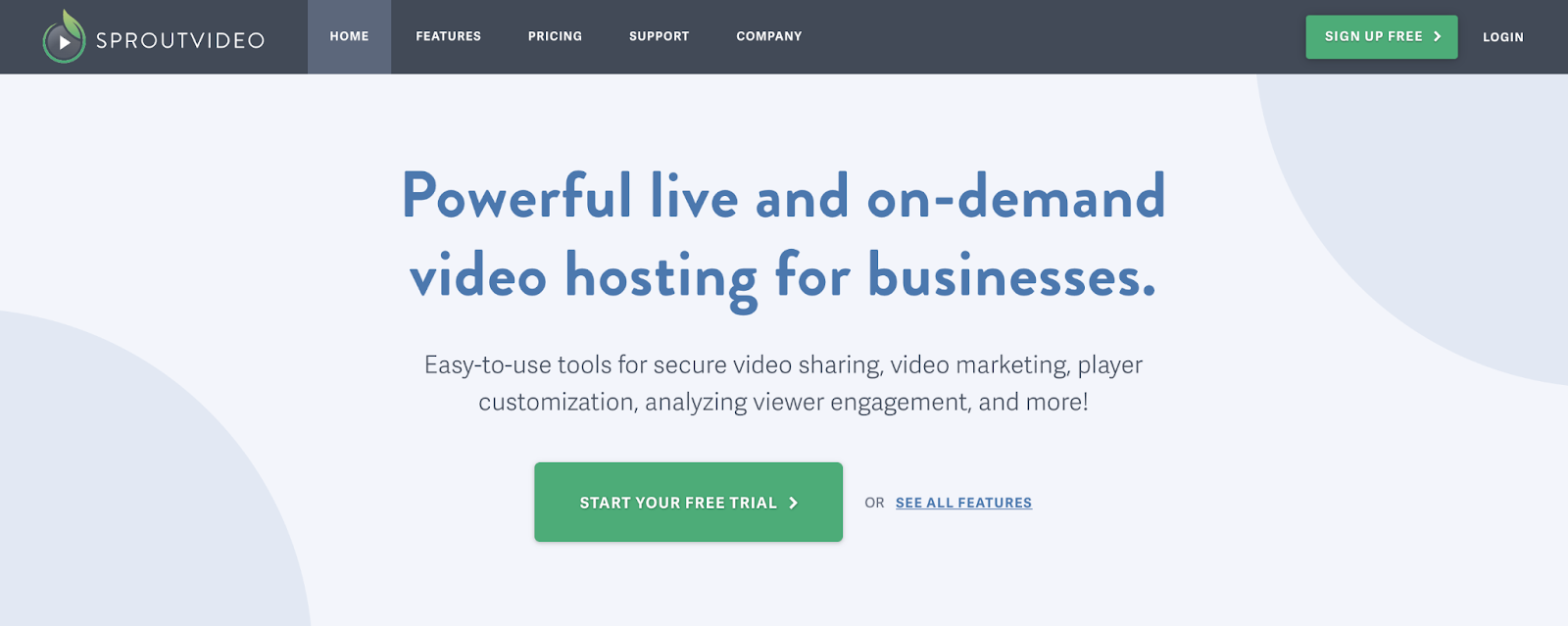
SproutVideo is a private video hosting platform for businesses that supports uploaded content and live streams. You can create an engaging video experience for your visitors through custom playlists, call-to-action buttons, and a fully customizable player.
Key features of SproutVideo:
- Automatic bandwidth detection and quality adjustment
- Support for up to 8K resolution
- Team collaboration
- A fully customizable player
- Custom video playlists
- Autoplay and loop abilities
- Video analytics
- Post-roll screens
- In-player call-to-action buttons and lead captures
Pros of SproutVideo:
- SproutVideo supports videos with up to 8K resolution and works to prevent buffering by automatically adjusting the quality served to your visitors based on their bandwidth.
- The video player is fully customizable, and you can set individual styles for different videos.
Cons of SproutVideo:
- SproutVideo does not have a WordPress plugin, so you must use an embed code to add your videos to posts or pages.
- Storage and bandwidth are limited to 500GB per month.
Ease of use:
The number of features included in SproutVideo means the service has a sharp learning curve, and some users will likely find embed codes confusing. Support is offered through the knowledge base and live chat.
Cost:
- The Seed plan costs $10 a month and includes video hosting and analytics, alongside other features.
- Additional features are available on SproutVideo’s advanced plans, which range from $35 – $295 a month.
5. Vidyard
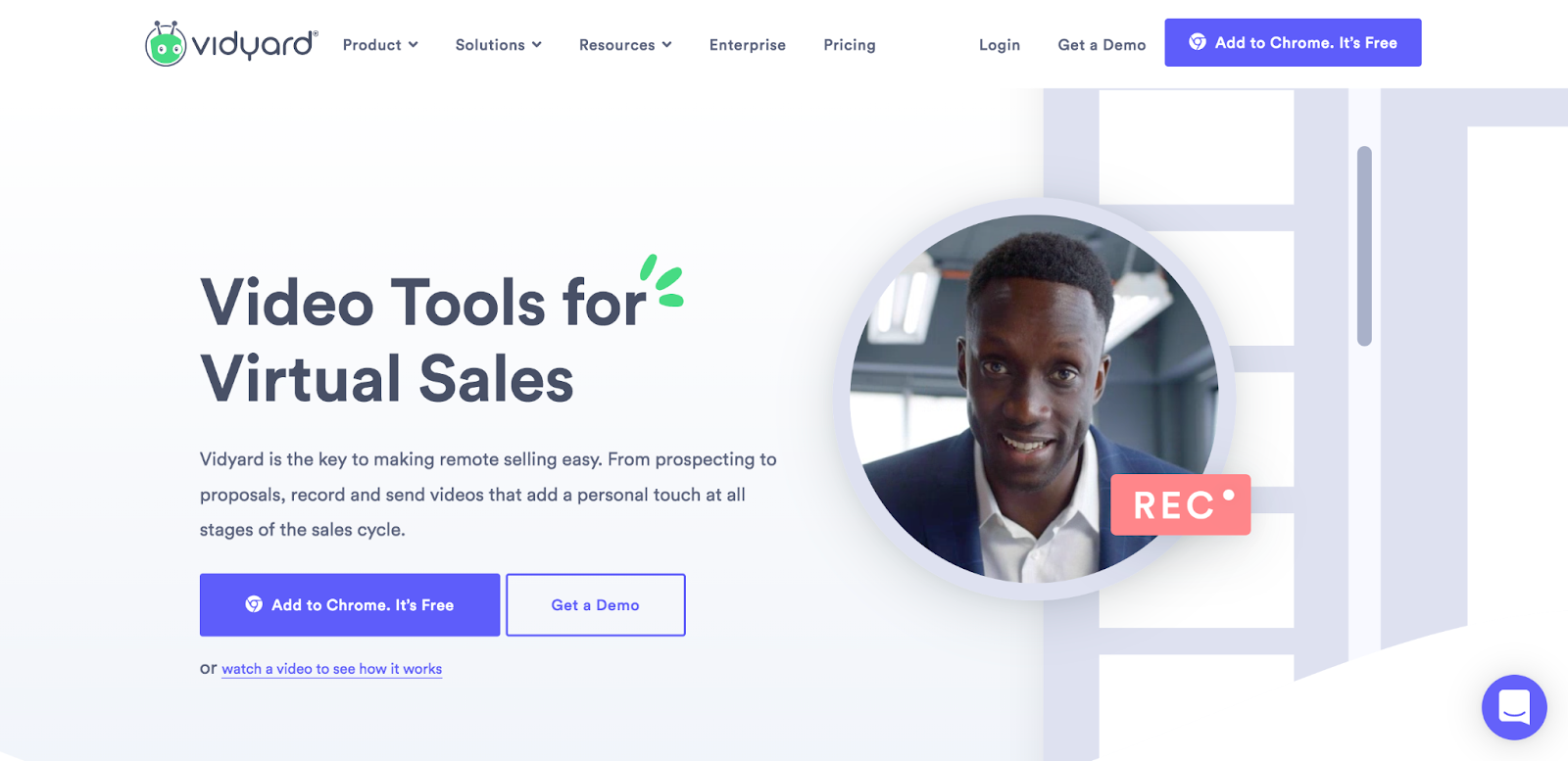
Vidyard is a video hosting platform for businesses that features a drag-and-drop uploader and a fully customizable video player. You can also record and edit videos and screencasts within Vidyard. While you can embed a limited number of videos on an external website, Vidyard is centered around your own video landing page, which makes it most useful for creating and sending personalized marketing videos.
Key features of Vidyard:
- A drag-and-drop video uploader
- A screen recording tool
- Call-to-action features
- Video analytics
- Basic video editing tools
- Video player customization
- Video playlists
- An AI script generator
Pros of Vidyard:
- You can record and edit videos and screencasts from within Vidyard.
Cons of Vidyard:
- On Vidyard’s paid “Plus” plan, only 20 videos can be embedded at any time. You also cannot embed video playlists.
- You cannot restrict access to videos.
- While a plugin is available that allows you to embed Vidyard videos, you have to upload and manage them on Vidyard’s website.
Ease of use:
The drag-and-drop interface and built-in recording features make Vidyard easy to use, and an extensive knowledge base is provided.
Cost:
- Vidyard has a free plan that allows you to upload 25 videos, five of which can be embedded.
- Premium plans start at $59 a month for the Plus plan, which includes unlimited embeds.
6. Vimeo
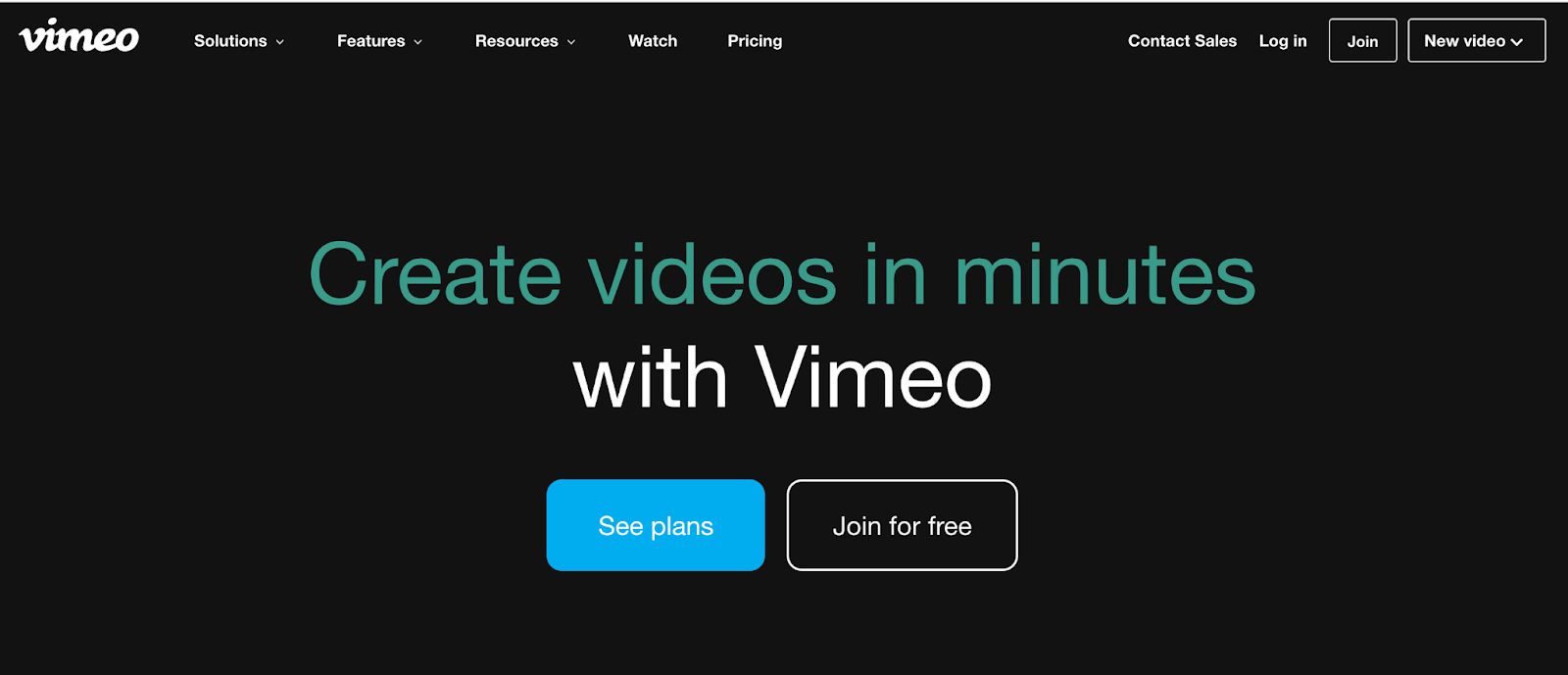
Vimeo is a video hosting platform that began as a video sharing platform, like YouTube, but is now focused solely on the needs of businesses and creators. It has impressive features, including video creation, asset management, and livestreaming. Vimeo also allows you to fully customize the video player to match your brand, and has powerful collaboration and analytics tools.
Like most private video hosting platforms, Vimeo will never run ads on your videos or distract your visitors with other people’s “recommended” content, and it contains a range of features to allow your viewers to customize their experience.
Key features of Vimeo:
- A fully customizable video player
- A WordPress plugin
- Video analytics
- Video creation tools
- Video playlists
- Monetization options
- Video review tools
- Support for resolutions up to 8K
- Live streaming support
- Call-to-action buttons for videos
- Screen and webcam recording
- The option to password protect videos
- Integration with popular editing tools
- The ability to reuse your videos across social media and email
Pros of Vimeo:
- Vimeo has a dedicated WordPress plugin, which enables you to upload videos within your site and add them to your posts and pages through the WordPress block editor.
- It has a range of powerful features geared towards video creators, including collaboration tools and integration with Adobe Premiere Pro, Final Cut Pro, and other popular video editing software. Vimeo also provides a review tool that lets your team put time-stamped feedback on videos.
- Vimeo allows you to create videos with its online editor, which contains useful templates and stock videos for you to use. You can even create videos for your WooCommerce products from within your WordPress site.
Cons of Vimeo:
- Vimeo has a higher cost than many other private video hosting tools on this list and restricts the number of videos you can upload per month.
Ease of use:
The Vimeo WordPress plugin makes uploading videos and adding them to your content easy. Some advanced features have a slight learning curve, but Vimeo has its own video school to help you use the platform to create great videos, alongside a detailed knowledge base.
Cost:
- There’s a free plan, but it’s highly limited. You can upload or create up to three videos and take advantage of an ad-free environment, but most other features are exclusive to paid plans.
- Premium plans range from $9 a month to $75+ a month. They include a variety of features and storage limits.
A comparison of the best private video hosting platforms
Cost | Video Analytics? | Number of videos | Storage space | Unlimited bandwidth? | Max video resolution | Automatically embed video in WordPress ? | Manage videos within WordPress? | Add videos using blocks or shortcodes? | |
| Jetpack VideoPress | 1 video free – $4.95 / month | Yes | Unlimited | 1TB | Yes | 4K | Yes | Yes | Yes |
| Wistia | Free – $319 / month | Yes | 10–250 depending on plan | Unlimited | 1TB | 4K | Yes | No | No |
| Spotlightr | $13-$163 / month | Yes | 25 on the base paid plan, unlimited on other plans | 50GB to 2TB depending on plan | No | 4K | Yes – with a plugin installed. | Yes | Yes |
| SproutVideo | $10-$295 /month | Yes | Unlimited | From 100GB-2TB | No | 8K | Yes | No | No |
| Vidyard | Free – $59 /month | Yes | Unlimited | Unlimited | Yes | 4K | Yes – with a plugin installed. | No | No |
| Vimeo | Free – $75 / month | Yes | 3 – 500 depending on plan | 1GB – 5GB depending on plan | Yes | 8K | Yes | Yes | Yes |
The Finest Video Hosting for WordPress
Stunning-quality video with none of the hassle. Drag and drop videos through the WordPress editor and keep the focus on your content, not the ads.
Get VideoPressFrequently asked questions
Still have questions? Check out the answers to some FAQs below.
What is the difference between “private” and “unlisted” videos?
A private video is much more secure than an unlisted one. An unlisted video does not show up in searches, but anyone who has the link can watch it and share it. Think of it as having a phone number that is not in the phone book.
A private video is different. Only specific people you invite can watch it. They usually have to log in to prove who they are. For paid courses, company training, or confidential content, you should always use the private setting to control who sees your video.
Can I stop people from illegally downloading my private videos?
Yes, you can make it very difficult for people to download your videos. Top private hosting platforms use features like HLS encryption. This technology makes the video stream unplayable if someone manages to capture it.
Some services also offer domain restriction. This means your video will only play on website domains you approve. If someone copies the embed code to another site, the video will not work. For maximum protection, look for platforms that offer Digital Rights Management, also called DRM.
How do I choose a private video host for my online course?
For an online course, you need a host that protects your content and works well with your learning platform. The most important feature is security. You need password protection or login-only access to ensure only paying students can view the lessons.
You also want a player that loads fast and does not have outside ads or recommendations. Look for a service that provides good analytics. This lets you see how much of a video students are watching, which helps you improve your course content.
What are the hidden costs of private video hosting?
The main hidden costs are for storage and bandwidth. Most plans come with a set amount of storage space for your video files. They also include a certain amount of bandwidth, which is the data transferred when people watch your videos.
If you get a lot of viewers or have very long videos, you might go over these limits. When that happens, you have to pay extra fees. Before you choose a plan, check the overage costs for both storage and bandwidth, as they can add up quickly.
Is it better to self-host videos on my own server?
Self-hosting videos on your own server is generally not a good idea. Video files are very large and take up a lot of server resources. When someone watches a video, it puts a big strain on your server. If many people watch at once, your website could slow down or even crash.
Private video hosting services use special networks, called CDNs, to deliver videos quickly all over the globe without slowing down your site. Using a dedicated host is more reliable and often cheaper in the long run.
How does a CDN work with private video hosting?
A Content Delivery Network, or CDN, is a group of servers located in different places. When you use a private video host with a CDN, copies of your video are stored on these servers.
When a person visits your website to watch your video, the CDN sends the video from the server that is closest to them. This makes the video load much faster and play without stopping to buffer. It ensures a smooth viewing experience for everyone, no matter where they are located.
Can I track who watches my private videos?
Yes, most professional video hosting platforms offer detailed analytics. These tools can show you much more than just the number of views. You can often see which specific users watched a video, how long they watched, and which parts they replayed or skipped. This information is very useful for business training, sales videos, and online courses because it shows you exactly how your audience interacts with your content.
How do I move my videos from YouTube to a private host?
Moving videos from YouTube to a private host involves a few steps. First, you need to download your original video files from your computer or from YouTube Studio. Next, you sign up for a private hosting service and upload those files to their platform.
After uploading, the service will give you a new embed code for each video. Finally, you go into your website’s editor, remove the old YouTube embed codes from your pages, and replace them with the new codes from your private host.
What is video DRM and do I need it for my content?
Digital Rights Management, or DRM, is the highest level of video security available. It is a type of encryption that locks your video content to the specific platform and user. This technology prevents unauthorized downloading, screen recording, and sharing.
You generally need DRM if you are selling high-value video content, such as feature films, premium educational courses, or paid subscription series. For most other business uses, features like password protection and domain restriction provide enough security.
What’s the best private video hosting platform?
For businesses that power their website with WordPress or want a fully customizable and scalable video environment, Jetpack VideoPress is the best private video hosting platform. It offers a cost-effective, enterprise-grade video solution packed with features. VideoPress is made by the team behind WordPress.com, so the video hosting plugin will integrate perfectly with your site, and you’ll have access to support from Jetpack’s Happiness Engineers.
Of course, there are a few situations where a different service will be more suitable, and the best private video hosting platform will always depend on what features your business is looking for. Our handy comparison table above will help you make the best choice for your business.
Which platform offers the best value?
As you can see from our comparison table, private video hosting costs vary significantly. However, it’s clear that Jetpack VideoPress, at only $4.95 a month for the first year, offers the best value without compromising on features. For this low price, you get an impressive set of enterprise video hosting features, including 1TB storage and an immersive video experience for your visitors.
Get started with private video hosting and sharing today
Videos are a powerful tool for every business, but it’s crucial that you use a video hosting service designed with your needs in mind. When you use a private video hosting service for WordPress, you avoid advertisements on your videos and the rights issues often associated with public video sharing sites. You simply have more control.
Experience the benefits of private video hosting for yourself. Sign up for Jetpack VideoPress today.

The Finest Video Hosting for WordPress
Stunning-quality video with none of the hassle. Drag and drop videos through the WordPress editor and keep the focus on your content, not the ads.
Get VideoPress Jetpack