

Are you ready to turn your WordPress site into a powerful email marketing tool?
To get started, you’ll need a newsletter plugin.
This post introduces you to the most popular options on the market, both free and paid. It also shows you what to look for when choosing a newsletter plugin.
Let’s dive right in!
A review of newsletter plugins for WordPress
Here are the best WordPress newsletter plugins on the market today:
1. Jetpack Growth
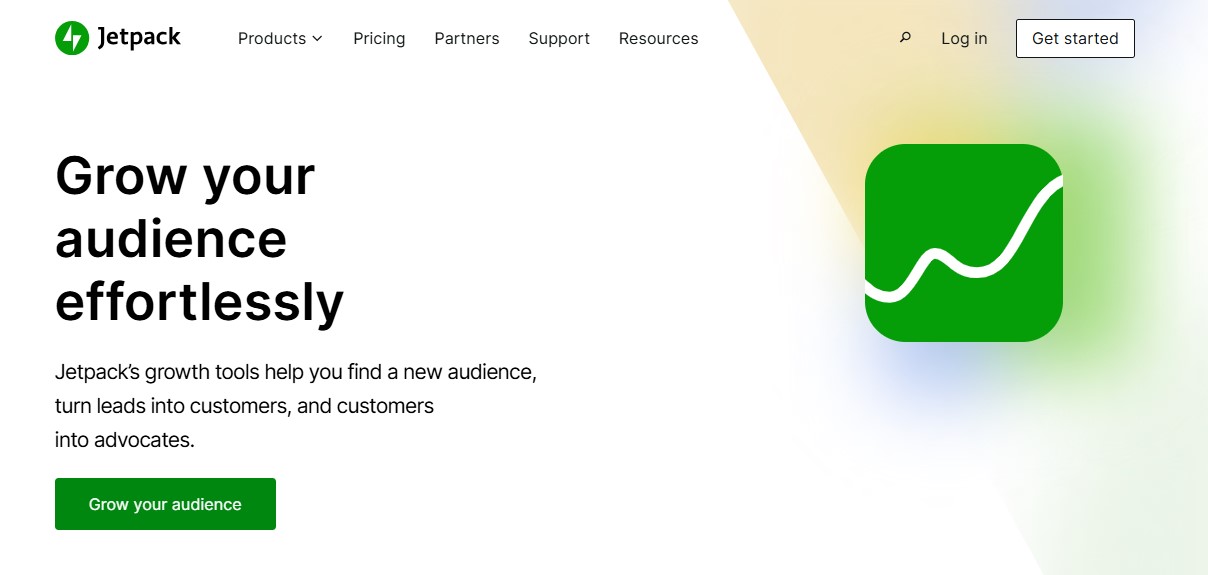
Developed by Automattic, the people behind WordPress.com, Jetpack offers a suite of tools to grow your audience and improve your site’s security and performance.
Jetpack also has a powerful Growth plan that offers post scheduling, social media auto posting, and newsletter functionality. With the latter, you can turn every blog post you publish into an email and send it to your subscribers straight from WordPress.
Key features of Jetpack Growth:
- Newsletter signup forms that you can place anywhere on your website
- A stats dashboard with data about subscribers and newsletter performance
- Newsletter monetization opportunities, like paid subscriptions for exclusive content
Pros of Jetpack Growth:
- You can automatically add a signup form to every post.
- Recipients get several email delivery options, like instant, weekly, or daily digests.
- If you already have an email list, you can import your subscribers into your WordPress blog.
- Jetpack Growth includes additional tools to expand your reach. You can also choose other Jetpack plans for features like AI writing assistance, security features, and a performance boost — all using the same plugin.
Cons of Jetpack Growth:
- It doesn’t have advanced custom design tools for promotional emails.
Ease of use:
Once you install Jetpack on your site and subscribe to a Growth or Complete plan, the newsletter feature will instantly appear in the block editor. Then, you can set it to automatically send every new post as a newsletter.
Best suited for:
- Blogs and news sites looking for a solution that integrates into the WordPress editor
Jetpack Growth pricing:
Plans start at $9.95 per month for the first year, billed annually.
2. MailPoet
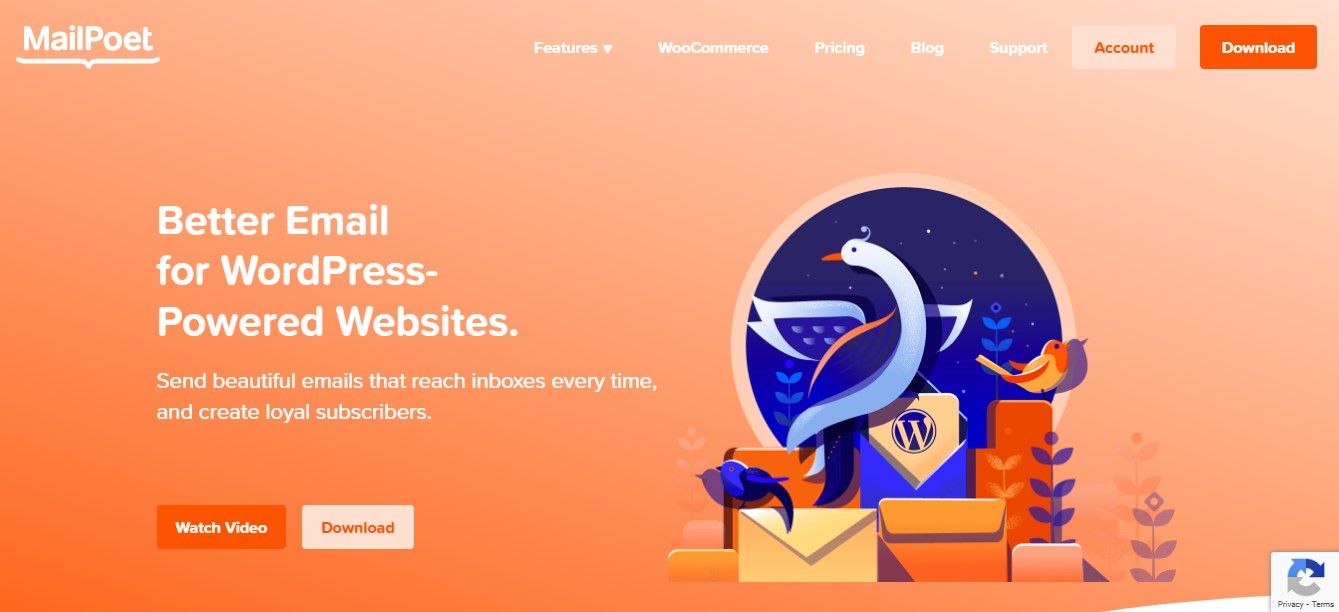
MailPoet offers a newsletter plugin that simplifies email marketing for WordPress site owners. It has over 600,000 installations and is endorsed by companies like Decathlon and Tripadvisor.
Key features of MailPoet:
- More than 50 pre-built newsletter templates
- A drag-and-drop editor
- Automated welcome emails
- Multiple subscription form placements, like popups, fixed bars, and slide-ins.
- Subscriber list management from the WordPress dashboard
- WooCommerce integration, with customizable transactional emails, items-in-cart notifications, upsells, and more.
Pros of MailPoet:
- It has a dedicated email delivery tool, called MailPoet Sending Service, that ensures high delivery rates.
- It offers segmentation options based on user behavior and interests, helping you promote the right products to the right people.
Cons of MailPoet:
- While you can use the free plan to send up to 5,000 emails per month, you’ll have MailPoet branding in your newsletters and lack essential features like Google Analytics integration.
Ease of use:
MailPoet has a large selection of templates, so you won’t need to worry about designing your emails. If you do need help, there are community forms and a vast knowledge base, accessible to everyone (even if you have a free plan).
Best suited for:
- WooCommerce store owners who want to convert more customers with abandoned cart emails and an automated welcome series
Pricing:
The Business plan costs $9 per month (when billed annually) for unlimited emails per month. With the Agency plan, you can use MailPoet on up to 50 websites and costs $26 per month (yearly billing).
3. Mailchimp
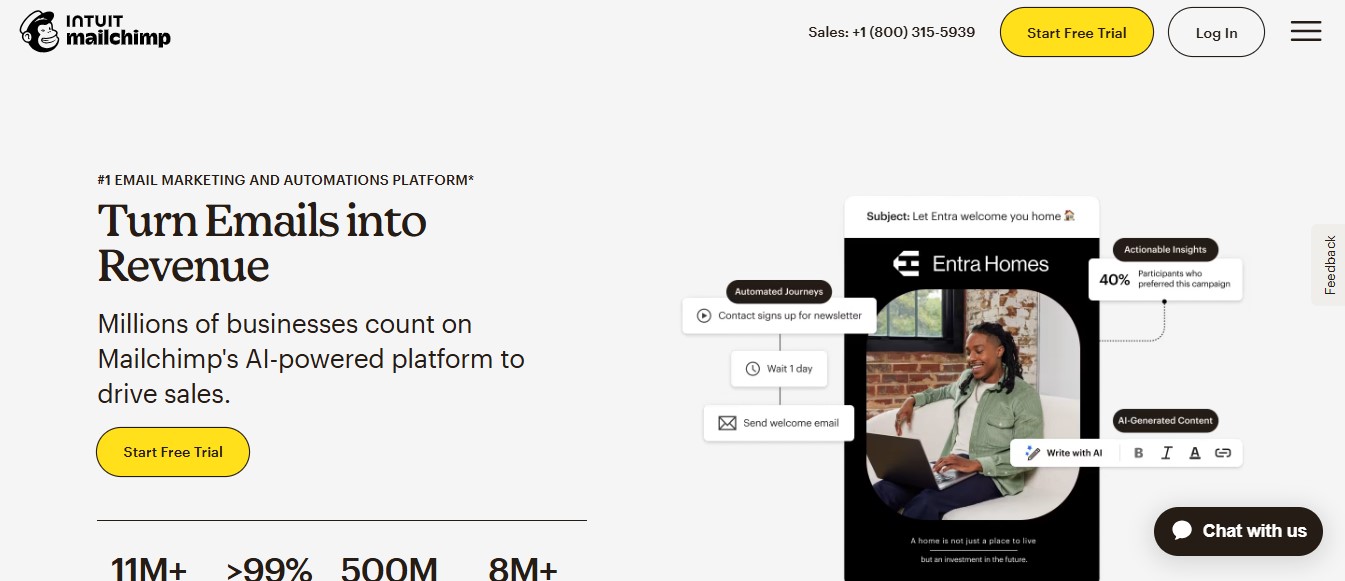
Mailchimp is a household name in email marketing. While it’s not primarily a WordPress plugin, it has strong integrations and also supports WooCommerce.
Key features of Mailchimp:
- Advanced segmentation capabilities
- Built-in forms that sync subscriber data from WordPress with Mailchimp
- A/B testing for subject lines, design, content, and send times
- More than 130 email templates, with options for different industries
Pros of Mailchimp:
- You can use multiple forms on different pages, to build several email lists at the same time.
- Mailchimp lets you collect custom data about your subscribers, helping you create more targeted segments.
Cons of Mailchimp:
- You’ll need to design and set up your emails from your Mailchimp account, not the WordPress dashboard, so there’s no one central place for managing everything.
Ease of use:
Mailchimp has generative AI tools to help you create emails more easily. However, there’s a learning curve for setting up automated emails based on conditions and user behavior, especially if you’ve never done this before.
Best suited for:
- Online store owners and marketers who need advanced email automation and segments, based on buyer behavior
- Bloggers and professionals with large subscriber lists
Mailchimp pricing:
The free plan lets you send up to 6,000 emails each month and you can use it for up to 500 contacts.
Prices for paid plans depend on the number of subscribers you have. For example, if you have between 2,500 and 5,000 subscribers, pricing starts at $45 per month for the Essentials plan (25,000 monthly emails) and $60 for the Standard plan (30,000 monthly emails).
If you have more than 10,000 subscribers, you’ll pay at least $100 per month.
4. Klaviyo
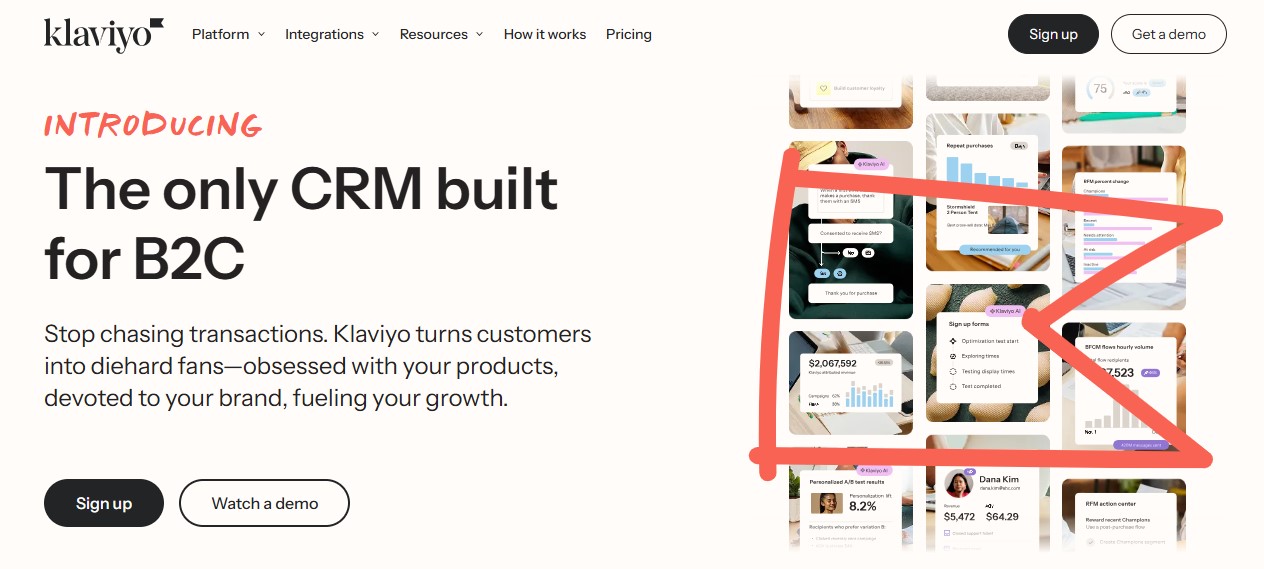
Klaviyo is an advanced email marketing platform tailored for ecommerce businesses. It markets itself as a B2C CRM platform and is used by international brands like Unilever and The Body Shop.
Klaviyo provides an extension for WooCommerce. This includes pre-built customer behaviors and metadata like value, quantity, and discount codes.
Key features of Klaviyo:
- Pre-designed email flows for placed orders, refunded orders, ordered products, and more
- Dynamic coupons for incentivizing purchases
- Predictive analytics (powered by AI) to help you refine your email marketing strategy
- Automated product recommendations based on a customer’s browsing history and past purchases
Pros of Klaviyo:
- It offers in-depth analysis with granular audience insights and personalized industry benchmarks, to boost conversions and retain a competitive edge.
- You have a lot of flexibility over segmentation and email personalization, with advanced criteria like predicted lifetime value and churn risk.
Cons of Klaviyo:
- It’s mainly designed for ecommerce sites, so it may not be the most effective option for promoting new content like blog posts.
Ease of use:
While Klaviyo is an advanced tool, features like AI-generated segments and emails make it easier to use. The company also offers live training and courses to help you become proficient in the software, and it has a large community forum.
Best suited for:
- Ecommerce sites that want advanced audience segmentation and email workflows
Klaviyo pricing:
There’s a free plan available, with support for 500 monthly emails and up to 250 subscribers.
The premium plan starts at $20 per month for up to 500 subscribers and 5,000 monthly emails. If you have more than 1,000 recipients, you’ll pay a minimum of $45 per month.
5. Omnisend

Omnisend is another ecommerce-focused marketing platform, designed for automation and customer segmentation. It has a dedicated WordPress plugin, with more than 80,000 installations, and integrates seamlessly with WooCommerce.
Key features of Omnisend:
- More than 250 templates for different types of emails, like promotions and new product announcements
- Advanced segmentation based on customer behavior, demographics, purchase history, and other criteria
- Automated campaigns to welcome new subscribers, upsell and cross-sell products, recover abandoned carts, and more
- A/B testing for subject lines, content, and designs
Pros of Omnisend:
- The wealth of automation possibilities will help you save a lot of time and work.
- You have the option to use opt-in forms from Omnisend, or through integrations with popular form builders like Gravity Forms, Contact Form 7, and Ninja Forms.
Cons of Omnisend:
- The cheapest paid plan is restricted to 500 contacts, while other newsletter services like Mailchimp let you use the free plan for the same number of subscribers.
Ease of use:
Omnisend has a visual workflow builder, making it easy to design newsletters and select triggers and segments. Plus, its automation capabilities save you a lot of time.
Best suited for:
- Shop owners who want to invest in a robust email automation tool
Omnisend pricing:
The free plan supports up to 250 contacts.
Paid plans range from $11.20 per month for 500 contacts and 6,000 monthly emails to $49 or more for over 2,500 subscribers and unlimited emails.
6. Constant Contact
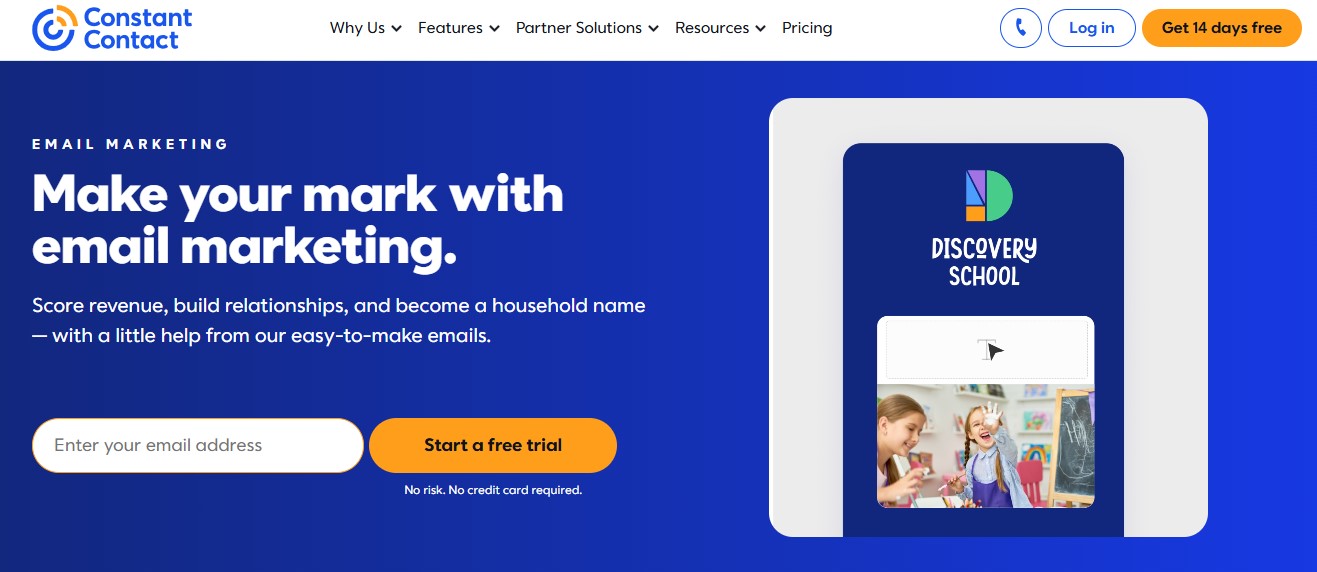
Constant Contact mainly caters to small businesses and startups. It has a plugin for WordPress sites, Constant Contact Forms, which lets you create signup forms and automatically adds new subscribers to your Constant Contact account.
Key features of Constant Contact:
- Email templates, customizable with a drag-and-drop editor
- An AI writing assistant
- Personalized emails based on customers’ actions and interests
- Automated messages, like welcome emails, thank you notes, and birthday wishes
- Reach and engagement reports
Pros of Constant Contact:
- You get subject line recommendations and personalization to help you grab attention.
- It lets you easily create and add surveys and polls to your emails, which is perfect for market research.
Cons of Constant Contact:
- Ecommerce segmentation is only available with the highest-tier plan, so you’ll need to pay more than you would with other marketing tools if you want to organize your audience based on buying behavior.
Ease of use:
Constant Contact is beginner-friendly, with AI features to help you create your emails. For example, you can start by adding a few keywords, and the AI tool will generate some ideas for the content.
Best suited for:
- Small businesses and nonprofits who are looking for an easy email marketing solution, without extensive segmentation options.
Constant Contact pricing:
The Light plan starts at $12 per month, with access for just one user and limited segmentation capabilities.
The Standard plan starts at $35 per month for up to three users.
If you need ecommerce segmentation, the Premium plan starts at $80 per month for unlimited users.
7. OptinMonster
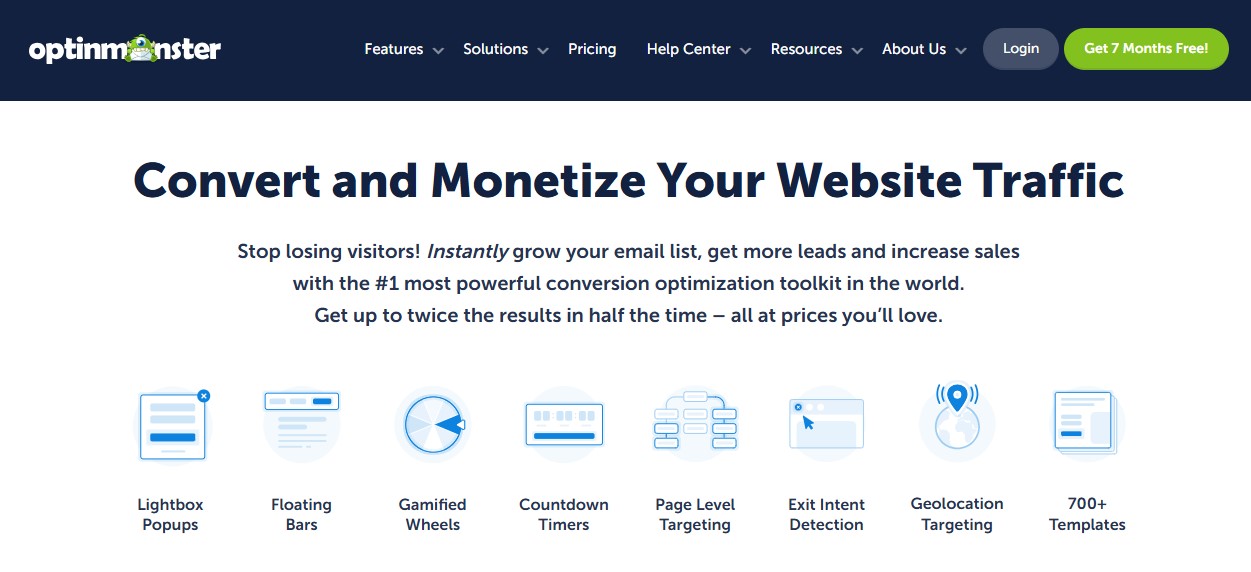
OptinMonster is a conversion optimization and lead generation tool. The company launched in 2013 and caters to businesses of all types and sizes.
OptinMonster’s WordPress plugin helps you build effective popups and opt-in forms. It has more than one million installations.
Key features of OptinMonster:
- Exit-intent popups that help convert visitors into subscribers
- Targeted campaigns based on user behavior, referral source, and location
- A/B testing for headlines, content, and layouts
- Drag-and-drop template customization, with the option to design your newsletter from scratch
- More than 700 templates
Pros of OptinMonster:
- You get different options for displaying opt-in forms, like popups, slide-ins, sidebars, and full-screen calls to action.
- You can show an opt-in popup on a specific page of your site, based on a visitor’s location, when someone clicks on a link, and other conditions.
Cons:
- Features like pop-ups and slide-ins can disrupt the user experience, so they might not be very effective.
Ease of use:
Like many email marketing services with drag-and-drop builders, OptinMonster is straightforward. It also uses AI to help you create your newsletters.
Best suited for:
- Anyone who wants to try creative ways to get more subscribers
OptinMonster pricing:
Plans vary by site traffic. The Basic plan starts at $7 per month for websites that get around 2,500 monthly page views. It supports unlimited subscribers and campaigns. The Growth plan is for websites that get 100,000 monthly page views and starts at $49 per month.
8. The Newsletter Plugin
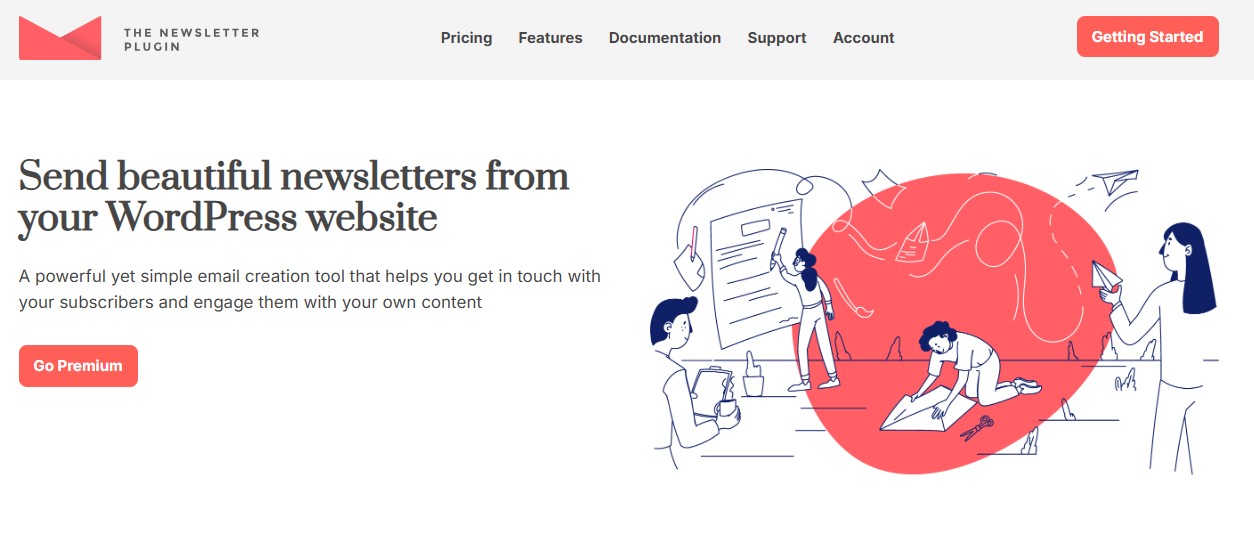
As the name suggests, The Newsletter Plugin is a dedicated WordPress email marketing tool. It has more than 400,000 users and integrates with email-sending services like SendGrid, Mailgun, and AWS.
Key features of The Newsletter Plugin:
- A visual composer with content blocks
- Unlimited newsletters and subscribers
- Detailed graphs with insights about subscriber behavior
- Automated message series with configured delays
- WooCommerce integration with customer segmentation
- In-post subscription forms, as well as options like pop-ups and top and bottom bars
Pros of The Newsletter Plugin:
- It comes with several free add-ons, like Locked Content (for offering premium content to subscribers only) and Archive (which creates a blog post that lists all your newsletters).
- There are no limits on the number of subscribers and monthly emails.
Cons of The Newsletter Plugin:
- It lacks advanced segmentation compared to competitors. For example, if you’re using it for WooCommerce, you can only segment subscribers by purchased products.
Ease of use:
Since this is primarily a WordPress tool, you shouldn’t have problems setting it up. You can install it like any other plugin, and manage your newsletters from your dashboard.
Best suited for:
- Bloggers and small businesses looking for a fully WordPress-integrated solution
The Newsletter Plugin pricing:
Premium plans charge a one-time fee with one year of access to premium support and updates.
The Essential plan costs $69 but has no automation features and WooCommerce integration. The Professional plan offers ecommerce support and automated emails for $99.
9. Icegram
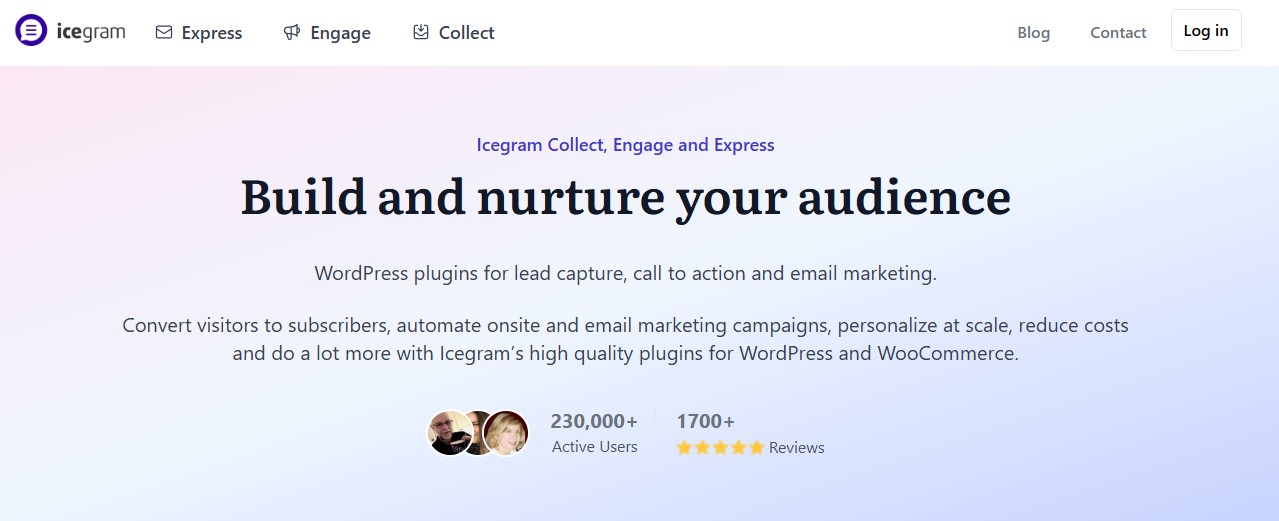
Icegram is a multipurpose marketing plugin designed to capture leads and send newsletters. Its Ultimate Email Marketing & Automation plugin has more than 80,000 active installations and supports WooCommerce.
Icegram integrates with email sending services like SendGrid, Mailgun, and Sendinblue.
Key Features of Icegram:
- A drag-and-drop email builder and pre-built templates
- Customizable popups, widgets, and inline forms
- Audience segmentation based on your marketing goals
- Unlimited contacts, forms, and emails
- Trigger-based automated workflows
Pros of Icegram:
- It combines lead generation and email marketing in one plugin.
- The free version offers solid functionality, including segmentation and spambot protection.
Cons of Icegram:
- If you want to automate your emails, you’ll need a paid plan.
Ease of use:
It has a clean and intuitive interface, designed specifically for beginners.
Best suited for:
- Bloggers and businesses who want to focus on lead generation.
- Anyone who wants both newsletter and opt-in forms accessible from the WordPress dashboard.
Icegram pricing:
The Starter plan is free and gives you unlimited emails, contacts, forms, and lists.
The Pro plan costs $129 per year and gives you access to premium email templates and advanced blocks. To set up automated workflows, welcome emails, and other campaigns, you’ll need the Max plan. This costs $229 per year.
A comparison of newsletter plugins on WordPress
| Free plan | Starting price | Best for | AI & Automation | |
| Jetpack Growth | No | $9.95/month | Bloggers & news sites | Yes |
| MailPoet | Yes, up to 5,000 emails/month & 500 subscribers | $9/month | WooCommerce stores | Yes |
| Mailchimp | Yes, up to 6,000 emails/month & 500 subscribers | $20/month | Bloggers and businesses with large email lists | Yes |
| Klaviyo | Yes, up to 500 emails/month & 250 subscribers | $20/month | Large ecommerce sites that need advanced segmentation | Yes |
| Omnisend | Yes, up to 250 subscribers | $11.20/month | Shop owners who want advanced automation | Yes |
| Constant Contact | No | $12/month | Small businesses & nonprofits that only need basic segmentation | Yes |
| OptinMonster | No | $7/month | Anyone who wants creative pop-ups, slide-ins and other types of signup forms | Yes |
| The Newsletter Plugin | Yes | $69, one-time fee (renewable for support and updates) | Bloggers and small businesses who want a dedicated WordPress solution | Yes |
| Icegram | Yes | $129/year | Bloggers and businesses that want to prioritize lead generation | Yes |
Factors to consider when choosing a WordPress newsletter plugin
So, how do you choose the right newsletter plugin? Here are some essential factors to consider:
1. Learning curve and user-friendliness
A good newsletter plugin should be intuitive and easy to set up, even for users with no technical background. Look for tools that offer features like drag-and-drop editors, email templates for specific purposes (like promoting new posts), and pre-built workflows.
2. AI and automation capabilities
Automation saves time and improves engagement. You’ll simply design the campaign, and the email marketing plugin will do the rest. Plus, smart segmentation ensures that your emails reach the right audience at the right time.
Many email marketing solutions also offer AI-powered tools, like writing assistants and subject line suggestions, to help you create more impactful emails.
3. Design flexibility and blocks/templates
You’ll want to design newsletters that align with your branding. A plugin should offer pre-designed templates and allow for customization without requiring coding skills.
Meanwhile, content blocks make it easy to design custom emails. You’ll just have to select an element like an image, heading, or CTA, and customize it.
4. Pricing structure and transaction fees
Before committing to a newsletter plugin, look at the pricing structure. A starter plan might seem budget-friendly, but the price may increase as you grow.
If you’re planning to offer premium newsletters, see if the plugin charges transaction fees.
It’s a good idea to try the free plan (if available) before taking out a subscription. This way, you can judge the value of the plugin and decide if it’s worth getting a premium plan.
5. The ability to manage a paid newsletter
If you plan to monetize your newsletter through a paid subscription, you’ll need a newsletter plugin that supports paywalled content. It should offer features like built-in fee processing, subscription management, and integration with payment gateways like Stripe or PayPal.
6. Integration with other tools
A newsletter plugin should work seamlessly with ecommerce platforms like WooCommerce. This is a must if you want to promote new products, offers, and upsells.
If you’re using a membership plugin, you’ll want to ensure that you can easily send newsletters to your members.
You should also be able to integrate the newsletter service with existing opt-in forms on your website. Many newsletter plugins support WordPress form plugins like WPForms, Contact Form 7, and Gravity Forms.
7. Analytics and reporting
Look for plugins that provide insights into open rates, click-through rates, subscriber growth, and other key metrics. This data will help you refine your email marketing strategy.
For example, you can see what type of newsletters are most effective and use that format for future emails.
What makes a good WordPress newsletter plugin?
You might feel overwhelmed by all the options on the market. Let’s look at features of a good newsletter plugin for WordPress.
1. Easy to use for non-technical users
The best newsletter plugin requires minimal configuration. Look for a user-friendly interface, a drag-and-drop editor, and ready-made templates.
Ideally, the plugin should offer guided tutorials and simple instructions for using its features.
2. Integrated AI for content creation
AI streamlines email marketing by generating subject lines, optimizing send times, and more. A good plugin should include AI-driven automation to boost engagement and simplify your workflows.
3. Built-in design blocks to enhance efficiency
Pre-made content blocks for images, text, buttons, and social media links are always handy. You can drag and drop the elements you want, in any arrangement you like.
The newsletter plugin should also offer customization options for each design block, so you can create professional emails that match your brand.
4. List segmentation and personalization
By segmenting your audience and personalizing email content, you can target the right people with the right message.
A powerful newsletter plugin facilitates segmentation based on behavior, preferences, or demographics. This helps you send targeted campaigns that are relevant to different subscriber groups.
5. Paid newsletter functionality
Monetization options like paywall access, membership tiers, and integration with payment processors are essential if you want to offer premium content. The newsletter plugin should make it easy to manage paid subscriptions and deliver exclusive content to paying members.
6. Cost-effective compared to standalone platforms
Since many standalone email marketing services are designed for large businesses, they offer a wealth of features at high prices. They may even charge additional fees for integrations and add-ons.
A WordPress-based newsletter plugin for content creators and small businesses typically offers comparable functionality — like automation, analytics, and segmentation — at a lower price.
7. Seamless integration with WordPress and WooCommerce
If your site is on WordPress, your ideal solution should have an easy integration. Of course, you won’t have to worry about integration if you opt for a WordPress plugin rather than a standalone solution.
WooCommerce integration is also important for online stores that want to send targeted product recommendations, cart abandonment emails, and promotional offers.
Frequently asked questions
Finally, let’s answer some common questions about WordPress newsletter plugins.
What is a WordPress newsletter plugin?
It’s a tool that lets you create, manage, and send an email newsletter directly from your WordPress dashboard. A good newsletter plugin includes features like automation and analytics.
What are the main benefits of managing a newsletter on WordPress?
With a newsletter and email subscription plugin, you’ll be able to run your email marketing campaigns from one place, without the need for external tools. You’ll also have full control over your audience and data.
How much does a newsletter plugin cost for WordPress?
The cost varies, and some plugins charge you based on the number of subscribers you have. Budget-friendly solutions like Jetpack Growth start from under $10 per month and do not have any limitations on contacts.
Is it easy to set up and use a newsletter plugin on WordPress?
Some tools require technical knowledge, while others are designed for ease of use. Jetpack Growth is incredibly intuitive and can be set up with just a few clicks.
What is the best WordPress newsletter plugin?
Jetpack Growth is the best option in terms of ease of use and seamless WordPress integration. It also provides automation tools that make newsletter management a stress-free experience.
Where can I learn more about Jetpack Growth?
You can learn more about Jetpack Growth by visiting the official Jetpack website.

 Jetpack