

For WordPress agencies, choosing the right hosting partner is a foundational decision — one that affects everything from operations and site performance to, ultimately, client satisfaction.
Discerning organizations turn to agencies for trusted guidance when selecting a hosting solution. Many agencies also resell hosting or manage multiple client sites as part of ongoing service agreements. A strong partner will minimize downtime, maximize performance, and reduce time spent on troubleshooting and routine maintenance.
But with so many hosting providers on the market — each with their own features, pricing models, and service levels — it can be difficult to know where to begin. Some hosts emphasize affordability, while others offer agency-focused features like white labeling, centralized management, and developer tools.
This guide explores eight of the best WordPress hosting options for agencies, comparing their strengths, limitations, and ideal use cases. It also covers essential hosting features for agency workflows, the value of managed services, and practical tips for maintaining top-tier performance.
Let’s take a look.
Quick picks (for busy agency owners)
- Best overall for agencies managing many client sites: Pressable
- Best enterprise + compliance + high-traffic publishers: WordPress VIP
- Best fully-managed platform for content + ecommerce teams: WordPress.com
- Best for agencies needing fast, affordable managed WordPress: Bluehost
- Good budget options for many smaller client sites: IONOS, DreamHost, InMotion
Tip: If you’re deciding between two hosts, our detailed guide below will help you compare each ost and pick one that best matches your agency workflow.
The ultimate agency toolkit: Automattic for Agencies

Automattic for Agencies helps agencies access discounted WordPress hosting and services or earn recurring revenue through referrals. Though not a host itself, A4A allows agencies to buy premier hosting and WordPress products in bulk at reduced rates, resell them at a markup, or send clients a custom cart of recommended services and earn quarterly commissions from each sale. The top hosts in this guide are all available through Automattic for Agencies.
This flexible model lets agencies bundle hosting into their services or generate passive income, while ensuring clients get reliable and high-performance WordPress hosting.
Features
- Bulk discounts on WordPress hosting, Jetpack, WooCommerce extensions, and more
- A referral mode for earning recurring commissions from client recommendations
- A centralized dashboard for managing purchases and referrals
- Quarterly automated payouts
- Dedicated support for agency partners
Pros:
- Agencies save money by purchasing hosting and services in bulk.
- The referral model provides a hands-off way to generate recurring revenue.
- End clients get the benefit of the most reputable WordPress hosting solutions available.
- Agencies can maintain control over their recommended products without having to worry about billing clients or handling their payment information.
- Everything is managed from a single dashboard.
Cons:
- Automattic for Agencies doesn’t provide hosting directly, so agencies need to choose from available partners.
- Referral mode requires clients to make the purchase themselves, which may not fit every agency’s business model.
- Bulk purchasing requires agencies to handle billing and support for their clients.
Ease of use:
Automattic for Agencies keeps things simple and flexible. Agencies can manage purchases or let clients buy through referral links. The dashboard centralizes transactions, making it easy to track commissions, subscriptions, and hosting plans.
Best for:
Agencies that want discounted access to premium WordPress hosting and services, or those looking to earn passive income through referrals will love Automattic for Agencies.
Price:
Joining Automattic for Agencies is free. Pricing varies depending on the hosting provider and services selected. Agencies can access discounts on bulk purchases, while referral commissions are paid out quarterly.
A review of WordPress hosting providers for agencies
1. Pressable
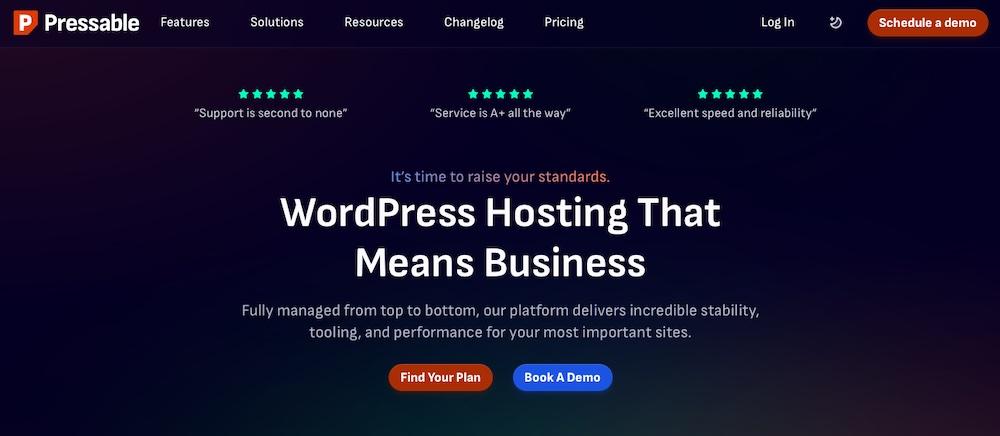
Pressable, a fully-managed WordPress hosting provider, runs on WP Cloud, Automattic’s WordPress-only infrastructure. It delivers fast and scalable hosting for agencies managing multiple client sites.
Pressable makes site management easy with a single dashboard, automated maintenance, and expert WordPress support. Built on WP Cloud, it delivers a reliable hosting experience without the restrictions of traditional cloud providers.
Features
- High-performance hosting with caching and a global CDN
- A Jetpack Security plan at no additional cost, which includes real-time backups, malware protection, a WAF, spam protection, and more
- One-click staging for safe updates
- Free migrations and SSL certificates
- The ability for agencies to easily manage multiple sites from a single dashboard
- A 100% uptime guarantee, so agencies won’t have to worry about client downtime
- Advanced development tools like WP-CLI, SSH, and GIT integration
- Geo-redundant data centers and infinite bandwidth for top performance during times of high traffic
Pros:
- It provides advanced optimization, security, and reliability specifically for WordPress.
- Agencies can manage multiple client sites from a single dashboard.
- Automated updates, backups, and security features reduce maintenance overhead.
- Built-in performance tools, including caching and CDN integration, keep client sites running quickly.
- Support is available 24/7 from true WordPress experts.
Cons:
- Pricing is higher than shared hosting providers, which may not fit smaller budgets.
- Some agencies may prefer more control over server configurations than fully managed hosting allows.
- It doesn’t support non-WordPress applications.
Ease of use:
Pressable gives agencies a simple, managed WordPress hosting experience. It automatically handles performance, security, and updates, while the dashboard simplifies managing multiple client sites from one place.
Best for:
If you’re looking for a high-performance, fully-managed WordPress hosting solution with built-in security and expert support, Pressable will serve you well.
Price:
Plans start at $25/month for a single site, with agency plans available at higher tiers. Pricing is based on the number of sites, storage, and traffic needs.
2. WordPress.com
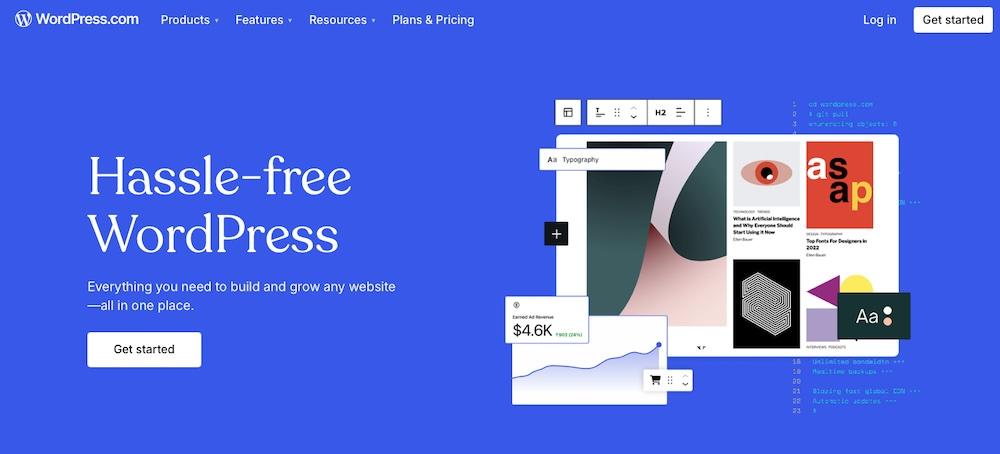
WordPress.com provides fully-managed hosting on WP Cloud. It handles hosting, security, updates, and performance optimization without requiring separate installations.
Built for reliability and ease of use, it streamlines client site management with automatic backups, a global CDN, and seamless WooCommerce integration, making it ideal for high-traffic sites, ecommerce businesses, and content-heavy websites.
Features:
- Automatic security updates, backups, and malware protection
- A global CDN and built-in caching for optimized performance
- Site management tools
- Staging environments
- Integration with other Automattic products
- 24/7 expert support
Pros:
- It provides superior performance and security compared to traditional hosting.
- The completely managed experience removes the need for manual updates and maintenance.
- Agencies can manage multiple client sites from a single dashboard.
- WooCommerce integration makes it a strong option for agencies building ecommerce sites.
Cons:
- There is limited access to server configurations compared to self-managed hosting.
- Some customization options, such as advanced PHP settings, are restricted.
- Pricing is higher compared to standard shared hosting plans.
Ease of use:
WordPress.com simplifies managed hosting for agencies by automatically handling server management and security updates.
Best for:
Agencies that need fully-managed WordPress hosting with strong performance, built-in security, and integration with Automattic products will find this a reliable solution.
Price:
Plans start at $40/month for the Business plan, with higher-tier plans available for agencies that need ecommerce support.
3. WordPress VIP
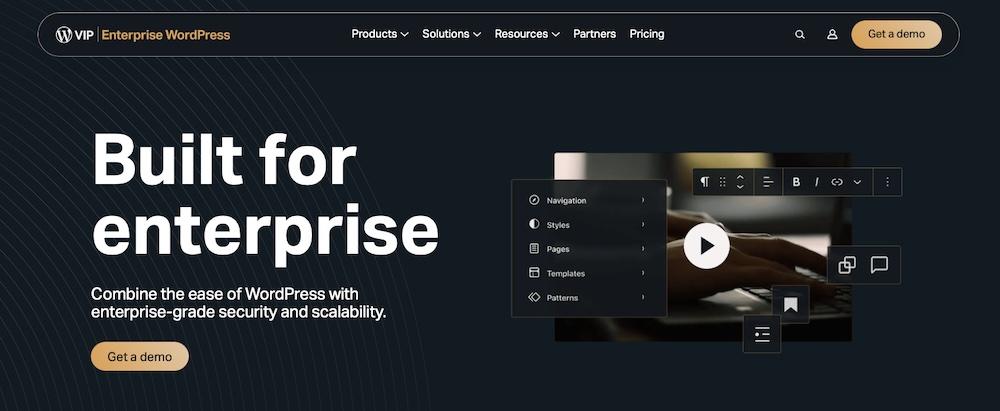
WordPress VIP delivers fully-managed enterprise hosting for high-traffic sites that require top performance. Built on WP Cloud, it ensures unmatched speed and reliability.
Designed for high-demand applications and large-scale publishers, it includes advanced performance monitoring, built-in security compliance, and hands-on support from WordPress experts.
Features:
- Enterprise security with automatic updates, malware scanning, and DDoS protection
- CDN and server-side caching
- Compliance support for strict data security needs
- Developer tools with GitHub integration and workflow automation
- 24/7 support with dedicated account managers
- Advanced analytics that provide a 360-degree view of content
- The ability for agencies to create a truly customized setup, with options for headless WordPress, front-end apps, and more.
- Integration with advanced enterprise tools like Salesforce Marketing Cloud.
- The ability to create AMP, PWA, and Web Stories directly on a client site
- AI-powered content and tagging tools
Pros:
- Strong security measures protect sites from threats and attacks.
- Dedicated support and account managers offer hands-on assistance.
- Developer tools and workflow automation make site management easier.
Cons:
- High pricing may be out of reach for smaller agencies.
- It requires approval, so it’s not available as a self-service option.
- It offers less flexibility than cloud providers like AWS or Google Cloud for custom setups.
Ease of use:
WordPress VIP automates performance, security, and updates, minimizing manual management.
Best for:
WordPress VIP is best for agencies managing enterprise clients, high-traffic publishers, or businesses with strict security and compliance needs.
Price:
This provider uses custom pricing based on traffic, storage, and service level, which starts at $25,000/year.
4. Bluehost

Bluehost offers shared, VPS, and managed WordPress hosting, with managed plans running on WP Cloud for optimized performance. Designed for ease of use, it provides a user-friendly dashboard, built-in performance tools, and one-click WordPress installations.
Features:
- A free SSL certificate, daily backups, and automatic updates
- Built-in caching and a global CDN for better performance
- Staging environments for safe testing
- WooCommerce integration for ecommerce sites
- Exclusive agency perks like dedicated plugins and unique AI tools
- Scalable options that can grow alongside your clients
Pros:
- WP Cloud’s WordPress-optimized infrastructure ensures great speed and stability for cloud-based Bluehost plans.
- Affordable pricing makes it accessible for agencies of all sizes.
- Managed hosting automates security updates and backups.
- WooCommerce hosting plans include pre-installed features for online stores.
Cons:
- Shared hosting plans can be slower compared to higher-end, managed options.
- Some advanced customization options are limited compared to cloud VPS or dedicated hosting.
Ease of use:
Bluehost simplifies hosting for agencies with an easy-to-use dashboard and reliable infrastructure that automatically manages performance and security.
Best for:
Agencies seeking cost-effective managed WordPress hosting with WP Cloud’s speed and security enhancements will find Bluehost Cloud a suitable option.
Price:
Managed WordPress hosting plans start at $21.99/month, with pricing based on the number of sites, storage, and traffic needs. Shared hosting plans are available at lower price points but do not include the managed features.
For WP Cloud infrastructure, you’ll need a Bluehost Cloud plan, which starts at $49.99/month for ten sites for the first 12 months and renews at $109.99/month.
5. Nexcess

Nexcess is a managed WordPress host that delivers high-performance infrastructure and developer-friendly features. Optimized for WordPress and WooCommerce, it offers built-in caching, auto-scaling, and performance monitoring.
Plus, its focus on scalability, security, and automation makes it ideal for agencies managing high-traffic client sites.
Features:
- Auto-scaling to handle traffic spikes
- Built-in performance tools like Nexcess Cloud Accelerator and caching
- Free daily backups and malware protection
- Site management with staging environments
- Developer tools, including SSH, Git, and WP-CLI
- Development sites for building and testing prior to launch
Pros:
- Auto-scaling keeps sites fast and stable, even during traffic spikes.
- Developer-friendly features simplify site management and customization.
- Built-in performance optimizations reduce load times without requiring additional plugins.
- Plans include a range of security measures, like free SSL certificates and malware monitoring to protect client sites.
Cons:
- Pricing is higher than standard shared hosting plans.
- Some agencies may find the interface less user-friendly than hosts like WordPress.com.
Ease of use:
Nexcess delivers powerful features through a nicely-designed dashboard, but agencies new to managed hosting may need time to adjust to its advanced settings.
Best for:
Agencies handling high-traffic WordPress or WooCommerce sites that require scalability, strong security, and developer-friendly tools will like what Nexcess has to offer.
Price:
Nexcess offers managed WordPress hosting plans that work well for agencies, starting with the Maker plan at $21.75/month (for the first three months), supporting up to five sites with 40GB storage and 3TB bandwidth. For agencies requiring WooCommerce support, the Merchant plan is available at $41/month (for the first three months), accommodating up to five stores with 100GB storage and 5TB bandwidth.
6. DreamHost
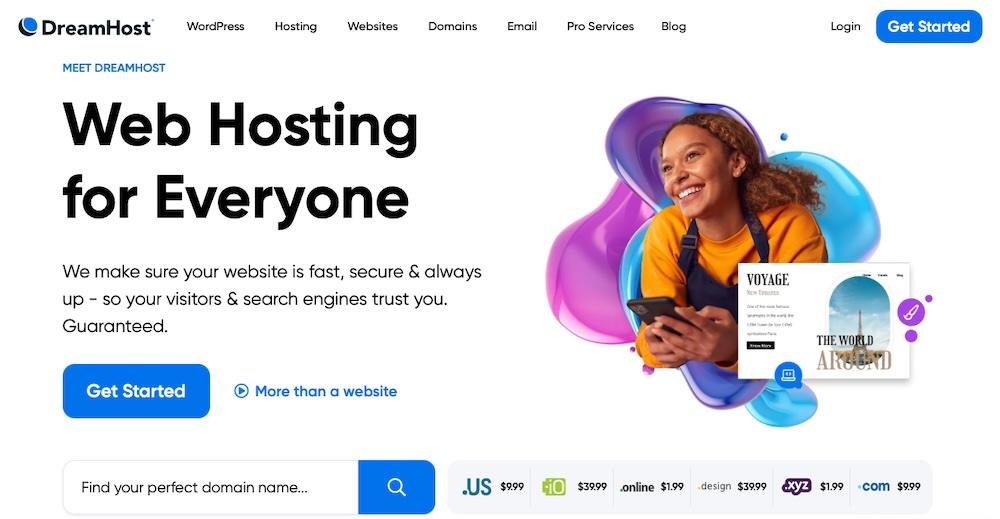
DreamHost offers affordable shared hosting and powerful managed WordPress plans through DreamPress. Its managed hosting provides an optimized environment with automatic updates, performance enhancements, and built-in security.
It runs on its own high-performance cloud infrastructure built for WordPress. You get easy site management tools, free migrations, and unlimited bandwidth, making it a strong option for handling multiple client sites without traffic concerns.
Features:
- DreamPress plans optimized for WordPress
- Free SSL certificates and daily automated backups
- Built-in caching and Jetpack for added security and performance
- 24/7 WordPress support via live chat and email
Pros:
- Unlimited bandwidth removes traffic overage concerns.
- Automatic updates and daily backups keep sites secure.
- Free migration simplifies moving client sites to DreamHost.
- It’s more affordable than many premium managed hosts.
Cons:
- There are no integrated multi-site management tools, which could be a drawback for agencies with a lot of clients.
- Live chat support is only available during certain hours unless you have a higher-tier plan.
Ease of use:
DreamHost offers a clean dashboard and automated maintenance, minimizing manual work. DreamPress provides a hands-off hosting experience while allowing flexibility for custom configurations.
Best for:
Agencies needing affordable managed WordPress hosting with strong security and unlimited bandwidth would benefit here.
Price:
DreamPress plans start at $19.95/month for three months, then it renews at $23.99/month. Higher-tier plans are available for agencies that need additional resources and scalability.
7. InMotion

InMotion Hosting offers shared, VPS, and managed WordPress plans built for speed, security, and scalability. Running on its own high-performance infrastructure, it combines SSD storage, server-side caching, and UltraStack technology for fast performance.
With developer-friendly tools, site management, and dedicated support, it’s a great choice if you need flexibility and control over your hosting environment.
Features:
- UltraStack for performance and caching
- A free SSL certificate, daily backups, and malware protection
- Support for multiple site management and staging environments
- SSH access, WP-CLI, and Git for advanced users
- 24/7 WordPress expert support
Pros:
- It prioritizes built-in caching and optimized server performance.
- Developer tools like SSH, WP-CLI, and Git make for easier customization.
- InMotion provides free migrations and automated backups for reduced setup and maintenance hassle.
- It offers strong performance and features at a lower cost than many premium hosts.
Cons:
- Higher-tier plans are required for advanced performance features.
- There are limited data center locations compared to global cloud providers.
Ease of use:
InMotion’s custom control panel makes site management straightforward. Managed WordPress plans handle maintenance, while developer tools like SSH and WP-CLI give you full control over customization and performance.
Best for:
Ideal for agencies seeking a budget-friendly, managed WordPress host with strong performance, site management, and developer-friendly tools.
Price:
Appropriate plans for agencies could start at $16.49/month, which includes 25 sites and $27.49/month for higher-performance options with increased resources. Pricing depends on storage, bandwidth, and the number of sites needed.
8. IONOS
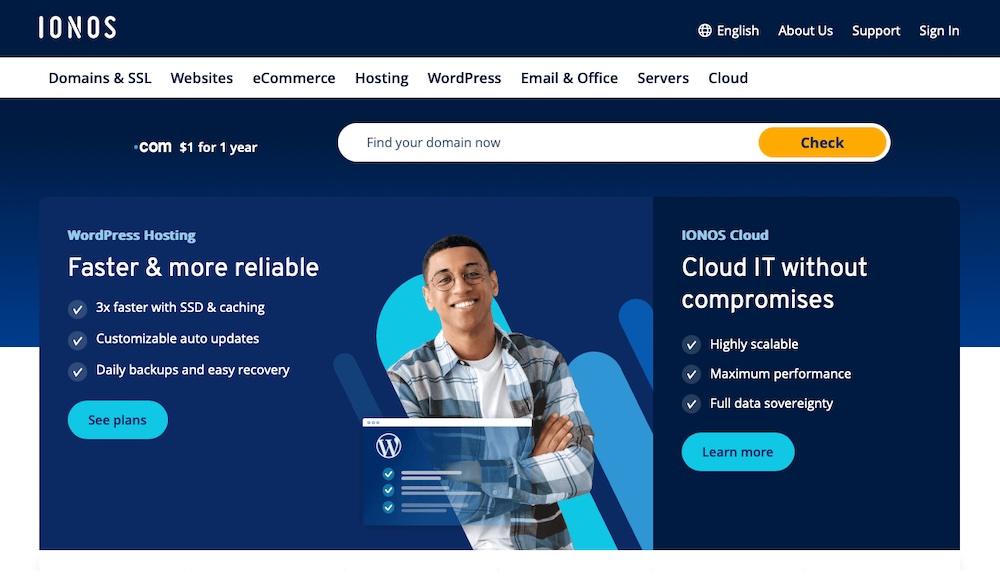
IONOS delivers affordable managed WordPress hosting with strong security and performance. It offers a budget-friendly alternative for managing multiple client sites.
With DDoS protection, daily backups, malware scanning, automated updates, built-in caching, and staging environments, IONOS simplifies site management while keeping security a priority.
Features:
- High-performance infrastructure featuring SSD storage and caching
- Free SSL certificates, daily backups, and advanced DDoS protection
- An integrated CDN
- 24/7 customer support with dedicated WordPress experts
- A customizable WordPress Assistant for easy setup and site configuration
Pros:
- IONOS offers some of the most competitive pricing.
- Strong security features help safeguard client sites.
- They provide fast assistance for resolving technical issues.
Cons:
- Some advanced developer features like SSH access are limited on entry-level plans.
- The user interface feels less polished compared to competitors.
Ease of use:
IONOS simplifies WordPress site setup with a beginner-friendly interface and a guided WordPress Assistant. Automated maintenance minimizes manual updates, keeping site management hassle-free.
Best for:
IONOS serves as a great choice if you need affordable managed WordPress hosting with strong security and site management tools.
Price:
IONOS offers managed WordPress hosting plans starting at $5/month for the first year. Higher-tier plans provide increased storage, enhanced performance, and additional features.
A comparison of WordPress hosting for agencies
| Hosting Provider | Starting Price | Automatic Backups | Free SSL Certificate | Jetpack Integration | Scalability | Support |
| Pressable | $25.00/mo | Yes | Yes | Yes | High | 24/7 chat with <5 min response times |
| WordPress.com | $40.00/mo | Yes | Yes | Yes | High | 24/7 support |
| WordPress VIP | $25,000/yr | Yes | Yes | No | Enterprise-level | Dedicated account managers |
| Bluehost | $21.99/mo | Yes | Yes | No | Moderate | Phone, chat, and email |
| Nexcess | $21.75/mo | Yes | Yes | No | High | 24/7 chat and phone |
| DreamHost | $19.95/mo | Yes | Yes | Yes | Moderate | Email and chat |
| InMotion | $16.49/mo | Yes | Yes | No | High | Phone, chat, and email |
| IONOS | $5.00/mo | Yes | Yes | Yes | Moderate | Phone, chat, and email |
Core features to prioritize for agency hosting environments
Choosing the right WordPress hosting provider means focusing on performance, security, scalability, and efficiency. A strong hosting environment simplifies client site management while ensuring uptime.
Let’s look at some key features to prioritize:
99.999%+ uptime guarantees and reliability
Even brief downtime can mean lost revenue and a poor user experience. Look for hosting providers with 99.999%+ uptime guarantees, redundant data centers, and automatic failover systems to keep sites running without disruptions.
Multi-site management capabilities
Managing multiple client sites is easier with a centralized dashboard for handling updates, security, and performance. Choose a host that includes this as a standard feature.
White-label hosting options
White-label hosting lets you offer hosting under your agency’s brand while maintaining full control over pricing and support. Bundling hosting with your services increases overall value for clients.
High-performance and scalable resources
Hosting should keep sites fast, even with fluctuating traffic. Built-in caching, a global CDN, auto-scaling, and SSD or NVMe storage ensure stable performance, especially for WordPress and WooCommerce sites.
Robust security measures for client sites
Security threats put client sites at risk, so a hosting provider should offer DDoS protection, automated malware scanning, and web application firewalls to block potential threats. SSL certificates ensure data encryption, while regular security updates help protect against vulnerabilities.
Staging environments and testing tools
A staging environment allows safe testing of updates, plugin changes, and design modifications without affecting live sites. This prevents downtime and functionality issues.
Automated backups and reliable restoration options
Frequent backups help prevent data loss from errors or cyberattacks. Look for daily automated backups, off-site storage, one-click restores, and custom backup scheduling for full control over data protection.
Dedicated and responsive support for agencies
Expert 24/7 WordPress support via chat, phone, or email is another must. Choose a host that offers priority support, troubleshooting resources, and a well-maintained knowledge base to resolve issues quickly.
Performance optimization tips regardless of your hosting choice
Top-tier WordPress hosting alone isn’t enough to keep client sites fast, stable, and user-friendly. You must actively optimize performance to ensure peak efficiency, no matter which hosting provider you use.
Here are a few tips to keep your sites running immaculately:
Choose lightweight and well-coded themes and plugins
Heavy themes and poorly-coded plugins slow down sites and create security risks. Use lightweight, optimized themes and well-maintained plugins that enhance performance without unnecessary bloat.
Optimize and compress media assets
Large images and videos increase load times. Use the WebP format to reduce file sizes without losing quality, and optimize images further with compression tools like TinyPNG.
Regularly clean up the WordPress database
Over time, databases collect post information, spam, and leftover data from deleted plugins, which slow down performance. Use WP-Optimize to remove excess data and keep sites running smoothly.
Install a reputable WordPress performance plugin
A performance plugin automates caching and other optimizations. Jetpack Boost speeds up sites by generating critical CSS and deferring non-essential JavaScript. WP Super Cache improves load times by serving static files instead of dynamically generating pages.
Regularly update WordPress core, themes, and plugins
Updates improve security and performance, but compatibility issues can arise. Instead of enabling automatic updates, test them in a staging environment first. Once verified, apply updates regularly to maintain security and stability.
Why the best WordPress agencies pick Automattic for Agencies
Automattic for Agencies gives you a smarter way to offer premium WordPress hosting while keeping costs down or generating recurring revenue. With bulk discounts, a referral program, and white-label options, you can manage client sites more efficiently and create new revenue streams without added complexity.
Backed by high-performance infrastructure and priority support from WordPress experts, it ensures reliable, scalable hosting without the hassle of server management. Explore Automattic for Agencies today and see how it can help you grow your business with greater flexibility and control.

 Jetpack