

Form plugins aren’t just for contact pages — though those are pretty important. Depending on what your site needs, a good form plugin can help with all sorts of things: collecting leads, running surveys, setting up marketing automation, or even creating custom quotes.
This guide explores eight of the best WordPress form plugins, including free and paid options, to help you collect the right information from your visitors.
A review of popular form plugins for WordPress
At their core, forms offer a simple way to collect information and generate leads from a single, easy-to-manage place. Whether responses land in the WordPress dashboard or go straight to your inbox, form plugins keep things organized and efficient.
Below are some of the top WordPress form plugins to check out:
1. Jetpack Forms
Jetpack Forms is built into the Jetpack plugin and is entirely free to use. It’s a flexible, AI-powered form builder that works for a wide range of form types, whether you’re setting up a simple contact page or something more complex. It’s also GDPR-compliant, securely handling any data sent outside the E.U.
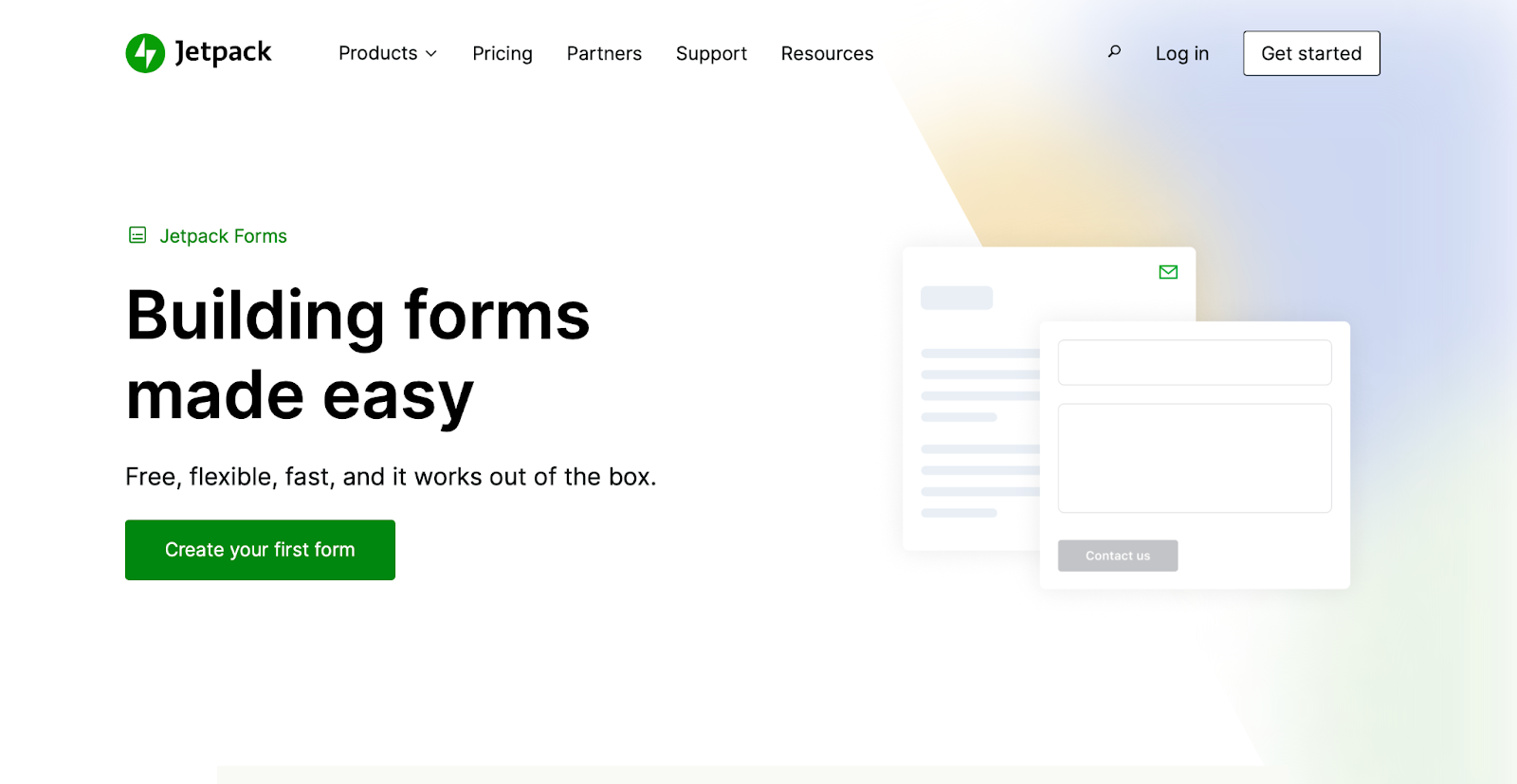
There are no limits on the number of forms you can create or how many pages you use them on. You can add forms directly via the block editor by searching for “Forms” in the block list (as long as Jetpack is active on your site).
Jetpack AI adds another convenient layer, helping you create, optimize, and even translate your forms. If you’re unsure where to start, Jetpack Forms offers a variety of presets, such as contact, feedback, and registration forms, to get things rolling quickly.
Key features of Jetpack Forms:
- Form presets
- AI tools
- Compatibility with the block editor
- Unlimited forms
- Akismet integration
- Unlimited fields
- GDPR compliance
Cost:
- Free
2. Contact Form 7
Contact Form 7 is a popular open source plugin maintained by the WordPress community.
The plugin is free and has no restrictions on how many forms you can create or the fields you can use. Each form generates a shortcode, so you can easily place the same form in multiple spots across your site.
The primary drawback of Contact Form 7 is its learning curve. It utilizes HTML-like elements known as form-tags to create forms and specify field properties. While this provides greater control, it can be confusing for some users.
When using the block editor, the plugin’s block only allows you to select a form from a dropdown menu. This means you must first create any new form in the plugin’s dashboard, adding an extra step to the page-building process.
Key features:
- Unlimited forms
- Unlimited fields
Cost:
- Free
3. WPForms
WPForms is a user-friendly drag-and-drop form builder that supports various third-party integrations. The company behind it also develops WP Mail SMTP, which improves email deliverability for form confirmations and notifications.
The free core plugin offers 67 form templates, ten standard fields, and seven payment fields. You can create forms in a visual editor and add them to pages with shortcodes.

The free version sends submissions via email but does not store them in WordPress, so data loss is a risk unless you upgrade to the Pro version.
The WPForms Pro upgrade unlocks more than 2,000 templates, advanced integrations, and extra fields, including conditional logic, entry management, and enhanced customization options.
Key features:
- Form presets
- AI tools
- A drag-and-drop builder
- Unlimited limits
Cost:
- A free version
- A pro version that starts at $99.00 a year
4. Formidable Forms
Formidable Forms is a performance-focused, drag-and-drop form builder that handles everything from simple contact forms to more complex data-driven applications.
The free version of the plugin gives you unlimited forms, access to basic fields, a visual styler, and a small selection of templates. It also stores form entries in your WordPress database and allows you to export responses to a CSV file — great for backups or offline review.
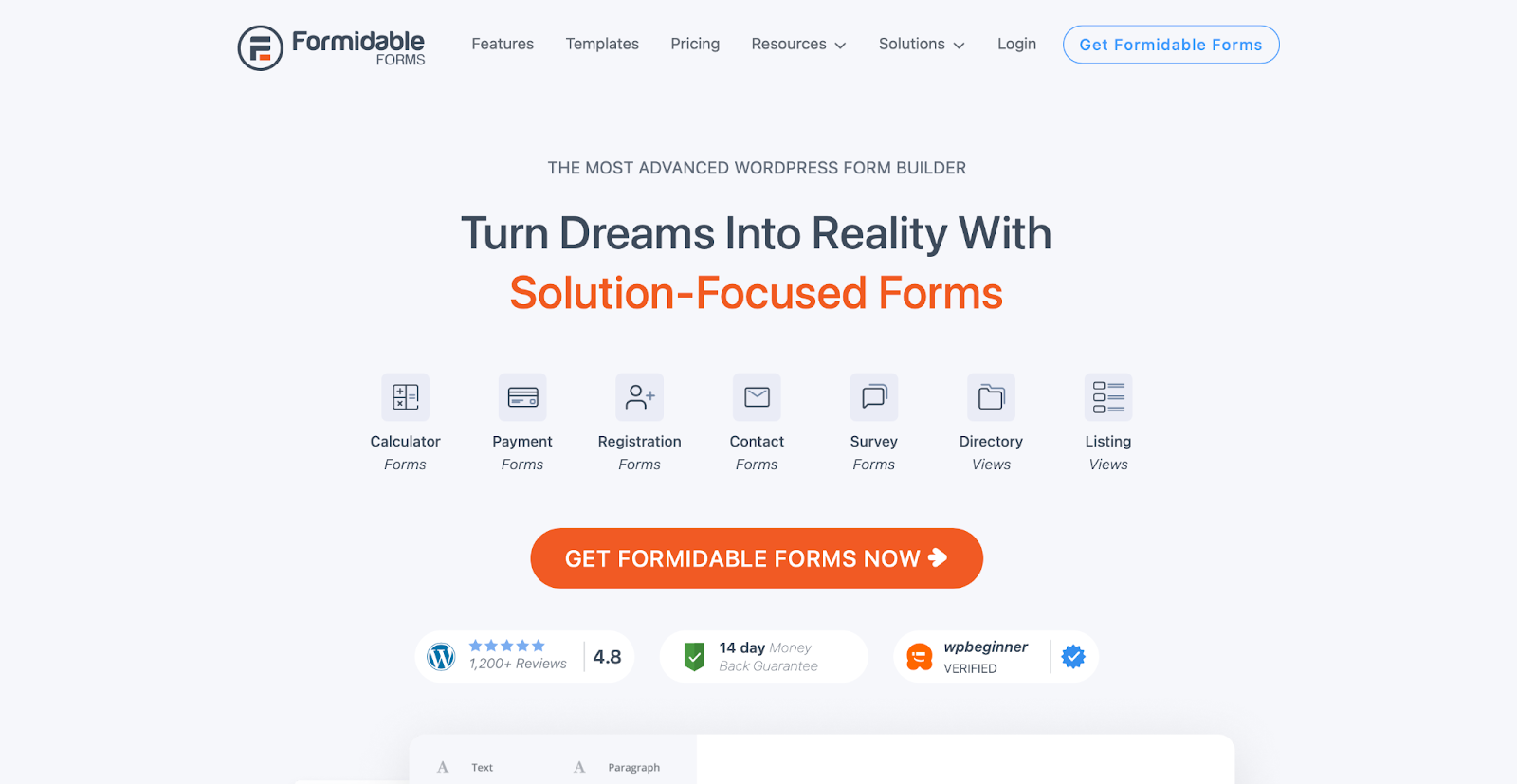
Upgrading to Formidable Forms Pro unlocks advanced features like multipage forms, user registration, surveys, polls, quizzes, and electronic signatures. You also gain more control over form styling, including support for multiple form layouts (the free version only allows for one).
Integration-wise, the Pro version expands into payment gateways, newsletter platforms, SMS notifications, and even a WooCommerce Product Configurator for custom product forms.
Key features:
- Form presets
- Unlimited forms
- A drag-and-drop builder
- CSV exports
Cost:
- A free version
- A pro version that starts at $79.00 per year
5. Forminator
Forminator, built by the team behind Smush, is a feature-rich form builder with both free and pro versions available.
The free plugin includes a drag-and-drop builder, PayPal and Stripe payments, quizzes, polls, calculations, and 29 customizable fields. You can also add and style forms directly within the block editor.
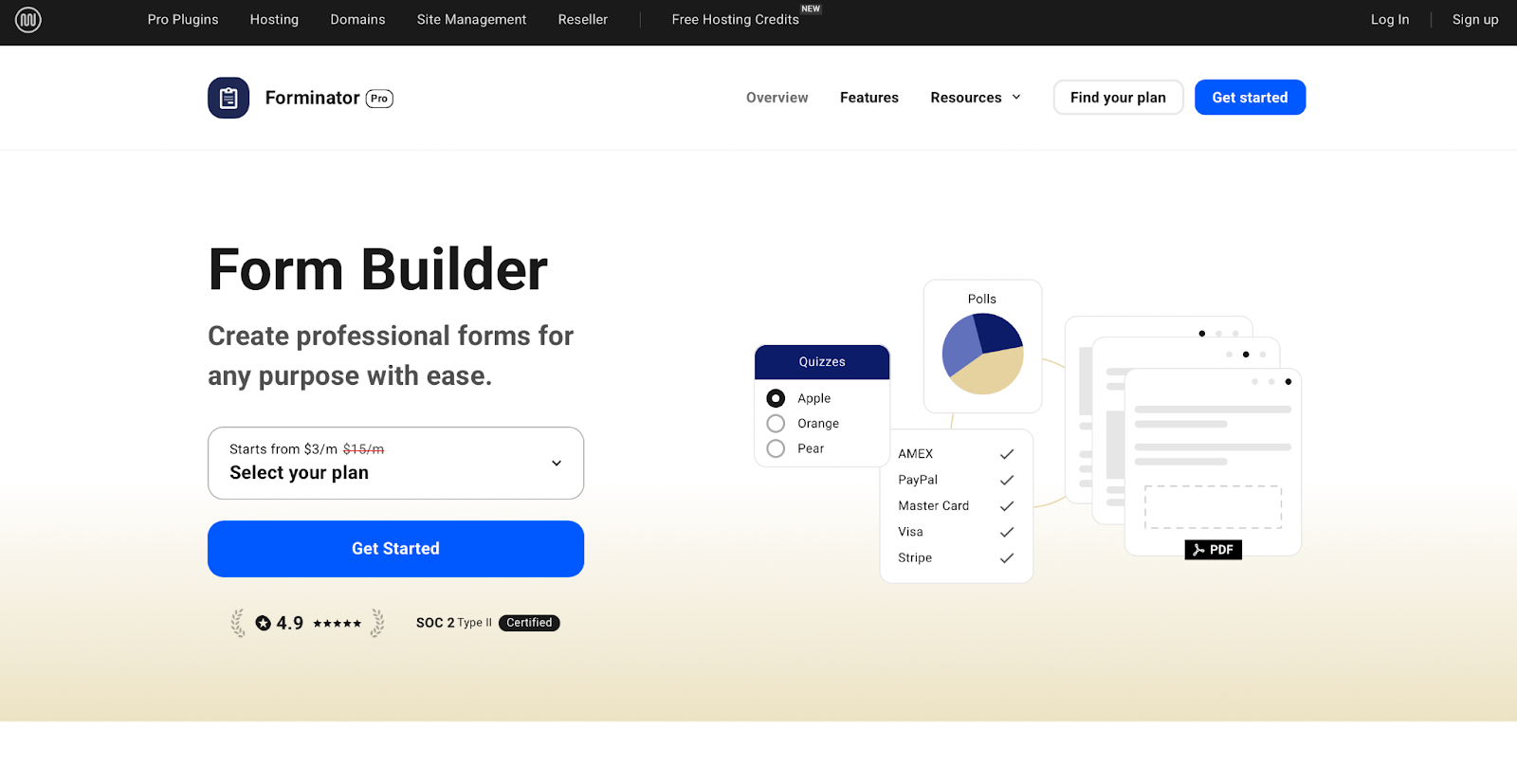
The Pro version is part of WPMU DEV’s broader subscription, which includes access to their entire suite of tools. For Forminator Forms, the plugin upgrade unlocks e-signatures, recurring Stripe payments, advanced integrations, PDF generation, conditional logic, and API access for developers.
Overall, Forminator offers strong marketing and payment features, making it easy to build interactive forms without requiring a significant upfront investment.
Key features:
- Form presets
- Unlimited forms
- Compatible with the block editor
- A drag-and-drop builder
Cost:
- A free version
- A pro version that starts at $15.00 per month
6. Ninja Forms
Ninja Forms offers a free core plugin with multiple features, including unlimited forms and submissions, email notifications, anti-spam tools, and more than two dozen field types. The drag-and-drop builder is beginner-friendly, and you can manage entries directly in your WordPress dashboard — just be sure to enable submission recording.
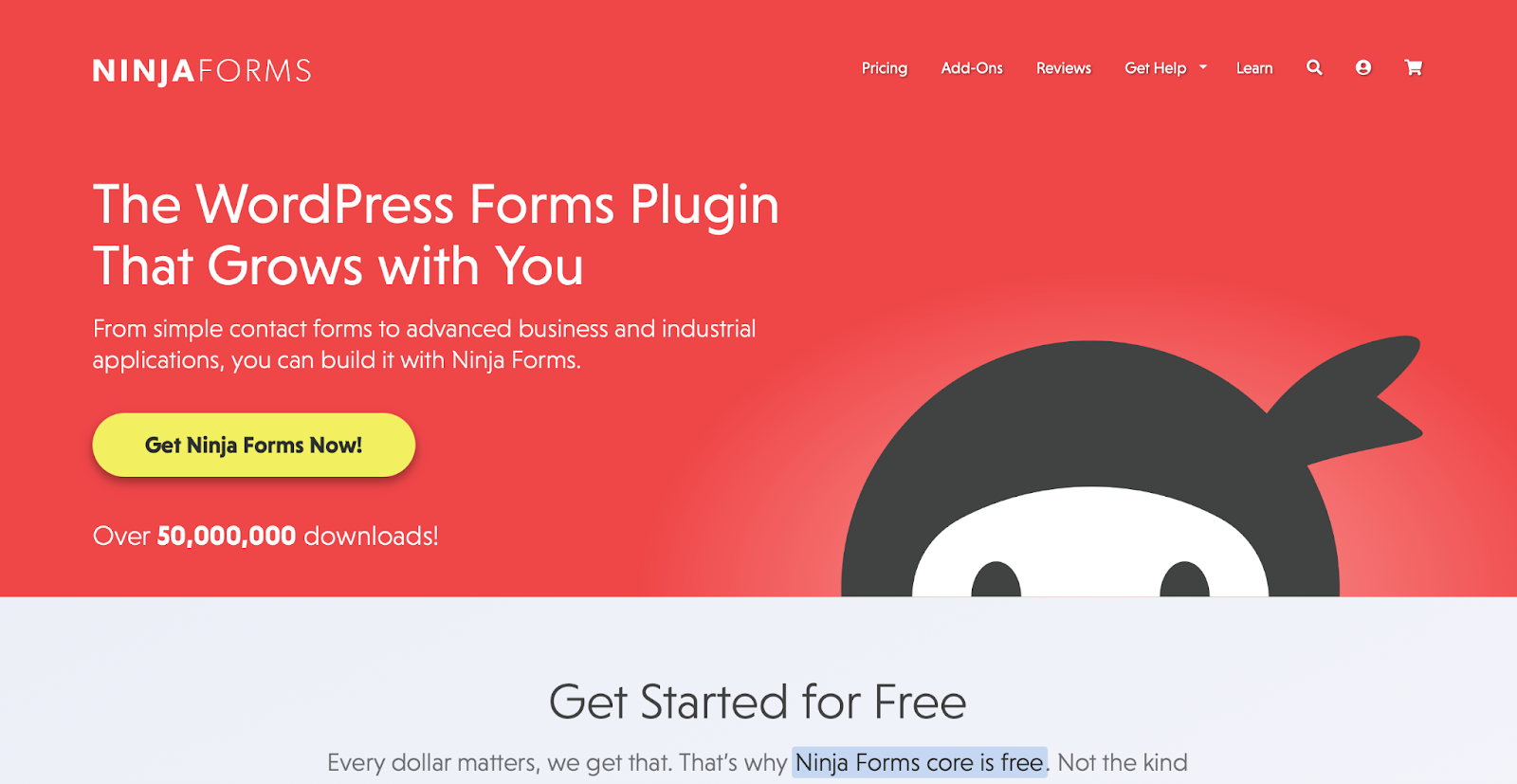
One standout element is its flexible pricing models. You can either upgrade to a yearly plan for bundled features or purchase add-ons individually based on your needs. This makes it easy to start simple and scale as your site grows. Paid features include conditional logic, multistep forms, file uploads, and integrations with payment gateways, CRMs, and email marketing platforms.
Ninja Forms is a good option if you’re looking for a form plugin that can grow with you. It offers solid customization options and the freedom to pay only for your current needs.
Key features:
- Form presets
- Unlimited forms
- A drag-and-drop builder
- CSV exports
Cost:
- A free version
- A pro version that starts at $99 per year
7. Gravity Forms
Gravity Forms is a premium-only form plugin with no free version or trial. Instead, you can request a demo through their website, and they offer a 30-day refund window if the plugin doesn’t meet your needs.
The base license supports one site and includes the drag-and-drop builder, paginated forms, conditional logic, and multi-column layouts. Gravity Forms is WCAG 2.0 AA, PCI, and GDPR-compliant, ensuring forms are accessible and secure.
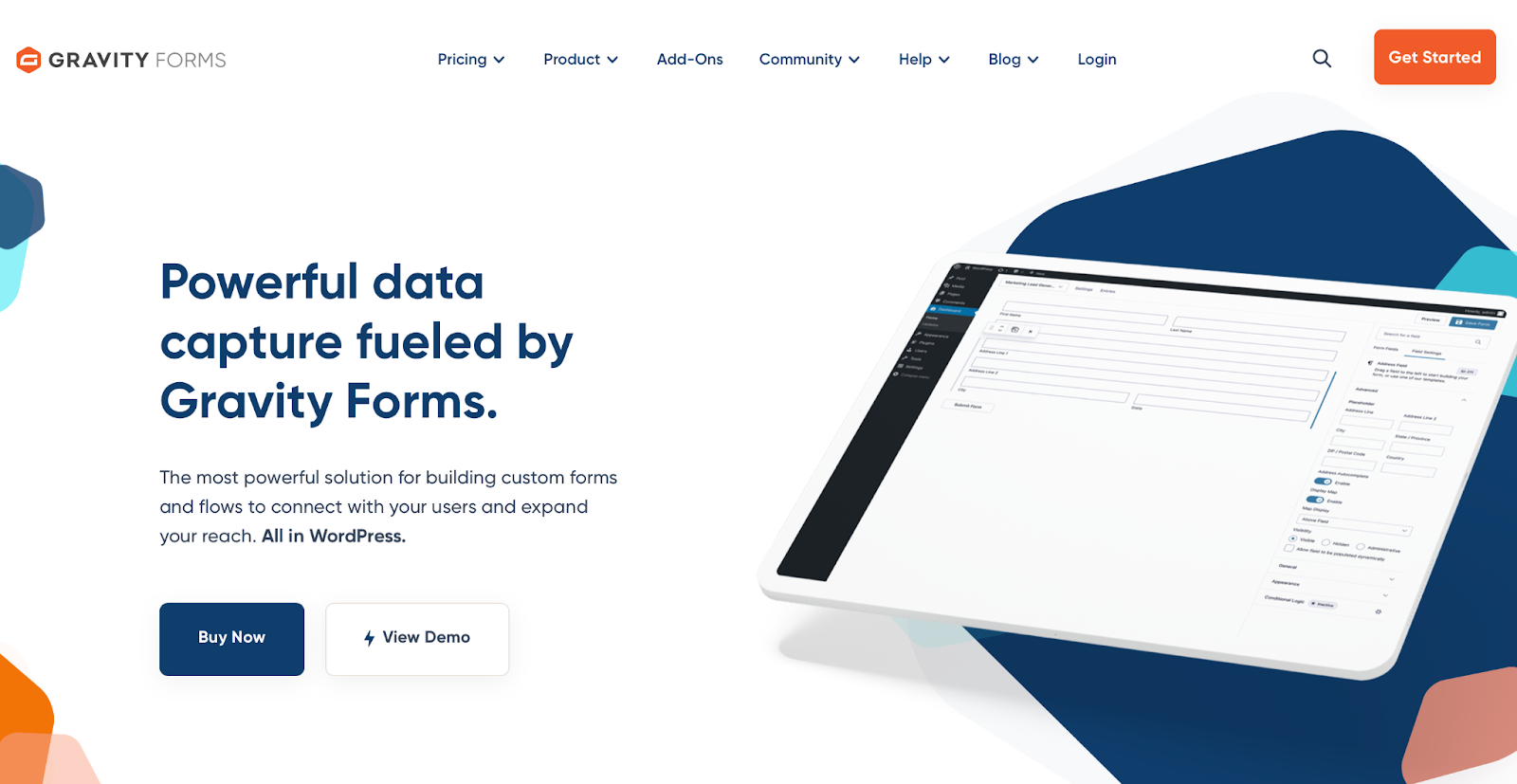
Higher-tier licenses unlock advanced features like polls, quizzes, partial entries, dynamic fields, and integrations with payment gateways and CRMs.
Gravity Forms is a powerful, flexible solution best for those who need advanced customization and developer control. However, it has a steeper learning curve, and you won’t get to try the plugin before paying for a yearly license.
Key features:
- Form presets
- Unlimited forms
- A drag-and-drop builder
- Akismet integration
- CSV exports
Cost:
- A pro version starting at $59 per year
8. HTML Forms
HTML Forms is a lightweight plugin designed for users comfortable working with code. Instead of a visual builder, you create forms manually using HTML tags.
Out of the box, it includes essential features like form submission storage, email notifications, redirect options, field validation, and customizable success messages. You can view form entries in a table format inside your dashboard, and the plugin gives you full control over your form’s structure and styling.

Upgrading to a premium plan unlocks additional capabilities such as file uploads, submission exports, webhooks, user login requirements, and advanced data and column management. It also includes a dashboard widget and premium support, making it a flexible solution for developers who want more control without relying on a visual interface.
Key features:
- Unlimited forms
- Unlimited fields
Cost:
- A free version
- A pro version starting at $79 per year
Comparison table of WordPress form plugins
| Jetpack Forms | Contact Form 7 | WPForms | Formidable Forms | Forminator | Ninja Forms | Gravity Forms | HTML Forms | |
| Free or Premium? | Fully free | Fully free | Free + Premium | Free + Premium | Free + Premium | Free + Premium | Premium | Free + Premium |
| Form Amount Restriction | Unlimited | Unlimited | Limited (Free) | Unlimited | Unlimited | Unlimited | Unlimited | Unlimited |
| Field Restrictions | None | None | Limited (Free) | Basic fields (Free) | Few restrictions | Basic fields (Free) | None (all included) | None (HTML-based) |
| Yearly Cost | $0.00 | $0.00 | Starts at $99 | Starts at $79 | Starts at $180 | Starts at $99 | Starts at $59 | Starts at $79 |
| Customization Style | Block editor | Code-based | Drag-and-drop | Drag-and-drop | Drag-and-drop + Block editor | Drag-and-drop | Drag-and-drop | Code-based |
| Submission storage | Yes | Optional via plugin | Yes (Pro) | Yes | Yes | Yes (optional) | Yes | Yes |
| AI Features | Jetpack AI (paid) | No | Limited | No | No | No | No | No |
| Ease of Use | Beginner-friendly | Technical | Beginner-friendly | Intermediate | Beginner-friendly | Beginner-friendly | Intermediate | Technical |
| Templates Included | Yes | No | Yes (limited free) | Yes (limited free) | Yes | Yes (limited free) | Yes | No |
Factors to consider when choosing a WordPress form plugin
Most plugins mentioned above offer free versions, allowing you to test them and determine which works best for your site. If you prefer to narrow your options to save time, here are a few key aspects to remember when comparing form plugins:
1. Ease of use and learning curve
The easier it is to build and manage forms, the faster you can start collecting the necessary information without hitting roadblocks.
Whether a plugin uses independent blocks in the editor or a separate dashboard for form creation, each one offers a different experience in terms of layout, settings, and workflow. In general, plugins that integrate with the block editor can save time by letting you build forms directly on the page you’re working on.
It’s also worth checking the developer’s website for guides or video tutorials — solid documentation can make a big difference.
2. Prebuilt patterns and templates
Prebuilt templates and block patterns are a great way to hit the ground running.
While the number of templates varies between free and paid versions, a good plugin should include a few essential resources, such as contact, feedback, and inquiry forms, that fit a variety of business needs.
If you’re unsure where to begin, look for a plugin that offers templates to help you save time and add structure to your forms with a single click.
3. Advanced features and automation
Advanced features can take your forms to the next level. These may include payment processor integrations, AI tools for building or optimizing layouts, conditional logic, and automated email responses.
While many of these tools are available in premium versions, they’re not always essential when launching a site. Research your website’s top priorities and choose a provider that offers the right balance of features for your current and future needs.
4. Design flexibility and layout control
Your form should match the look and feel of your website. Design directly impacts user experience and, therefore, conversions.
In the past, most form plugins relied on your theme’s styling or custom CSS. But with newer tools and block editor support, many plugins now offer more freedom to adjust the look, layout, button styles, and overall formatting from the editor.
The more flexibility a plugin gives you, the easier it is to build forms that feel like a seamless part of your site.
5. Pricing structure and add-ons
One of the main reasons users upgrade to premium form plugins is access to advanced features — especially if the free version limits things like field types or integrations.
Some providers offer tiered pricing based on features, number of websites, or support levels, typically billed annually. Others use a base plugin model, letting you purchase individual add-ons to expand functionality as needed.
Before choosing a form builder, review the pricing structure and make sure the features you need are available in a plan that fits your budget and goals.
6. Integration with third-party tools
Third-party integrations expand what your form plugin can do, like accepting payments, adding new contacts to a customer relationship management tool (CRM), or subscribing users to your email marketing platform.
Many form plugins connect directly with popular services, automating tasks and syncing data across different tools faster.
If your business already relies on specific software — whether it’s a payment processor, CRM, or email platform — check if the plugin supports it natively. At the very least, make sure it’s compatible through APIs or connectors so you don’t hit roadblocks down the line.
How to create your first WordPress form in seconds
Not sure where to start — or already know exactly what you need? Jetpack AI makes building forms quick, smart, and incredibly easy. You get 20 free AI requests to help you start.
Within the block editor, Jetpack’s AI Assistant can generate a custom form for you based on a simple description.
To do so:
- In your editor, add a block or type /form
- Click the sparkle icon ✨ at the bottom (labeled “Ask Jetpack AI to create your form”)
- Type a prompt to tell the assistant what you need
- Example: Create a contact form that requires a name, email, and phone number
- Jetpack will instantly generate a working form with the fields you specified
And that’s all it takes! You can also use Jetpack AI to edit an existing form. Want to reorder fields, make them required, or add a rating scale? Just describe what you need and Jetpack AI will handle the rest.
If you’re looking for more guidance — like manually inserting form blocks or managing responses — check out the official Jetpack documentation for a complete walkthrough.
Frequently asked questions
What is a WordPress form plugin?
Form plugins add interactivity to your website by letting you create and add forms without coding them. You can leverage these plugins for contact pages, feedback surveys, quote requests, email signups, and more.
The right plugin gives you control over layout, fields, and functionality to collect the information you need from your visitors.
Are there any free WordPress form plugins worth using?
Jetpack Forms and Contact Form 7 are both completely free to use, without restrictions on the number of forms or fields.
Jetpack Forms is ideal for users who prefer working within the block editor, while Contact Form 7 is popular for its flexibility, though it has a steeper learning curve.
Other popular plugins offer free versions with basic functionality, but advanced features like conditional logic, payment integration, and entry storage typically require a pro upgrade.
Which is the easiest WordPress form plugin for beginners?
For beginners, a user-friendly plugin that works smoothly with the block editor and offers plenty of templates is a solid choice.
Jetpack Forms checks all those boxes. It’s free, easy to use, and integrates directly with the WordPress block editor, allowing you to build forms within your pages or posts without switching to a separate interface. Plus, there are no limits on the number of forms or fields you can use.
Which plugin has the best AI-powered visual form builder?
Jetpack Forms includes built-in AI tools that make it easy to create, edit, and translate forms within the block editor.
Jetpack AI can optimize layouts, streamline questions, and speed up the entire form-building process. And because it’s part of the broader Jetpack plugin, you can generate page content, images, tables, and more. Note that the use of Jetpack’s AI tools require a separate, paid subscription.
How do I prevent spam submissions on my forms?
Spambots are a common issue with online forms, but there are ways to keep them under control. Enabling an anti-spam plugin can help filter out unwanted submissions.
Jetpack Forms simplifies this process by integrating seamlessly with Akismet, the leading anti-spam plugin for WordPress. Together, Jetpack and Akismet ensure the protection of your form submissions.

 Jetpack