The initial account, or user, connected to Jetpack is considered the site’s primary user. Additional users can also be added to Jetpack, which gives those accounts access to certain Jetpack features.
Each user needs a WP Admin account on the site and a corresponding WordPress.com account:
- To create a new WP Admin user account on the site, please follow this guide.
- A free WordPress.com account is also needed to connect to Jetpack. If the user does not already have a WordPress.com account, they can create one at https://wordpress.com/start/account/user.
Once the user has a WP Admin user account on the site and a WordPress.com account, follow these steps to add the user to Jetpack:
- Log into the site’s WP Admin dashboard and go to Jetpack → My Jetpack.
- The user should see a prompt asking them to connect their WordPress.com account. Click the “Connect your WordPress.com account” button to do so.

- Click the “Connect your user account” button to continue.

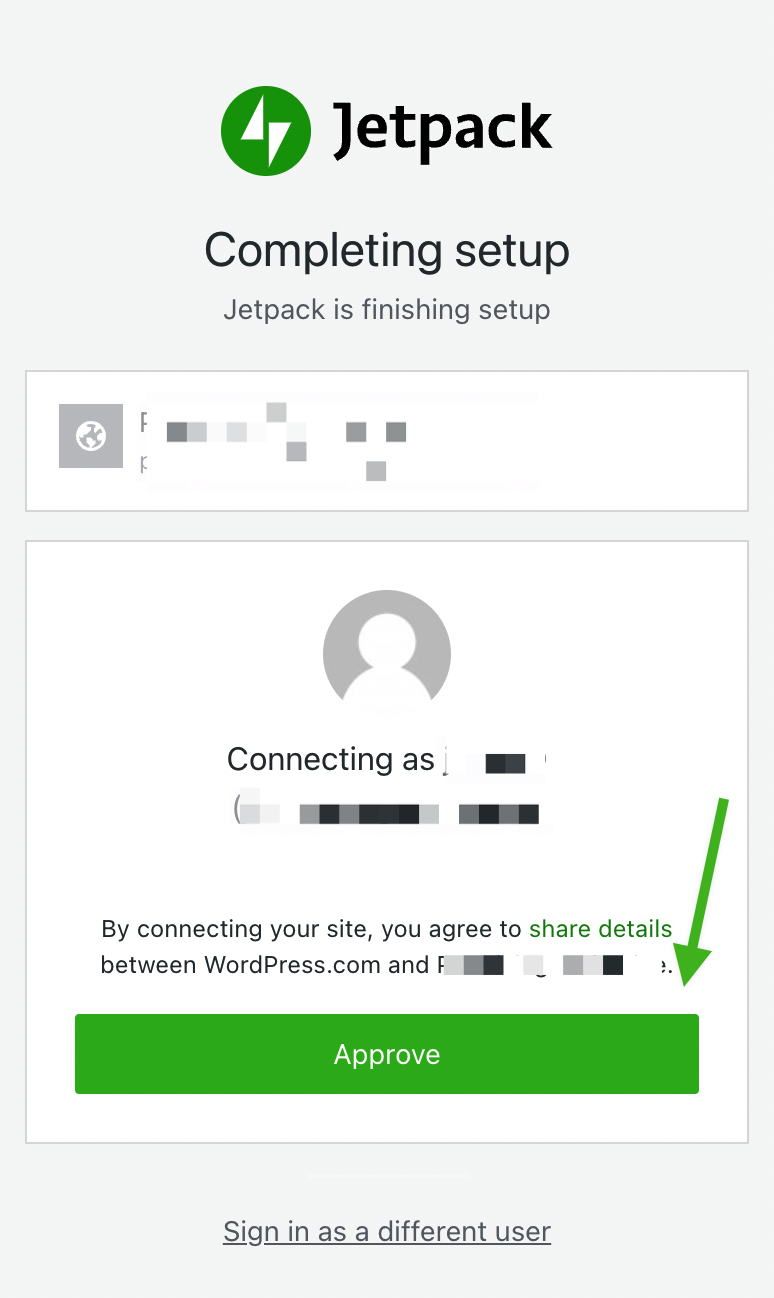
- If prompted, log into your WordPress.com account. Then, click the “Approve” button to finish connecting your WordPress.com account to Jetpack on the site.
If you need to change the primary user on your site, you can follow this guide.
 Jetpack