Over 1 million posts are shared every day.
Jetpack Social makes it easier to customize and publish to your social platforms,
so you can focus on writing and growing your audience.
Discover all features
Connect and Organize
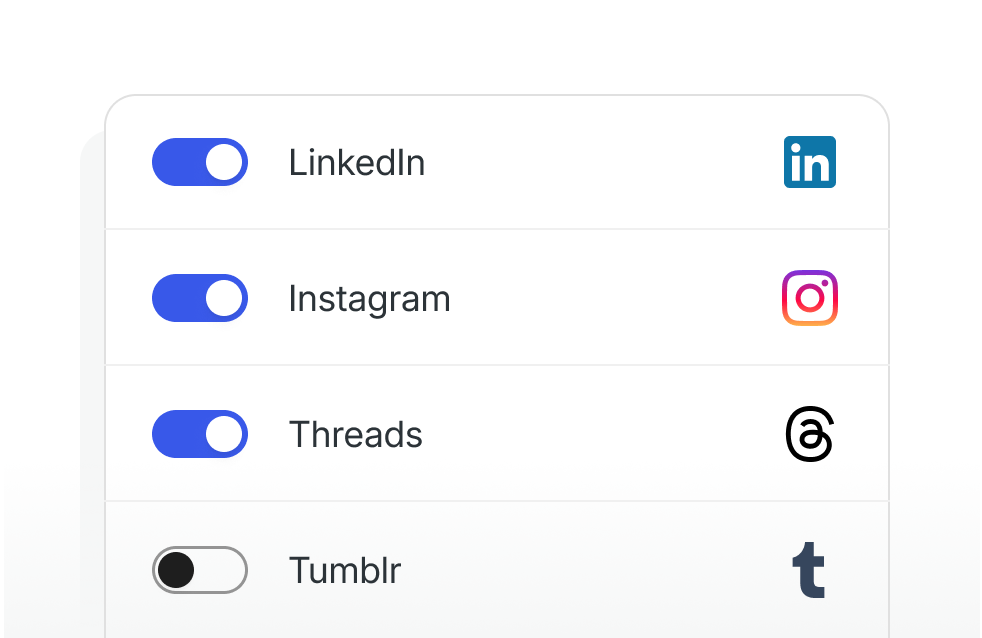
Manage your social accounts in one place
Connect the most popular social platforms and organize your accounts from your WordPress admin. Choose which accounts are active, and control sharing from the editor.
Publish with posts
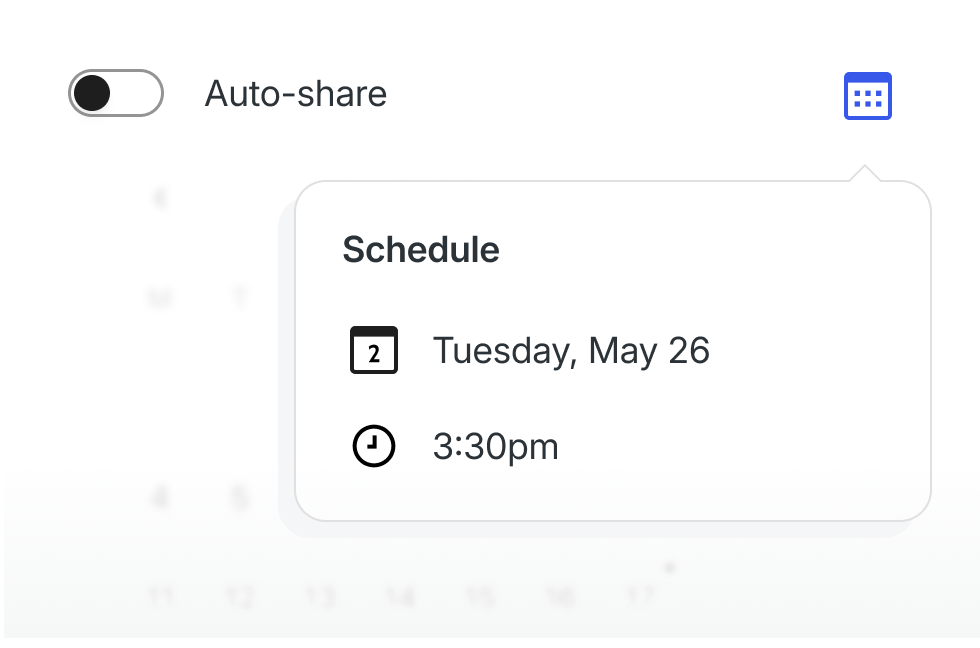
Auto-share or schedule social posts for your blog
Share automatically when you publish, or schedule posts for later. Before anything goes out, you’ll see a pre-publish confirmation to review and proofread.
ADVANCED CUSTOMIZATION
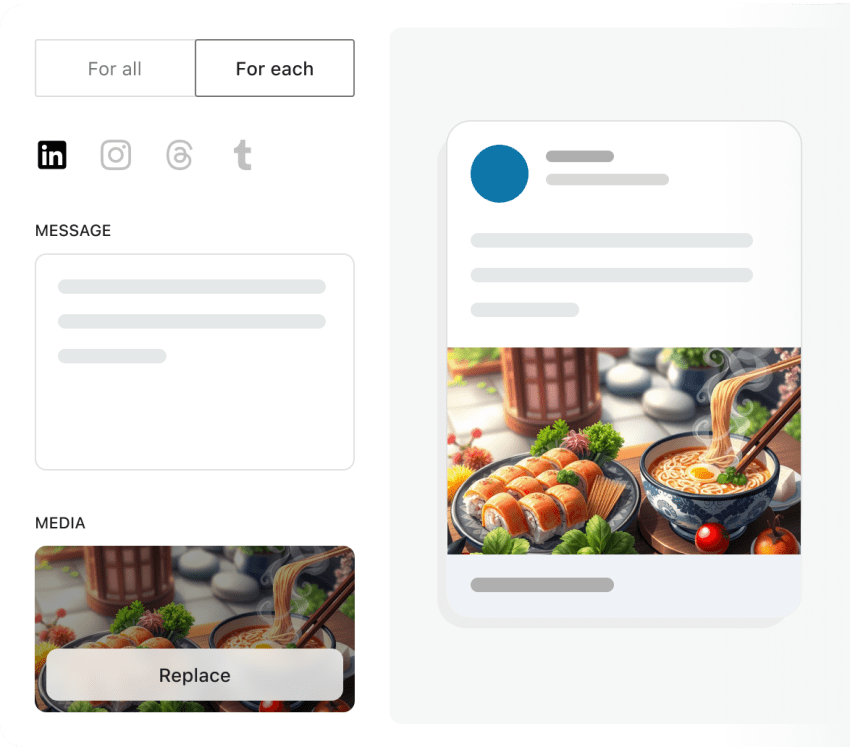
Customize the content for each social platform
Reach different audiences with the right message. Use the updated experience to customize each platform and account with its own text and images, and choose exactly what gets shared where.
Customize visuals
Use custom media for better engagement
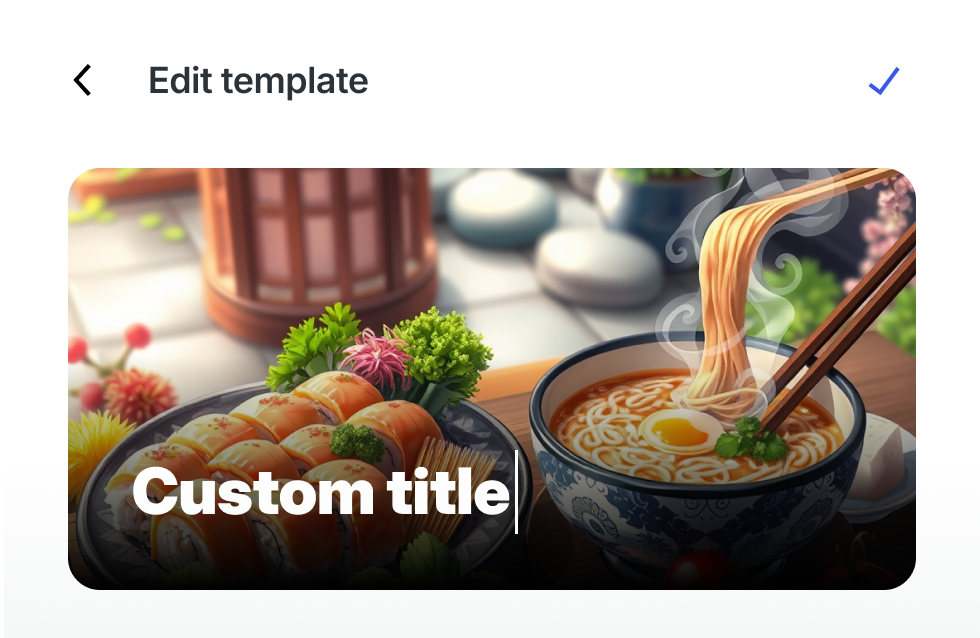
Add custom images and videos to your social posts. Upload or generate media, or compose visuals in the integrated template editor. You don’t need other tools.
NOTES
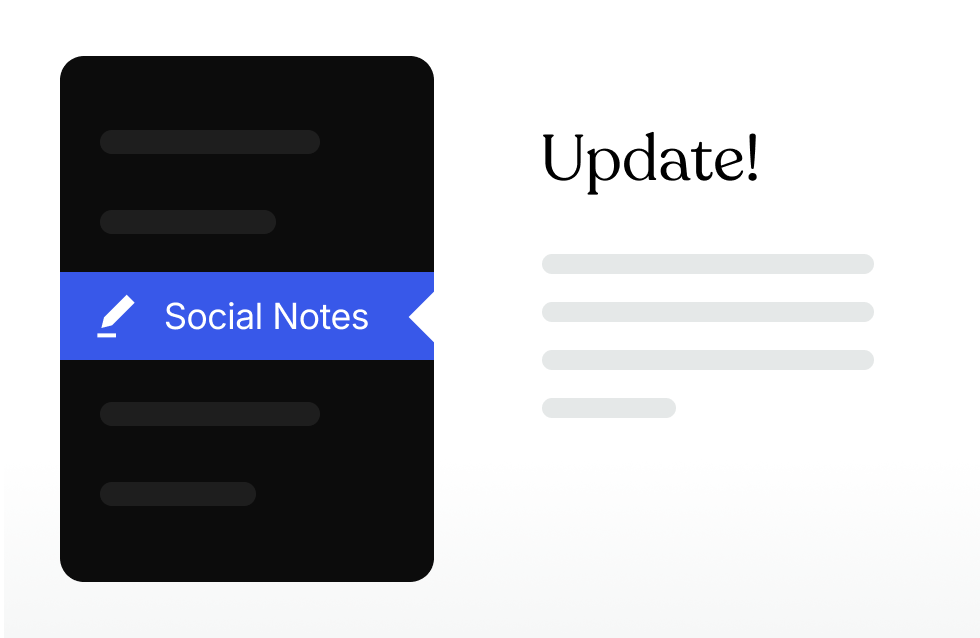
Share quick updates from your WordPress admin
Not every update needs a blog post. Create and share short Notes to stay active and keep your audience updated.
Get started with Jetpack Social now
Social Free
Grow your audience effortlessly by automating posting on social media.
- Schedule posts
- Post to Facebook, Instagram, Threads, Bluesky, LinkedIn, Mastodon, Nextdoor & Tumblr
- Recycle content
Social
The most feature-packed plan Social has to offer!
- All Free features
- Priority support
- Upload custom images or videos with your posts
- Automatically generate images for posts
* Discount is for the first year only, all renewals are at full price.
Questions? We’ve got you covered.
How do I connect with my social networks?
With the social sharing plugin installed, connecting with your social networks takes only a few clicks from the Social admin page, or the Tools menu of your site.
For more detailed assistance, check out the full support article.
Why should I publish on my site and social media at the same time?
Social media is popular, but not everyone uses it regularly. If you only publish on social media, you’re missing up to 60% of adult Americans. It’s important to publish on both your website & social media in order to reach your whole audience. Jetpack Social works as a social media auto poster and makes it easy to share content.
How do I auto share new posts?
While writing a post in the editor, find the Jetpack icon at the top right of the editor. Click on the icon, and you will see the sidebar showing a “Share to Social Media” section. There you can select the accounts you want to auto-share. When publishing, your post will be shared on your social media automatically.
For more details about how to auto share posts to social media, check the full support article.
How do I auto share scheduled posts?
To share scheduled posts on social media automatically, go to your WordPress Admin → Posts and locate the scheduled post to be published. Edit and click on the Social icon (the speaker) at the top right of the editor. Then you will see the sidebar with the “Share to Social Media” section where you can select and configure your social publications. When the post is finally published, it will auto post to social media.
How do I share previously published posts?
You can also recycle published posts to share on your social media. Go to your WordPress Admin → Posts and locate your published post. Edit and click on the Social icon (the speaker) at the top right of the editor. You will see the sidebar with the “Share to Social Media” section, where you can select and configure your social publications. Then, click on the “Share post” action to auto post to social media. This action won’t change the status of your post.
How do I share my content as social media posts?
When you upgrade to the Social plan, you unlock the ability to select an image or video and custom text to share your blog post as a social post. Rather than appearing as a link preview, your image and text will look like you manually published it on the social platform itself, saving you time and optimizing engagement. Studies show that manually published social posts get 50% more engagement than sharing links.
To use this feature, simply upload an image or video and add your custom text in the Social section of the sidebar editor. When the post is published, you will trigger the automated social media posting.
