

Support Category
Social
-
View traffic from social media in Jetpack Social
Learn how to view referral traffic from social networks directly in the Jetpack Social Overview tab. You can check on the traffic generated from social media networks as referrals, by accessing the Jetpack Social Overview tab when you’re on a paid plan. This feature, in fact, requires a paid Jetpack Social plan to see real…
-
Customizing Jetpack Social
Jetpack Social can be customized to better suit your workflow. This guide walks through several common customizations, including enabling auto-sharing for custom post types, disabling auto-sharing for WooCommerce products, and hiding Jetpack Social UI options from the editor. Looking to customize your social post format? Use Message Templates to create reusable message formats with placeholders…
-
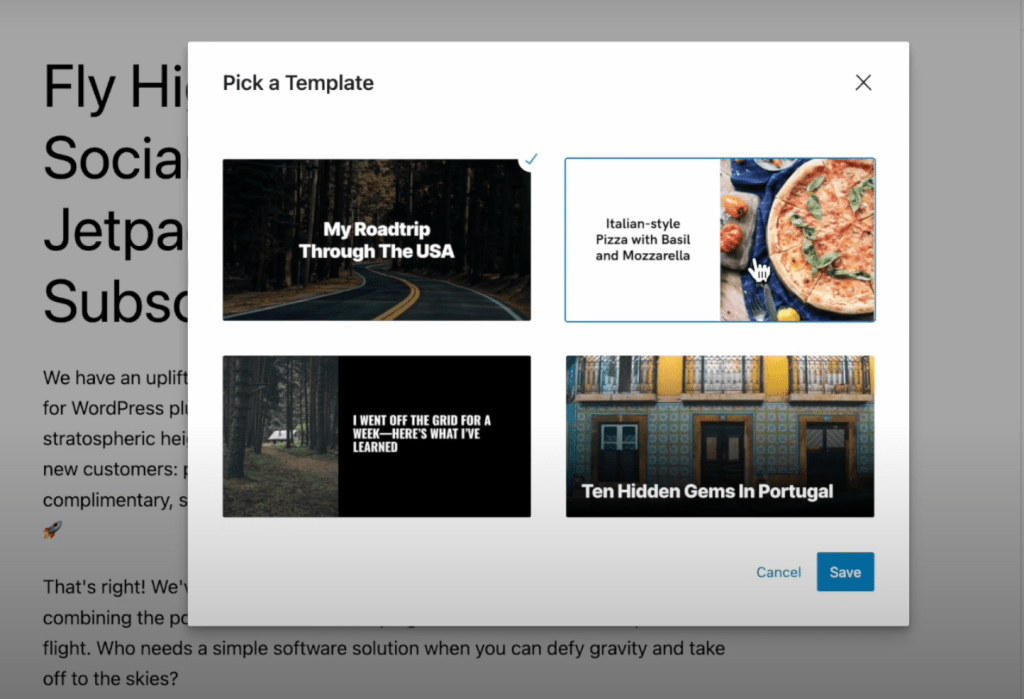
Customize your social images with the Social Image Generator
The Social Image Generator feature automatically generates an image for posts shared on your connected social accounts, saving you time and making posts more visually appealing.
-
Add custom images and videos to your social posts with Jetpack Social
Enhance your social media engagement by creating eye-catching social media posts using custom images and videos. These features are available with a Jetpack Social paid plan. Studies show that social media posts that are created manually receive up to 50% more engagement compared to those that simply share links to other content on the web.…
-
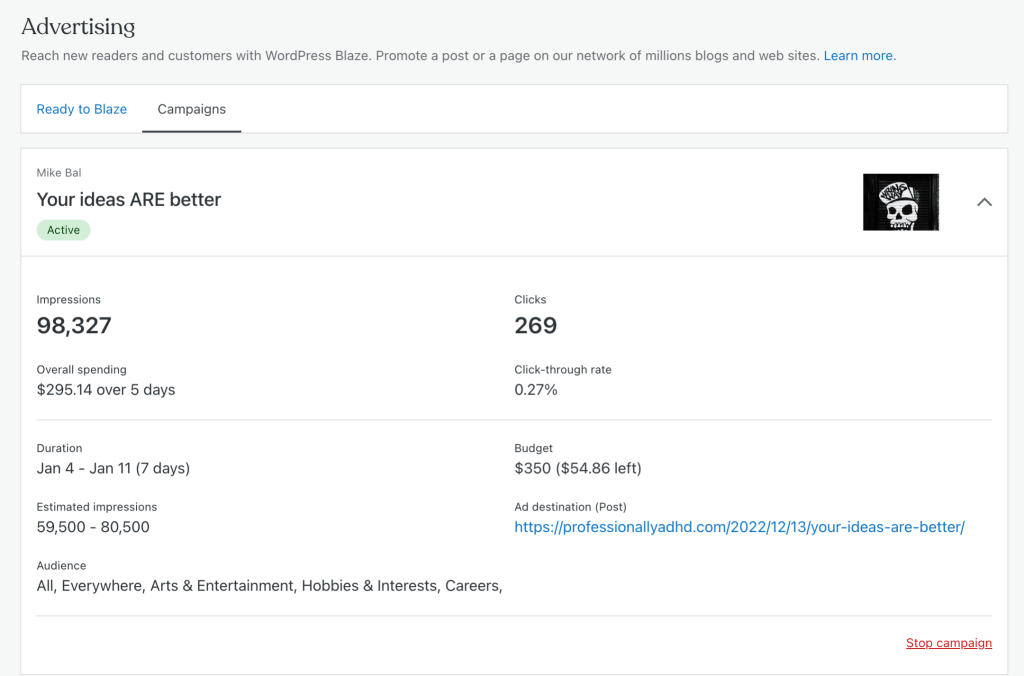
Promote Your Content with Blaze
Attract high-quality traffic to your site using Blaze. Using this service, you can advertise a post or page on some of the millions of pages across WordPress.com and Tumblr from just $5 per day. Requirements The Jetpack plugin should be installed and connected on your site. New to Jetpack? Check out this support guide to get started…
-
Import Subscribers
You can import subscribers’ email addresses to your current Jetpack subscribers list. This page explains how to do it.
-
Share your WordPress posts with Jetpack Social
Learn how to share your WordPress posts automatically or manually using Jetpack Social. This guide covers auto-sharing new posts, re-sharing published ones, scheduling re-shares, and checking sharing history. Auto-sharing new posts How to enable auto-sharing (Block Editor) Open the post editor in WP Admin. In the post editor sidebar, open the Jetpack panel (if using…
-
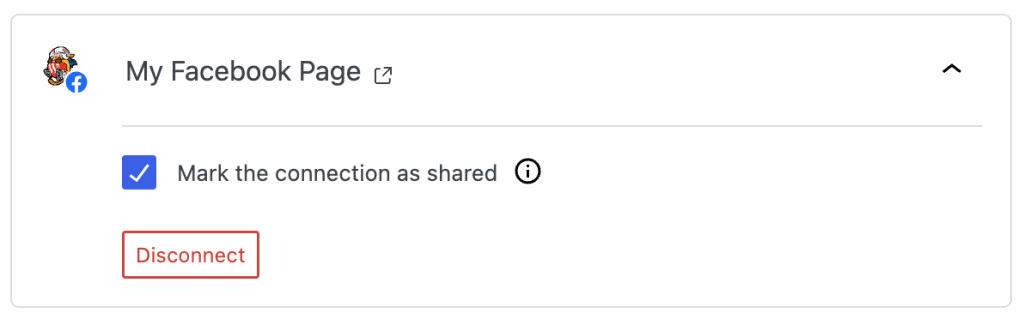
Connect social networks with Jetpack Social
Automatically share your blog posts to Facebook, LinkedIn, Tumblr, Mastodon, Nextdoor, Instagram Business, Threads, and Bluesky accounts by connecting them to your site via Jetpack Social. This auto-sharing feature was previously known as Publicize. To automatically share your posts to your social media platforms, you need to connect your social accounts. You can do this…
-
Jetpack Newsletter
This page explains how the Subscriptions feature of Jetpack lets visitors to your site sign up to receive notifications of your latest posts.


